Best Free Calling App: Top 7 Tested Picks
Finding the best free calling app can save you hundreds of dollars each year on cell phone plans, expensive roaming charges, and international long-distance fees. Modern Voice over Internet Protocol (VoIP) tools offer call fidelity that frequently outperforms standard cellular networks, provided you have a stable Wi-Fi or mobile data connection. However, not every free dialer functions the same way: some let you call actual landline and mobile numbers without charge, while others require both parties to install the same application.

To help you pick the right solution, we evaluated the leading options based on audio clarity, cross-platform availability, security standards, and whether they provide a dedicated phone number.
Understanding the Two Types of Free Calling Apps
Before selecting a service, identify which operational model matches your communication habits:
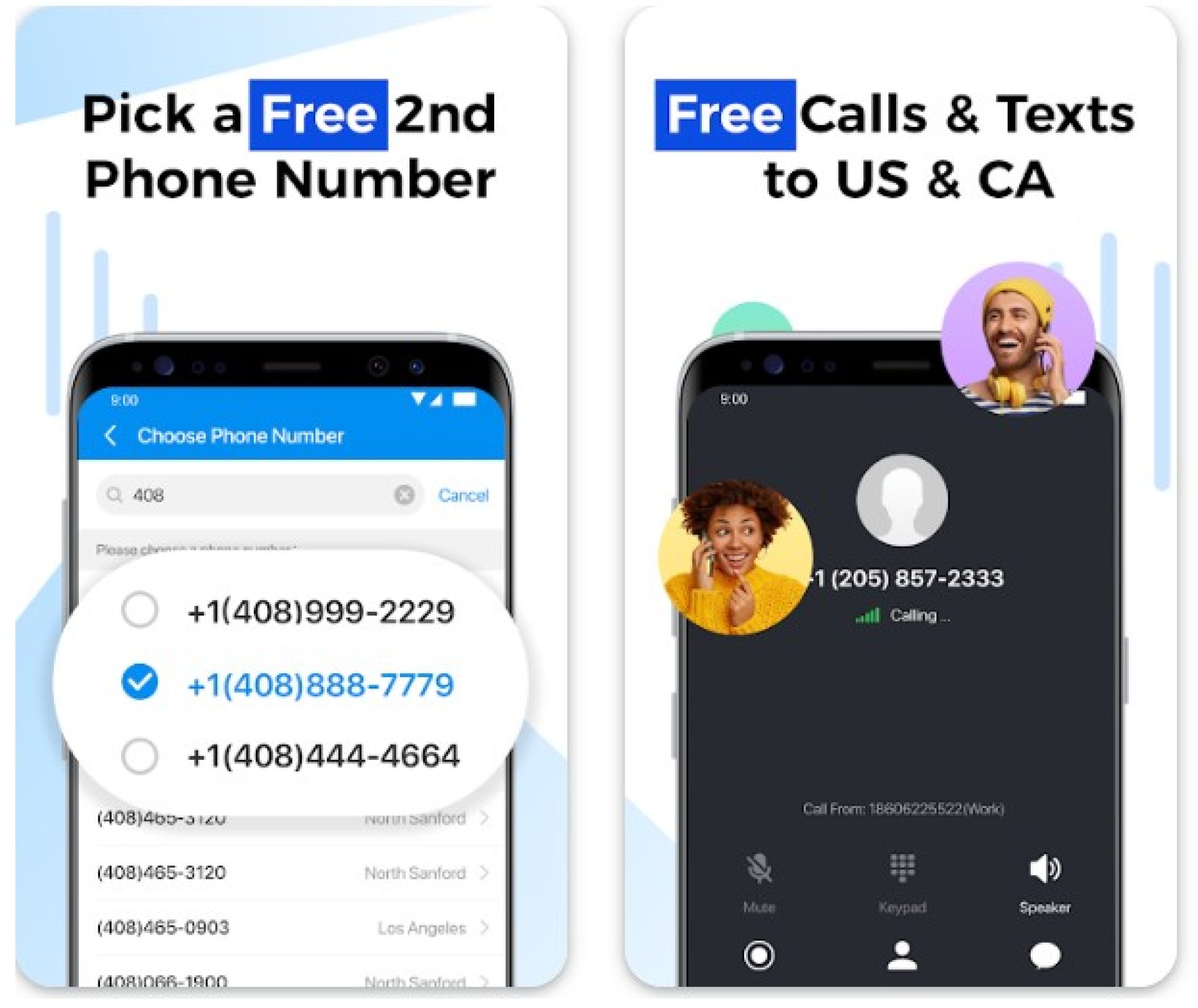
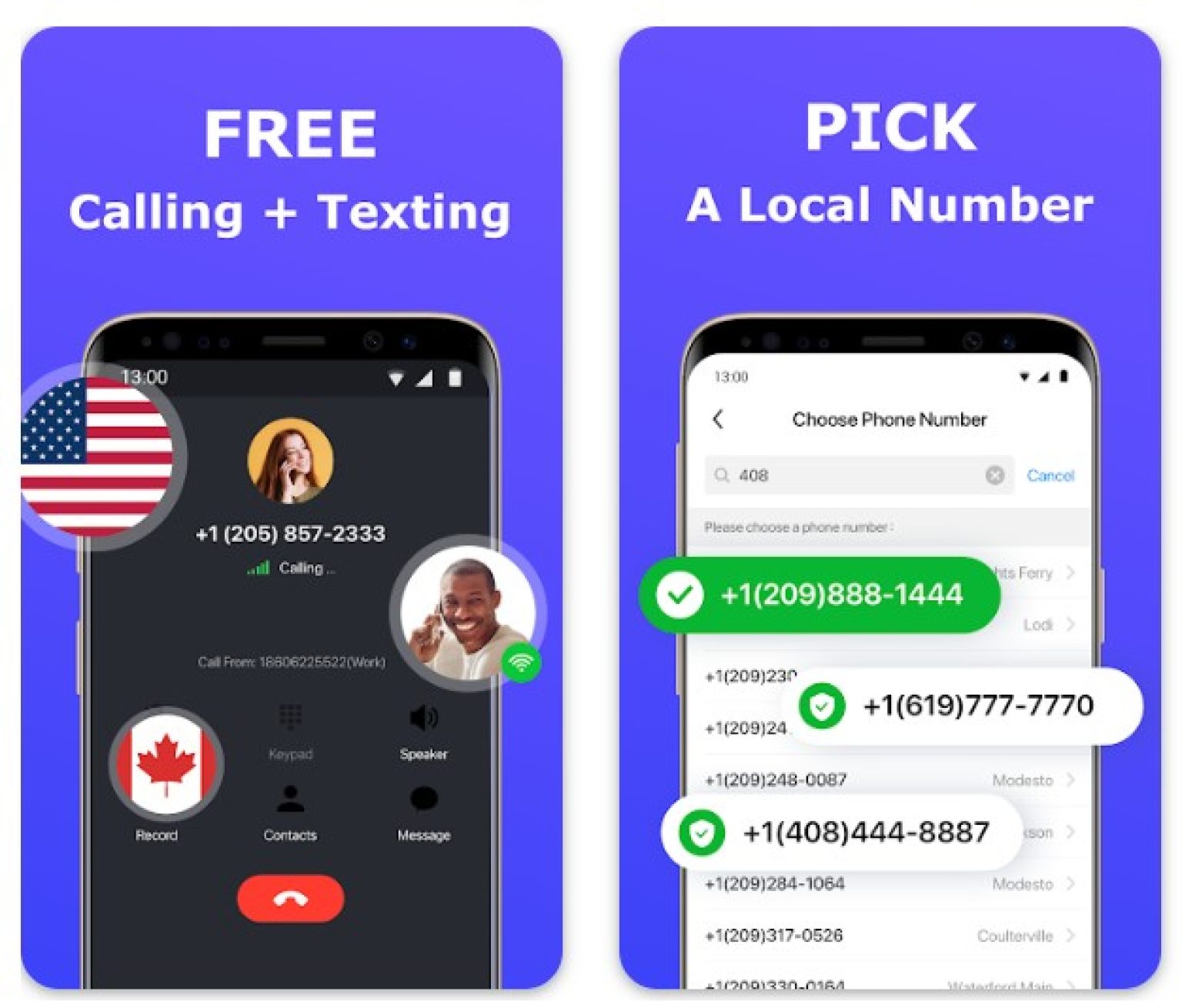
- App-to-Phone Services: These applications assign you a real virtual phone number. They allow you to call traditional landlines and mobile devices even if the recipient does not have the app installed. They are commonly supported by advertisements or limited free tiers.
- App-to-App Services: These require both you and the recipient to be registered users on the same platform. While you cannot dial a local brick-and-mortar store or an unlisted landline, they provide superior end-to-end encryption, high-definition audio, and unlimited global calling without ad interruptions.
Choosing the Best Free Calling App: The Top Contenders
1. Google Voice (Best for a Free US Phone Number)
For users in the United States, Google Voice remains the gold standard of free calling utilities. When you sign up using an existing Google account, the service provides you with a free local phone number with your chosen area code.
- How it works: You can place unlimited free calls to nearly all phone numbers in the US and Canada directly from your smartphone, tablet, or web browser.
- Standout feature: Seamless voicemail transcription, automated spam call filtering, and call forwarding to multiple physical devices simultaneously.
- Limitations: Outbound international calling beyond North America incurs nominal per-minute fees, and sign-up requires a working US carrier number for initial verification.
2. TextNow (Best Ad-Supported App-to-Phone Dialer)
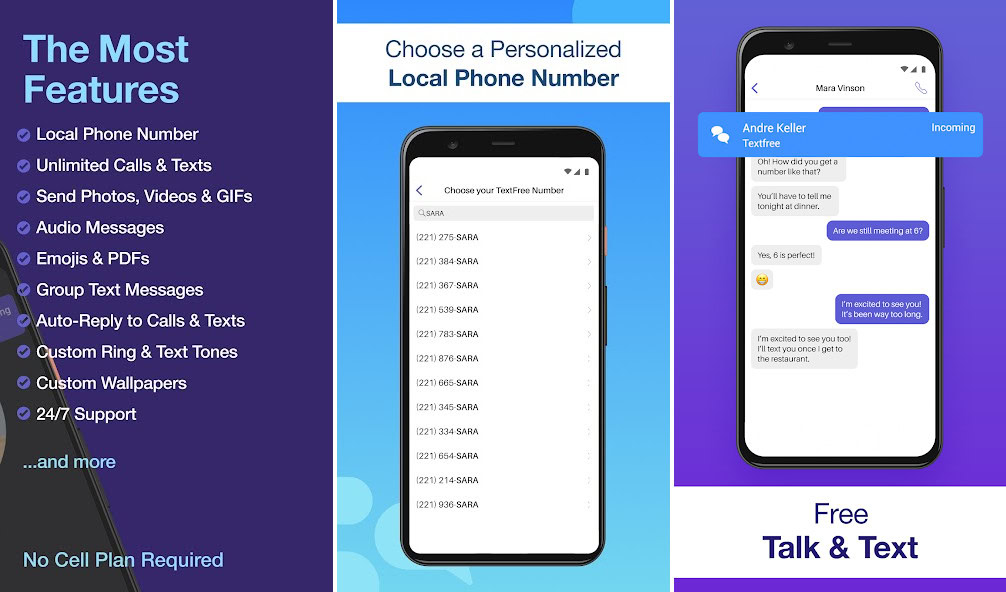
If you want a genuine secondary phone number without linking an existing mobile carrier plan, TextNow is one of the few platforms that delivers completely free outbound calls to standard US and Canadian phone numbers.
- How it works: TextNow operates on an ad-supported model. In exchange for viewing banner and interstitial ads within the application, you receive a functional inbound and outbound phone number.
- Standout feature: In the US, TextNow also sells an inexpensive, one-time SIM card that gives you free cellular talk and text over nationwide 5G networks without Wi-Fi.
- Limitations: You must place a call or send a text at least once every few days to keep your assigned number active, unless you upgrade to a paid lock-in subscription.
3. WhatsApp (Best for Universal International Calling)
With over two billion active global users, WhatsApp is virtually unrivaled for international communication. As long as the person you are contacting also uses the app, voice and video calls are 100% free regardless of geographical borders.
- How it works: WhatsApp links directly to your existing phone number and scans your contacts to show who is reachable on the platform.
- Standout feature: Default end-to-end encryption on all calls ensures no third parties—including Meta—can intercept your conversations.
- Limitations: You cannot place calls to traditional landline numbers, government offices, or non-users.
4. Signal (Best for Maximum Privacy and Security)

Signal has earned an impeccable reputation among cybersecurity professionals and privacy advocates. Developed by a non-profit foundation, it carries zero ads, trackers, or investor pressures to monetize user data.
- How it works: Signal uses an open-source encryption protocol to route crystal-clear voice and video calls over Wi-Fi or cellular data.
- Standout feature: Minimal metadata collection. Signal does not log who you call, call durations, or timestamps.
- Limitations: Like WhatsApp, Signal is strictly app-to-app. The recipient must have Signal installed and configured.
5. Telegram (Best for Low-Bandwidth Environments)
Telegram is renowned for its speed, cloud architecture, and low-latency audio engine. If you frequently make calls on weak 3G networks or spotty public Wi-Fi, Telegram consistently maintains connection stability where other VoIP dialers drop packets.
- How it works: It facilitates peer-to-peer audio calls backed by end-to-end encryption, using emojis displayed on both screens as visual cryptographic keys to verify call security.
- Standout feature: Exceptionally lightweight desktop and mobile clients that consume minimal battery and memory resources.
- Limitations: Voice calling features are exclusively app-to-app; regular phone numbers cannot be dialed.
6. Dingtone (Best for Earning Free International Minutes)
Dingtone provides a bridge between real phone dialers and gamified rewards. It assigns users virtual phone numbers across multiple countries, including the US, UK, and Canada.
- How it works: Instead of paying cash for international calling minutes to real telephone networks, you can earn calling credits by watching sponsored videos, completing daily check-ins, or filling out short surveys.
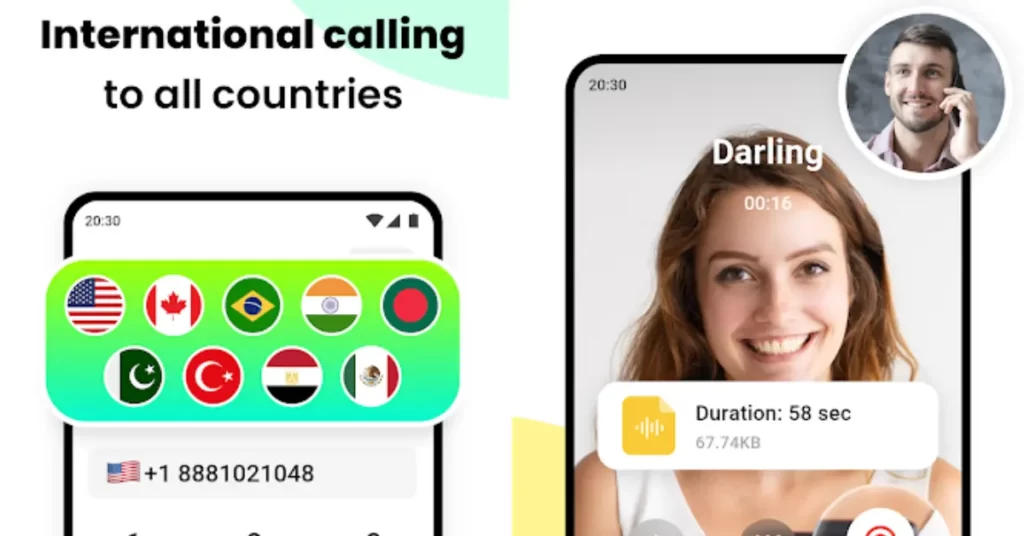
- Standout feature: Allows real phone calls to over 200 countries without entering credit card details.
- Limitations: Accumulating sufficient credits through ad viewing can be time-consuming, and audio quality can vary depending on the destination carrier.
7. Skype (Best for Multi-Device Productivity)
While newer platforms have captured mobile mindshare, Microsoft’s Skype remains a stable, enterprise-friendly tool. Skype-to-Skype calls remain completely free across Windows, macOS, Android, iOS, and Linux.
- How it works: Direct peer-to-peer voice and video calls between any registered Skype profiles.
- Standout feature: Integrated live subtitles, call recording with automatic cloud storage, and intuitive screen sharing on both desktop and mobile platforms.
- Limitations: Calling physical telephone lines requires Skype Credit or a monthly subscription.
Key Factors to Consider Before Downloading
When selecting your calling solution, keep these operational factors in mind:
- Data Consumption: Standard VoIP audio calls consume between 0.5 MB and 1.5 MB of data per minute. If you are not on Wi-Fi and possess a limited mobile data allowance, monitor your usage in your device settings.
- Emergency Calling Capabilities: Most free VoIP apps cannot reliably route calls to emergency services like 911 or 112 with dispatchable location data. Keep a native carrier connection available for emergencies.
- Background Resource Usage: Ad-heavy apps often run continuous background processes to refresh promotional content, which can noticeably accelerate battery drain.
Final Verdict
The single best service depends entirely on who you call most often. If you need a reliable secondary number to reach businesses, banks, and non-app users within North America, Google Voice is unmatched. If you want a zero-cost replacement for your phone carrier, TextNow fills the void. For international calls to family and friends, WhatsApp and Signal offer the cleanest, most secure connection without costing a cent.