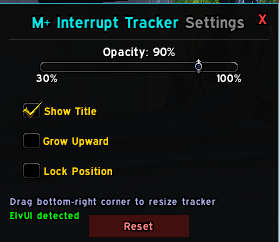
Best Interrupt Addon WoW Options for Mythic+ & Raids
In high-end World of Warcraft, failing to kick a lethal spell will wipe your group faster than low DPS ever could. Whether tackling high Mythic+ keystones or progression raiding, tracking party cooldowns and prioritizing dangerous mob abilities requires precision. Finding the right interrupt addon wow players rely on is the single fastest way to prevent overlapping kicks, coordinate rotations, and clean up chaotic dungeon runs.

While Blizzard's default UI has improved over recent expansions, it still fails to clearly show who has an interrupt available in real time. To fix this, you need a combination of party cooldown monitors, advanced nameplates, and intelligent tracking tools.
The Best Interrupt Addon WoW Setups Ranked
No single addon handles every aspect of interrupting. A complete interrupt setup requires tools for three distinct jobs: monitoring your allies' cooldowns, identifying dangerous enemy casts, and tracking who kicked what. Here are the top addons that fulfill these roles.
1. OmniCD (Best for Party Interrupt Tracking)
OmniCD is widely regarded as the gold standard for tracking party cooldowns, particularly kicks. Unlike heavy raid trackers, OmniCD is lightweight, highly customizable, and anchors cleanly to default party frames or unit frame addons like ElvUI and Grid2.
- Why it works: It places a small icon of each party member's interrupt directly beside their health bar, showing an active countdown when on cooldown.
- Best feature: Built-in detection for cooldown-reducing talents (such as a Shaman's shorter Wind Shear or specialization passives), ensuring timer accuracy.
- Verdict: Mandatory for any Mythic+ player who wants to avoid wasting their kick on a spell a teammate can easily handle.
2. Plater Nameplates (Best for Enemy Cast Priority)
Knowing your party has kicks available does nothing if you cannot tell which enemy spell is lethal. Plater completely overhauls enemy nameplates and cast bars, making critical casts impossible to miss.
- Color-Coded Casts: Differentiates between regular interrupts, uninterruptible casts (shielded/greyed out), and lethal priority spells that must be stopped.
- Cast Targeting: Shows who the mob is targeting with the spell, allowing your group to evaluate whether an interrupt, defensive, or stun is required.
- Community Profiles: Import ready-made profiles from sites like Wago.io (such as Quazii's or standard M+ profiles) that automatically highlight priority kicks for the current dungeon pool.
3. WeakAuras: ZenTracker & Interrupt Anchor Packs
For players who want an integrated HUD without extra standalone addons, WeakAuras offers custom community scripts that match or exceed dedicated addons.
The standard choice is ZenTracker (specifically the Nnogga front-end or similar interrupt bars). ZenTracker uses a centralized backend script to monitor all party members running the aura, populating an on-screen bar displaying who has an interrupt ready. If your group overlaps kicks frequently, placing a centralized interrupt bar near your character model eliminates guesswork.
4. Details! Damage Meter (Interrupt Tracker Plugin)
Details! is best known for DPS meters, but its built-in utility displays are exceptional. You can configure a secondary window to run the Interrupt Tracker streamer/plugin.
Video: EASY Macro For Interrupts - Never Let Your Group Down Again [All Classes/Specs]
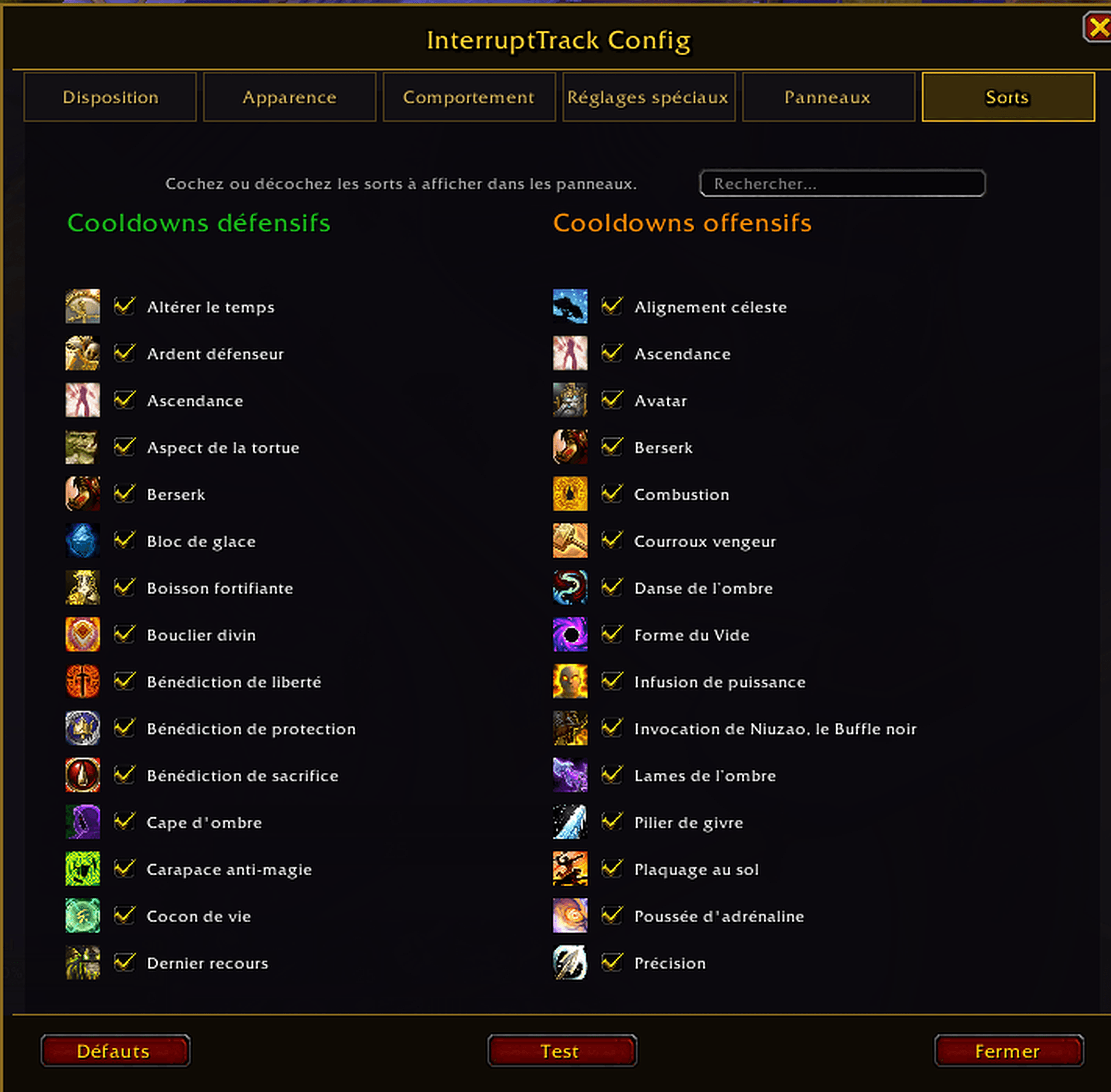
This creates a live, running list of every party member's kick status. After a pull, Details! also provides an exhaustive log showing successful interrupts, missed casts, and overlaps, making post-run reviews painless for competitive teams.
Interrupt Announcers: Should You Use One?
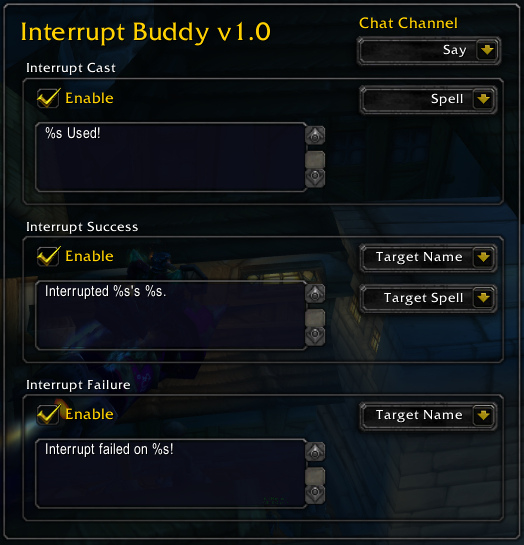
A common debate among players is whether to install addons that announce successful interrupts in group chat, such as Raeli's Spell Announcer (RSA) or simple chat macros.
The Case Against Chat Spam
In automated party chat, line after line of "[Player] interrupted [Spell]!" creates visual clutter. During pulls with 8–10 mobs casting simultaneously, chat windows scroll so fast that critical tactical calls or warnings get drowned out. High-key pushers often find automated text announcements more distracting than helpful.
When Announcements Make Sense
- Say / Yell for CC/Stuns: Announcing long-cooldown hard stops (like Leg Sweep, Blinding Sleet, or Chaos Nova) helps avoid stacking AoE crowd control.
- Voice Prompts: Addons or WeakAuras that play an auditory chime or text-to-speech cue when a kick fails or overlaps are far more practical than text spam during frantic encounters.
How to Configure an Optimal Interrupt Setup
To turn these tools into an actionable UI, follow this streamlined configuration process:
- Anchor OmniCD to Party Frames: Set OmniCD to track only interrupts and major defensive spells. Placing kick icons directly next to health bars allows you to check availability with a quick glance.
- Filter Nameplate Clutter in Plater: Set non-essential ambient casts to a muted color (like dull yellow) and lethal abilities to bright orange or magenta. If a spell cannot be kicked, ensure the cast bar clearly displays a lock or grey shield texture.
- Assign Kick Orders on Priority Mobs: Use raid markers (Skull, Cross, Square) alongside auto-marker tools to assign sequential kicks (e.g., Tank kicks first Skull cast, Melee kicks second, Ranged handles Cross).
- Use Mouseover or Focus Kick Macros: Never manually change targets just to interrupt. Combine your visual addons with focus or mouseover macros so you can stop a cast without dropping your primary DPS target.
Essential Focus Interrupt Macro
Save keybind space and reaction time with this standard macro, replacing "Pummel" with your class's specific interrupt:
#showtooltip
/cast [@focus,harm,nodead][@mouseover,harm,nodead][] Pummel
This prioritizes your set Focus target, falls back to whoever your cursor is hovering over, and defaults to your current target if neither exists.
Final Thoughts
Interrupting effectively is the clearest indicator of player awareness in World of Warcraft. Rather than relying on guesswork, pairing OmniCD for cooldown awareness with Plater for cast visibility will dramatically reduce party damage and failed keys. Install these tools, import a clean dungeon profile, and make missed kicks a thing of the past.