Best Realistic Sliders NCAA 25 for Authentic Gameplay
EA Sports College Football 25 brought the beloved franchise back with explosive offenses, a dynamic atmosphere, and a chaotic college football feel. However, out-of-the-box gameplay often suffers from predictable CPU tendencies, overly generous passing windows, and skewed special teams. If you want a true-to-life simulation experience, relying on default settings will not cut it. Finding and fine-tuning realistic sliders NCAA 25 players are using across the community is the fastest way to fix these issues and make every Saturday feel like a genuine broadcast.
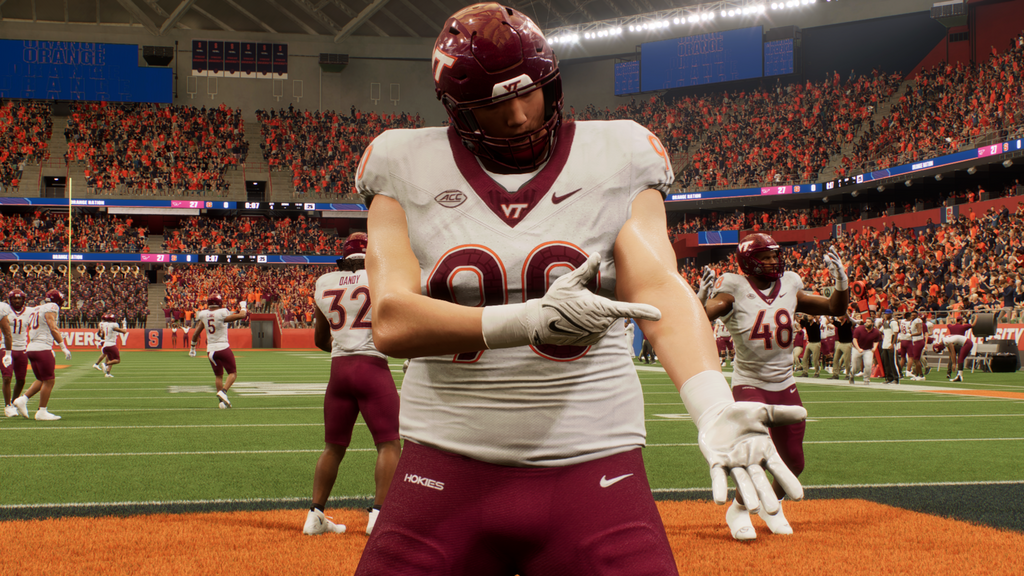
Whether you play on All-American or Heisman difficulty, proper slider manipulation balances the game by penalizing mistakes, accounting for player ratings, and neutralizing unfair CPU advantages. Here is a comprehensive guide to dialing in your gameplay settings for the ultimate college football simulation.
Understanding How Sliders Impact College Football 25
Before changing numbers, it helps to understand what sliders actually do in the Frostbite engine. Sliders do not just make the CPU harder or easier; they adjust the margin for error. A slight tweak to pass blocking or interception frequency can completely alter how a game flows. College football is inherently more volatile than the NFL, featuring wide talent gaps between powerhouse programs and lower-tier schools. The goal of realistic slider sets is to accurately represent this talent disparity while keeping user games competitive and deeply challenging.
The Best Realistic Sliders NCAA 25 Setup
The following slider set is balanced for competitive solo play, typically recommended for Heisman difficulty (though it works well on All-American if you reduce CPU attributes slightly). These settings tone down hyper-accurate AI passing, introduce realistic fumble rates, and ensure that lower-rated offensive linemen struggle against elite pass rushers.
General Gameplay Settings
- Game Style: Simulation
- Skill Level: Heisman or All-American
- Quarter Length: 10 to 12 minutes (with 15-20 second accelerated clock) for realistic play counts
- Game Speed: Normal
- Auto-Subs: Custom (to keep fatigue realistic and rotate running backs)
Player Skill (User) Sliders
To prevent user blowouts and force you to read coverages rather than relying on broken animations, lower certain user attributes slightly.

- QB Accuracy: 42 (Forces you to time throws and punishes inaccurate QBs)
- Pass Blocking: 45 (Creates realistic pressure, preventing endless scrambling)
- Receiver Catching: 48 (Drops happen on contested hits)
- Run Blocking: 42 (Stops every run from hitting the B gap for 10+ yards)
- Fumbles: 52 (Increases the penalty for taking hits in the open field)
- Pass Defense Interceptions: 35 (Reduces unrealistic user-to-CPU pick ratios)
- Pass Coverage: 50
- Tackling: 45 (Missed tackles happen naturally based on open-field ratings)
- QB Accuracy: 48 (Keeps completion percentages realistic without ruining deep threats)
- Pass Blocking: 55 (Gives pocket QBs time to throw against average user pass rushes)
- Receiver Catching: 50
- Run Blocking: 52 (Allows AI backs to break tackles when handed a gap)
- Fumbles: 55 (Punishes the CPU for carrying the ball too loosely)
- Pass Defense Interceptions: 40 (Prevents defenders from morphing into centerfielders)
- Pass Coverage: 52
- Tackling: 50
- FG Power: 50
- FG Accuracy: 38 (Makes long kicks difficult and adds pressure to 40+ yard attempts)
- Punt Power: 52
- Punt Accuracy: 50
- Kickoff Power: 50
CPU Skill Sliders
The CPU in College Football 25 can sometimes feel either completely inept or impossibly dominant. These settings help level the playing field while maintaining a stiff challenge.
Special Teams and Penalties
Special teams often dictate college football outcomes. To make field goals and punting feel appropriately nerve-wracking, adjust your special teams settings accordingly:
For penalties, higher settings generally create a cleaner, less robotic game of football. Increase clipping, holding, and pass interference to 55 or 60. This introduces drive-killing mistakes that mimic real-life undisciplined college squads, forcing you to execute in long-yardage situations.
Tips for Fine-Tuning Your Experience
Every player has a different preference when it comes to difficulty. If you test these realistic sliders NCAA 25 configurations and still find the game too easy, do not immediately jump to maxing out CPU sliders. Instead, experiment with adjusting threshold settings. Lowering the speed threshold (to around 30-40) allows elite athletes with 95+ speed ratings to genuinely separate from slower defenders, accentuating the chaotic nature of college football recruiting mismatches.
Take your time playing through at least a full quarter or two before making adjustments. Sliders often need a sample size of a few games to fully understand how they impact your specific offensive and defensive schemes in Dynasty mode.


