Best Spotify to MP3 Converter Tools in 2024
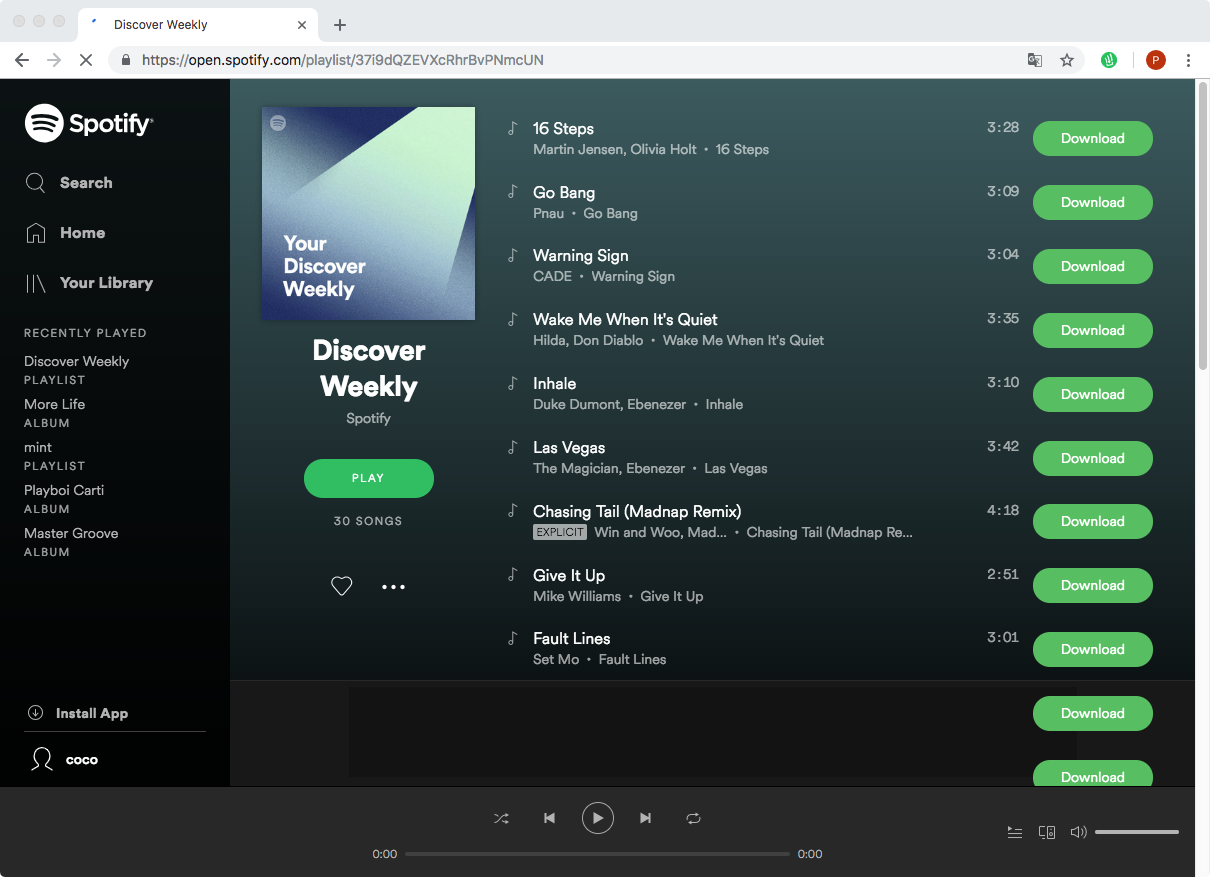
Spotify is one of the world's leading music streaming platforms, offering millions of songs, podcasts, and audiobooks at your fingertips. However, the platform's native offline listening feature comes with strict digital rights management (DRM) restrictions. You can only play downloaded content within the official app, and your downloads disappear if your subscription lapses. This limitation is why many users search for a reliable spotify to mp3 converter to keep their favorite tracks permanently.
Converting streamed audio into universal MP3 files allows you to play your music on any device, including legacy MP3 players, car stereos without smartphone integration, or editing software. Below, we examine how these tools work, the different types available, and what you need to consider regarding quality and safety.
Understanding How Audio Conversion Works
Spotify encrypts its audio files in Ogg Vorbis or AAC formats. Because of this encryption, you cannot simply drag and drop music files out of the desktop application. A dedicated converter bypasses or records this audio stream in real-time or at accelerated speeds, decoding the encrypted stream and re-encoding it into an open-source format like MP3, WAV, or FLAC.
Most conversion utilities fall into two primary categories: desktop software applications and online web-based tools. Each category comes with distinct advantages and drawbacks concerning speed, audio fidelity, and ease of use.
Types of Converters Available
1. Dedicated Desktop Software
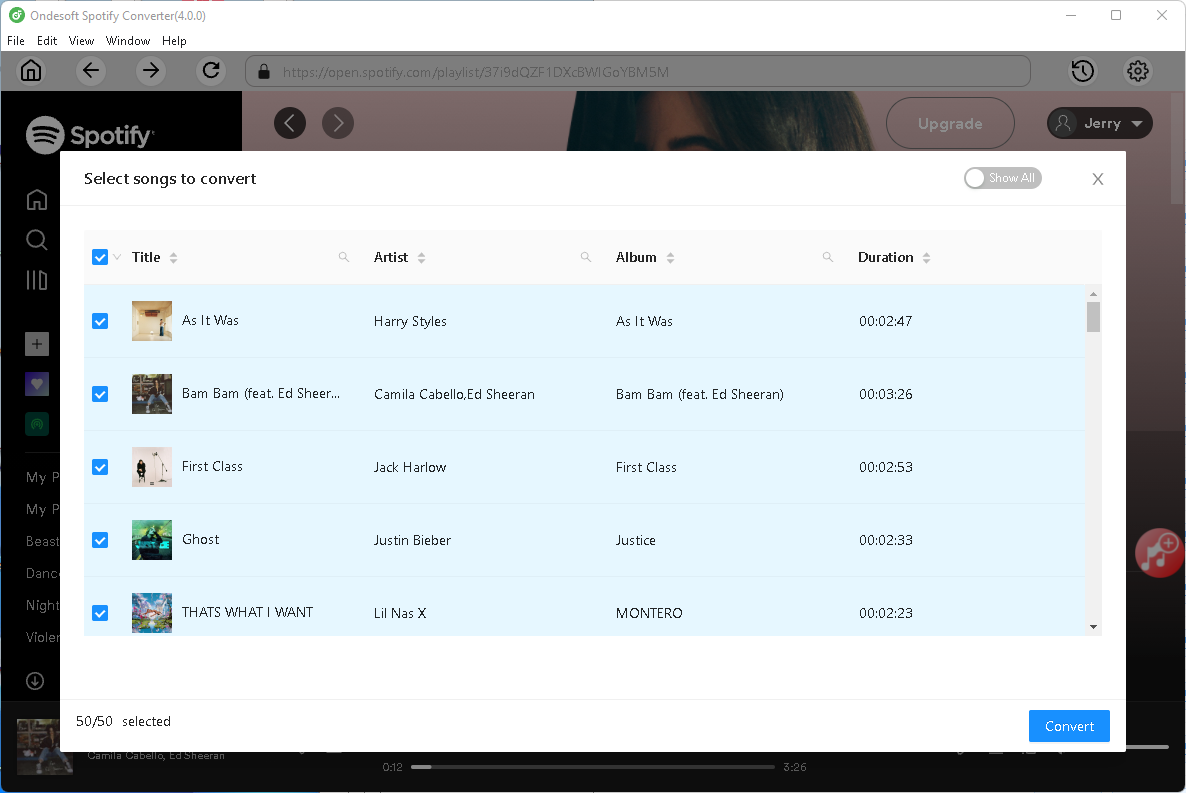
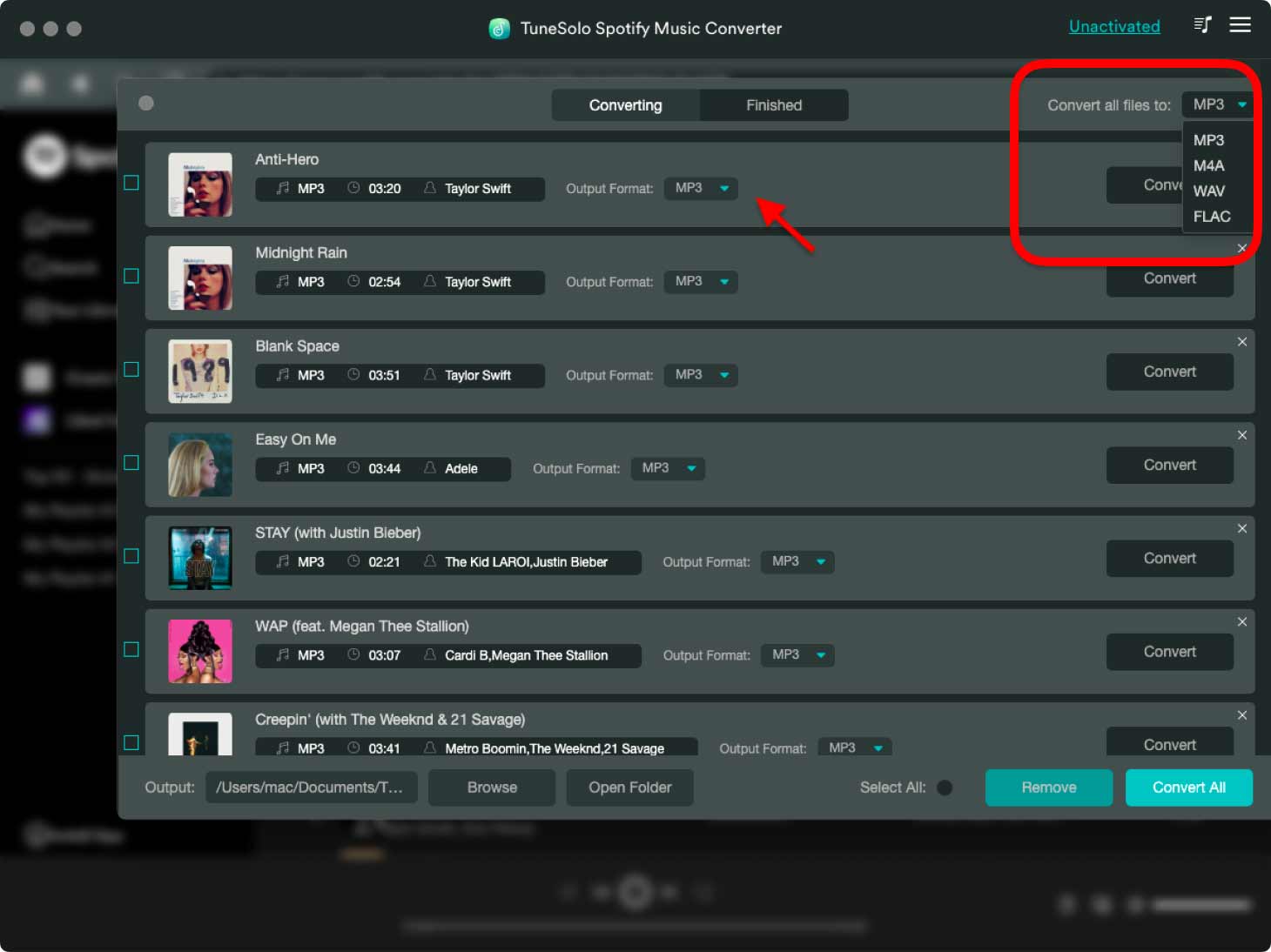
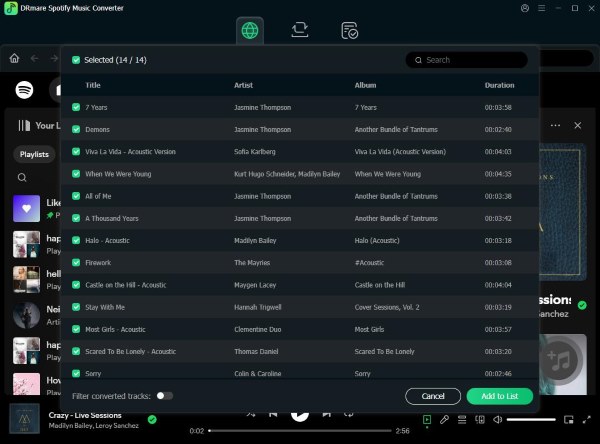
Desktop applications installed on Windows or macOS are generally the most robust choice for heavy users. These programs connect directly to the Spotify web player or desktop app to batch-convert entire playlists, albums, or artist discographies.
- Pros: Higher output audio quality (often up to 320kbps), batch processing capabilities, preservation of ID3 tags (artist, title, album art), and faster conversion speeds.
- Cons: Requires installation, may require a paid license for full features, and occasionally needs updates to keep up with Spotify's platform changes.
2. Online Web-Based Tools
Video: How to Convert Spotify Music to MP3 Files | Convert Spotify Songs to MP3

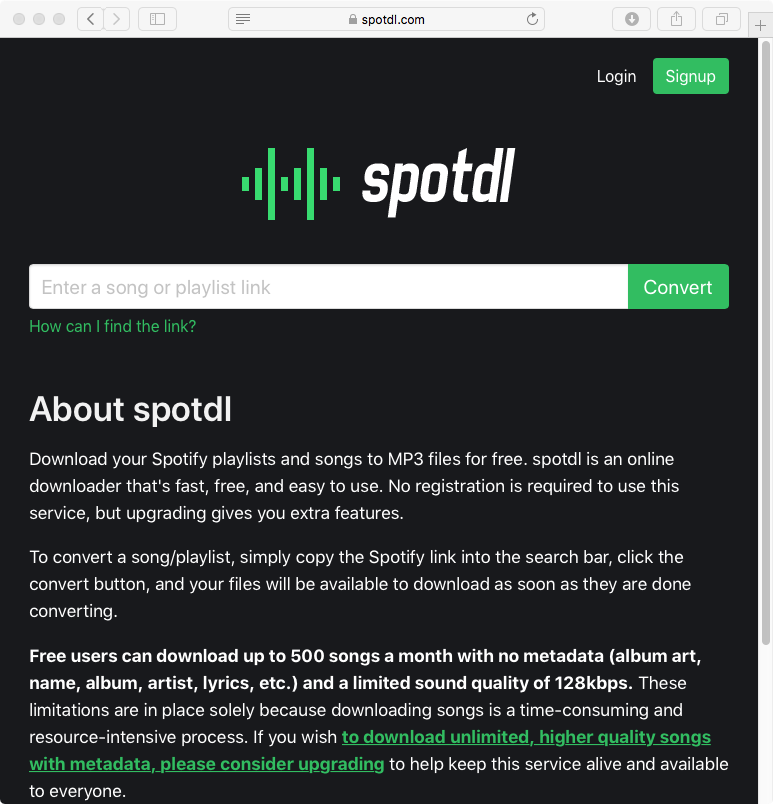
Web-based converters operate entirely within your browser. Users typically paste a Spotify track or playlist URL into a designated field on a website, and the server processes the file before providing an MP3 download link.
- Pros: No installation required, works across multiple operating systems (including mobile and Chromebooks), and usually free to use.
- Cons: Prone to intrusive advertisements, potential malware risks, inconsistent audio quality, and frequent downtime due to server blocks.
Key Features to Look For
If you decide to use a conversion utility, evaluating the software's capabilities will ensure you get the best possible listening experience. Keep the following benchmarks in mind:
- Audio Quality: Premium Spotify streams run at 320kbps. A quality tool should allow you to export files at matching bitrates to prevent audio degradation.
- Metadata Preservation: Manually renaming hundreds of downloaded songs is tedious. Look for tools that automatically retain ID3 tags, including song titles, artists, album names, and cover art.
- Conversion Speed: Batch conversion and accelerated recording speeds (such as 5x or 10x speed) save considerable time when downloading large playlists.
- Stability and Safety: Free online converters often feature aggressive pop-ups and redirect links. Opt for reputable desktop software with clean interfaces to protect your computer from malware.
Important Legal and Ethical Considerations
Before using any audio extraction tool, it is essential to understand the legal landscape. Spotify’s Terms of Service explicitly prohibit bypassing, modifying, or circumventing DRM technology implemented on the platform. Utilizing a third-party application to download and store copyrighted music outside the ecosystem may violate these terms, potentially leading to account suspension.
Furthermore, copyright laws vary significantly by region. While making personal copies of music you have legal access to for strictly offline or personal use exists in a legal gray area in certain jurisdictions, distributing, sharing, or monetizing converted files is strictly illegal and constitutes copyright infringement.
Conclusion
Finding a dependable spotify to mp3 converter depends entirely on your specific needs, technical comfort level, and the volume of music you want to archive. While online tools offer quick, one-off solutions for single tracks, desktop software provides the stability, speed, and audio fidelity required for large music libraries. Always prioritize digital safety, be mindful of platform terms of service, and support your favorite artists through official streaming and merchandise purchases.