Best Ways to Open and View HWP Files in 2026
If you have ever received a document with a .hwp file extension, you might have realized your standard Microsoft Word or Google Docs setup cannot open it directly. HWP stands for Hangul Word Processor, a proprietary word processing format created by Hancom and widely used in South Korea for government, academic, and corporate documents.
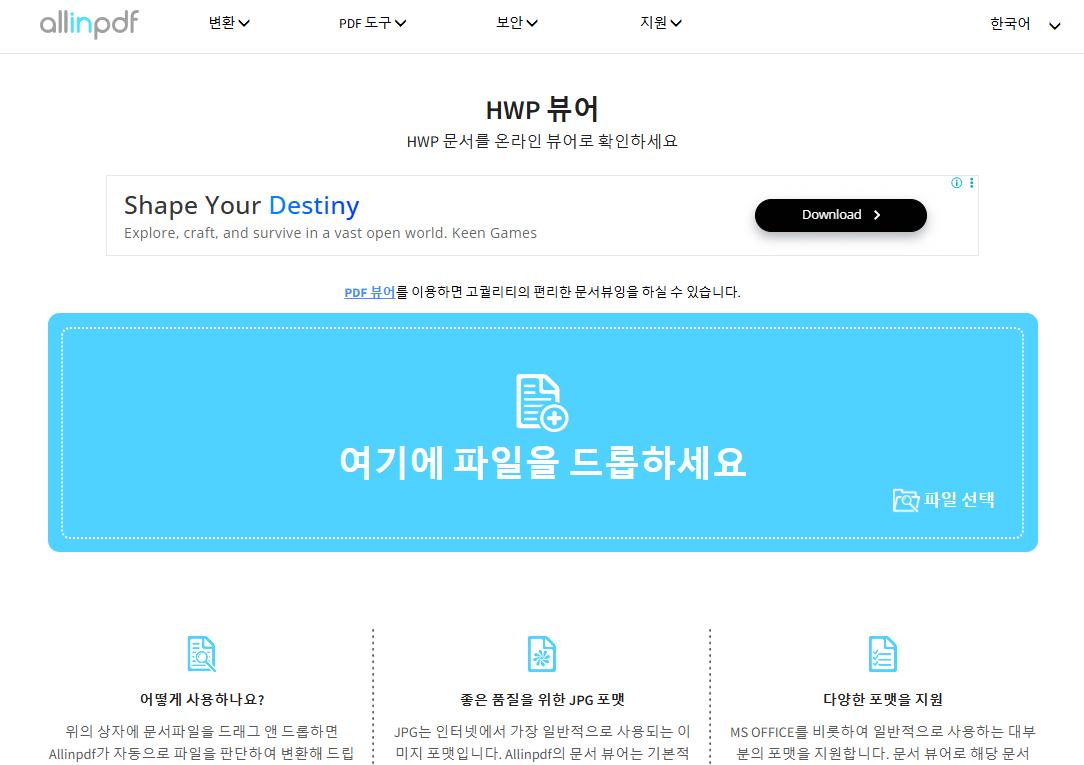
Because this format is not natively supported by most Western office productivity software, encountering one can be frustrating. Fortunately, you do not need to purchase expensive localized software just to read a single document. Several reliable tools function as a dedicated hwp reader, allowing you to view, convert, or even edit these files on almost any device.
What Is an HWP File and Why Is It Difficult to Open?
The HWP format is the standard file type for Hancom Office, a popular productivity suite in South Korea. Much like Microsoft Word uses the .docx extension, Hancom uses .hwp (and newer variations like .hwpx). The file contains text, formatting, embedded images, and occasionally complex tables or charts specific to the Hangul writing system layout.
Standard global document viewers often fail to decode these files correctly because they lack the specific rendering engines required for Hancom's formatting rules. Trying to open an HWP file in an unsupported program usually results in a string of unreadable characters or a generic error message.
Top Options for an HWP Reader
Depending on whether you need a one-time view or regular access to HWP files, several software solutions and web platforms can help.
1. Hancom Office Web Viewer (Official Free Tool)
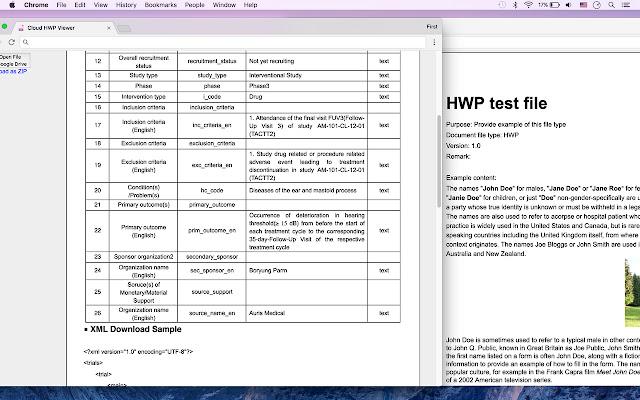
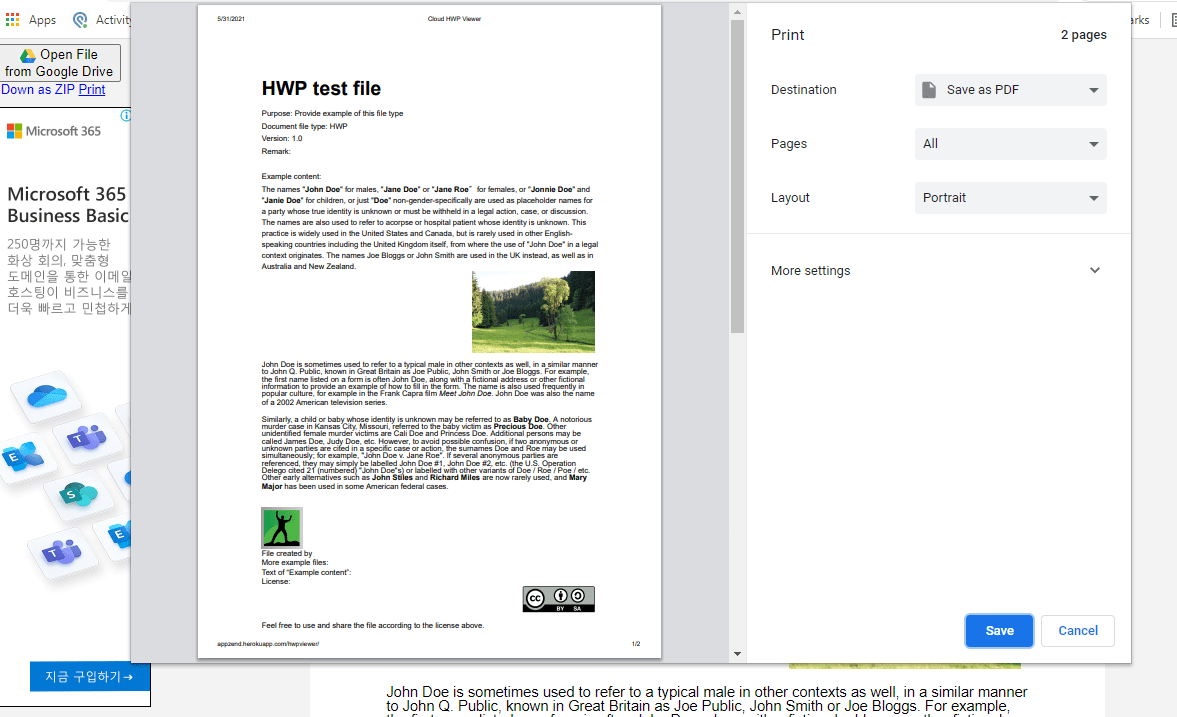
The safest and most accurate way to view an HWP file is through the official creators. Hancom provides free web-based viewing tools that require no installation.
- Pros: 100% layout accuracy, completely free, no risk of formatting corruption.
- Cons: Requires an active internet connection; primarily designed for viewing rather than heavy editing.
Simply navigate to the Hancom online portal, upload your file, and view it directly within your browser window. This is the ideal solution if you only need to check a document once or twice.
2. LibreOffice (Desktop Suite)
For users who prefer a robust desktop application, LibreOffice offers built-in support for opening legacy and modern HWP files. As an open-source alternative to Microsoft Office, LibreOffice continuously updates its filters to handle less common file types.
- Pros: Free, open-source, works offline, and allows you to save the file into more common formats like .docx or .pdf.
- Cons: Complex HWP documents with intricate South Korean font styling or specific tables may experience minor layout shifts.
3. Online Document Converters
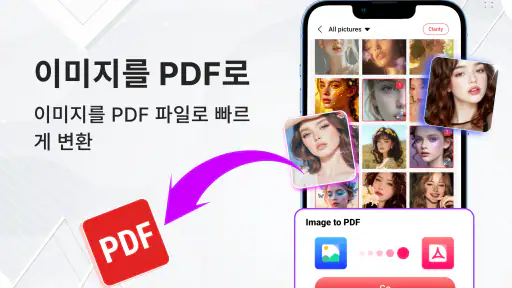
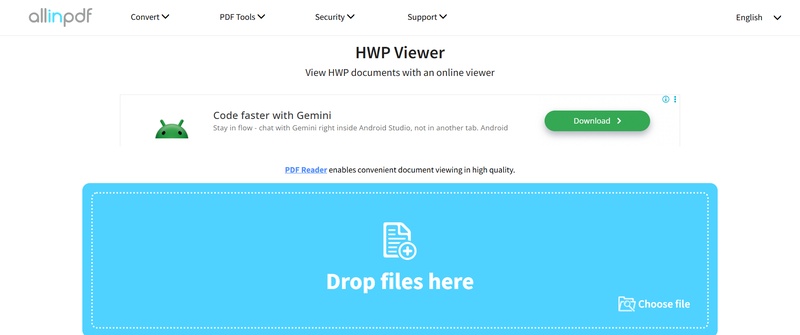
If you just want to read the text and do not have software installed, converting the file to a widely accepted format is a fast workaround. Reliable web-based converters can transform your HWP file into a PDF or a standard Word document within seconds.
- Popular Conversion Targets: HWP to PDF (best for preserving exact visual layout) and HWP to DOCX (best if you need to edit the text).
- Privacy Warning: Avoid uploading sensitive, confidential, or personal documents to unknown third-party conversion websites. Stick to reputable, encrypted file conversion platforms.
4. Dedicated Mobile Viewers
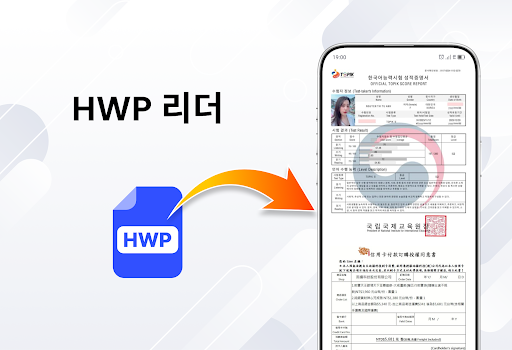
If you receive an HWP file on your smartphone or tablet, desktop solutions will not help. Fortunately, Hancom offers official mobile applications for both iOS and Android.
- Hancom Office Mobile: Available on the Apple App Store and Google Play Store, this app allows you to view and edit HWP documents directly on your mobile device without needing a desktop computer.
How to Convert HWP to PDF for Easy Sharing
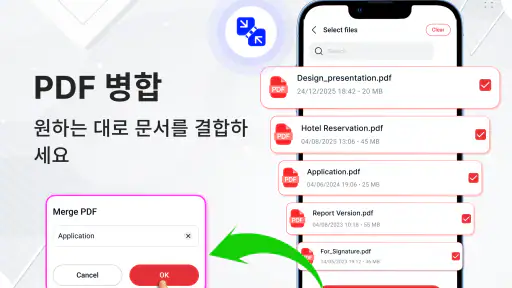
If you regularly collaborate with others who do not have an HWP reader installed, the best practice is to convert your documents before sending them. By exporting an HWP file to a PDF format using Hancom Office, LibreOffice, or an online tool, you ensure that anyone on any operating system can view the file with 100% visual fidelity.
Conclusion
Encountering an unfamiliar file extension no longer has to be a roadblock. Whether you choose to use the official Hancom web viewer, open the document through desktop suites like LibreOffice, or convert the file into a universally readable PDF, you have plenty of free options. Select the method that best fits your workflow, and you will never struggle with an HWP file again.