BMO Banking App: Features, Security & Setup Guide
Introduction to the BMO Banking App

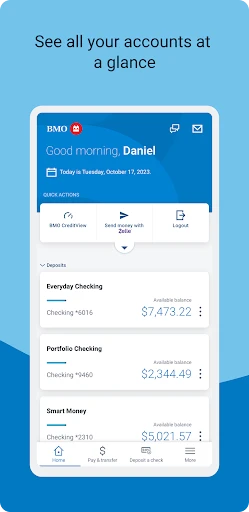
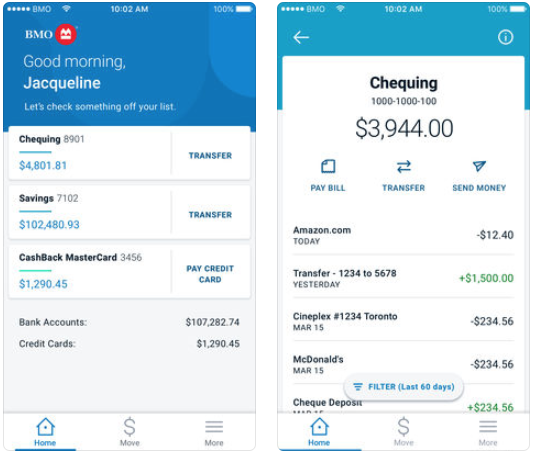
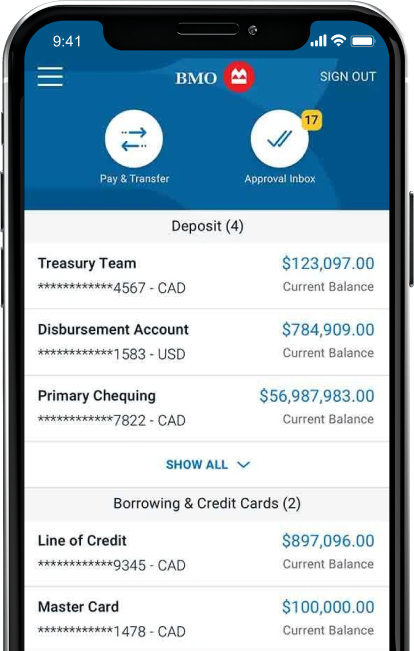
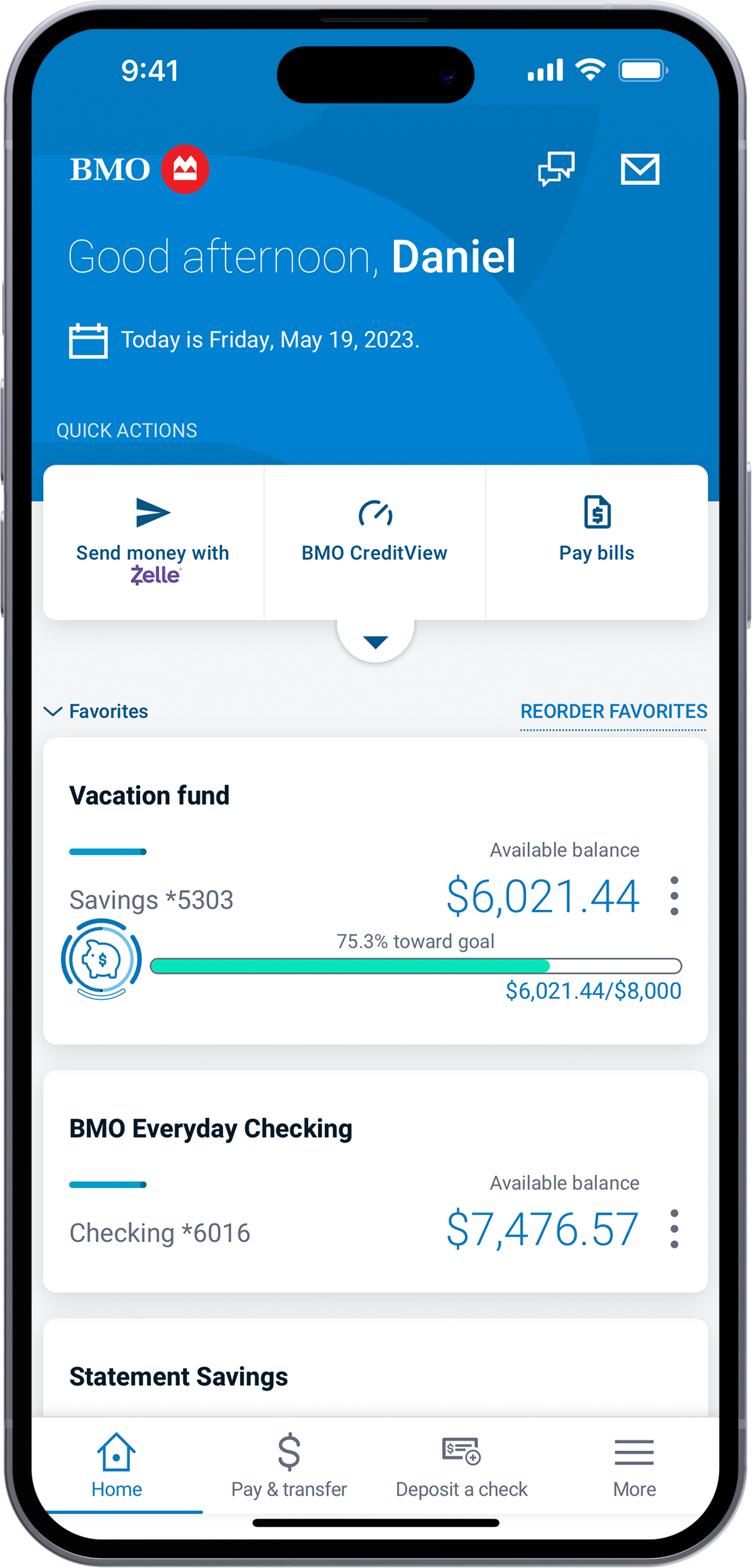
Managing your finances on the go has become a necessity for modern banking customers. The BMO banking app provides Bank of Montreal clients with a comprehensive digital branch right in the palm of their hand. Whether you need to check your chequing account balance, pay monthly bills, deposit a physical cheque, or monitor your credit card spending, this application consolidates everyday financial tasks into a user-friendly interface available for both iOS and Android devices.
In this guide, we will explore the core features of the app, walk you through the initial setup process, highlight robust security measures, and provide practical tips to help you get the most out of your digital banking experience.
Key Features and Capabilities
The BMO mobile application goes far beyond simple balance checks. It includes a robust suite of tools designed to help you manage, track, and grow your money effectively.
Everyday Transactions
Handling day-to-day money movement is fast and straightforward. Core transactional features include:
- Interac e-Transfer®: Send, request, and receive money securely with friends, family, or businesses directly from your account.
- Bill Payments: Add new payees, schedule recurring payments, and pay utility or credit card bills instantly.
- Account Transfers: Move funds seamlessly between your BMO savings, chequing, and investment accounts.
Mobile Check Deposit
Gone are the days of waiting in line at a physical branch just to deposit a cheque. With Mobile Deposit, you simply open the app, select your destination account, snap a clear photo of the front and back of your signed cheque, and submit it for processing. Funds typically begin clearing within the standard business timeframe.
BMO Insights and Financial Management
Understanding your spending habits is crucial for financial health. The app features built-in spending trackers and automated insights that analyze your purchase history. It categorizes your expenses automatically, alerting you to unusual spending spikes, subscription renewals, or upcoming bills, helping you stay on budget without manual spreadsheet tracking.
How to Download and Set Up the App
Video: BMO Digital Banking

Getting started with mobile banking takes only a few minutes. Follow these steps to install and configure your account safely on a new smartphone or tablet.
- Download the App: Visit the Apple App Store (for iPhone and iPad) or the Google Play Store (for Android devices). Search for "BMO Mobile Banking" and ensure the publisher is listed as Bank of Montreal to avoid fraudulent lookalike apps.
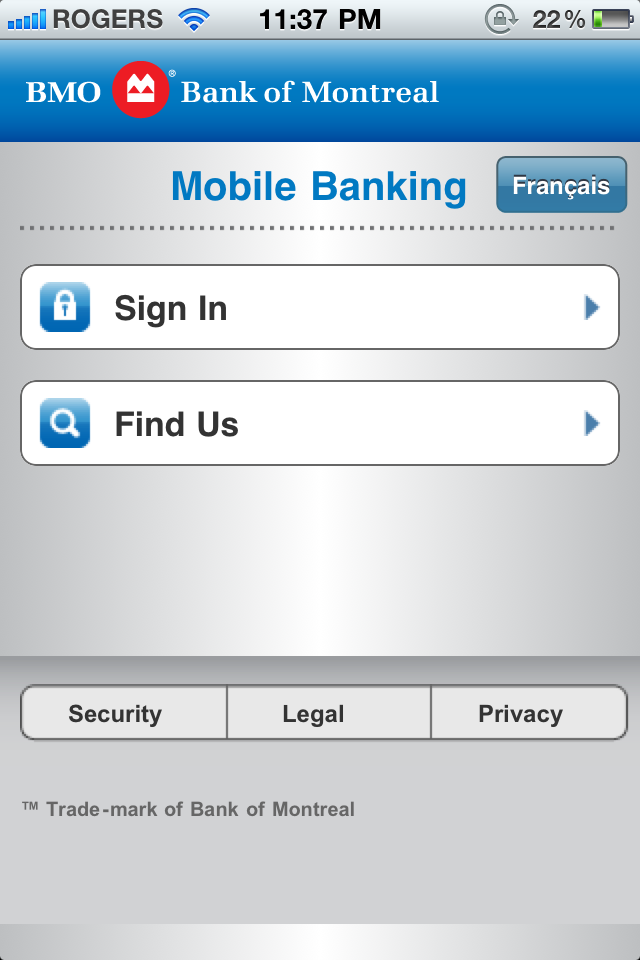
- Launch and Sign In: Open the app. If you already use BMO Online Banking, you can sign in using your existing BMO Card number (or username) and password. If you are a new customer, select the option to register for online and mobile banking.
- Verify Your Identity: For security purposes, BMO may send a one-time verification code via SMS or email to confirm your identity. Enter this code into the app.
- Enable Biometric Login: Save time by setting up Touch ID, Face ID, or Android fingerprint authentication. This allows you to securely access your accounts with a glance or a touch instead of typing your full password every time.
Security Measures: Keeping Your Money Safe
Security is a top priority for digital banking platforms. BMO employs multiple layers of protection to safeguard your personal data and financial assets.
- 128-bit Encryption: All data transmitted between your mobile device and BMO servers is heavily encrypted, preventing interception by unauthorized parties.
- Automatic Timeouts: If you leave the app idle for a few minutes, it automatically logs you out to prevent unauthorized access if your phone is left unattended.
- Zero Dollar Liability: BMO provides digital banking protection guarantees, meaning you are generally not responsible for unauthorized transactions provided you have kept your password and personal identification number (PIN) secure.
Users can also enhance their personal security by enabling push notifications for every transaction. Receiving an instant alert whenever a purchase is made or money is transferred allows you to spot fraudulent activity immediately.
Troubleshooting Common App Issues
While the mobile platform is generally reliable, you may occasionally run into technical hiccups. Here is how to resolve the most common issues:
Login Failures
If you cannot log in, first check your internet connection by switching between Wi-Fi and mobile data. If your credentials are correct but you receive an error, your account may be temporarily locked due to multiple incorrect password attempts. Use the "Forgot Password" feature or contact BMO customer support to reset your credentials securely.
App Freezing or Crashing
If the app unexpectedly closes or freezes:
- Check the app store for pending updates and install the latest version.
- Clear the app's cache in your device settings (particularly on Android).
- Restart your smartphone completely.
Conclusion
The BMO banking app is a powerful, secure, and convenient tool that puts complete financial control at your fingertips. By leveraging features like mobile deposits, automated spending insights, and instant e-Transfers, you can drastically reduce the time you spend managing day-to-day finances. Combined with enterprise-grade security protocols and biometric logins, it offers both peace of mind and everyday efficiency for modern bank clients.