BMO Harris Mobile Deposit Limit Guide
Depositing checks using your smartphone has become the gold standard for personal banking. It saves you a trip to the physical branch or the ATM. However, banks place strict financial boundaries on these transactions to manage fraud and liquidity risks. If you bank with BMO—formerly known as BMO Harris in the United States—understanding the BMO Harris mobile deposit limit is crucial before you snap a photo of that check.

Because banking limits change based on account tenure, account tier, and your personal banking history, there isn't a single universal number for everyone. This comprehensive guide breaks down standard limits, how to check your specific caps, and practical strategies to deposit larger sums safely.
Understanding the BMO Harris Mobile Deposit Limit
While BMO does not publicly plaster exact dollar figures for every single account type on its main marketing pages—largely because limits are customized per user profile—industry standards and BMO account agreements offer a clear picture. For most standard personal checking and savings accounts, the baseline thresholds usually fall into specific ranges.
Standard Daily and Monthly Caps
For the average consumer account in good standing, you can generally expect the following baseline parameters:
- Daily Deposit Limit: Frequently capped between $5,000 and $10,000 per business day.
- Monthly Deposit Limit: Often capped between $20,000 and $40,000 over a rolling 30-day period.
Keep in mind that these numbers represent aggregate totals. If you receive multiple checks in a single day, their combined value cannot exceed your daily maximum. If you attempt to deposit a check that pushes you past these thresholds, your BMO mobile banking app will typically display an error message alerting you that the limit has been reached.
Why Do These Limits Exist?
Banks enforce deposit thresholds primarily for security and risk management. Unlike an in-person teller transaction where funds can be visually inspected immediately, mobile deposits rely on digital images. Fraudsters occasionally attempt to deposit altered or fake checks remotely. Caps limit the financial exposure BMO faces if a mobile deposit turns out to be fraudulent or bounces due to insufficient funds in the issuer's account.
How to Check Your Specific Account Limits
Because BMO tailors limits based on your relationship with the bank—such as how long your account has been open, your average daily balance, and your history of overdrafts—your limit might be higher or lower than the general averages.
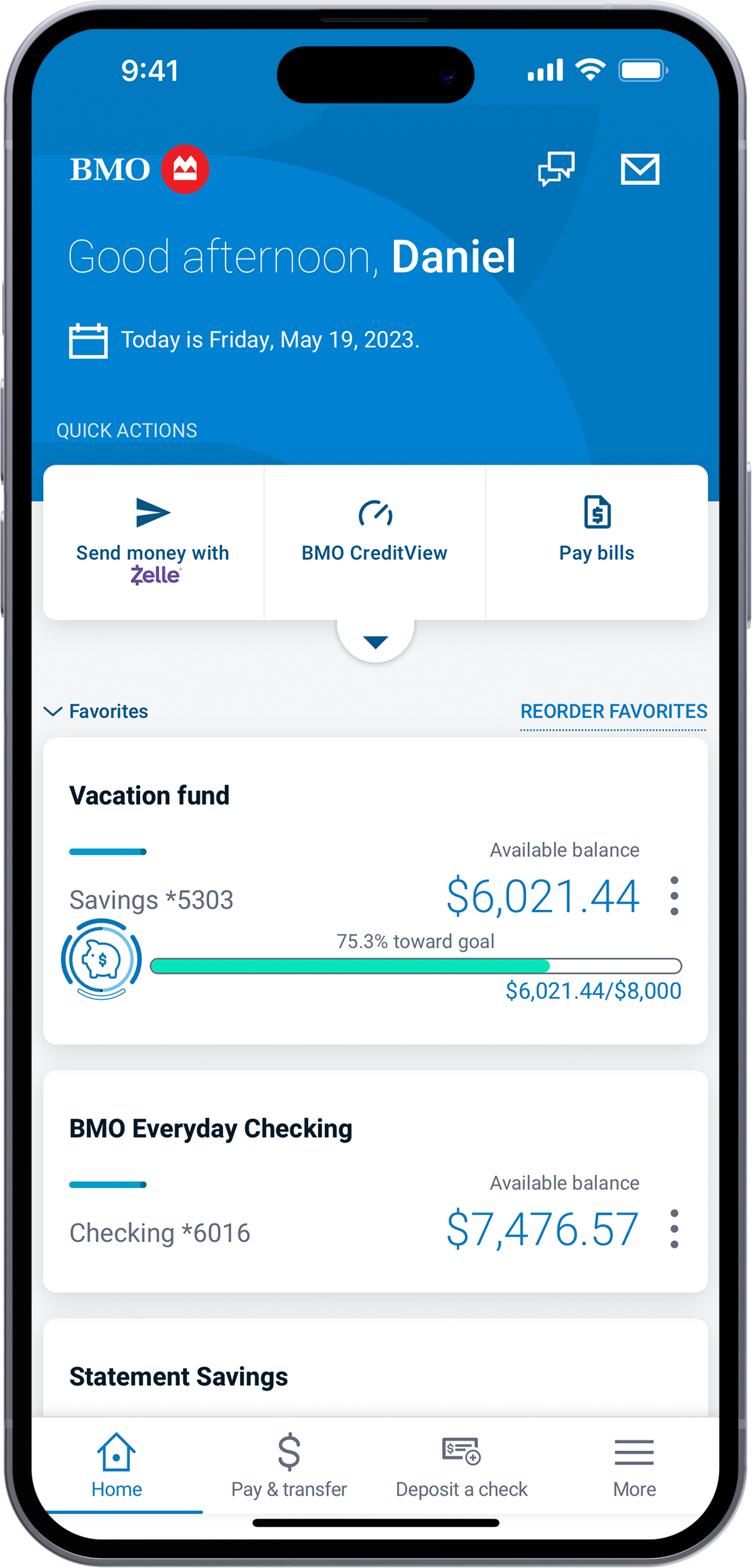
- Log into the BMO Mobile Banking App: Open the app on your iOS or Android device and sign in using your credentials.
- Navigate to Deposit: Tap the menu and select the "Deposit" feature.
- Look for Limit Indicators: Before you even snap a photo of the front and back of your check, the app will usually display your remaining daily and monthly deposit limits right on the screen.
If you cannot find your specific limits displayed in the application, the most reliable route is to call BMO customer service or message a representative through the secure online banking portal.
Can You Increase Your Mobile Deposit Limit?
If you frequently receive checks that exceed your current threshold—such as a large bonus, an insurance payout, or investment returns—you might wonder if you can get a temporary or permanent increase.
BMO typically does not grant automatic limit increases upon simple request. However, you can improve your chances of qualifying for higher limits over time by maintaining a healthy account balance, avoiding negative balances or overdraft fees, and keeping your account active for several months or years. Newer accounts face much stricter scrutiny and lower limits than accounts that have been open for a long time with a pristine history.
Alternative Ways to Deposit Large Checks
If your check exceeds your mobile deposit limit, you have several reliable alternatives to access your funds without waiting for the limit to reset:
- Visit a BMO Branch: Take the physical check to a local BMO branch or teller. In-person deposits do not carry the same digital image caps as mobile banking.
- Use a BMO ATM: You can deposit checks at designated BMO ATMs. Be sure to use an ATM that accepts check deposits directly without envelopes for faster processing.
- Request Split Deposits: If your check is only slightly above your daily limit, you can ask the issuer to split the amount into two separate checks, allowing you to deposit them on consecutive business days. However, be careful not to trigger suspicious activity flags.
Tips for a Smooth BMO Mobile Deposit Experience
Hitting your limit is only one hurdle; getting your deposit accepted on the first try is equally important. Follow these best practices to ensure your mobile check deposits clear without unnecessary delays or rejections:
- Endorse the Back Correctly: BMO, like most major financial institutions, requires specific endorsement text. Generally, you must sign your name and write "For Mobile Deposit Only at BMO" (or include your account number as specified in the app guidelines). Failing to include this specific restrictive endorsement can lead to rejection.
- Use a Dark Background: Place your check on a flat, dark-colored surface to create high contrast. This helps the app automatically capture the edges of the check accurately.
- Ensure Good Lighting: Avoid shadows, glare, or dim lighting. Blurry images or obscured routing and account numbers will force the system to reject the capture.
- Keep the Check Handy: Do not shred or destroy the paper check immediately. BMO recommends keeping the physical check in a secure location for at least 14 days after the deposit clears, just in case questions arise or the bank requests proof of the transaction.
Conclusion
Navigating the BMO Harris mobile deposit limit is straightforward once you know where to look in your mobile app. While standard consumer accounts usually enjoy daily caps ranging from $5,000 to $10,000, your personal limit depends heavily on your account history and relationship with the bank. By checking your limits inside the app before you begin, endorsing your checks properly, and utilizing in-branch services for larger sums, you can manage your finances seamlessly and avoid unnecessary deposit headaches.