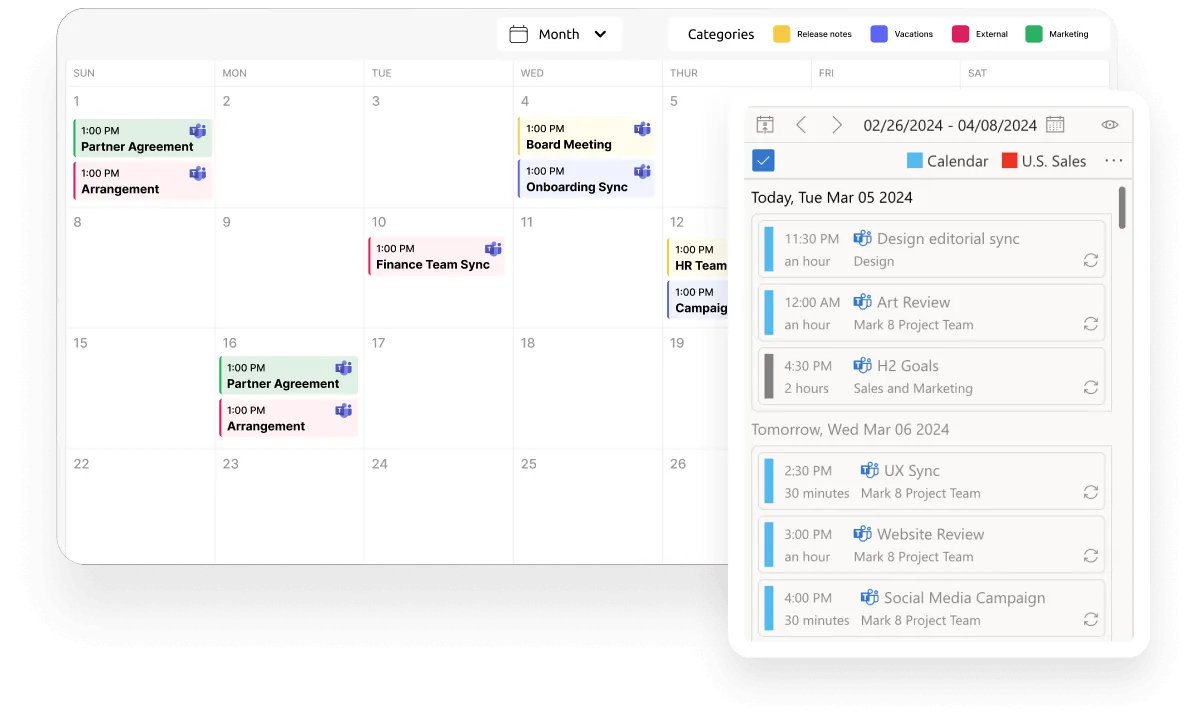
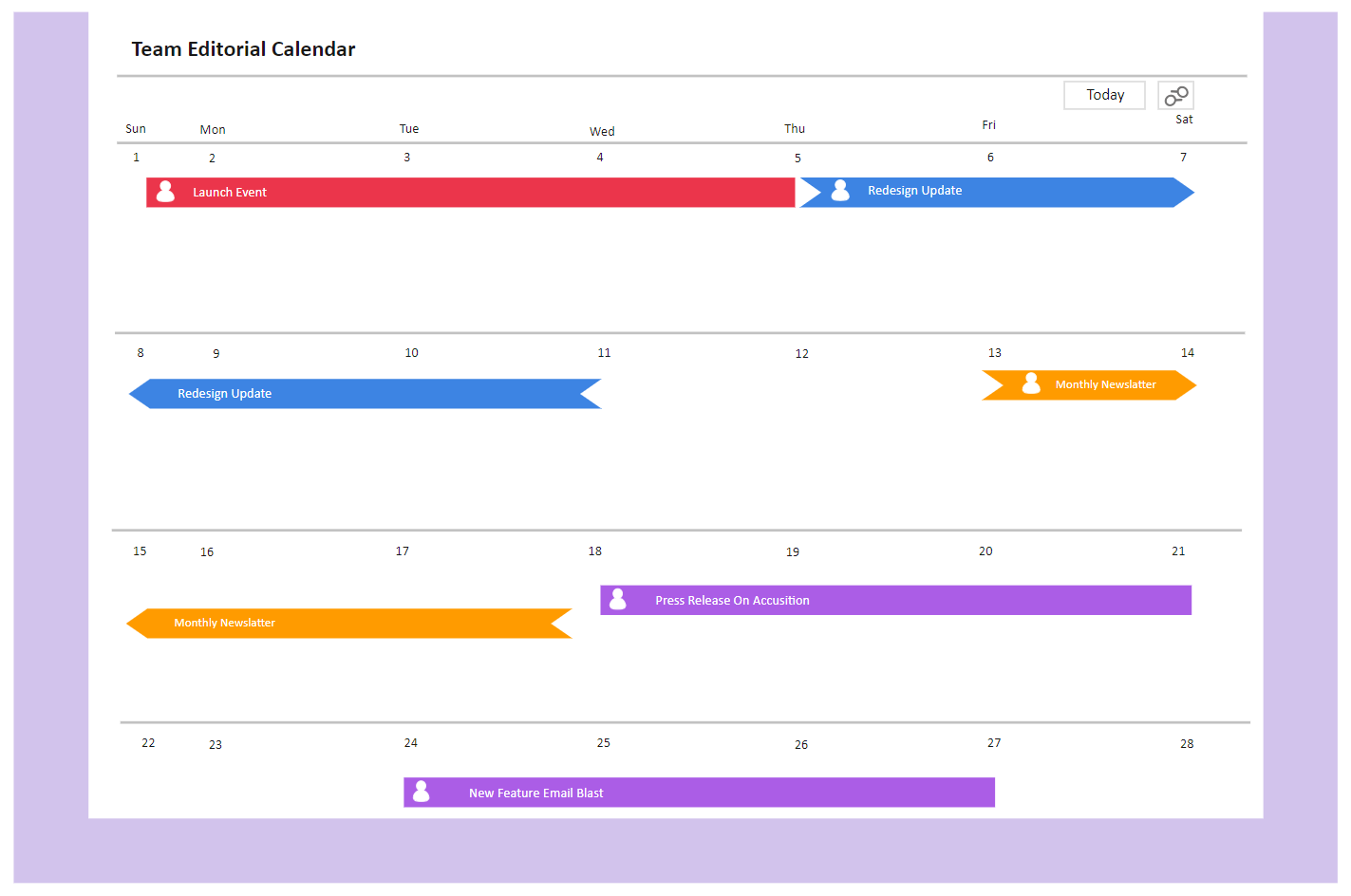
Boost Team Productivity With Editable Calendars
Boost Efficiency: Learn How to Leverage Editable Calendars for Enhanced Team Productivity

Modern workplaces rely heavily on seamless collaboration, yet scheduling friction remains one of the biggest bottlenecks to daily output. When team members operate on disconnected schedules, projects stall, deadlines slip, and communication breaks down. To solve this, organizations are turning to flexible time-management tools. When you learn how to leverage editable calendars for enhanced team productivity, you unlock a centralized way to coordinate tasks, align schedules, and keep everyone accountable.
Unlike static paper planners or rigid digital software that only allows single-user viewing, modern editable calendars act as dynamic hubs. They allow multiple team members to update deadlines, shift project phases, and add critical notes in real time. This adaptability transforms a basic schedule into a living document that evolves alongside your projects.
Why Traditional Scheduling Fails Modern Teams
Static calendars create silos. When a project manager updates a milestone in a desktop app, team members working from different systems might not see the change until it is too late. This lack of synchronization leads to overlapping deadlines, missed meetings, and endless threads of clarifying emails.
Furthermore, traditional schedules do not account for the fluid nature of modern work. Remote and hybrid environments require tools that update instantly across devices. Without a shared, interactive space to track time, managers spend more hours asking "Where are we on this task?" than actually driving the work forward.
Core Benefits of Implementing Editable Calendars
Integrating collaborative scheduling tools into your workflow offers immediate operational advantages. Here is how your team will benefit:
- Real-Time Visibility: Everyone views the same up-to-date schedule, eliminating confusion regarding due dates and availability.
- Reduced Communication Overhead: Instead of messaging colleagues to check progress, team members can view status updates directly within the calendar event.
- Agile Adaptation: When priorities shift or clients request urgent changes, dragging and dropping tasks on a digital calendar takes seconds.
- Ownership and Accountability: Assigning color-coded tasks to specific individuals fosters personal responsibility for deliverables.
Best Practices for Setting Up Your Shared Calendar
Having the right tool is only half the battle. To truly maximize team output, you must implement strategic frameworks for how the calendar is used and maintained.

Establish Clear Color-Coding Standards
Visual clarity prevents mental fatigue. Establish a universal color code for your team so members can scan the schedule and instantly understand priorities. For example, assign red to urgent client deadlines, blue to internal meetings, and green to content creation milestones.
Define Permission Levels and Access Controls
While collaboration is vital, uncontrolled editing can cause accidental data loss or schedule disruption. Assign administrative rights to project leaders who manage core timelines, while granting editor or commenter access to general team members so they can update their specific task statuses.
Integrate With Existing Tech Stacks
Choose editable calendars that sync seamlessly with the tools your team already uses, such as Slack, Trello, Google Workspace, or Microsoft 365. Integration prevents double-entry errors and ensures that schedule updates trigger automated notifications where your team already communicates.
Step-by-Step Guide to Roll Out the Tool to Your Team
Transitioning to a new collaborative system requires intentional change management. Follow these steps to ensure high adoption rates:
- Audit Current Pain Points: Identify where your team currently loses the most time due to scheduling miscommunications.
- Select the Right Platform: Test software options like Google Calendar, Notion, Teamup, or specialized project management schedulers to find the best fit for your team size.
- Run a Pilot Program: Introduce the calendar to a single department or project team first. Gather feedback on usability before rolling it out company-wide.
- Conduct Training Sessions: Host a brief workshop demonstrating how to update events, attach files to calendar entries, and manage notifications.
- Review and Refine: After one month of use, survey your team to identify friction points and adjust your calendar structures accordingly.
Conclusion: Sustainable Productivity Through Better Scheduling
Productivity is not about working harder or longer hours; it is about removing friction from your daily operations. By implementing flexible, collaborative scheduling tools, you provide your team with the transparency they need to execute work efficiently. Take the time to set up a centralized system, establish clear guidelines, and watch how easily your team hits their targets when everyone is truly on the same page.