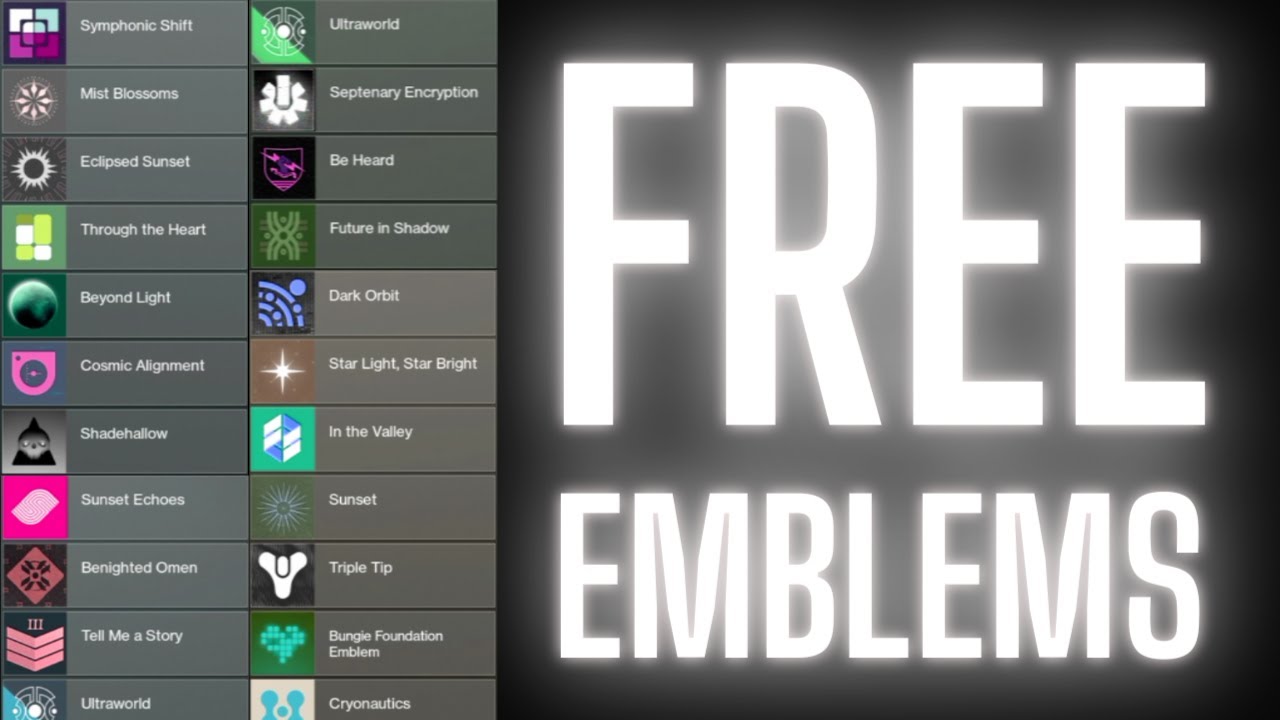
Bungie Net Codes: How to Redeem & Get Free Emblems
Understanding Bungie Net Codes and Rewards
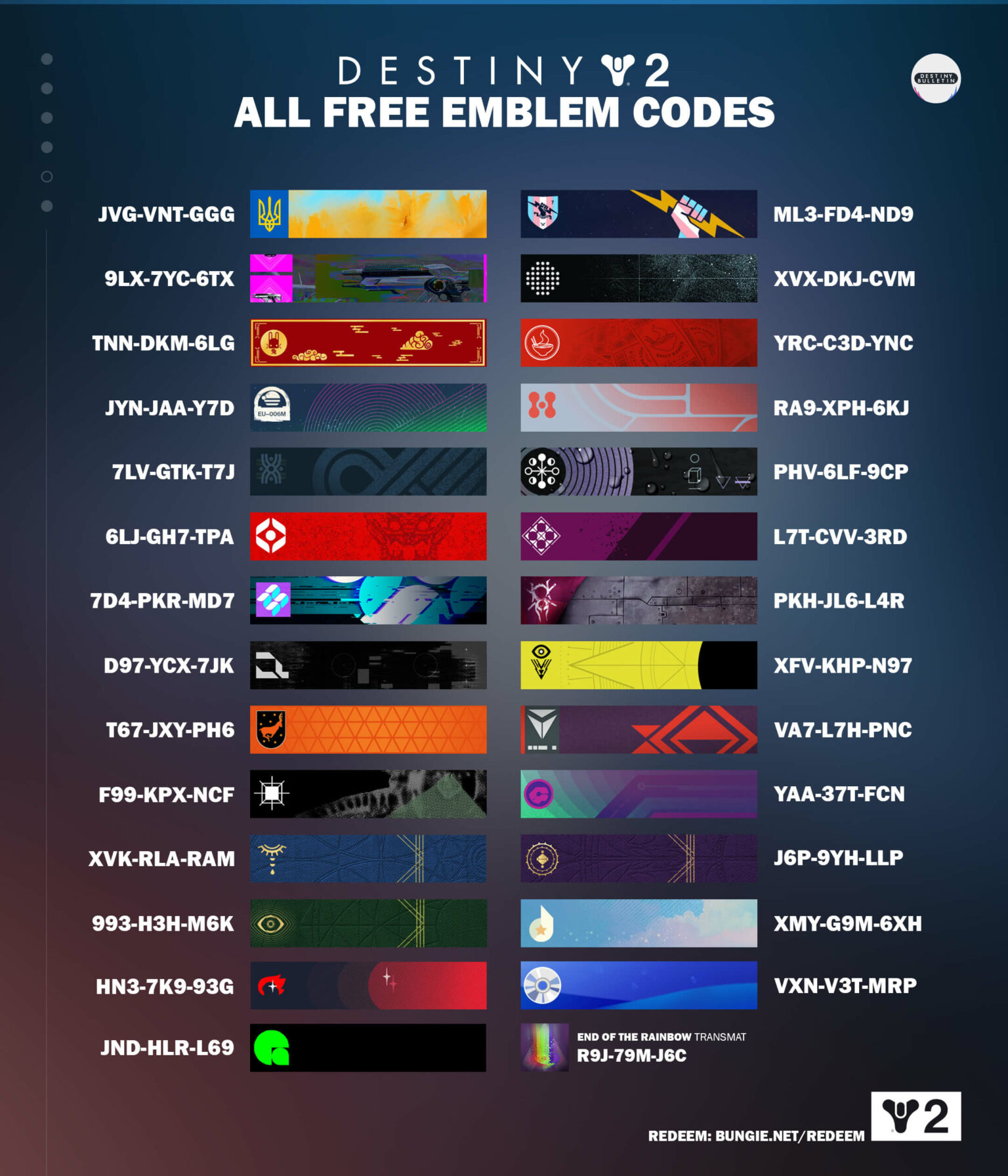
For fans of Destiny 2 and the wider Bungie ecosystem, collecting digital rewards is a massive part of the community experience. Whether you are hunting for a rare emblem to show off in the Tower or trying to claim a physical reward linked to a Bungie Store purchase, understanding how bungie net codes work is essential. These alphanumeric sequences unlock everything from aesthetic flair to exclusive Grimoire cards and soundtrack downloads.
Most redeemable rewards fall into a few distinct categories. Promotional codes are often dropped during streams, community events, or hidden within ARG (Alternate Reality Game) puzzles. Meanwhile, purchase-based codes arrive via email after you buy specific merchandise from the Bungie Store, such as a Raid jacket, Seal pin, or Nerf blaster.
Where and How to Redeem Bungie Net Codes
Redeeming your digital loot requires a quick visit to the official Bungie website. The process is straightforward, but it helps to ensure your gaming accounts are properly linked before you begin.
- Log In: Head over to the official Bungie.net website and click the sign-in prompt in the top right corner.
- Authenticate Your Account: Sign in using your primary gaming platform credential—whether that is Steam, Xbox, PlayStation, Epic Games, or Stadia (historical).
- Navigate to the Code Redemption Page: Once logged in, go to your profile dropdown menu or visit the direct redemption portal at
bungie.net/redeem. - Enter the Code: Carefully type or paste your 9-character code (formatted in groups of three, like XXX-XXX-XXX) into the input box.
- Redeem: Click the "Redeem" button. If valid, a confirmation message will appear confirming the item has been added to your account.
Finding Active Codes and Emblems
While many promotional codes are time-sensitive or tied to specific creator charity events, a few evergreen emblems remain available to the public. These are usually distributed to celebrate community milestones, specific content launches, or charity drives like the Bungie Foundation.
Charity and Promotional Codes
During events like Game2Give, donors who contribute a specific monetary amount to the Bungie Foundation automatically receive unique emblem codes via email. Always make sure you donate through official channels linked directly from Bungie’s weekly blog posts, known as the "This Week in Destiny" (TWID) updates, to avoid scams.
Checking Your In-Game Collections
Once you successfully enter a code, the item does not automatically pop up on your screen. You need to claim it in-game:

- Launch Destiny 2 and load into your character.
- Open the Director and navigate to your Collections tab.
- Select Flair and then look under the Emblems or General sub-tabs.
- Find your newly unlocked reward and pull it from collections to your inventory.
Troubleshooting Common Redemption Errors
Sometimes, entering a code does not go according to plan. If you run into an error message, here is how to troubleshoot the most common issues players face.
"The code you entered is invalid"
This error usually happens due to a simple typo. Double-check your characters: zeros (0) and capital O's, or capital I's and lowercase l's, often look identical. If you are copying and pasting, make sure you did not accidentally include an extra space at the beginning or end of the string.
"This code has already been redeemed"
Each code can only be used once per account. If you see this message, check your existing collections in-game to see if you or a family member sharing the platform already claimed it. Keep in mind that codes cannot be traded or reused across multiple accounts once claimed.
Account Linking Errors
If you recently switched platforms or unlinked an account, your code might not show up on your preferred platform. Ensure your Cross-Save settings are configured correctly on Bungie.net and that you are logged into the exact profile where you want the rewards to appear.
Tips for Staying Safe
Because rare Destiny 2 emblems carry a certain level of prestige, scammers frequently target players offering "free" codes. Never trust third-party websites claiming to generate random Bungie net codes; these are phishing attempts designed to steal your Steam, Xbox, or PlayStation login credentials. Always rely on official Bungie announcements, trusted community content creators, and verified storefronts for legitimate reward drops.