Carrier Infinity Thermostat Reset Before Summer
When the scorching days of summer arrive, the last thing any homeowner wants is an unreliable cooling system. Modern smart thermostats offer incredible convenience, multi-zone control, and energy-saving schedules, but they also rely heavily on complex software. Over months of operation, heating cycles, and power fluctuations, the operating system on high-end controls can experience minor glitches, lingering error codes, or miscalibrated schedules. Performing a Carrier Infinity Thermostat reset is the ultimate preventive step to ensure your air conditioning system operates at peak performance when you need it most.

As a cornerstone of home comfort, the Carrier Infinity system communicates digitally between the indoor unit, outdoor compressor, and the wall control. Clearing out old data and starting fresh with a factory or soft reset eliminates hidden software bugs, optimizes communication protocols, and sets the stage for efficient summer cooling.
Why Your Carrier Infinity Thermostat Needs a Reset
Smart thermostats are essentially mini-computers mounted on your wall. Just like a smartphone or laptop, they benefit immensely from an occasional reboot. Skipping annual system refreshes can lead to subtle inefficiencies that drain your wallet and put unnecessary wear on your HVAC equipment.
Clearing Out Residual Heating Schedules
Throughout fall and winter, your Infinity control ran complex heating algorithms, staging routines, and specialized humidity targets tailored for cold weather. Transitioning directly into cooling season without clearing these parameters can cause the system to hesitate or misread indoor thermal loads. A comprehensive reset clears out legacy heating logic, ensuring the control prioritizes rapid humidity removal and steady, efficient cooling.
Eliminating Ghost Error Codes and Software Glitches
Power surges from summer thunderstorms, brownouts, or routine electrical maintenance can leave your HVAC system confused. The Infinity system displays active alerts, but minor communication hiccups between the UI and the variable-speed equipment often go unnoticed until cooling fails on a 95-degree day. Resetting the device forces a handshake across the 4-wire communication bus, clearing out obsolete error logs and restoring seamless data transfer.
Maximizing Energy Efficiency
Energy costs spike during the summer months as air conditioners run longer cycles. If your thermostat holds onto corrupted setback schedules, outdated Wi-Fi configurations, or inefficient occupancy settings, your compressor may run longer than necessary. Resetting and reconfiguring the system allows you to build fresh, streamlined routines that align with your summer lifestyle, directly lowering your monthly utility bills.
Signs Your Carrier Infinity System Needs Attention
Before diving into a reset procedure, look for common indicators that your thermostat is struggling with the seasonal transition. Recognizing these signs early prevents emergency repair calls during peak heat waves.
- Unresponsive Touchscreen: The display lags when you adjust the temperature or switch modes.
- Wi-Fi Disconnections: The unit repeatedly loses connection to your home network, blocking remote access via the mobile app.
- Temperature Inconsistencies: Rooms feel humid or overly chilly, failing to match the setpoint displayed on the wall.
- Persistent Service Reminders: Filter or maintenance alerts remain on the screen even after you have completed the service.
How to Perform a Carrier Infinity Thermostat Reset Safely
Depending on the specific model of your Infinity control (such as the Infinity Touch / SYSTXCCITC01-B or older iterations), the reset process can range from a simple menu selection to a hard power cycle. Always follow the correct steps to avoid disrupting system memory permanently.
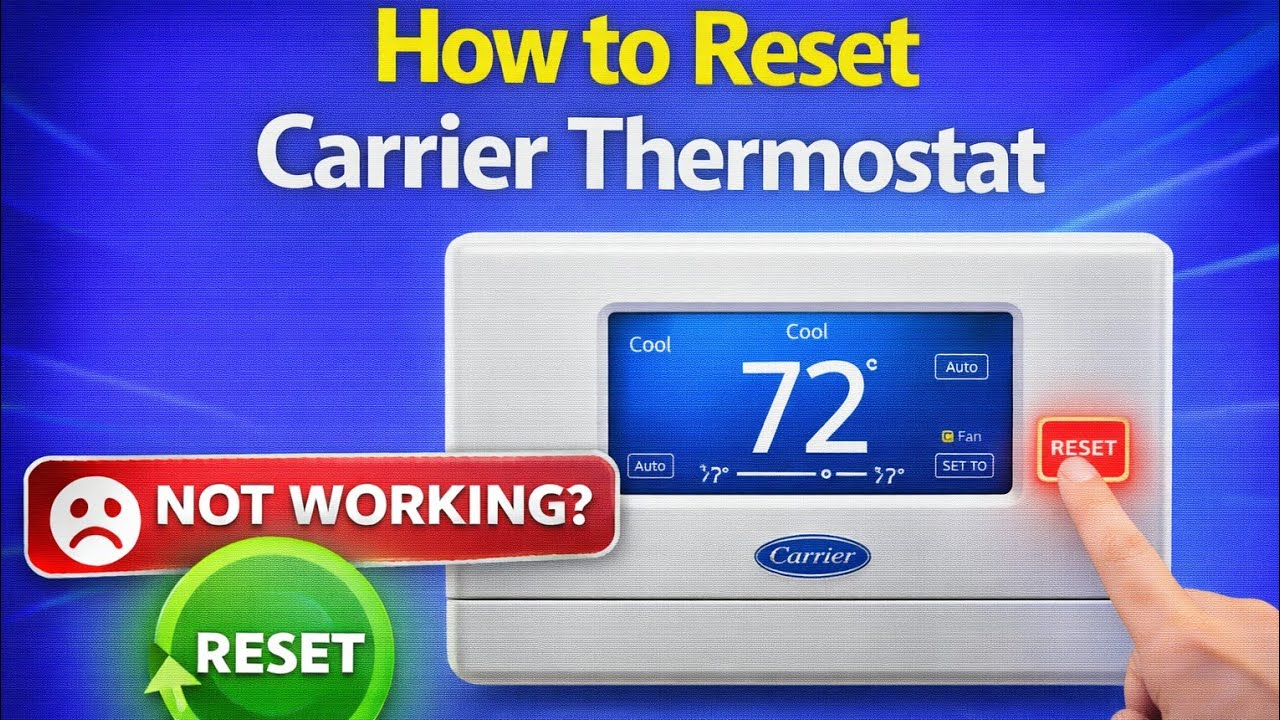
Step 1: Perform a Soft Reset via the Menu
For most routine software refreshes, you can use the on-screen interface without cutting power to the furnace or air handler.
- Tap the Menu icon at the bottom of your Infinity display.
- Scroll down and select Service or Advanced Settings (you may need to enter your installer code, though basic resets are usually accessible in user menus).
- Look for the Restart or Reboot option.
- Confirm your choice and wait a few minutes while the system reinitializes its software and re-establishes communication with the HVAC equipment.
Step 2: Execute a Hard Power Cycle
If your touchscreen is completely frozen or unresponsive, a physical power cycle is required.
- Turn off the HVAC system at the main breaker panel or use the emergency service switch located near your indoor air handler or furnace.
- Remove the thermostat faceplate gently from the wall mounting bracket.
- Leave the system unpowered for approximately 5 to 10 minutes to allow all internal capacitors to fully discharge.
- Snap the thermostat back onto the wall plate.
- Restore power at the breaker. The screen will display the Carrier boot-up logo while it rediscovers the system components.
Post-Reset Checklist for Summer Optimization
Once your Carrier Infinity Thermostat has successfully rebooted, take a few moments to reconfigure the settings for optimal summer operation. A fresh reset wipes away custom configurations, so double-check the following parameters:
Verify Wi-Fi and App Integration
Ensure your thermostat reconnects to your home Wi-Fi network. Test the Carrier mobile app on your smartphone to confirm you can adjust temperatures remotely. Being able to cool down your house before you arrive home is one of the greatest perks of an Infinity system.
Program Summer Comfort Profiles
Set up fresh scheduling profiles that reflect your summer routines. Because Infinity systems excel at dehumidification, make sure the humidity setpoint is enabled—typically targeted between 45% and 50% for optimal indoor comfort. Lower humidity makes 75°F feel much cooler than high humidity at 72°F, saving significant energy.
Inspect Equipment Diagnostics
Navigate to the system status menu on your thermostat to verify that all components are reporting normal operational status. Check that airflow CFM rates look correct and that the outdoor unit stages properly when a cooling demand is initiated.
Proactive Maintenance Prevents Mid-Summer Breakdowns
A Carrier Infinity Thermostat reset is just one piece of a comprehensive pre-summer HVAC checklist. While optimizing your software settings prevents control-board communication failures, remember to pair this digital tune-up with physical maintenance. Change your air filters, clear debris away from the outdoor condenser coils, and schedule an annual inspection with a certified HVAC technician. By taking care of both the software and hardware before the peak heat arrives, you ensure a comfortable, efficient, and stress-free summer season.


