Chase Card Payment Login: How to Pay Your Bill Online
Managing your credit card finances effectively starts with knowing how to access your account quickly and securely. Whether you need to check your current balance, review recent transactions, or submit a monthly bill, the chase card payment login portal is your primary hub. For millions of cardholders, logging into Chase online or via the mobile app is a routine part of financial management, but navigating the security steps and payment options correctly is essential to avoid late fees and protect your personal information.

In this guide, we will walk you through the official login process, troubleshooting common access issues, setting up auto-pay, and keeping your financial data secure every time you visit the platform.
How to Access Your Chase Card Payment Login
Getting to your payment dashboard takes just a few moments when you follow the official and secure channels. Never click on links from unsolicited emails or text messages to access your account; always navigate directly to the verified source.
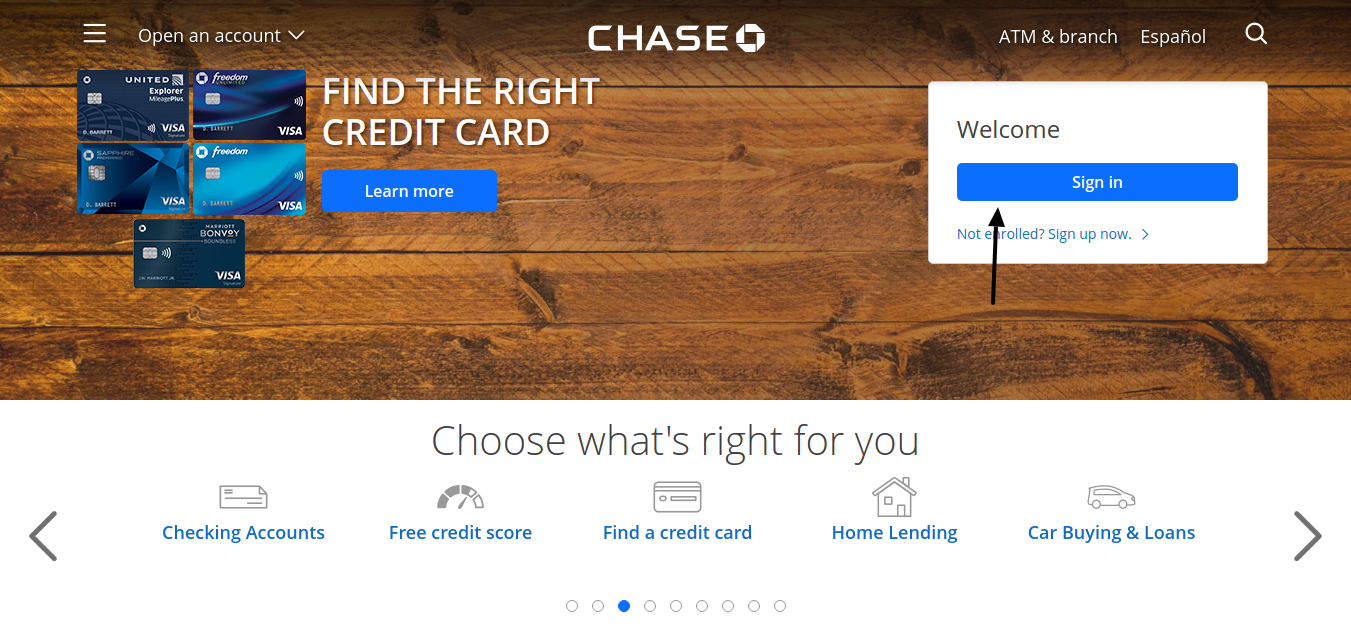
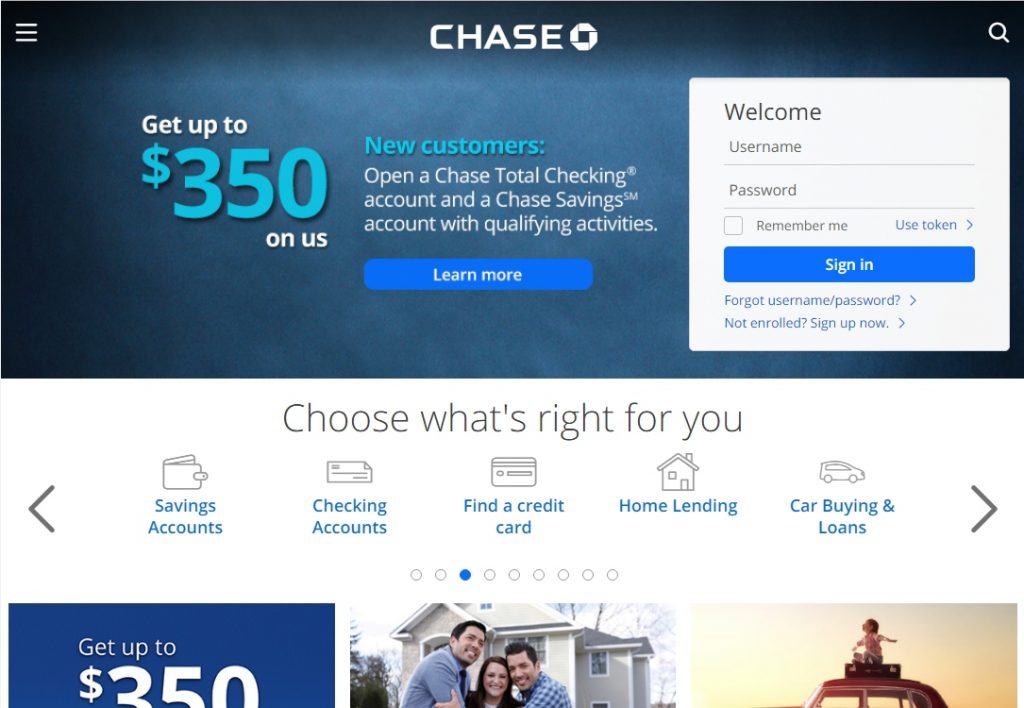
- Go to the Official Website: Open your web browser and navigate to the official Chase website (chase.com). Alternatively, you can open the Chase Mobile app on your smartphone or tablet.
- Enter Your Credentials: Locate the sign-in box on the right side of the desktop screen or the top of the mobile app. Input your unique User ID and Password.
- Complete Two-Factor Authentication (2FA): Depending on your security settings and whether you are using a recognized device, Chase may send a one-time passcode via text, phone call, or email to verify your identity.
- Navigate to Payments: Once inside your dashboard, click or tap on your specific credit card account, then select "Pay" to initiate your payment.
Troubleshooting Login Issues
Forgotten passwords or locked accounts can cause frustrating delays, especially when a payment due date is looming. Here is how to resolve common access roadblocks efficiently.
Recovering a Forgotten User ID or Password
If you cannot remember your credentials, do not guess repeatedly, as too many failed attempts will temporarily lock your account for security reasons. Instead, use the automated recovery tools:
- Click the "Forgot user ID/password?" link right below the sign-in fields on the Chase homepage.
- You will be asked to provide identifying information, such as your social security number (SSN), your Chase credit card number, or your personal account details.
- Complete the identity verification step by receiving a temporary code.
- Create a new, strong password that you do not use on any other financial websites.
What to Do If Your Account Is Locked
If your account gets locked due to suspicious activity or multiple incorrect login attempts, the automated recovery system may guide you through unlocking it. If not, you will need to call the customer service number listed on the back of your Chase credit card to verify your identity with a representative and restore access.
Video: How to Make a Credit Card Payment on Chase
How to Make a Payment Once Logged In
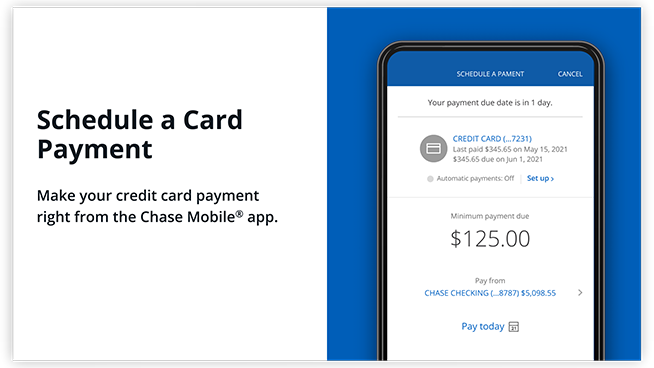
Once you successfully complete the chase card payment login process, settling your monthly balance is straightforward. Follow these steps to complete a one-time payment or establish recurring transfers.
First, link a valid checking or savings account by providing your bank's routing number and your account number. If you have already linked an external bank account, simply choose that account from the payment dropdown menu. Next, select your payment amount—you can choose to pay the minimum payment due, the full statement balance, the current total balance, or enter a custom amount. Finally, select your desired payment date and review the details before hitting submit. You will receive a confirmation number once the transaction is scheduled.
Alternative Ways to Pay Your Chase Bill
If you are experiencing internet issues or prefer not to use the online portal, Chase provides several alternative methods to ensure your bill is paid on time.
- By Phone: Call the customer service number on the back of your card (typically 1-800-436-3112) and use the automated phone system to make a payment from a linked bank account.
- By Mail: Send a check or money order along with the payment coupon from your paper statement to the payment address listed on your bill. Always mail your payment at least 5 to 7 business days before the due date to avoid postal delays.
- At a Branch: Visit any physical Chase branch and use an ATM or speak with a teller to make a credit card payment in person.
Security Best Practices for Online Banking
Protecting your financial data requires constant vigilance against phishing scams and unauthorized access. Implement these best practices every time you manage your credit cards online.
Always verify the URL in your browser's address bar to ensure you are on the legitimate Chase domain before entering your login details. Avoid using public, unsecured Wi-Fi networks when accessing financial accounts; if you must use public internet, utilize a trusted Virtual Private Network (VPN). Furthermore, enable account alerts in your Chase mobile app so you receive instant text or push notifications for every transaction, payment confirmation, or profile change.
Conclusion
Accessing your chase card payment login is a quick and secure process when you use official channels and keep your credentials up to date. By taking advantage of online dashboards, setting up payment reminders, or enrolling in automatic bill pay, you can effortlessly maintain a healthy credit score, avoid costly late fees, and keep your personal finances running smoothly month after month.