Complete Guide to VPortal Volusia
Navigating digital learning environments is a daily routine for students and teachers across Florida. For families in Volusia County, the gateway to digital textbooks, assignments, and educational applications is VPortal Volusia. Whether you are new to the district or simply need a refresher on how to troubleshoot common login errors, understanding this system is essential for academic success.
What is VPortal Volusia?
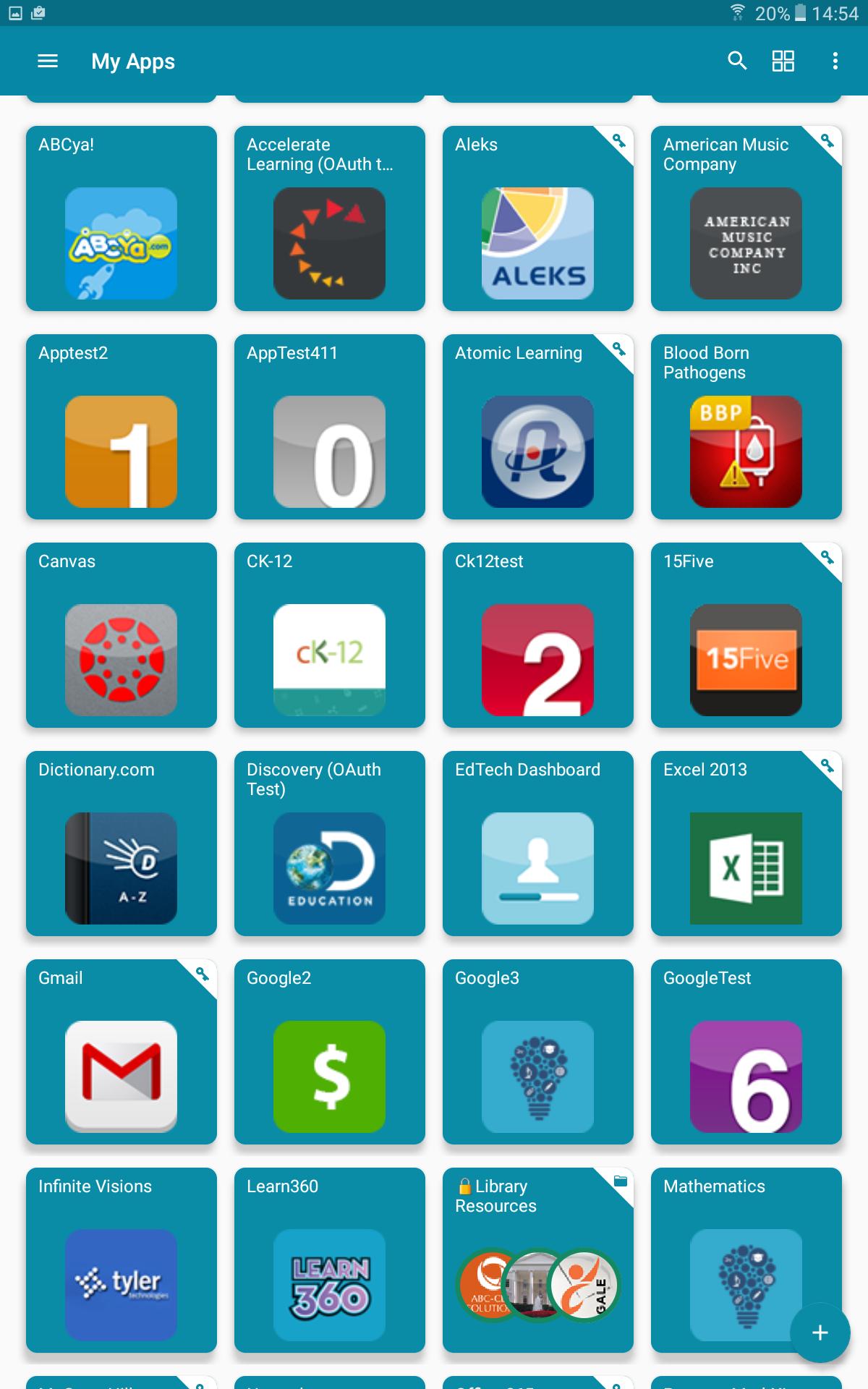
VPortal is the virtual portal used by Volusia County Schools (VCS). It acts as a single sign-on (SSO) dashboard, meaning students and staff can log in once to access a wide variety of educational tools without needing separate usernames and passwords for every application.
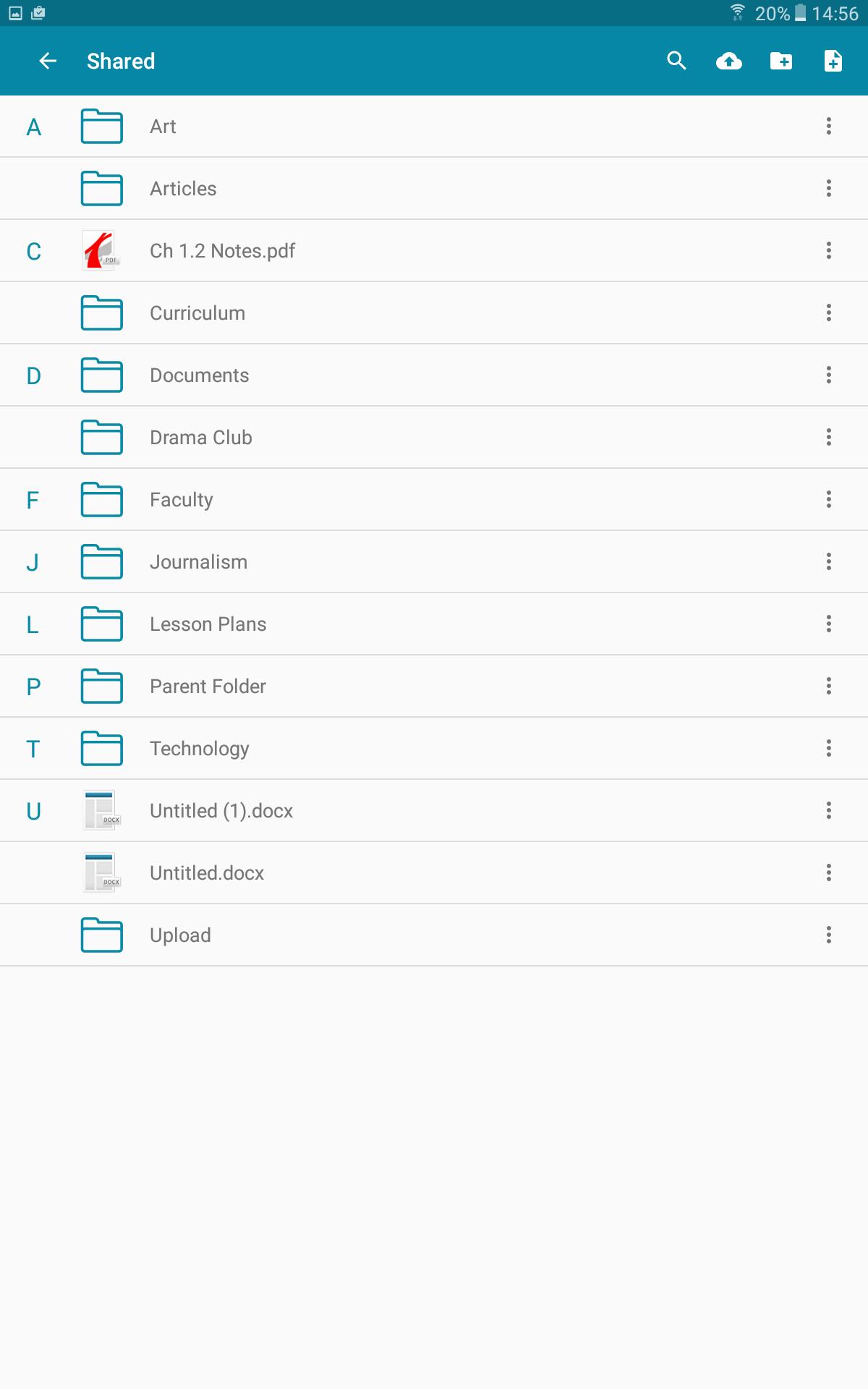
Inside the portal, students can find digital curriculum materials, grade-checking tools, reading programs, and communication platforms used by their specific teachers and schools. By centralizing these resources, VPortal makes remote learning, homework completion, and project collaboration much more streamlined.
How to Access VPortal Volusia
Logging into the portal is a straightforward process, provided you have the correct credentials supplied by the school district. Follow these steps to get started:
- Open a Web Browser: Launch a modern web browser like Google Chrome, Mozilla Firefox, or Microsoft Edge.
- Navigate to the Official Page: Go to the official Volusia County Schools website (volusia.k12.fl.us) or search directly for the VPortal login page.
- Enter Credentials: Click on the login button and enter your student username (Alpha/Alpha-numeric ID) and network password.
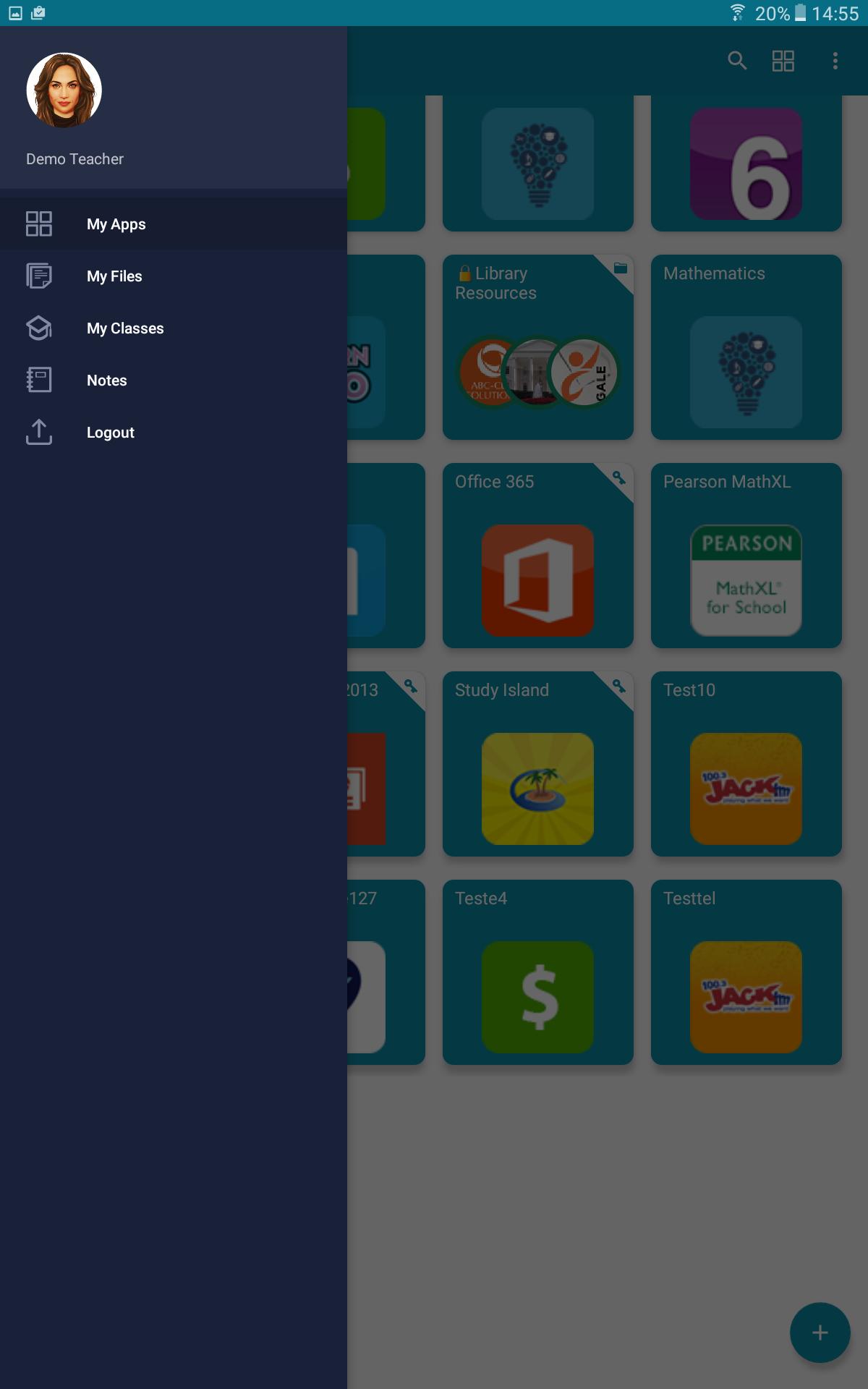
- Access Your Dashboard: Once authenticated, you will see your personalized dashboard populated with the apps assigned to your grade level and courses.
First-Time Users and Password Management
If your child is a new student in Volusia County, the school provides a temporary username and password. Upon the first login, the system may prompt you to update the password to something secure and memorable.
Video: How To Login VPortal

Students should never share their passwords with anyone. If a student forgets their password, parents or guardians typically cannot reset it independently. Instead, they must contact the student's teacher or school media specialist/media clerk, who can initiate a password reset through the district's administrative tools.
Key Features and Applications Found in the Portal
The dashboard is tailored to the student's grade level, ensuring they only see the tools relevant to their classes. Common applications integrated into VPortal include:
- Learning Management Systems (LMS): Platforms where teachers post daily assignments, announcements, and digital quizzes.
- Digital Textbooks: Online versions of math, science, social studies, and language arts books, reducing the need for heavy physical backpacks.
- Grade and Attendance Trackers: Systems that allow students and parents to monitor academic progress and stay on top of missing assignments.
- Supplemental Software: Reading intervention tools, math practice programs, and interactive testing software utilized during the school day.
Troubleshooting Common VPortal Volusia Issues
Technical glitches can occasionally happen. If you or your child experience issues while trying to use the platform, try these practical troubleshooting steps before calling the school:
- Clear Browser Cache: Old cookies and cached data often cause loading loops or authentication errors. Clear your browser history and cache, then restart the browser.
- Check Internet Connection: Ensure your device has a stable Wi-Fi or Ethernet connection. A weak signal can prevent large educational apps from loading properly.
- Use Supported Browsers: Volusia County Schools generally recommends using Google Chrome or Microsoft Edge for the best compatibility with their web applications.
- Verify the URL: Always make sure you are accessing the portal through official district links rather than untrusted third-party search results.
Parental Involvement and Support
Parents play a crucial role in monitoring digital learning. While students have their own unique login credentials, parents can work alongside them to review homework schedules and check grades. For official district announcements, calendar updates, and technical help guides, parents should regularly visit the main Volusia County Schools website.
By keeping student credentials secure, maintaining updated devices, and knowing who to contact for password resets, families can ensure a smooth, productive academic year utilizing VPortal Volusia.