Converting Hex to RGB Colors: A Complete Guide
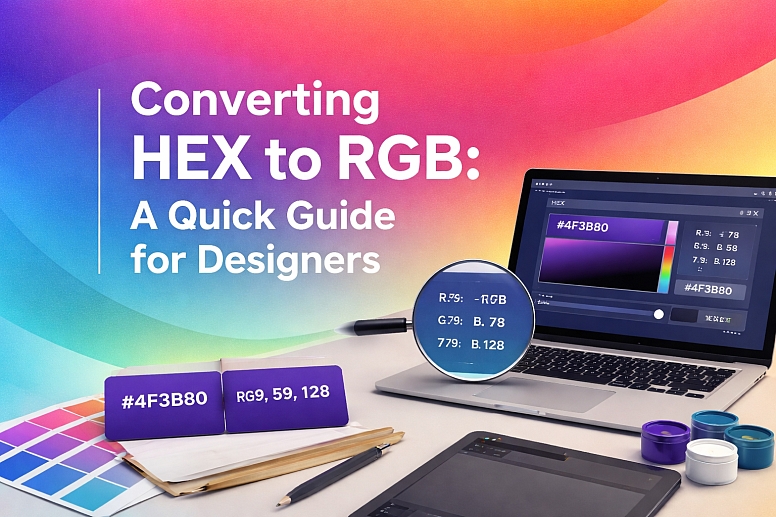
When building a website or designing digital graphics, you will inevitably run into different color formats. While graphic designers often lean toward HEX codes for web design, developers frequently rely on RGB for CSS styling, JavaScript manipulations, and canvas rendering. Knowing what you need to know about converting hex to RGB colors is a fundamental skill for anyone working in the digital space.
Understanding the Basics of Color Formats
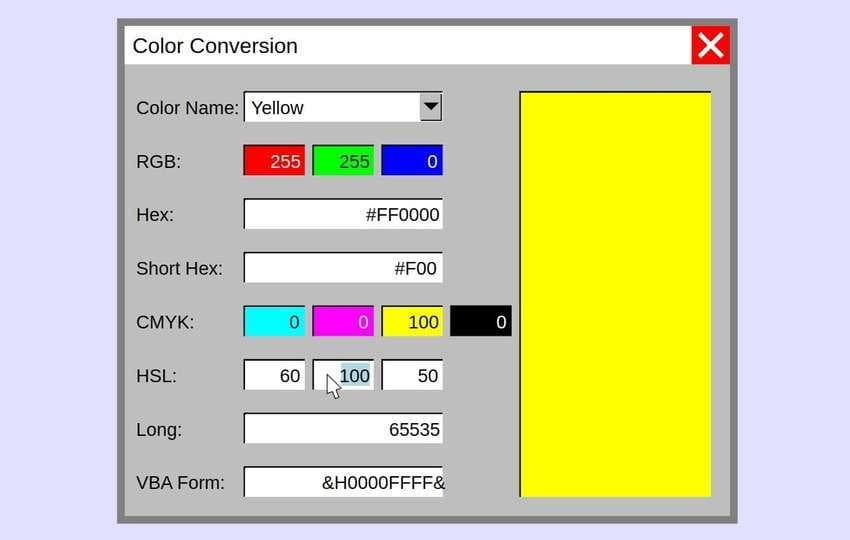
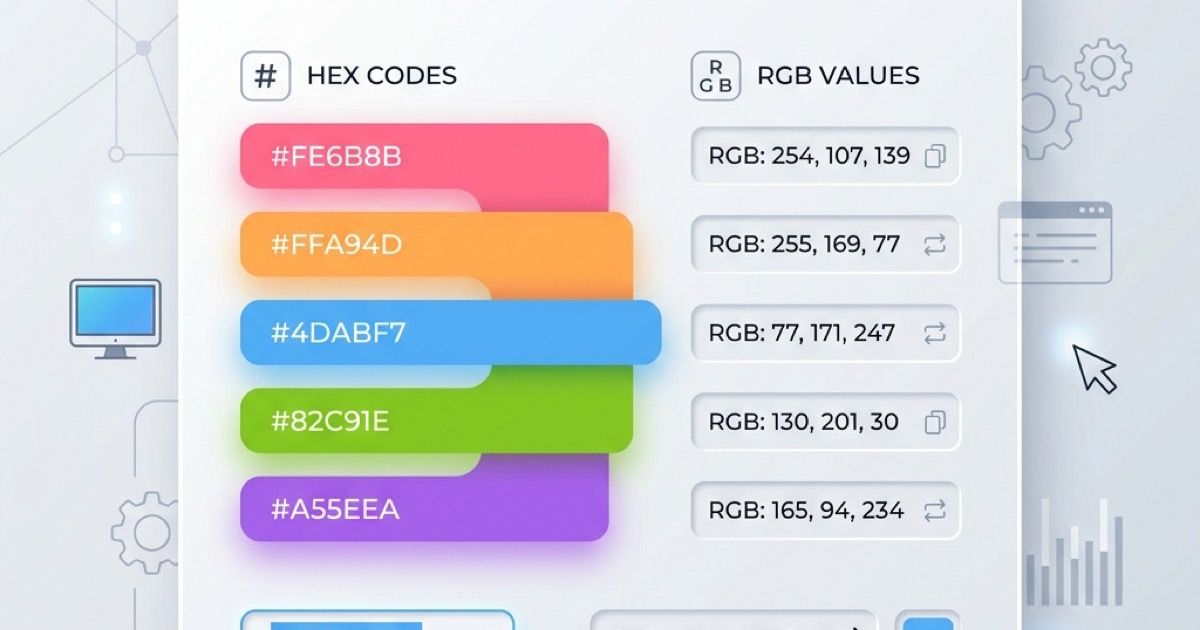
Before diving into the conversion math, it helps to understand what these two ubiquitous color codes actually represent. Both HEX and RGB describe the exact same spectrum of colors using the additive color model (Red, Green, and Blue), but they package that information differently.
What is a HEX Code?
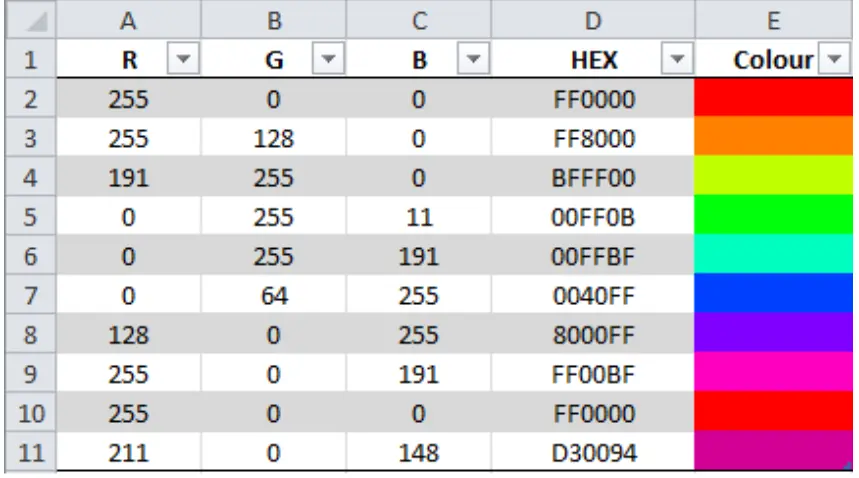
A HEX (hexadecimal) code is a six-digit, base-16 alphanumeric string preceded by a hash symbol (e.g., #FF5733). It is divided into three pairs:
- The first two characters represent the intensity of red.
- The middle two characters represent the intensity of green.
- The final two characters represent the intensity of blue.
Because it uses base-16, each character can range from 0 to 9 and A to F (where A equals 10 and F equals 15).
What is an RGB Code?
An RGB value, expressed as rgb(red, green, blue), uses the standard base-10 decimal system. Each of the three color channels takes a numerical value ranging from 0 to 255. For example, pure black is rgb(0, 0, 0), while pure white is rgb(255, 255, 255).
How to Manually Convert Hex to RGB Colors
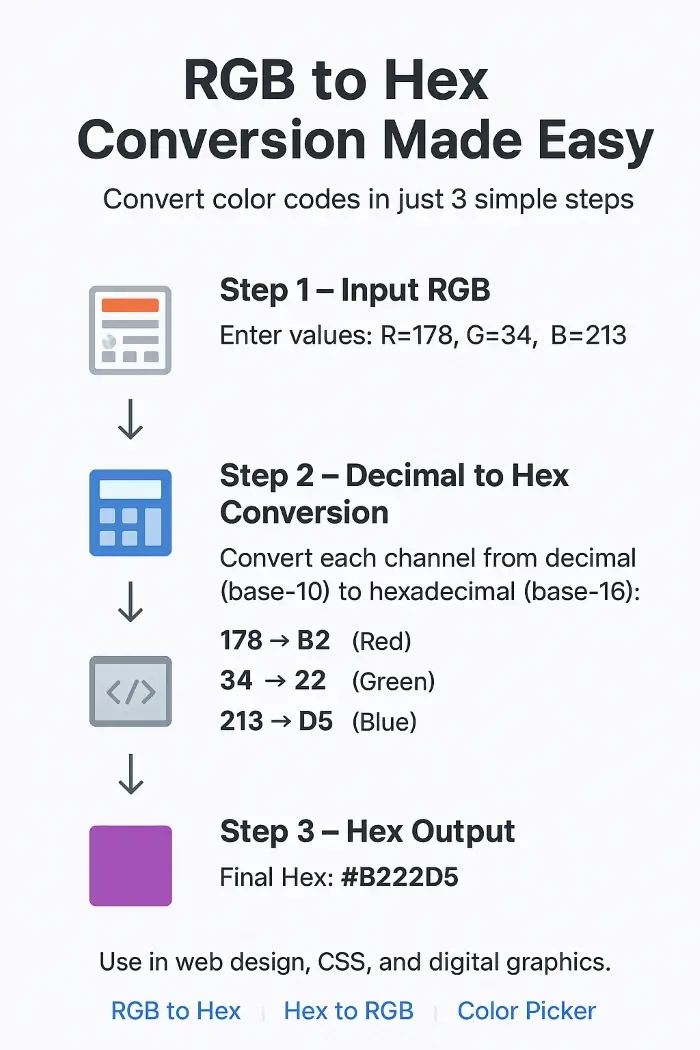
While most developers use online tools or eyedropper extensions, understanding the manual conversion process gives you a deeper appreciation of how digital colors work. Let's convert the HEX code #3A86EF into its RGB equivalent step by step.
Video: How to convert HEX to RGB Color Manually

- Break down the HEX code into pairs: Take
#3A86EFand separate it into Red (3A), Green (86), and Blue (EF). - Convert each hexadecimal pair to decimal: Multiply the first digit by 16, then add the value of the second digit.
Let's do the math for the Red channel (3A):
- The digit '3' represents 3. Multiply it by 16 to get 48.
- The letter 'A' represents 10.
- Add them together: 48 + 10 = 58. So, Red = 58.
- The digit '8' multiplied by 16 equals 128.
- The digit '6' equals 6.
- Add them together: 128 + 6 = 134. So, Green = 134.
- The letter 'E' represents 14. Multiply it by 16 to get 224.
- The letter 'F' represents 15.
- Add them together: 224 + 15 = 239. So, Blue = 239.
- Compactness: HEX codes take up fewer characters (six digits plus a hash), making them cleaner to read in static stylesheets.
- Opacity Control (RGBA): While modern CSS supports 8-digit HEX codes with alpha channels (e.g.,
#FF573388), older browsers struggle with transparency in HEX. Converting to RGB allows developers to easily usergba()and adjust transparency with a simple decimal float (e.g.,rgba(58, 134, 239, 0.5)). - JavaScript Manipulations: When building color pickers, dynamic themes, or canvas animations, adjusting individual red, green, or blue integer values in JavaScript is much easier than parsing hexadecimal strings.
- Online Converters: Bookmarking a quick web-based converter lets you paste a HEX code and instantly copy the RGB output.
- Design Software: Software like Adobe Photoshop, Figma, and Illustrator display both codes simultaneously in the color panel. Clicking into either field lets you copy what you need instantly.
- Browser DevTools: Inspecting any web element in Chrome or Firefox allows you to click the color swatch and toggle between HEX, RGB, and HSL formats with a single click.
Next, calculate the Green channel (86):
Finally, calculate the Blue channel (EF):
Putting it all together, the HEX code #3A86EF converts to the RGB value rgb(58, 134, 239).
Why Do We Convert Between Formats?
You might wonder why we need both formats if they represent the exact same visual output. Different scenarios call for different tools:
Quick Reference and Conversion Shortcuts
Memorizing conversion math isn't practical for daily workflow. Instead, utilize these efficient workflows:
Conclusion
Converting between color models is a routine task in web development and design. Whether you are adjusting CSS variables, writing dynamic JavaScript, or collaborating with a team, knowing how HEX and RGB relate to one another ensures your brand colors remain consistent across every platform and device.