Create Your Own Short Story Book with Editable PDF
Whether you are a parent looking to preserve your child's bedtime tales, a teacher assembling a classroom anthology, or an aspiring author testing the self-publishing waters, making a physical book is deeply rewarding. Today, you do not need an expensive design agency or complex layout software to bring your vision to life. You can seamlessly create your own short story book with an editable PDF, saving time while maintaining complete creative control over your project.

Using editable PDF templates allows you to focus on storytelling and basic curation rather than wrestling with margins, bleed lines, and typography scaling. This guide will walk you through everything you need to know, from selecting the right layout to exporting a print-ready file.
Why Use an Editable PDF for Your Story Book?
When starting a book layout project, many creators jump straight into complex design suites like Adobe InDesign. However, for short story collections, poetry books, and anthologies, an editable PDF template offers several distinct advantages:
- User-Friendly: You can open and edit these files using standard PDF software or accessible browser tools without a steep learning curve.
- Consistent Formatting: Margins, headers, page numbers, and font hierarchies are pre-set, ensuring your book looks balanced from cover to cover.
- Cost-Effective: Many editable PDF templates are available for free or at a very low cost, making self-publishing accessible on any budget.
- Instant Preview: Because PDFs preserve formatting across devices, what you see on your screen is exactly what prints on the page.
Step-by-Step Guide to the Creation Process
Building your custom book requires a structured workflow. Follow these steps to take your project from a blank document to a finished, professional product.
1. Gather and Edit Your Stories
Before touching any layout design, ensure your content is polished. For a short story collection, consistency is key:
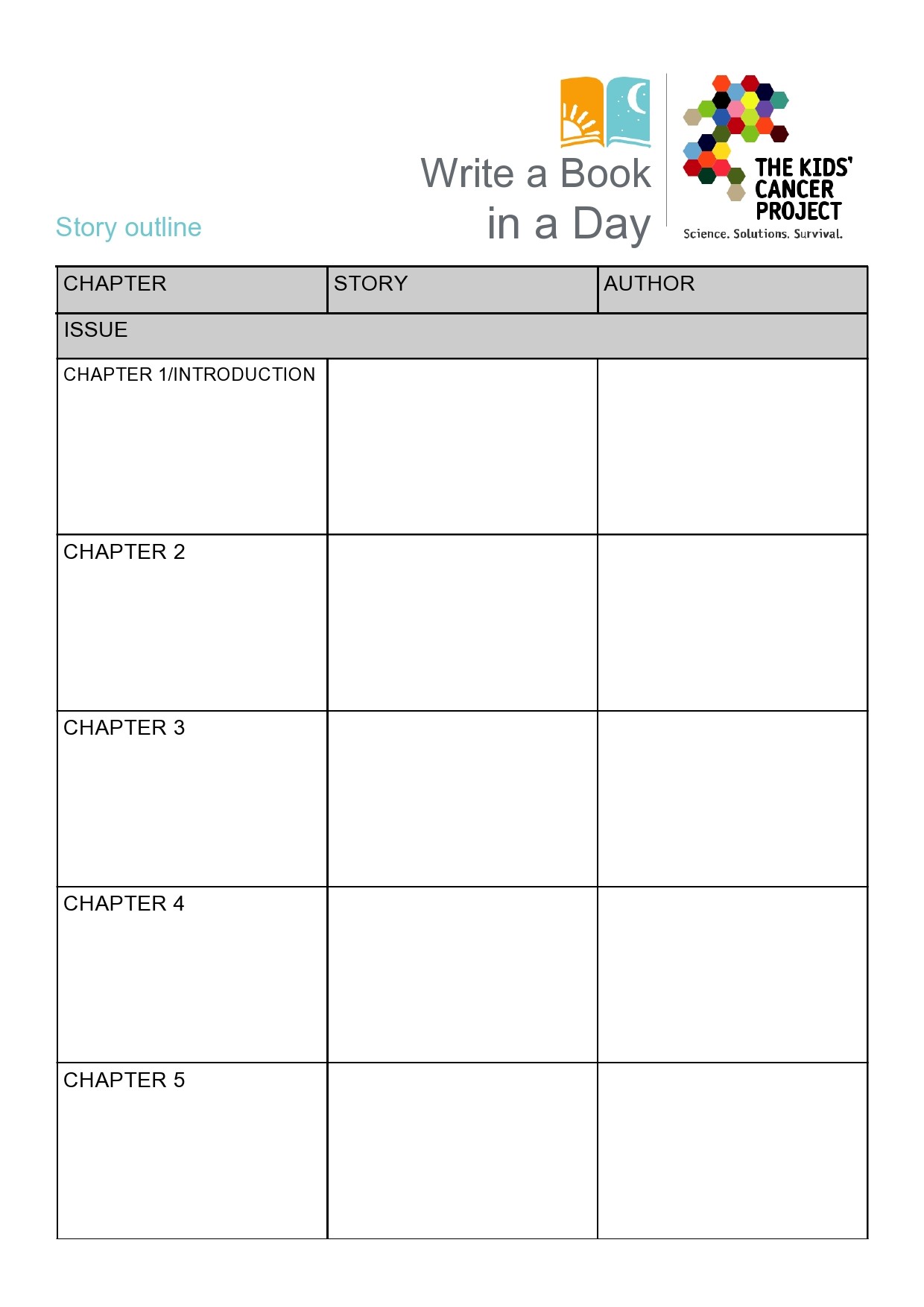
- Select stories that share a thematic link or target audience.
- Run your text through a thorough proofreading pass or grammar checker.
- Decide on an order. Strong openings and satisfying conclusions matter just as much in a collection's sequence as they do within individual plots.
2. Choose Your Template and Dimensions
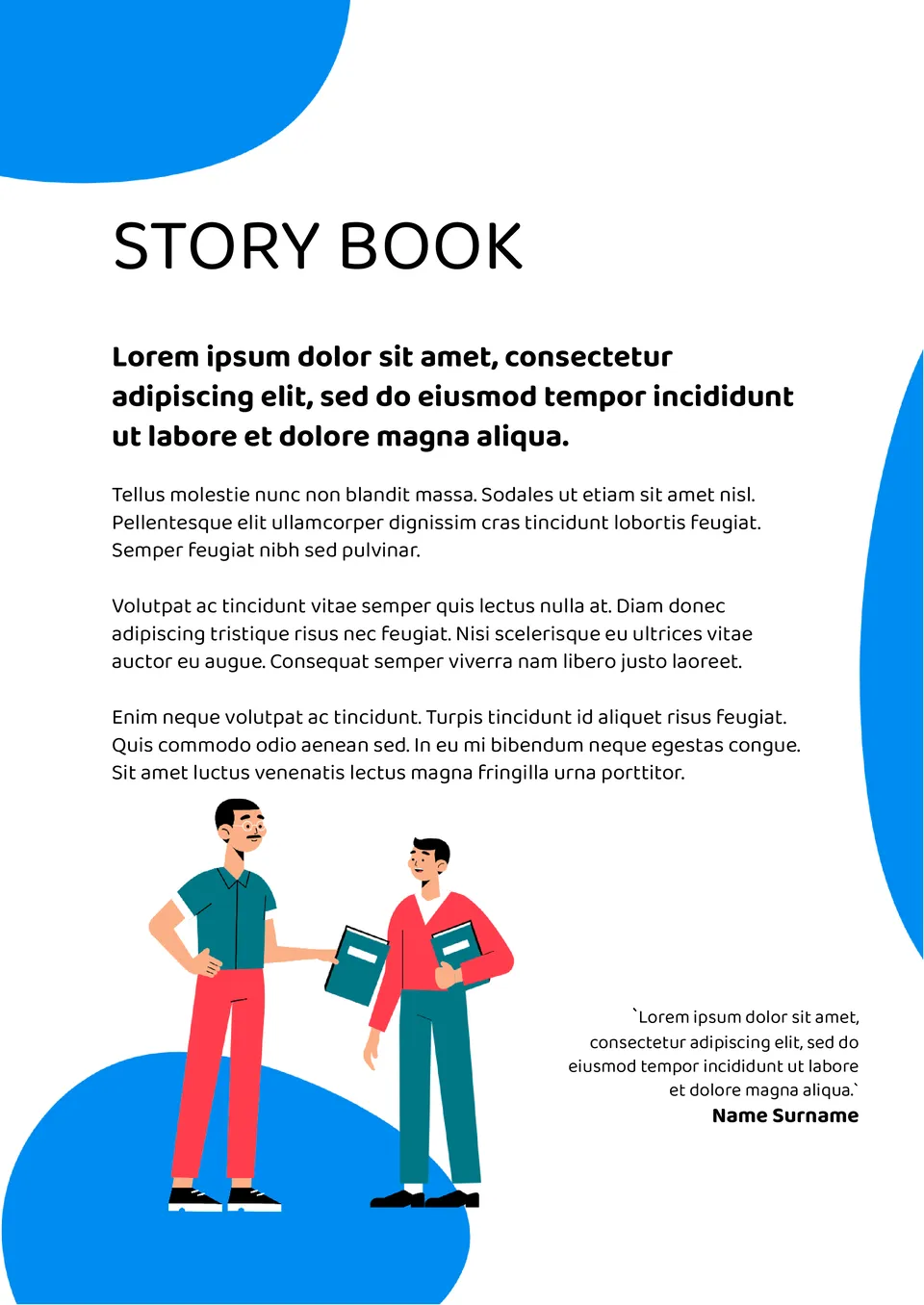
Standard book sizes range from pocket-friendly 5x8 inches to standard 6x9 novels and larger 8.5x11 children's picture books. When you search for your editable PDF template, make sure the dimensions match your intended final print size. Verify that the file includes placeholder text boxes for titles, chapter headings, body paragraphs, and page numbers.
Video: CREATE Your Own Story Book For Kids Like A PRO With Canva And ChatGPT!

3. Input Your Content
Open your editable PDF in a compatible reader or editor. Copy and paste your stories into the designated text blocks. As you populate the pages, keep these design best practices in mind:
- Typography: Stick to readable serif fonts (like Garamond or Times New Roman) for body text, and clean sans-serif fonts for titles.
- Font Size: Aim for 10 to 12-point font for comfortable reading, with 1.15 to 1.5 line spacing.
- White Space: Do not overcrowd the pages. Allow generous margins so your text does not get swallowed by the book's binding (the gutter).
4. Design the Cover
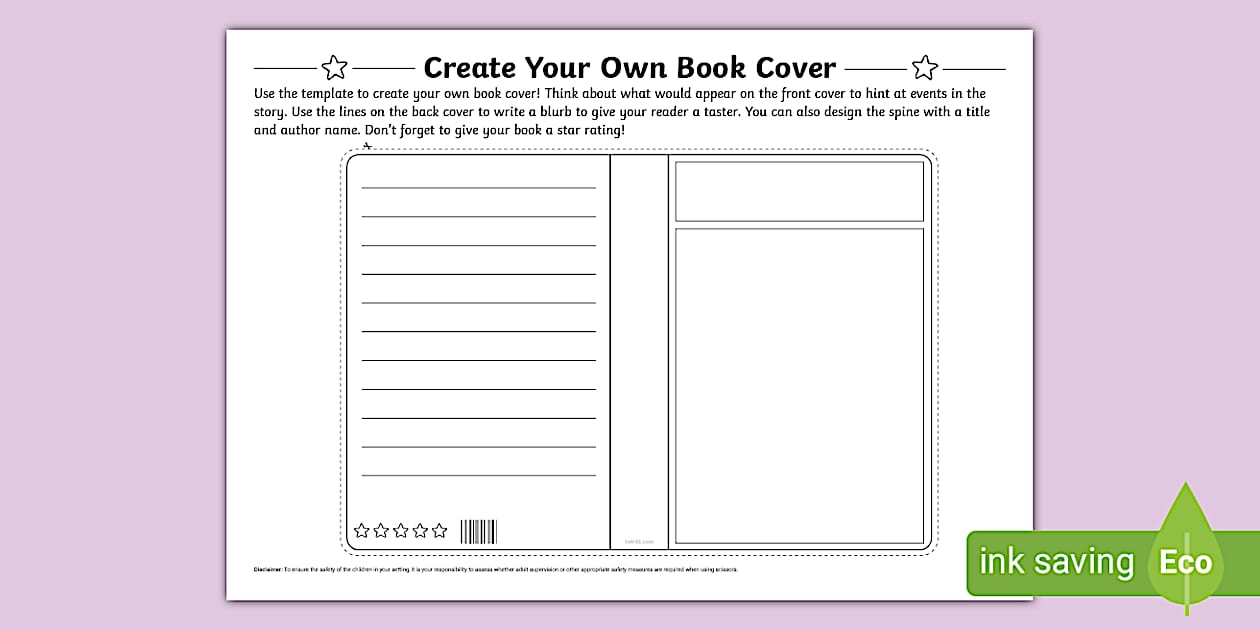
Your cover is the first thing readers will see. Many editable PDF book kits include a front and back cover layout. Add a striking title, your author name, and a brief blurb on the back cover summarizing the collection. If your PDF editor allows, insert a relevant illustration or royalty-free stock image that sets the mood for your stories.
Tips for Printing Your Custom Book
Once you are completely satisfied with how your editable PDF looks, it is time to prepare the file for output. Print-on-demand (POD) services like Amazon KDP, Lulu, or IngramSpark require specific file specifications.
Check that your PDF is saved at 300 DPI (dots per inch) for high-resolution clarity. Ensure all fonts are embedded within the PDF properties so they do not shift during the printing process. Finally, order a single physical proof copy before ordering in bulk. Flipping through an actual physical copy lets you catch minor layout errors, awkward page breaks, or text that sits too close to the edge of the paper.
Conclusion
Bringing a creative project into the physical world is an incredible milestone. By leveraging an accessible template, you can bypass the technical frustrations of traditional publishing layout design. Take your time curating your text, pay attention to interior formatting details, and enjoy the fulfilling process of holding your very own published work in your hands.