Cut the Cord: The Ultimate Guide to No Cable Antenna TV
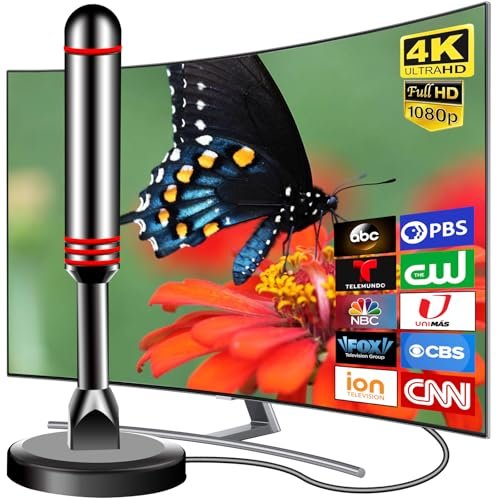
Are you exhausted from paying $100 or more every month for bloated cable packages filled with channels you never watch? You are not alone. Millions of households are cutting the cord in favor of simpler, cheaper entertainment options. One of the best-kept secrets in modern home entertainment is no cable antenna TV—a method that delivers crystal-clear, high-definition local broadcasting straight to your living room without a monthly subscription.

Far from the rabbit ears of the past, today's digital antennas are sleek, powerful, and capable of pulling in uncompressed broadcast signals that often look sharper than what you get from compressed cable or satellite providers. This guide will walk you through everything you need to know to ditch your cable provider and set up a reliable free-to-air antenna system.
How Modern Digital Antennas Work
In 2009, television broadcasting in the United States officially transitioned from analog to digital (ATSC 1.0), and a new standard, ATSC 3.0 (NextGen TV), is rolling out now. This digital transition means television signals are now transmitted using digital packets. When you use a digital antenna, you receive these over-the-air (OTA) broadcasts in native, uncompressed High Definition (HD) and even 4K HDR.
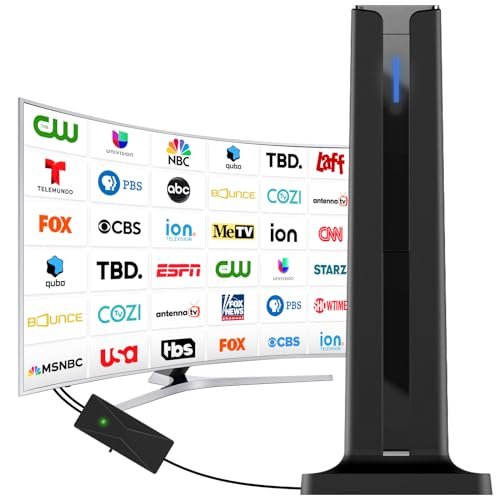
Because the signal isn't compressed by a cable provider, the picture quality is frequently superior to cable or satellite transmission. Major networks like ABC, CBS, NBC, FOX, PBS, and The CW broadcast their primary feeds for free over the air. Depending on your location, you may also receive dozens of sub-channels dedicated to classic movies, sports, news, and specialized programming.
Types of Antennas: Choosing the Right One
Selecting the right hardware is the most critical step in setting up a no cable antenna TV system. Your choice depends primarily on your distance from broadcast towers and obstacles in your area.
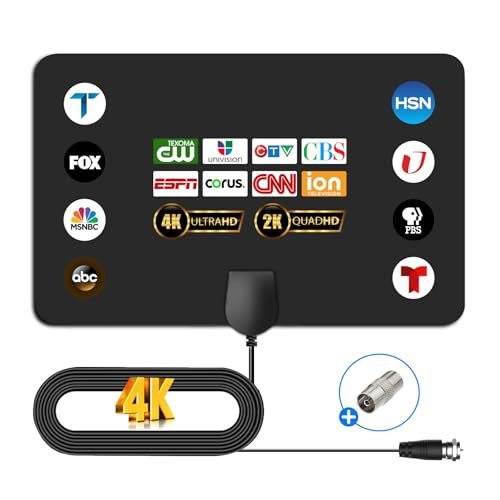
1. Indoor Flat Antennas
These are thin, paper-like rectangles that can be taped to a wall or hidden behind a television. They are ideal for urban and suburban environments where broadcast towers are within 15 to 30 miles. They are inexpensive, easy to install, and discreet.
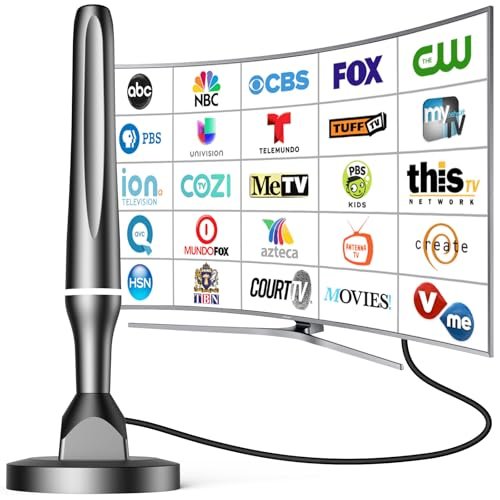
2. Indoor/Outdoor Amplified Antennas
If you live a bit further out—roughly 30 to 50 miles from transmission towers—you might need an amplified antenna. These devices include a small signal booster (powered by USB or a wall outlet) to strengthen weaker signals before they reach your television tuner.
3. Outdoor and Attic Antennas
For rural areas or homes surrounded by heavy dense foliage and tall buildings, a traditional rooftop or attic-mounted directional antenna is necessary. These capture long-range signals up to 70 to 100 miles away, bringing in stations that indoor antennas simply cannot reach.
Step-by-Step Setup Guide
Getting your free over-the-air television up and running takes less than 15 minutes. Follow these simple steps for the best results:
- Check Your Coverage: Visit a site like AntennaWeb.org or RabbitEars.info. Enter your zip code to see which broadcast towers are near you, what direction they are facing, and what channels you can realistically expect to receive.
- Connect to the TV: Plug the coaxial cable from your antenna directly into the "ANT/IN" or "CABLE/ANTENNA" port on the back of your television. Modern flat-screen TVs have built-in digital tuners (ATSC tuners), meaning you do not need an external converter box.
- Position the Antenna: Place the antenna near a window or on an exterior wall facing the direction of the broadcast towers you identified in step one. Avoid placing it directly next to large metal objects or heavy electronic interference.
- Run a Channel Scan: Using your television remote, go to the settings menu, locate the "Channels" or "Broadcasting" tab, and select "Auto Tune" or "Channel Scan." Your TV will cycle through the frequencies and save every available station.
Pros and Cons of Going Over-the-Air
Before committing entirely to a cable-free lifestyle, it helps to weigh the practical advantages and limitations of relying solely on an antenna.
- 100% Free: Once you purchase the antenna, you never pay another cent for local programming. No monthly fees, equipment rentals, or hidden broadcast surcharges.
- Uncompressed HD Quality: Enjoy high-definition network broadcasts without the bandwidth compression that cable companies use.
- Emergency Reliability: During severe storms or internet outages, broadcast TV remains operational, keeping you connected to local emergency alerts and weather updates.
- No Pay Cable Channels: You will not get popular cable-exclusive networks like ESPN, HGTV, or CNN through an antenna alone.
- Signal Variability: Terrain, weather, and distance can occasionally disrupt reception, requiring minor adjustments to antenna placement.
Combining Your Antenna with Streaming Services
Most modern cord-cutters do not rely *only* on an antenna. Instead, they combine a no cable antenna TV setup with affordable streaming services like Netflix, Disney+, or a live TV streaming provider (such as YouTube TV or Hulu + Live TV) if they truly miss cable sports and cable networks.
Many smart TVs and streaming devices (like Amazon Fire TV and Roku) even integrate antenna channels directly into their main program guides alongside streaming apps. This creates a seamless viewing experience where local broadcast channels and internet apps live side-by-side.
Final Thoughts
Setting up a digital antenna is one of the quickest, most cost-effective financial decisions you can make for your household. By taking advantage of free over-the-air broadcasts, you can easily slash your monthly entertainment expenses while still enjoying local news, live sports, and prime-time network television in stunning high definition.