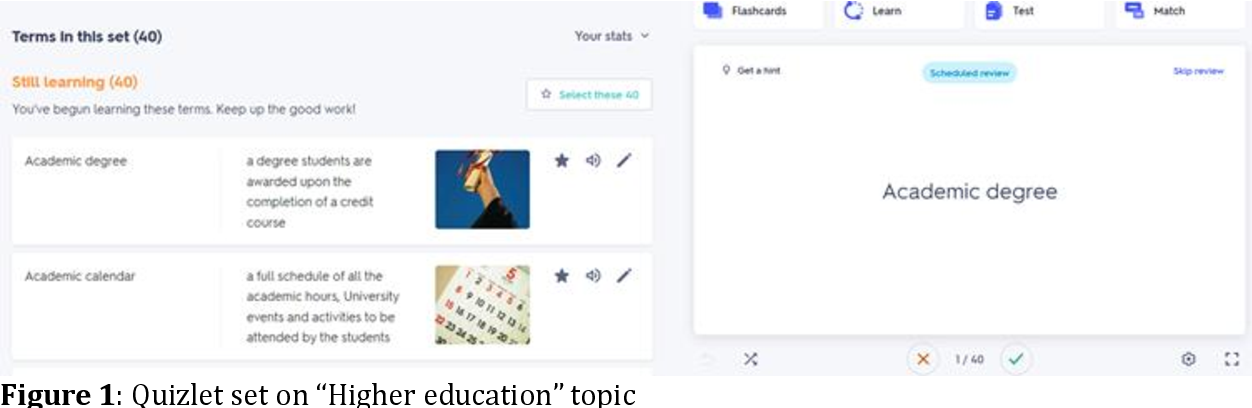
Does Quizlet Snitch? What Teachers Can See
When cramming late at night or double-checking an answer on an assignment, almost every student wonders the same thing: does Quizlet snitch on you when you browse flashcard sets or search for quiz questions? The fear that an automated notification will land in your professor's inbox the moment you click on a study set is widespread, but the reality is more nuanced than simple yes-or-no rumors on campus.

To understand whether your Quizlet activity can get back to your instructor, you have to separate what the platform automatically reports from what your school can uncover during a formal academic dishonesty investigation. Here is an honest, technical look at what Quizlet shares, what it keeps private, and how students actually get caught.
Does Quizlet Snitch to Your School? The Short Answer
In standard, day-to-day use, no, Quizlet does not snitch on you. Quizlet does not send automated alerts, push notifications, or activity summaries to your teacher simply because you searched for a concept, viewed public flashcards, or practiced using Learn mode.
If you have an independent Quizlet account registered under your personal email address, your browsing activity on public study sets is anonymous to outside observers. A professor cannot log into Quizlet and pull up a global list of everyone who viewed a particular question or answer key.
However, there are critical exceptions where Quizlet can reveal your identity or study behavior:
- You are enrolled in an official Quizlet Class created by your teacher.
- Your school launches a formal academic integrity investigation and submits an official inquiry to Quizlet.
- You upload copyrighted or unauthorized exam materials under an identifiable username or institutional email.
What Teachers Can Actually See on Quizlet
What an instructor can see depends entirely on how your account is connected to theirs. There is a vast difference between studying independently and using Quizlet as part of a teacher-led classroom.
1. Independent, Public Browsing
If you search Quizlet for study sets created by other users, the creator of the set cannot see your identity. Quizlet displays view counts and high scores on public games (like Match or Gravity), but it does not provide user-by-user access logs to everyday creators.
2. Quizlet Class Tracking (Quizlet Teacher)
If your teacher asked you to join a specific class on Quizlet using an invite link, the situation changes. Teachers who pay for a Quizlet Teacher subscription have access to Class Progress features. Within that designated class, a teacher can see:
- Which students have started studying a set assigned to that class.
- Which study modes you used (e.g., Flashcards, Learn, Test).
- When you last practiced the material.
- Your completion rates and overall accuracy.
Even with Quizlet Teacher, an instructor only sees your activity on sets assigned inside their class. They cannot see your external searches, sets you view outside their class group, or private study materials you have made on your own.
Can Quizlet Share Your Information During an Investigation?
While Quizlet won't proactively message your teacher, it will cooperate with educational institutions under specific, formal circumstances. This is where many students misunderstand how Quizlet operates.
Quizlet maintains a strict Honor Code and Terms of Service that explicitly forbid using the platform to cheat, publish live exam questions, or violate institutional academic policies. When a university dean, professor, or integrity board suspects widespread cheating—such as a leaked midterm found word-for-word on Quizlet—they can file an official request.
What Happens During a Formal Inquiry
If an authorized school official submits a substantiated claim involving test material or academic misconduct, Quizlet's Trust & Safety team can investigate. Depending on the legal and policy thresholds met, Quizlet may disclose:
- Account Details: The username, display name, and email address linked to the account that created or edited the set.
- Timestamps: The exact date, minute, and second the study set was created, modified, or accessed.
- IP Addresses: The network address used to upload or alter the content, which campus IT departments can easily trace to a specific dorm room or student network login.
Quizlet rarely hands over this data for minor homework questions, but for high-stakes exams, standardized tests, or widespread course leaks, university integrity boards have successfully retrieved this information to discipline students.
The Real Culprit: Learning Management Systems (LMS)
Many students who believe "Quizlet snitched" were actually caught by their school's own software, not Quizlet itself. Modern educational platforms track behavior far more aggressively than flashcard apps do.
Canvas and Blackboard Activity Logs
Learning platforms like Canvas track when a student navigates away from an active quiz page. Canvas logs an event called "Stopped viewing the Canvas quiz" the second your browser window loses focus. If you open a new tab to check Quizlet, Canvas logs the exact timestamp you left the quiz and the timestamp you returned. When an instructor compares your Canvas log with the time you answered a difficult question correctly, circumstantial evidence mounts quickly.
Proctoring Extensions and LockDown Browsers
Tools like Respondus LockDown Browser, Honorlock, and Proctorio actively block secondary tabs, record screen activity, and monitor network traffic. Honorlock, for example, utilizes patented technology to detect secondary devices (like a smartphone) searching for exam questions on the same local Wi-Fi network. If you look up a question on your phone via Quizlet while taking an exam monitored by Honorlock, the proctoring software—not Quizlet—flags the search.
Best Practices for Using Quizlet Safely and Ethically
Quizlet remains one of the most effective study utilities available when used properly. To keep your account secure and prevent misunderstandings with your school, follow these sensible guidelines:
- Use a Personal Email: Register your independent study account with a personal email address rather than your official .edu school address.
- Keep Your Study Sets Private: If you create study flashcards from lecture slides or syllabus material, set their visibility to "Just me" or "People with a password." This prevents professors from mistaking your personal study notes for leaked exam materials.
- Never Upload Live Test Questions: Copying and pasting questions from an active exam, take-home midterm, or proprietary quiz bank into Quizlet is a direct violation of Quizlet's Terms of Service and guarantees severe penalties if investigated.
- Study Before the Test, Not During It: Never attempt to access Quizlet during an online test, even if it is unproctored. LMS background logging makes tab-switching easy to spot.
Final Thoughts
Quizlet is not a spy tool engineered to trap students, and it does not automatically report your search history to instructors. However, it is not an anonymous black box either. Between class tracking tools, LMS audit logs, and official academic integrity investigations, relying on Quizlet to bypass genuine learning carries undeniable risks. Treat Quizlet as a tool for preparation, keep your original study materials private, and you won't have to worry about whether the platform is reporting your activity.