Don't Use MyChart TVC Until You See THIS!
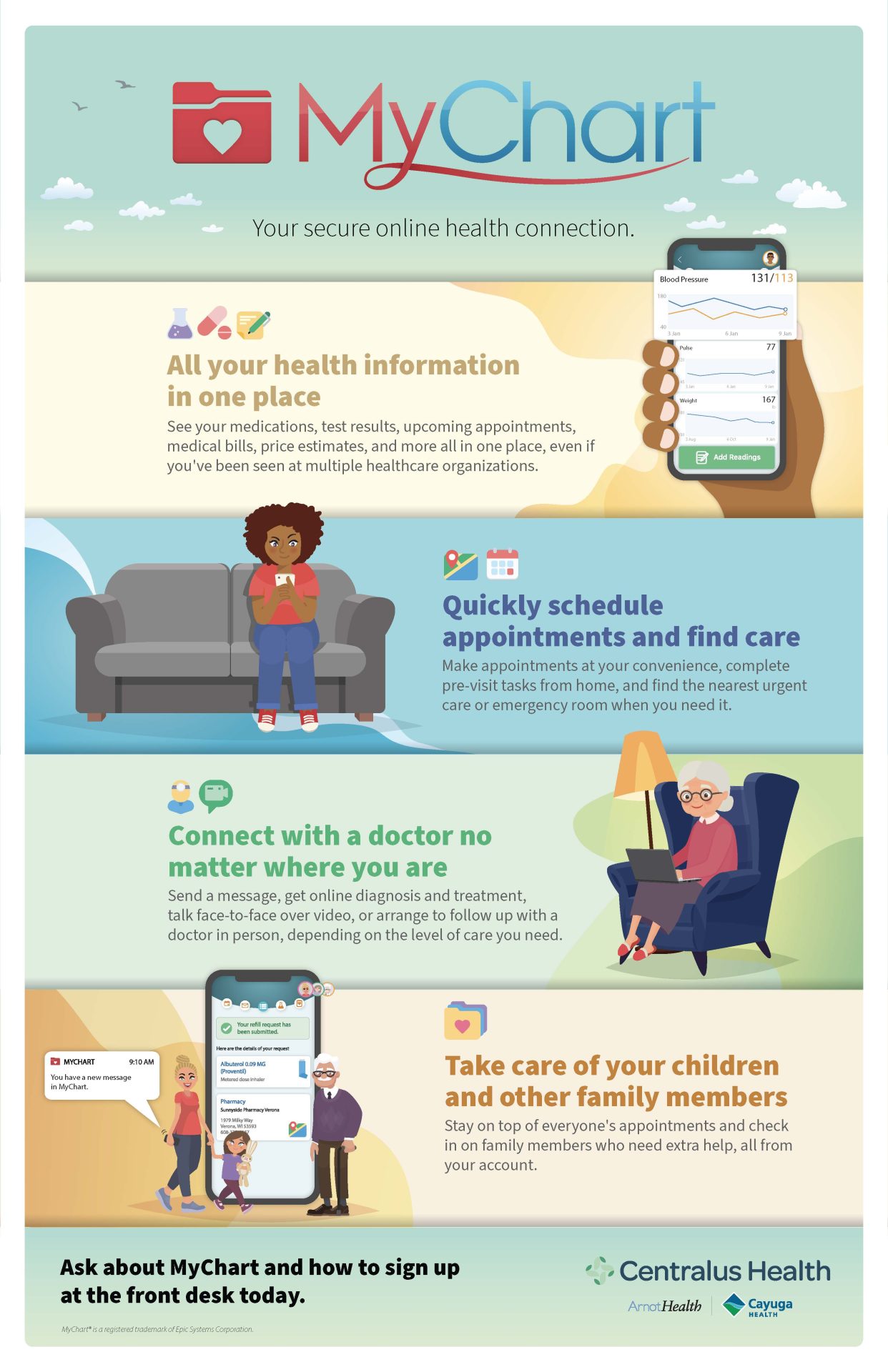
Patient portals have transformed how we interact with healthcare providers, making refills, lab results, and scheduling available at our fingertips. However, if you are a patient at The Vancouver Clinic in Southwest Washington, don't use MyChart TVC until you see this guide detailing recent platform updates, hidden billing rules, and essential security practices.
While MyChart offers undeniable convenience, diving into the platform without understanding how provider messaging is billed, how proxy access works, or how to secure your private health information can lead to unexpected bills and frustrating technical headaches. Here is everything you need to know before your next login.
The Hidden Cost: When Messaging Your Doctor Isn't Free
For years, sending a quick note through MyChart was seen as an informal, free alternative to an in-office visit. However, healthcare systems across the Pacific Northwest, including The Vancouver Clinic (TVC), have adapted their policies regarding digital communication.
Clinicians now process hundreds of digital queries daily. To accommodate the extensive clinical time required to assess symptoms, review medical histories, and adjust prescriptions online, certain complex messages are now classified and billed as virtual or asynchronous consultations.
What Usually Remains Free:
- Scheduling, rescheduling, or canceling appointments
- Requesting routine prescription refills without dosage changes
- Brief follow-up questions related to an appointment or procedure completed within the last 7 days
- Clarifying instructions already provided during a recent visit
- Billing and general administrative inquiries
What May Incur a Bill:
- Inquiries about a new symptom or condition you haven't been evaluated for
- Requests to evaluate or change long-term treatment plans
- Complex medication management adjustments
- Inquiries requiring detailed chart review, imaging evaluation, or specialist coordination
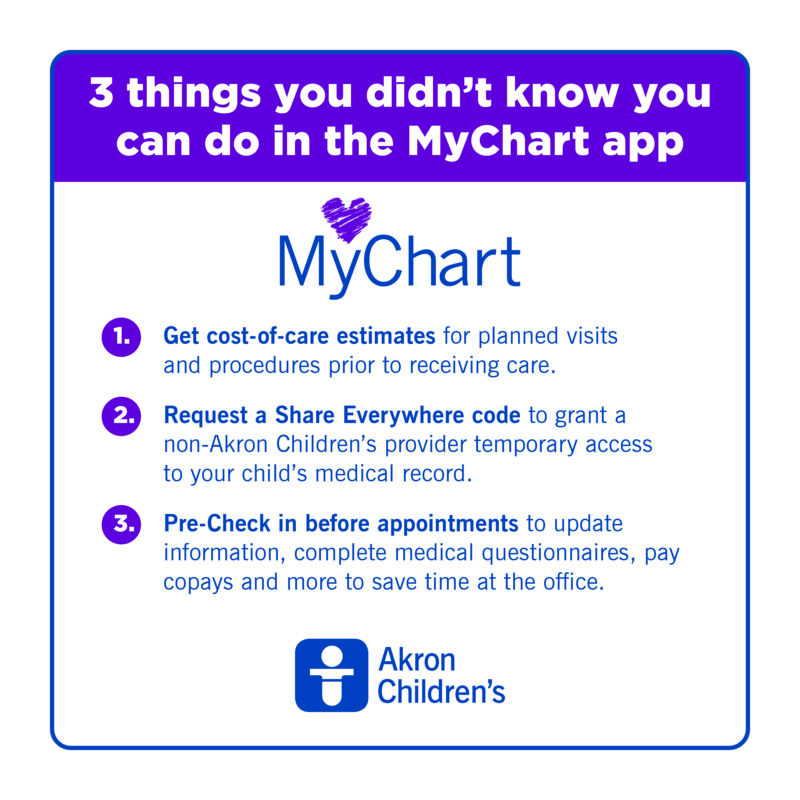
If a message requires more than five to ten minutes of clinical assessment, TVC may submit a claim to your insurer. Depending on your deductible, co-insurance, or copay, you could see an out-of-pocket balance. Before typing a lengthy message describing a new health complaint, determine whether booking a standard telehealth or in-person slot makes more financial sense.
Crucial Precautions: Don't Use MyChart TVC Until You See This Security Setup
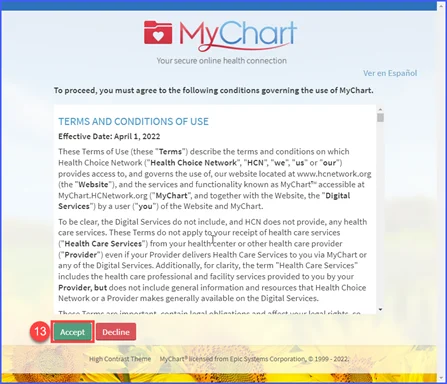
Your MyChart portal contains an immense volume of sensitive data: diagnoses, medication history, insurance identifiers, social security numbers, and home addresses. Because patient portals are prime targets for credential-stuffing attacks, setting up baseline security is not optional.
- Activate Two-Step Verification: TVC supports multi-factor authentication (MFA). When enabled, logging in requires both your password and a temporary verification code sent via text message or authenticator app. This ensures that even if your password is leaked in a third-party data breach, your medical records remain safe.
- Never Share Account Credentials: Spouses and caregivers often share login details for convenience. Doing so violates platform terms and compromises audit trails. If a caregiver or family member needs access, use Proxy Access instead.
- Review Connected Third-Party Apps: Under federal interoperability rules, you can connect fitness trackers and external health management apps to MyChart. Regularly audit the "Manage External Access" section to revoke permissions for third-party platforms you no longer use.
Navigating Proxy Access: Kids, Teens, and Aging Parents
One of the most confusing elements of MyChart TVC is proxy permissions, particularly for pediatric and adolescent care.
Children Aged 0 to 11
Parents and legal guardians enjoy full portal access. You can review immunizations, book pediatric appointments, message pediatricians, and view clinical notes.
Teens Aged 12 to 17
Washington State law provides robust privacy protections for minors regarding reproductive health, mental health, and substance treatment. Consequently, when a child turns 12, standard parental access is automatically restricted. Parents can typically still view immunization histories and message providers on the teen's behalf, but detailed clinical notes and specific test results may be shielded unless the adolescent grants explicit digital authorization.
Adult Dependent Access
If you care for an elderly parent or an adult dependent, you must complete an official Adult Proxy form. Once processed by TVC Health Information Management, you can toggle between your personal record and the dependent's record within the same dashboard without switching credentials.
Top Features Most TVC Patients Overlook
Beyond checking basic test results, the TVC MyChart portal offers several underutilized tools designed to save time and reduce clinic wait times:
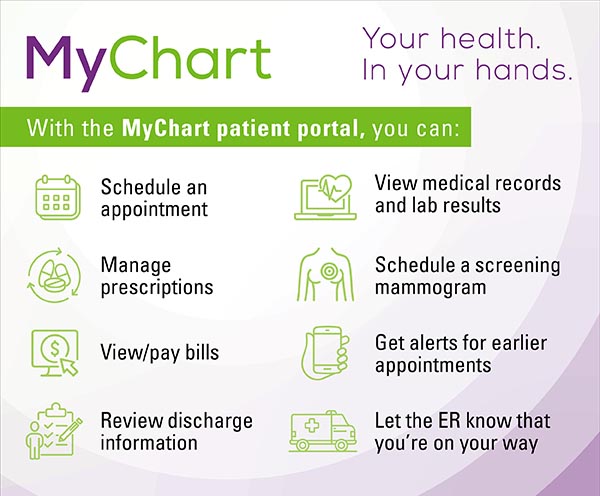
- eCheck-In: Available up to several days prior to an appointment. Complete your demographic verification, insurance rechecks, clinical questionnaires, and copays from your phone. This allows you to skip front-desk lines upon arrival.
- Fast Pass (Waitlist Activation): If your desired appointment date is weeks out, toggle the "Add to Waitlist" switch during booking. If an earlier cancellation occurs, MyChart immediately pings you via push notification or SMS. Offers are time-sensitive, so respond quickly to claim the earlier slot.
- Immediate Lab Releases: Under the 21st Century Cures Act, test results are released into your portal as soon as the laboratory finalizes them. This means you might review pathology, bloodwork, or imaging notes before your physician has had time to analyze them. Avoid panicking over flagged values until your provider posts their formal clinical interpretation.
- Direct Provider Scheduling: Many patients assume they must call the clinic switchboard to see their primary care doctor. Established TVC patients can often book routine preventive exams, follow-ups, and flu shots directly inside the app, seeing real-time calendar availability.
Troubleshooting Common TVC MyChart Errors
Encountering technical roadblocks when you urgently need to contact your provider is frustrating. Keep these troubleshooting steps in mind:
- Account Lockouts: After multiple failed login attempts, your account is temporarily locked for security. Avoid repeated tries. Instead, use the "Forgot Username?" or "Forgot Password?" prompts to trigger a password reset email.
- Activation Code Expiration: The activation code provided on your clinic after-visit summary or billing statement expires after a set period. If it fails, navigate to the TVC MyChart landing page and select "Sign Up Online" to verify your identity using third-party verification tools instead of waiting for a new paper code.
- Mobile App vs. Web Browser: If the MyChart mobile app (powered by Epic Systems) experiences visual glitches or fails to attach photos for clinical messaging, open Safari, Chrome, or Edge on your computer and log in directly at mychart.tvc.org. The browser edition frequently works when the mobile wrapper fails.
Final Verdict: How to Get the Best Experience
The Vancouver Clinic MyChart portal is one of the most effective tools available for managing personal wellness in Clark County and surrounding regions. It drastically cuts down telephone hold times and puts medical history directly into your hands.
However, successful use requires intentionality: enable multi-factor authentication, set up formal proxy access for family members, reserve complex medical evaluations for formal visits to avoid unexpected messaging bills, and leverage tools like eCheck-In and Fast Pass. Armed with these best practices, you can navigate your healthcare securely, efficiently, and without unwelcome financial surprises.