FedEx Photocopies: Prices, Options & Services Guide
Everything You Need to Know About FedEx Photocopies

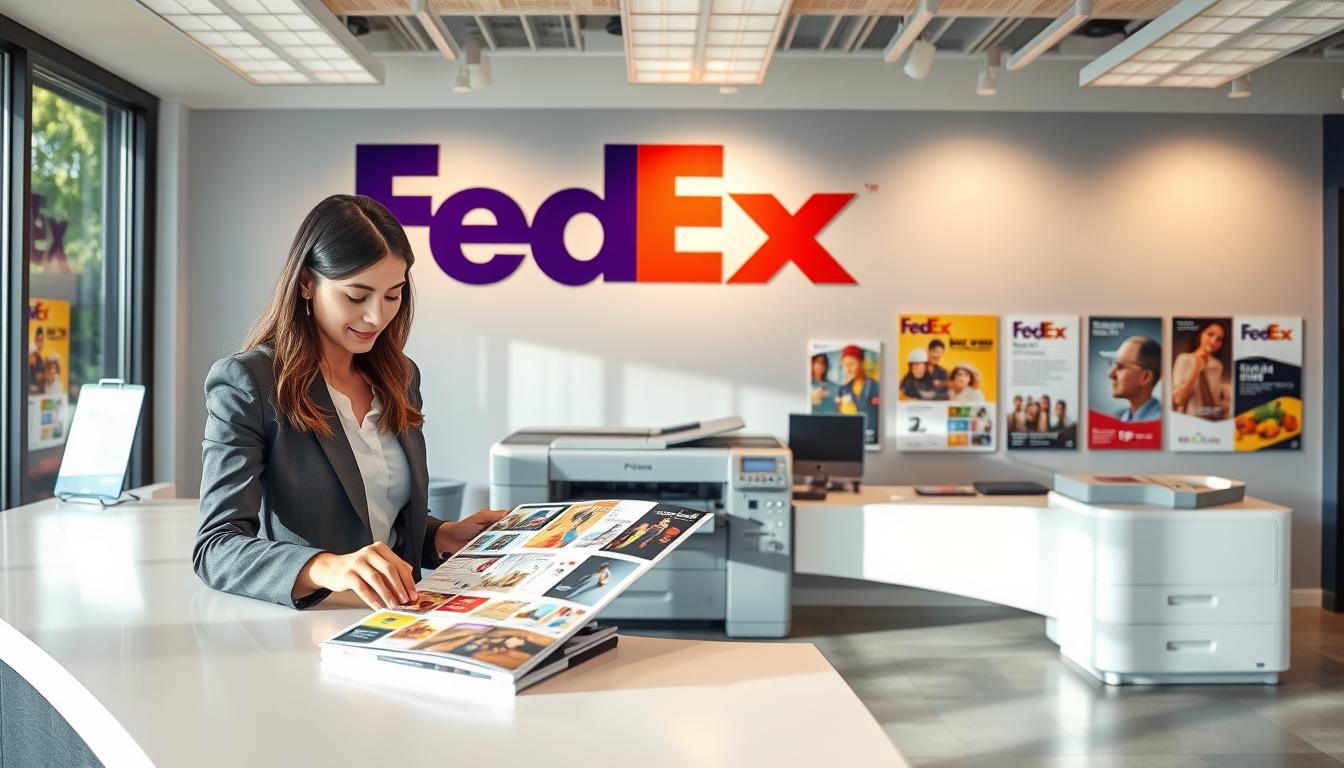
When you need physical duplicates of important documents, tax forms, or flyers quickly, heading to a local print and ship center is often the most reliable solution. For quick turnaround and widespread availability, FedEx photocopies remain a go-to choice for students, remote workers, and small business owners alike. While many people associate FedEx primarily with shipping, FedEx Office locations double as fully equipped print shops capable of handling everything from a single black-and-white page to thousands of bound color copies.
Navigating copy services can sometimes feel confusing if you are unsure about pricing structures, file formats, or whether to use the self-service machines or the full-service counter. This guide breaks down everything you need to know about getting photocopies at FedEx, including current costs, available paper stocks, and tips for making your visit seamless.
Self-Service vs. Full-Service Photocopies
When you walk into a FedEx Office print and ship center, you generally have two main paths for making photocopies: doing it yourself or letting an associate handle it. Choosing the right option depends on your budget, the complexity of your project, and how much time you have.
Self-Service Copying
Self-service copiers are ideal for quick, straightforward jobs. If you only need a handful of black-and-white pages duplicated, this is usually the fastest and most cost-effective route.
- How it works: You operate the copy machine yourself using either a touchscreen interface or a payment card reader. You can place your originals on the glass flatbed or feed them through the automatic document feeder.
- Payment: Most self-serve copiers accept credit cards, mobile payments (like Apple Pay or Google Pay), and copy cards purchased at the register. Coin and cash acceptance varies by location.
- Best for: Last-minute paperwork, single-sided or double-sided documents, and tight budgets.
Full-Service Copying
Full-service copying puts your project into the hands of a FedEx Office print associate. You hand over your physical originals or digital files, specify your requirements, and pick up the finished product when it is ready.
- How it works: An associate sets up the job on commercial-grade production printers. They can handle custom collating, heavy-duty stapling, folding, hole-punching, and specialized paper selection.
- Turnaround time: While simple jobs can often be done while you wait, larger runs may require a few hours or even a next-day pickup.
- Best for: Large document runs, complex formatting, specialized paper types, booklets, and projects requiring finishing touches like binding.
FedEx Photocopy Pricing and Costs
Copy pricing at FedEx Office varies slightly depending on whether you choose self-service or full-service, as well as whether you are printing in black-and-white or full color. Keep in mind that prices are subject to change and can vary slightly by geographical region.
Video: How To Use Fedex Print And Go
Estimated Self-Service Rates
- Black & White (Letter size, 8.5" x 11"): Typically ranges from $0.15 to $0.20 per page.
- Color (Letter size, 8.5" x 11"): Typically ranges from $0.50 to $0.70 per page.
- Larger sizes, such as legal (8.5" x 14") or ledger (11" x 17"), carry a slightly higher per-page cost.
Estimated Full-Service Rates
Full-service copying generally carries a base setup or convenience fee in addition to a slightly higher per-page rate compared to self-service machines, especially for smaller quantities. However, volume discounts often apply if you are printing hundreds or thousands of pages.
Paper Stocks and Finishing Options
Standard photocopies are typically printed on 20 lb. or 24 lb. multi-purpose paper. However, FedEx Office provides a variety of paper weights and finishes if your project calls for something more professional.
- Standard Paper: Great for everyday drafts, notes, and internal office documents.
- Presentation Paper (Heavier weight/matte): Ideal for reports, proposals, and resumes where a sharper image and sturdier feel are desired.
- Glossy or Matte Cardstock: Perfect for flyers, promotional materials, invitations, and presentation covers.
Beyond paper selection, you can enhance your photocopies with various finishing services available at the full-service counter:
- Binding: Choose from coil, comb, or tape binding to turn loose photocopies into professional-looking booklets or reports.
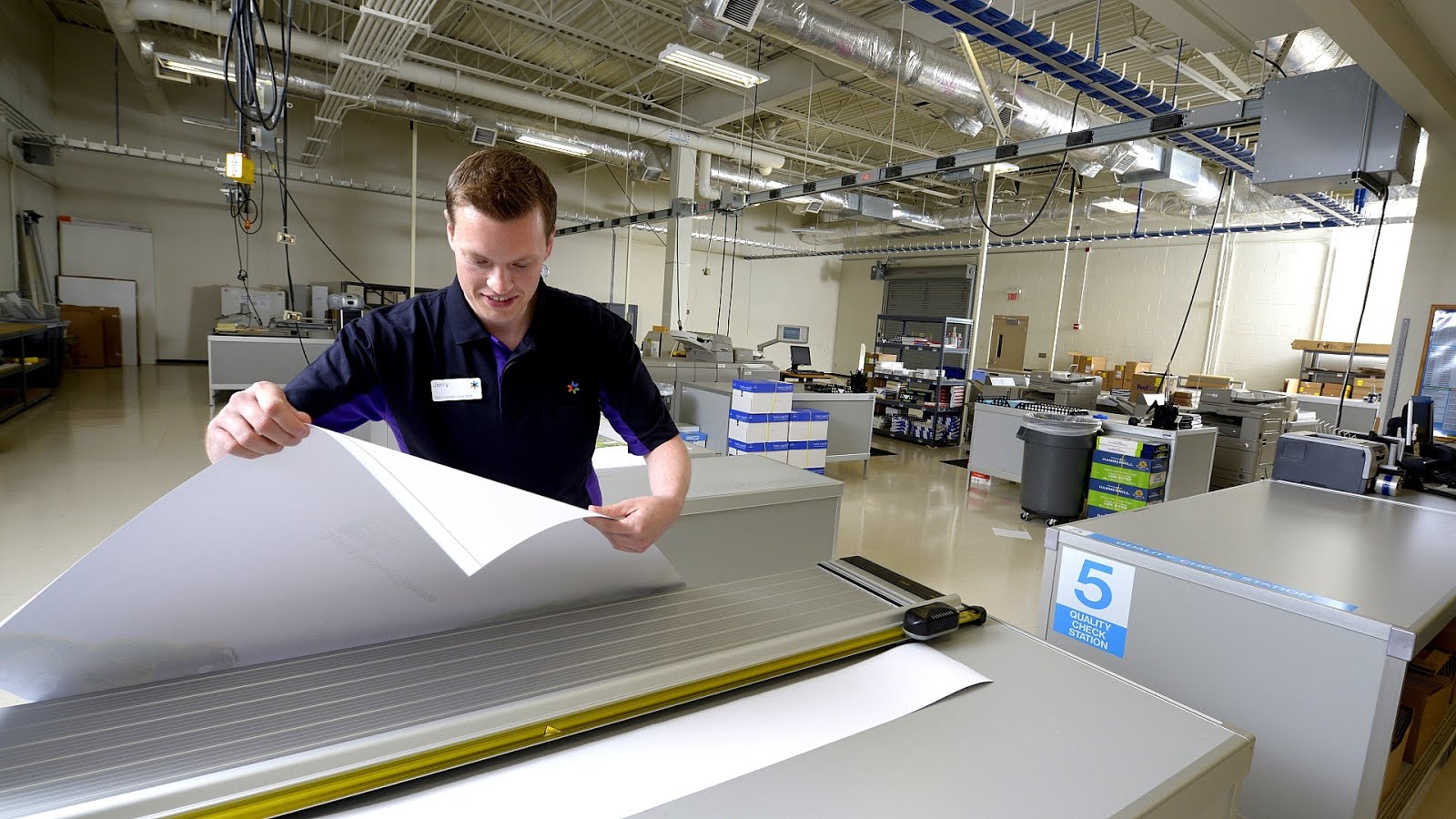
- Cutting and Trimming: Precise trimming for flyers, postcards, or custom-sized sheets.
- Lamination: Protect frequently handled documents, menus, or educational flashcards from spills and wear.
- Stapling and Hole-Punching: Standard corner stapling or multi-hole punching for binders.
How to Order Photocopies Online
If you prefer not to wait in line or want to ensure your copies are ready for pickup when you arrive, you can submit your order online through the FedEx Office website.
- Upload your files: Save your documents as PDFs to preserve formatting, then upload them to the FedEx Office print portal.
- Select your specifications: Choose paper size, color vs. black-and-white, single or double-sided printing, quantity, and finishing options.
- Choose pickup or delivery: Select your nearest FedEx Office location for in-store pickup (often available within 24 hours or even same-day for basic print jobs) or have the documents shipped directly to your home or office.
- Checkout: Pay securely online and receive a notification when your order is ready.
Tips for Getting the Best Results
To ensure your FedEx photocopies turn out crisp and professional every time, keep these practical tips in mind:
- Use clean originals: If you are making copies from a physical sheet of paper rather than a digital file, make sure the original is clean, free of wrinkles, and has high contrast. Smudges on physical originals will be duplicated on the copy.
- Bring digital backups: If your physical original gets damaged or fails to feed properly into the machine, having a digital PDF version on a USB flash drive or accessible via email can save you time.
- Check your page orientation: Before hitting print on self-service machines, use the preview screen to double-check that your margins and orientation (portrait vs. landscape) are correct.
- Ask about volume discounts: If you are printing a large volume of copies for a business presentation, event, or class, ask an associate if volume pricing applies to lower your total cost.
Whether you need a single emergency duplicate of a tax document or a hundred bound presentation packets, utilizing FedEx photocopies offers a convenient, high-quality solution backed by professional equipment and accessible locations nationwide.