Fifine Gaming PC USB Microphone: Complete Review
Finding clean, reliable voice audio on a budget used to mean dealing with tinny headset microphones or investing hundreds of dollars in complex XLR setups. The fifine gaming pc usb microphone lineup changed that dynamic entirely. By delivering plug-and-play convenience, solid cardioid capsules, and gamer-centric features at an entry-level price point, Fifine has established itself as one of the most popular microphone brands for PC gamers, streamers, and remote workers alike.
Whether you are calling out enemy positions in a fast-paced tactical shooter or hosting your first Twitch stream, having clear vocal transmission is critical. Below, we break down how Fifine microphones perform, what features make them stand out, and how to configure them for optimal sound on your PC.
Why Choose a Fifine Gaming PC USB Microphone?
The core appeal of a Fifine microphone comes down to practical value. While audiophile brands cater to sound-treated studio environments, Fifine builds gear tailored to typical bedrooms and home offices.
- True Plug-and-Play Setup: Most Fifine USB models require no external drivers or audio software. Plug the USB-A or USB-C cable into your PC, select the device as your default input in Windows or macOS, and you are ready to talk.
- Accessible Physical Controls: Key models feature quick physical adjustments, including top-mounted capacitive tap-to-mute buttons, analog gain dials, and zero-latency headphone monitoring jacks.
- Complete In-Box Packages: Rather than forcing you to buy accessories separately, Fifine frequently bundles desktop stands, integrated shock mounts, and detachable pop filters right in the box.
- Unbeatable Price-to-Performance: For roughly a fraction of the cost of mainstream competitors like the Blue Yeti or Elgato Wave:3, Fifine offers vocal clarity that covers 90% of what casual users and entry-level creators will ever need.
Popular Fifine Gaming USB Models Compared
Fifine manufactures several USB microphones, but three models stand out as the primary contenders for PC gamers.
1. Fifine AmpliGame A6V / A6T
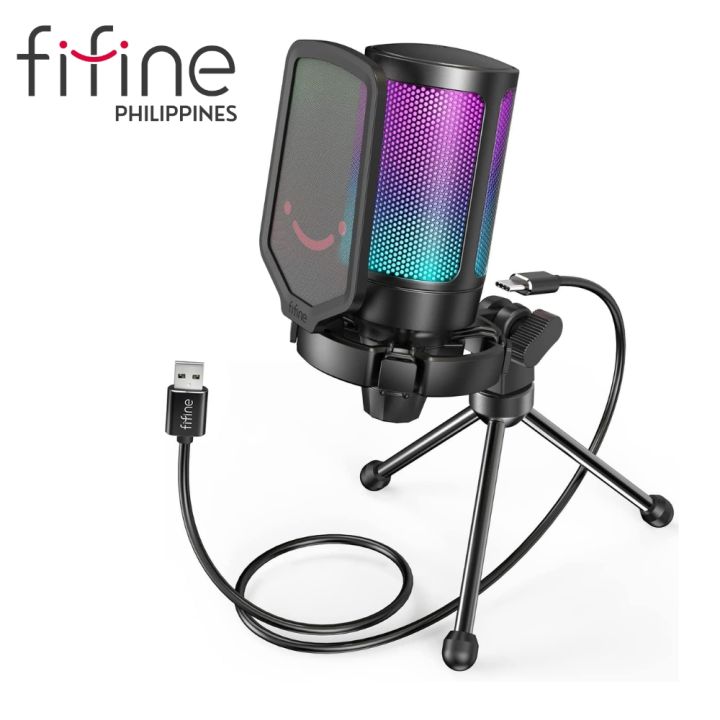
The AmpliGame A6V is one of the most accessible standalone gaming microphones on the market. It features two-tone gradient RGB lighting, a pre-installed elastic shock mount to absorb desk vibrations, and an integrated mesh pop filter. The "A6T" variant includes a desktop boom arm instead of a tripod stand. It is exceptionally lightweight and ideal for players who want a simple, visually appealing mic for Discord without spending more than the price of a budget gaming mouse.
2. Fifine AmpliGame A8
Positioned a tier above the A6V, the AmpliGame A8 adds several quality-of-life enhancements. It features selectable RGB lighting modes (including a solid color or complete shut-off), a responsive capacitive tap-to-mute sensor with an LED status indicator, and a 3.5mm real-time monitoring jack with its own volume adjustment. The capsule inside the A8 delivers a slightly richer low-end response, making deep voices sound natural and broadcast-ready.
3. Fifine K688
Video: This Fifine Microphone had us curious | Fifine A6V Microphone Review

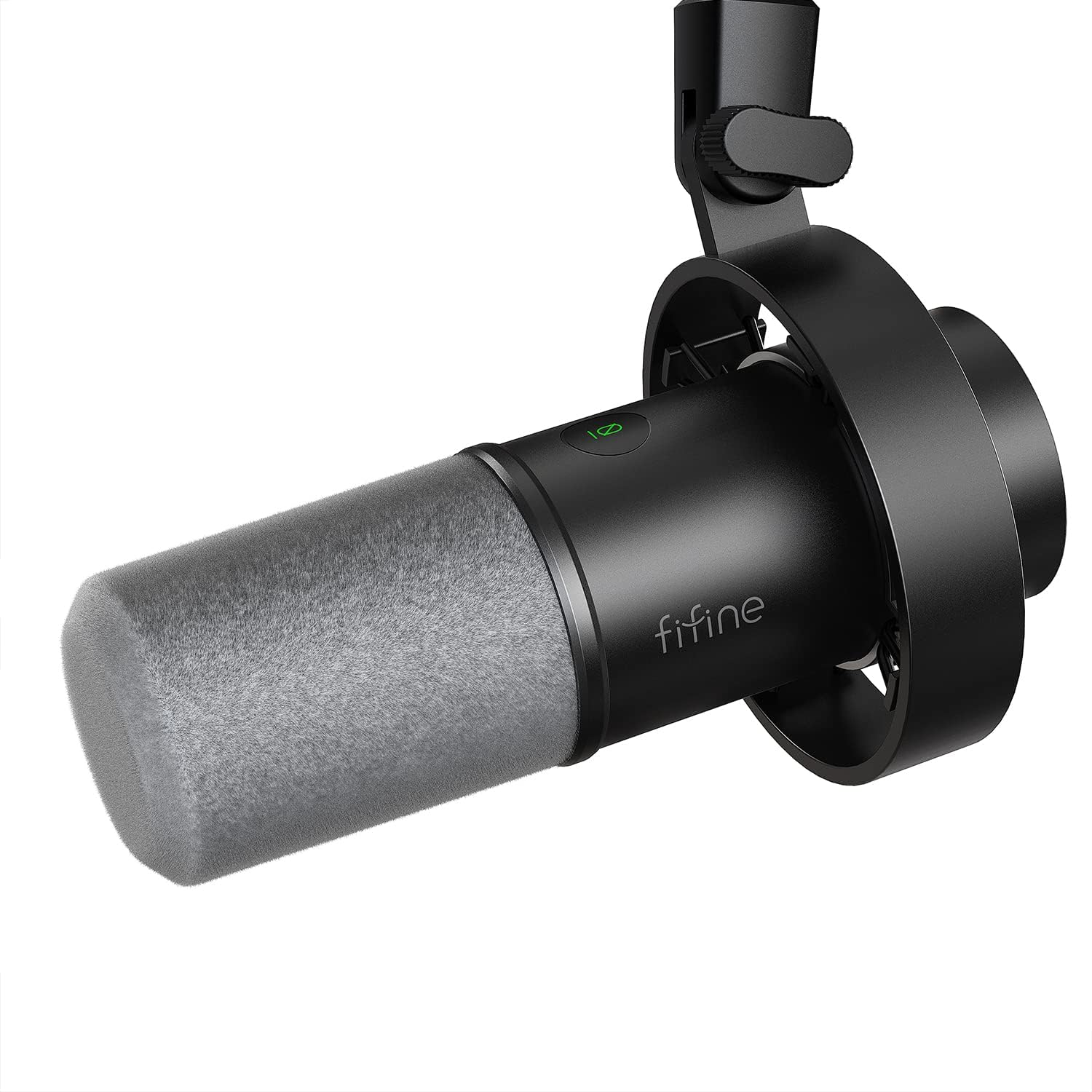
While the AmpliGame line uses condenser capsules, the Fifine K688 is a dynamic microphone with both USB and XLR outputs. Dynamic microphones are naturally less sensitive to distant noise than condensers, making the K688 an outstanding choice for gamers playing in noisy rooms, homes without acoustic treatment, or setups with loud mechanical keyboards.
Sound Quality and In-Game Performance
Most budget microphones suffer from a harsh, brittle high end that accentuates vocal sibilance (the sharp "s" and "t" sounds). Fifine has voiced their modern condenser capsules to maintain a relatively flat mid-range with a gentle high-frequency lift. This profile ensures speech remains intelligible through VoIP compression on platforms like Discord, TeamSpeak, and in-game voice chat.
Because most models employ a standard cardioid polar pattern, the microphone captures sound directly in front of the capsule while rejecting noise from the rear. When positioned properly, this pickup pattern keeps background hums, PC fan exhaust, and reflections off rear walls to a minimum.
How to Optimize Your Fifine Mic for PC Gaming
Even an affordable microphone can sound like professional equipment when configured correctly. To get the best results from your Fifine mic, follow these setup practices:
- Positioning Matters Most: Place the microphone approximately 6 to 8 inches away from your mouth. Speaking too far away forces you to raise the microphone gain, which inevitably picks up room echo and keyboard clicks.
- Calibrate Windows Input Levels: In Windows Sound Settings, set your microphone input volume between 70% and 80%. Use the physical gain knob on the microphone body to fine-tune your volume until your voice peaks around -12 dB to -6 dB in your recording software.
- Use Discord's Built-In Processing: Discord includes powerful native noise reduction (Krisp). Combining Fifine’s clean hardware input with Krisp’s algorithmic suppression eliminates mechanical keyboard clatter while keeping your voice clear.
- Add OBS Filters for Streaming: If you broadcast via OBS Studio, add three basic audio filters: a Noise Gate (to mute the mic when you aren't talking), a Compressor (to prevent clipping when you shout), and a slight EQ to warm up your voice.
Pros and Cons
Pros
- Exceptional vocal clarity relative to price
- Driverless installation on Windows, macOS, and PS4/PS5
- Convenient tap-to-mute with clear visual feedback
- Shock mounts and pop filters included with most packages
Cons
- Condenser variants pick up aggressive keyboard typing if placed too close to keys
- Plastic chassis construction on lower-tier models
- No dedicated companion software suite for custom EQ profiles
The Verdict
If you are tired of muffled headset audio and want a clean, modern aesthetic for your desk, a Fifine gaming PC USB microphone is an easy recommendation. It strikes the right balance between affordability, ease of use, and vocal fidelity, proving you don't need a studio-grade budget to sound great online.