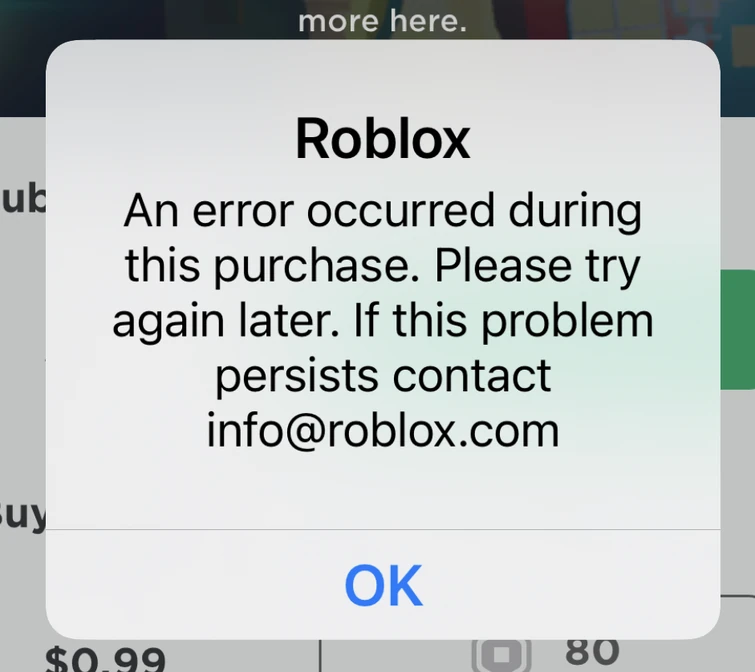
Fix Roblox Won't Let Me Buy Robux Error
Few things are more frustrating than trying to grab the latest avatar gear, game pass, or developer product only to find that roblox won't let me buy Robux. Whether you are using a credit card, PayPal, a gift card, or a mobile app store, payment failures can happen unexpectedly. Fortunately, most of these roadblocks stem from minor security triggers, temporary server glitches, or regional discrepancies that you can resolve in just a few minutes.
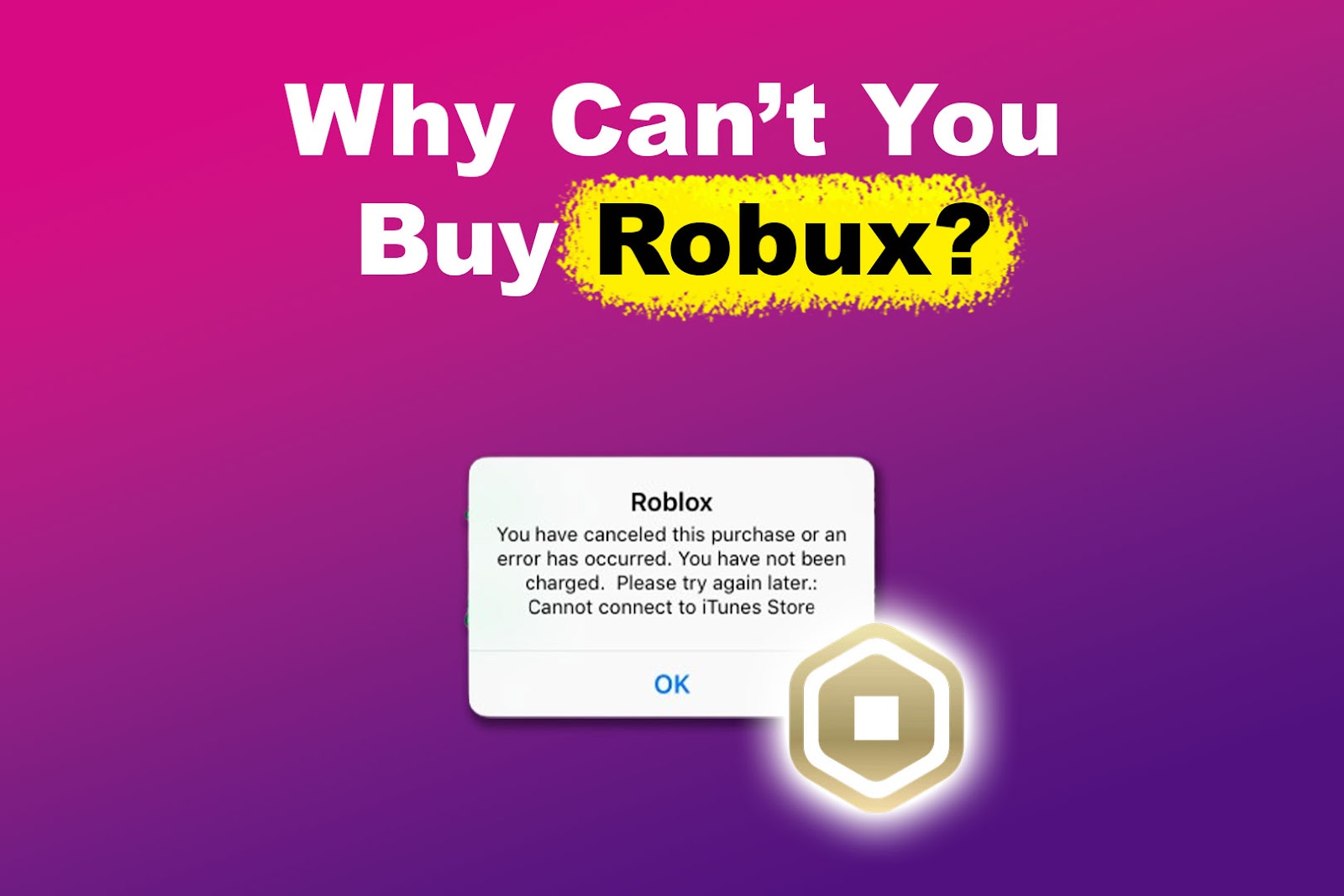
In this guide, we will break down the most common reasons your payment is failing and provide actionable steps to get your account working properly so you can complete your purchase.
Why Roblox Won't Let Me Buy Robux
Before jumping into solutions, it helps to understand why your transaction might be getting flagged or declined. Roblox utilizes automated fraud prevention systems and partners with third-party payment processors. If anything looks unusual, the transaction is immediately blocked to protect your financial information.
1. Bank or Credit Card Security Blocks
Financial institutions often flag online gaming purchases as potentially unauthorized, especially if you are making multiple transactions in a short period, buying a larger amount than usual, or making a purchase from a new device. Your bank may place a temporary hold on the transaction until you verify it.
2. Billing Information Mismatch
If the billing address, ZIP code, or card security code (CVV) you entered on Roblox does not match the information on file with your bank exactly, the payment gateway will automatically reject the charge. Even a minor typo can cause your payment to fail.
3. Account Restrictions and Parental Controls
If you are playing on a child account or have parental controls enabled, spending limits and monthly restrictions might be in place. If the account has reached its spending cap, Roblox will prevent any further purchases.

4. App Store and Platform Glitches
Are you purchasing Robux through Google Play, the Apple App Store, the Microsoft Store, or the Amazon Appstore? Sometimes the issue isn't with Roblox itself, but rather with a glitch in your specific device's payment ecosystem, an outdated app version, or an expired payment method linked to your app store profile.
How to Fix Roblox Payment Errors
If you keep running into the issue where you cannot complete your purchase, work your way through these troubleshooting steps:
- Verify Your Payment Details: Double-check your card number, expiration date, CVV, and billing address. Delete saved payment methods and re-enter them fresh to clear out any corrupted data.
- Contact Your Bank or Card Issuer: Call the number on the back of your card or check your mobile banking app to see if a fraud alert was triggered. Confirm that online and international transactions are permitted on your account.
- Try a Different Payment Method: If your credit card refuses to go through, try linking a verified PayPal account, using a different card, or redeeming an official Roblox gift card purchased from a major retailer.
- Switch Platforms: If you are experiencing persistent payment bugs inside the mobile app, try logging into your account via a web browser on a PC or Mac and purchasing Robux directly through the official Roblox website. Conversely, mobile app stores sometimes handle microtransactions more smoothly if your web browser's cookies or extensions are blocking secure checkout scripts.
- Clear Browser Cache and Disable Extensions: Ad-blockers, script-blockers, and out-of-date browser cache can interfere with secure checkout pop-ups. Clear your browser data or try using an incognito window.
Avoiding Future Purchase Blocks
Once you successfully fix your payment issue, you can take a few simple precautions to ensure your future Robux purchases go through without a hitch:
- Keep your app updated: Always run the latest version of the Roblox app on iOS, Android, Xbox, or PC.
- Avoid rapid-fire purchases: Making multiple small purchases back-to-back can trigger automated anti-fraud security flags. If you need a large amount of Robux, buy a single higher-tier package or a gift card.
- Maintain updated app store profiles: Ensure your Apple ID, Google Play, or Microsoft account has a valid, up-to-date backup payment method attached.
When to Contact Roblox Support
If you have tried a different payment method, verified your funds with your bank, switched devices, and still find that you cannot complete a transaction, your account may be experiencing a temporary billing lock. This can happen after multiple failed purchase attempts in a short timeframe.
In this scenario, wait at least 24 hours without attempting another purchase to let any automated security cooldowns expire. If the problem persists after a full day, reach out to Roblox Support and select 'Billing and Payments' as your category. Provide as much detail as possible—without sharing full credit card numbers—to help their support team clear the restriction on your account.