Fix TextNow SIM Card Not Working: Troubleshooting Guide
Understanding TextNow SIM Card Issues
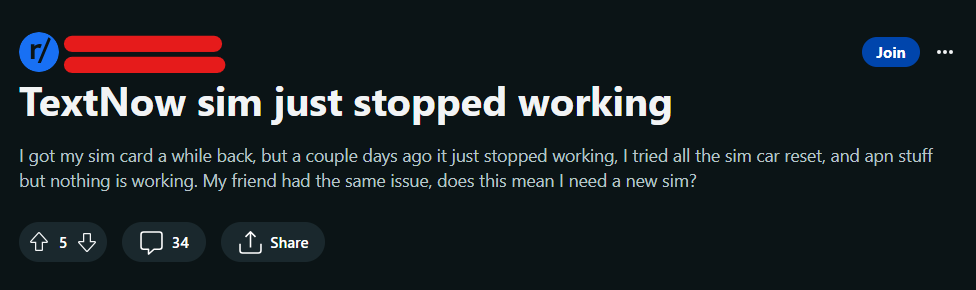
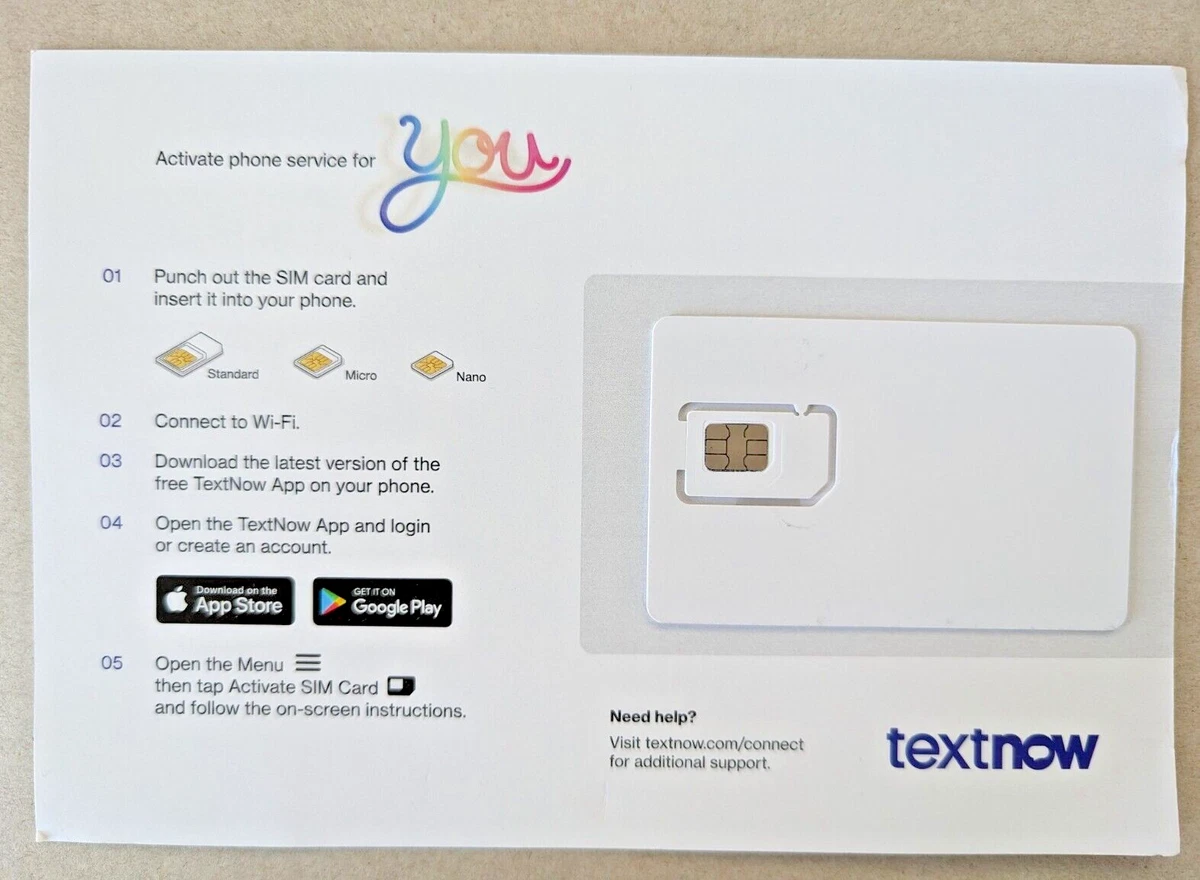
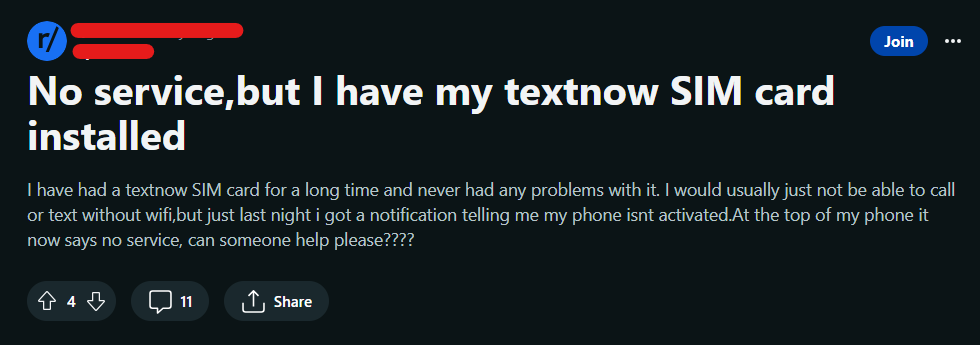
TextNow provides an affordable way to stay connected using a hybrid model of Wi-Fi and cellular coverage through partner networks. However, users frequently encounter situations where their TextNow SIM card not working properly disrupts calls, texts, or data access. Whether you purchased a physical SIM activation kit or use a branded device, connection failures usually stem from incorrect APN settings, account activation delays, or minor software glitches.
Before diving into advanced technical fixes, it helps to understand how the service operates. TextNow relies on a profile and a specific set of carrier configurations to route your calls and texts. If any part of this digital handshake fails, you will lose service. Fortunately, most of these issues can be resolved at home within a few minutes.
Common Symptoms of a Faulty TextNow Connection
When your SIM card fails, your phone might display specific error messages or exhibit unusual behavior. Recognizing these symptoms helps you apply the correct fix right away.
- No service or searching indicator in the status bar.
- Inability to send or receive standard cellular SMS text messages.
- Calls failing immediately or going straight to voicemail.
- Mobile data refusing to load when you are away from a Wi-Fi network.
- An explicit error message stating 'Invalid SIM' or 'SIM card not detected.'
Step-by-Step Fixes for TextNow SIM Card Not Working
Work through these troubleshooting steps sequentially to diagnose and resolve your mobile network problems.
1. Restart Your Phone
It sounds simple, but a simple device reboot clears out temporary system caches and forces your phone to re-establish a handshake with nearby cell towers. Turn your device completely off, wait about thirty seconds, and turn it back on. Check if your TextNow service restores automatically.
2. Re-seat the SIM Card
If you are using a physical SIM card, physical movement or dust accumulation can disrupt the connection between the card and the internal reader.
- Power down your smartphone completely.
- Use a SIM ejector tool or a small paperclip to pop open the SIM tray.
- Carefully remove the TextNow SIM card.
- Wipe the gold-colored metal contacts gently with a clean, dry cloth.
- Place the card back into the tray, ensuring it sits flat and aligned properly, then reinsert it into your phone.
3. Check and Update APN Settings

Incorrect Access Point Name (APN) settings are the leading cause of data and connectivity failures on MVNO networks like TextNow. If your phone does not know how to route data traffic, your internet and messaging will fail.
To fix this, navigate to your phone's network settings (usually found under Settings > Network & Internet > Mobile Network > Access Point Names). Verify that the APN matches the current configuration provided by TextNow support. If the fields are blank or incorrect, create a new APN, enter the exact TextNow configuration details, save the profile, and select it.
4. Verify Account Status and Activation
Sometimes the issue is not with your hardware, but with your account status. Open the TextNow app while connected to a stable Wi-Fi network and check your profile. Ensure that your account is active, your phone number is still assigned to you, and that you haven't missed any required profile updates. If you recently ordered a new SIM card, make sure you completed the online activation process through the TextNow portal.
5. Clear the TextNow App Cache
The TextNow app controls a significant portion of your service functionality. Corrupted cache files inside the app can interfere with network routing. Go to your phone's application manager, find TextNow, and select 'Clear Cache.' On Android devices, you can also try 'Clear Data,' though you will need to log back into your account afterward.
6. Check for Operating System Updates
Outdated operating systems can experience compatibility conflicts with carrier configuration files. Go to your device settings, check for available software or security updates, and install them. Restart your phone once the update finishes to apply the changes.
When to Contact TextNow Support
If you have tried re-seating the card, updating your APN settings, reinstalling the app, and restarting your phone with no success, the issue may lie with the SIM card itself. Physical SIM cards can degrade over time, or they may suffer from internal chip failure.
Reach out to TextNow customer support through their online help chat. Let them know all the troubleshooting steps you have already performed. If they determine the card is defective, they can issue a replacement SIM card to restore your mobile connectivity.