Fixing the Invalid Get Index Godot Error
Encountering errors while developing a game is an inevitable part of the journey, but few messages are as cryptic to beginners as the dreaded invalid get index godot error. Whether you are working in Godot 3.x or Godot 4.x, this runtime error typically stops your game in its tracks and points to a problem in your GDScript code.

In this guide, we will break down what this error actually means, why it happens, and how you can systematically track down the bug and fix it for good.
Understanding the 'Invalid Get Index' Error
When Godot throws an "invalid get index" error (often accompanied by text like "Invalid get index 'X' (on base: 'Nil')" or similar), it means your code is trying to access a property, key, or array element using a specific index or identifier, but the target object cannot fulfill that request.
Think of it like looking for a specific page in a book. If you try to open page 500 of a 100publishing-page book, or if someone hands you an empty folder instead of a book, you cannot read that page. Godot experiences the exact same confusion.
Common Causes and How to Fix Them
To resolve the issue quickly, you need to look at the specific error message in your Output panel. It usually points to the exact line of code causing the crash. Here are the most frequent culprits:
1. Accessing a Null Reference (Nil Base)
By far the most common cause of this error is trying to index a variable that is currently null. For example, if you attempt to access an array or dictionary on a node that hasn't finished loading, has already been freed, or was never assigned, Godot throws an invalid get index error because a Nil value has no indexes to get.
Example of faulty code:
var inventory_items
func _ready():
    print(inventory_items[0]) # Error: Base is Nil
The Fix: Always ensure your variables are properly initialized before trying to read from them. You can also use a safety check:
if inventory_items and inventory_items.size() > 0:
    print(inventory_items[0])
2. Array Index Out of Bounds
Arrays in GDScript are zero-indexed, meaning the first element is at index 0 and the last element is at size() - 1. If your array contains 3 items, valid indices are 0, 1, and 2. If your code tries to access index 3 or higher, Godot will complain that the index is invalid.

This frequently happens in loops with incorrect boundary conditions or when items are dynamically removed from an array while it is being iterated over.
The Fix: Double-check your loop logic and array sizes. Use safe iteration methods like for item in array: instead of traditional index-based loops when you don't explicitly need the index number.
3. Missing Dictionary Keys
Dictionaries rely on keys rather than numerical positions. If you try to retrieve a value using a key name that does not exist within the dictionary, Godot may throw an index error depending on how the lookup is structured.
The Fix: Use the has() method or the in keyword to verify that a key exists before trying to read its value:
if player_stats.has("health"): print(player_stats["health"])
4. Incorrect Node Paths
When referencing other nodes in your scene tree using $NodeName or get_node(), a typo or a structural change in your scene can result in a null return value. If you immediately try to access a property on that returned node—like $Player.inventory[0]—and $Player cannot be found, you will trigger the invalid get index error.
The Fix: Print or assert your node references to ensure they are valid before accessing their internal data structures.
Debugging Strategies in Godot
When you encounter this error in your project, follow these steps to squash the bug efficiently:
- Check the Output Panel: Click on the blue script link next to the error message. Godot will take you directly to the offending line of code.
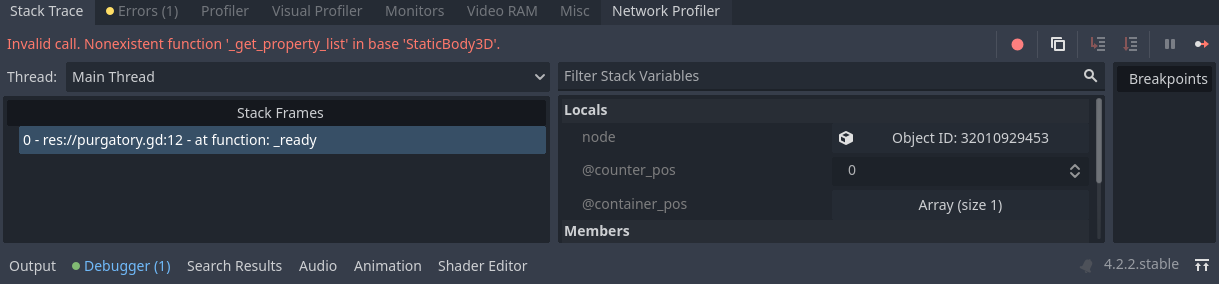
- Use Breakpoints: Place a breakpoint on the line just before the error occurs. Run the game in debug mode and inspect the variables in the debugger dock to see which variable is unexpectedly
nullor empty. - Add Defensive Code: Implement checks like
ifstatements and assertions to catch unexpected empty states before Godot tries to evaluate them.
By understanding how Godot handles data types, null values, and boundaries, you can easily resolve the invalid get index error and write much more robust, crash-resistant GDScript code.