Free Hack for Perfect Mock Meeting Prep
Preparing for a high-stakes interview or client presentation is stressful. While standard practice involves muttering answers to yourself in front of a mirror or asking a busy friend to run through a script, these methods rarely replicate real pressure. If you want a genuine simulation without paying for expensive coaching, you need a free hack for perfect mock meeting prep that leverages technology you already own.

By combining advanced text-to-speech engines with interactive voice assistants, you can create a dynamic, responsive interviewer that challenges your answers in real time. This guide breaks down exactly how to set up this system for zero dollars and use it to sharpen your communication skills.
Why Traditional Prep Falls Short
Most job seekers and professionals prepare for meetings using passive methods. They read lists of common behavioral questions, draft bullet points, and memorize polished responses. While knowing your talking points is important, it creates a false sense of security.
When you sit across from a hiring manager or client, the environment is unpredictable. You face interruptions, follow-up questions, and awkward pauses. Practicing in your head fails to train your brain to handle real-time cognitive load. You need active rehearsal that forces you to think on your feet, manage your pacing, and eliminate filler words.
The Ultimate Free Hack for Perfect Mock Meeting Prep
The secret to a hyper-realistic practice session lies in conversational AI voice modes. Platforms like ChatGPT, Claude, and Gemini offer free mobile apps with robust voice capabilities. Instead of typing prompts, you can speak directly to the AI and have a fluid, back-and-forth dialogue.
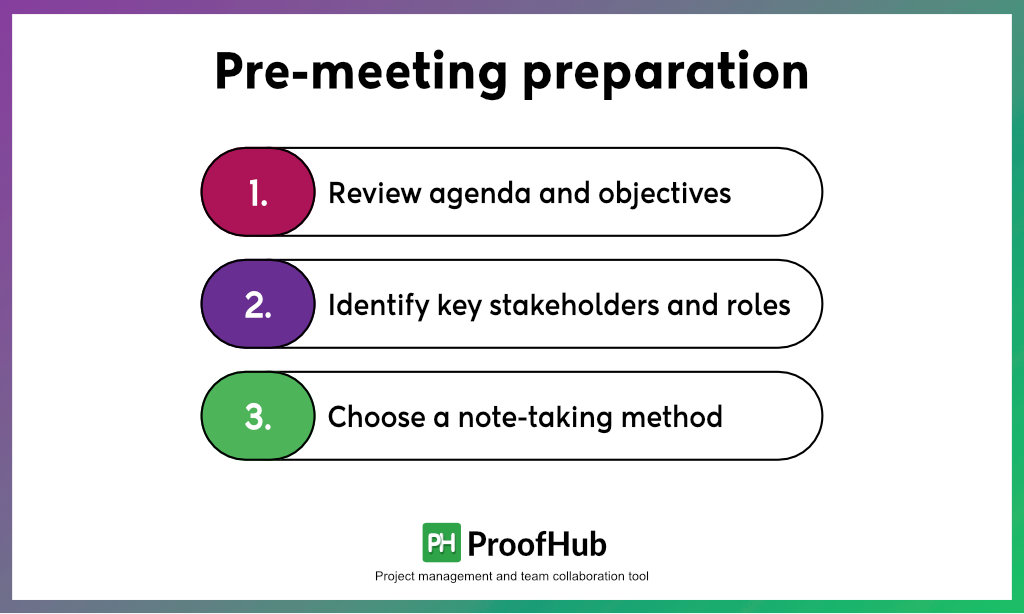
Here is how to turn your smartphone into an elite interview coach in under five minutes.
Step 1: Feed the AI the Right Context
An AI is only as good as its prompt. To get a realistic simulation, you must feed it specific details about the meeting. Open your AI app of choice and paste a detailed prompt that defines the scenario.
Include the following elements in your prompt:
- The Role and Company: Specify the job title, industry, and company culture (e.g., fast-paced tech startup vs. formal corporate finance).
- The Interviewer Persona: Tell the AI how to act (e.g., "Act as a skeptical engineering manager who values concise, technical answers").
- The Format: Instruct the AI to ask one question at a time, wait for your response, and then ask a relevant follow-up question based on what you said.
Step 2: Switch to Voice Mode
Once the AI acknowledges your prompt and agrees to the roleplay, tap the headphone or voice icon in the app. This shifts the interface from text-based chat to a live audio conversation.
Treat this moment as if you have just entered a Zoom room or a physical conference room. Sit up straight, put in your headphones to minimize audio feedback, and give your standard professional greeting.
Step 3: Conduct the Live Simulation
Let the AI run the interview. Because modern voice models have low latency, the conversation will flow naturally. If you stumble, stutter, or use too many filler words, the AI will register your exact delivery.
Try to complete a full 15-to-20-minute session without breaking character. If you get stuck on a difficult question, pause and collect your thoughts just as you would in a real meeting.
Step 4: Request Instant, Actionable Feedback
When the mock meeting concludes, switch the AI back to text mode and ask for a detailed critique. Use a structured feedback prompt to get the most value out of your session.
Ask the AI to evaluate you on:
- Clarity and Conciseness: Did you ramble, or did you structure your answers using frameworks like the STAR method (Situation, Task, Action, Result)?
- Tone and Confidence: Did your responses sound robotic, overly rehearsed, or genuinely engaging?
- Missed Opportunities: Were there key metrics, technical skills, or experiences you forgot to mention based on the job description?
Advanced Tips to Maximize Your Practice Sessions
To get the absolute best results from this free method, treat your practice sessions with professional seriousness. Don't practice in your pajamas on the couch; sit at a desk in a quiet room.
Furthermore, record your audio if the app allows it. Listening to a playback of your own voice is painful, but it is the fastest way to identify nervous ticks, uptalk, or long stretches of dead air. Run through the simulation at least three times with different interviewer personas—one friendly and collaborative, one highly analytical, and one direct and skeptical. Mastering these variations ensures that no matter who sits across from you on the big day, you will remain calm, composed, and ready to deliver.