Gateway.ga.gov: The Ultimate Guide to Georgia Benefits
What Is Gateway.ga.gov?

Navigating government assistance programs can often feel like a maze of paperwork, long phone hold times, and confusing requirements. Fortunately, the Peach State streamlines this entire process through Gateway.ga.gov: The One Website You NEED to Know About (Seriously!). Officially known as Georgia Gateway, this centralized digital portal allows residents to apply for, manage, and renew multiple health and human services programs using a single online account.
Instead of visiting multiple local offices or mailing physical documents, you can handle nearly all your interactions with the Georgia Division of Family and Children Services (DFCS) and other state agencies right from your computer or smartphone. Whether you are facing a temporary financial hardship or need long-term medical support, this platform serves as your digital front door.
Key Assistance Programs Available on Georgia Gateway
The primary advantage of using the portal is its consolidation of various state and federal safety-net programs. Rather than filling out separate applications for different agencies, you can screen for and apply to several services at once.
SNAP (Food Stamps)
The Supplemental Nutrition Assistance Program helps low-income individuals and families buy nutritious food. Through the portal, you can submit your initial application, upload verification documents like pay stubs, check your Electronic Benefit Transfer (EBT) balance, and complete your periodic reviews or renewals.
Medicaid and PeachCare for Kids®
Healthcare access is critical, and the platform handles various medical assistance programs. You can apply for traditional Medicaid, expansion programs, and PeachCare for Kids®. The system will evaluate your household size and income to determine which specific medical coverage you qualify for.
TANF (Temporary Assistance for Needy Families)
For families with dependent children experiencing severe financial distress, TANF provides temporary cash assistance alongside work support services. You can submit your application and track your required work participation activities directly through your dashboard.

Childcare and Parent Services (CAPS)
Working parents or those attending school often struggle with the high cost of childcare. The CAPS program helps eligible families pay for quality child care. You can use the gateway to check your eligibility and manage your CAPS case details.
How to Create and Set Up Your Account
Getting started on the portal takes only a few minutes, but you will want to have certain information ready to make the process smooth.
- Visit the official site: Navigate to the secure portal in your web browser.
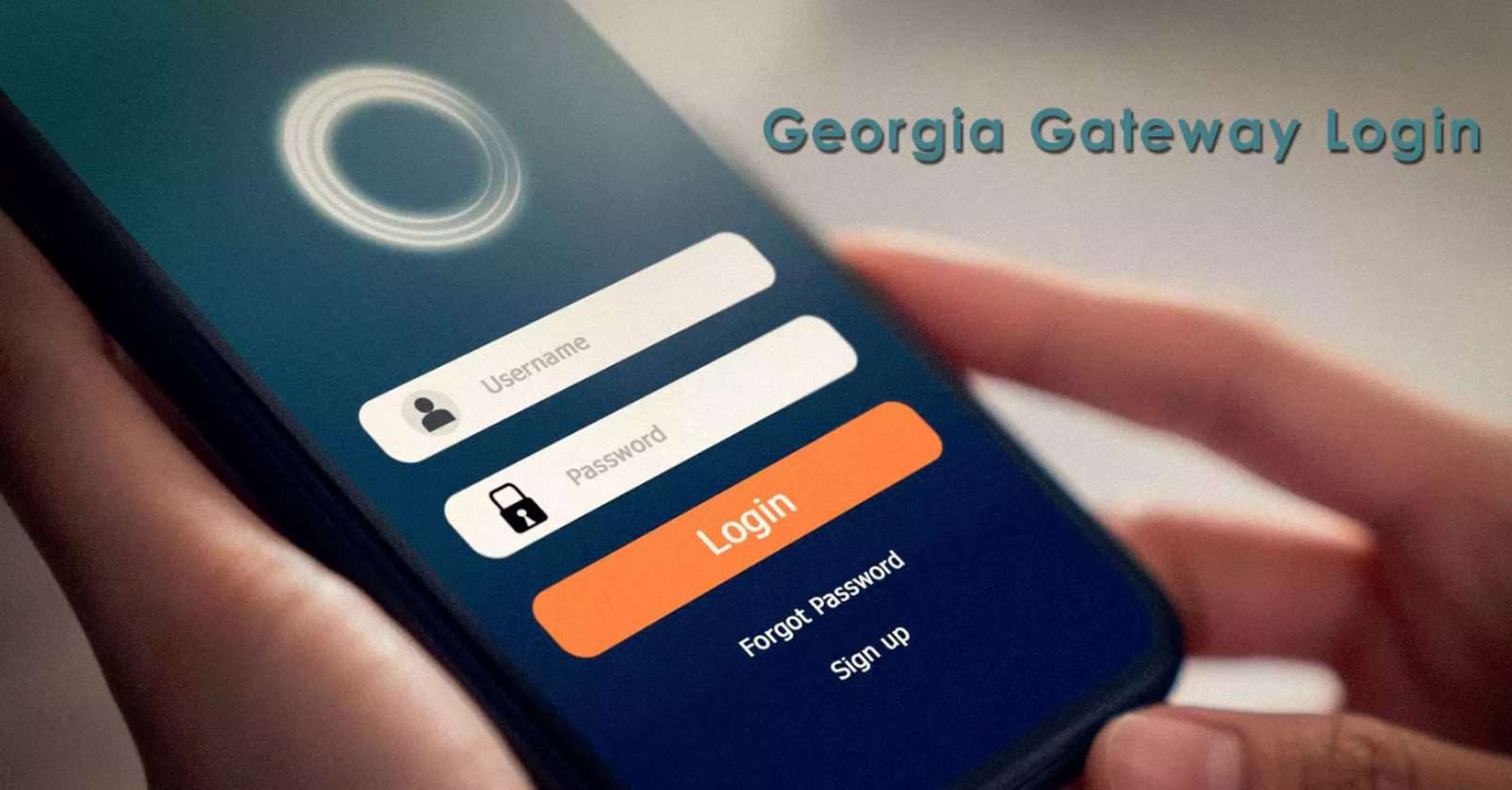
- Click 'Create an Account': Choose a secure username and password that you will easily remember.
- Provide Personal Details: You will need to enter your full legal name, date of birth, contact information, and Social Security number (if applicable).
- Verify Your Identity: The system may ask security questions based on your credit or personal history to ensure your information remains protected.
Once your account is active, you can link any existing benefits cases using your current case number and client ID, or you can start a brand-new application from scratch.
Tips for a Smooth Application and Renewal Process
Submitting an application is only the first step. To prevent delays in receiving your benefits, keep these practical tips in mind:
- Upload clear documents: When the system asks for proof of income, identity, or residency, take clear, well-lit photos or scans. Blurry documents are the #1 cause of processing delays.
- Set up notifications: Opt-in for email or text message alerts so you never miss a deadline for your annual renewals or requests for additional information.
- Keep your profile updated: If you move, change phone numbers, or experience a change in household income, report it within 10 days to maintain your compliance and benefit continuity.
- Use the self-service screener: If you aren't sure what you qualify for, use the 'Am I Eligible?' tool before starting a full application.
Troubleshooting Common Portal Issues
While the digital platform is designed to be user-friendly, technical hiccups can happen. If you get locked out of your account, use the self-service password recovery options. Ensure your internet browser is up to date, and try clearing your cache and cookies if pages fail to load properly. For complex case issues that cannot be resolved online, you can still contact the customer service call center or visit your local DFCS county office for direct assistance.
Final Thoughts
Managing your family's essential support services no longer requires endless paperwork and waiting rooms. By utilizing this centralized portal, you can take control of your applications, track your status in real-time, and ensure your household stays connected to vital resources. Take a few minutes today to explore the platform and see how it can work for you.