Grubhub Merchant App: Complete Guide for Restaurant Owners
Running a successful restaurant today requires juggling in-house dining, takeout, and third-party delivery services. For establishments partnering with Grubhub, the Grubhub Merchant App serves as the central command center for all delivery and pickup operations. Whether you are using it on a dedicated tablet or your own mobile device, understanding how to navigate and leverage this tool can drastically impact your kitchen's efficiency and bottom line.
In this guide, we will break down the core features of the platform, how to set it up, and practical strategies to maximize your restaurant's performance on the network.
What is the Grubhub Merchant App?
The Grubhub Merchant App is a software solution designed specifically for restaurant operators, managers, and staff. It allows businesses to interact directly with the Grubhub ecosystem in real time. Instead of relying solely on POS integrations or phone calls, restaurant teams can use the app to control incoming orders, adjust menu availability, communicate with diners and drivers, and monitor daily sales performance.
Available on both iOS and Android, the app acts as the bridge between your kitchen and hungry customers scrolling through the Grubhub marketplace.
Key Features of the Grubhub Merchant App
To get the most out of your partnership, you need to know what tools are at your disposal. Here is a breakdown of the primary features built into the platform:
1. Order Management
The core function of the app is handling incoming orders. When a customer places an order, it appears on your app screen with a distinct notification sound. From here, your staff can:
- Accept or reject the order (though maintaining a high acceptance rate is crucial for your ranking).
- Set custom preparation times based on current kitchen volume.
- View specific customer notes, allergy warnings, and modification requests.
- Mark orders as ready for pickup by delivery partners.
2. Menu Management
86'd an item? Running low on a specific ingredient? The Grubhub Merchant App lets you update your menu on the fly. You can temporarily toggle items or whole categories out of stock so customers cannot order what you cannot make. This prevents frustrating cancellations, refund requests, and negative reviews.
3. Store Hours and Status Controls
Life happens, and sometimes you need to close early due to equipment failure, severe weather, or overwhelming in-house volume. The app allows you to quickly adjust your operational hours or temporarily pause orders without having to call customer support.
4. Performance Analytics
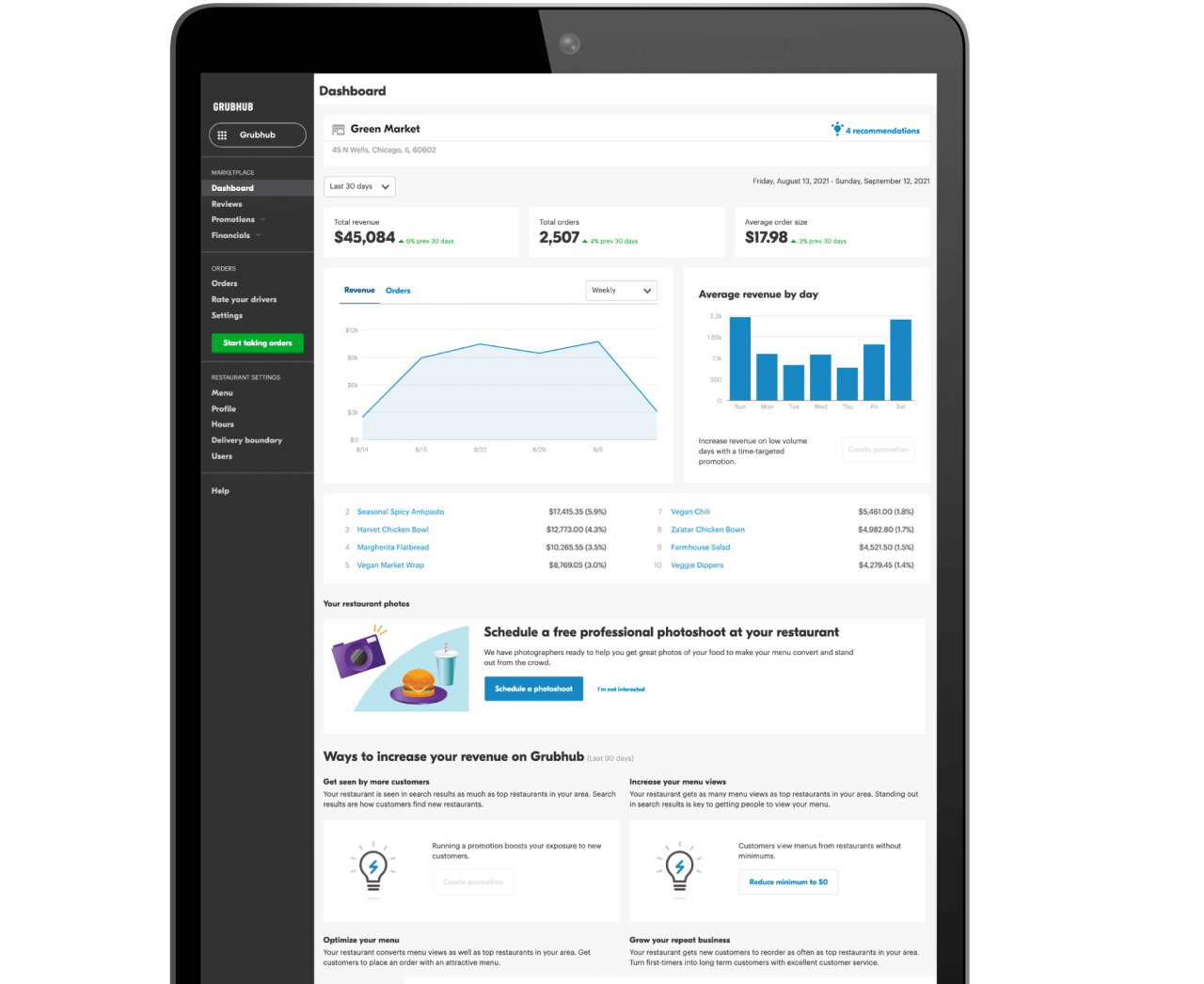
Data drives smart business decisions. The app features a robust analytics dashboard that tracks key performance indicators, including:
- Total sales revenue generated through the platform.
- Order volume trends by day and hour.
- Average preparation times.
- Cancellation rates and customer feedback scores.
How to Set Up and Optimize Your Account
Getting started on the platform is straightforward, but setting it up correctly requires attention to detail. Follow these steps to ensure smooth operations:
- Hardware Setup: Ensure your designated tablet or smartphone is connected to a stable Wi-Fi network and that notifications are turned up high so staff never miss an incoming order.
- Staff Training: Designate specific team members—such as front-of-house managers or expediters—to monitor the app. Train them on how to adjust prep times and handle customer issues.
- Optimize Your Menu: Keep descriptions clear, add high-quality photography, and group items logically. High-resolution images significantly boost conversion rates.
Best Practices for Increasing Sales
Simply having the app installed is not enough to guarantee high sales volume. To stand out in a crowded marketplace, consider these operational best practices:
Maintain Accurate Prep Times
When an order comes in, the app prompts you to estimate preparation time. Be realistic. If your kitchen is slammed, add a few minutes. Underestimating leads to cold food, frustrated drivers, and disappointed customers who may not order from you again.
Monitor Your Metrics Weekly
Take time every week to review your analytics dashboard in the app. Look for patterns in peak ordering hours so you can schedule kitchen staff accordingly. Keep an eye on your ratings and address any recurring customer complaints regarding food quality or missing items.
Leverage Promotions
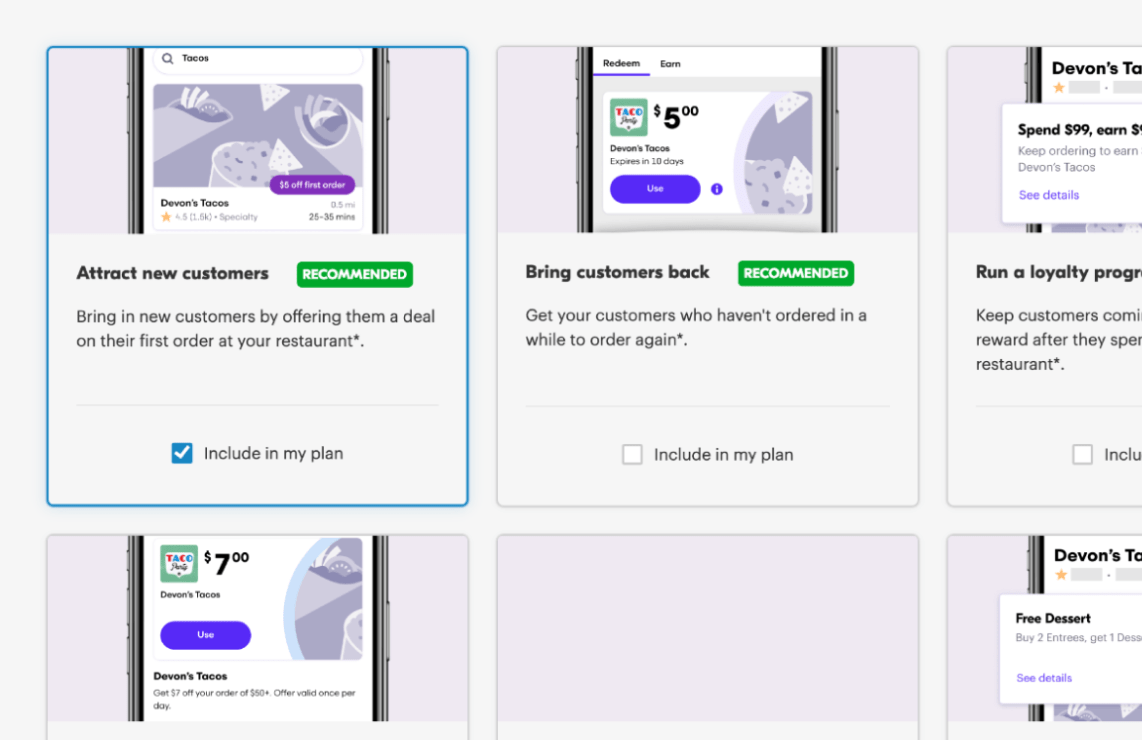
Grubhub offers various promotional tools, such as sponsored listings and discount offers for first-time customers. Use the merchant tools to test targeted promotions during your slow periods—like weekday afternoons—to drive incremental volume.
Troubleshooting Common App Issues
Even the best technology can occasionally glitch. Here is how to handle common hiccups:
- Missed Notifications: Check your device volume settings, ensure Do Not Disturb mode is off, and verify that the app is updated to the latest version.
- Connectivity Errors: If the app freezes, try closing it completely and reopening it, or switch from Wi-Fi to cellular data to test your network connection.
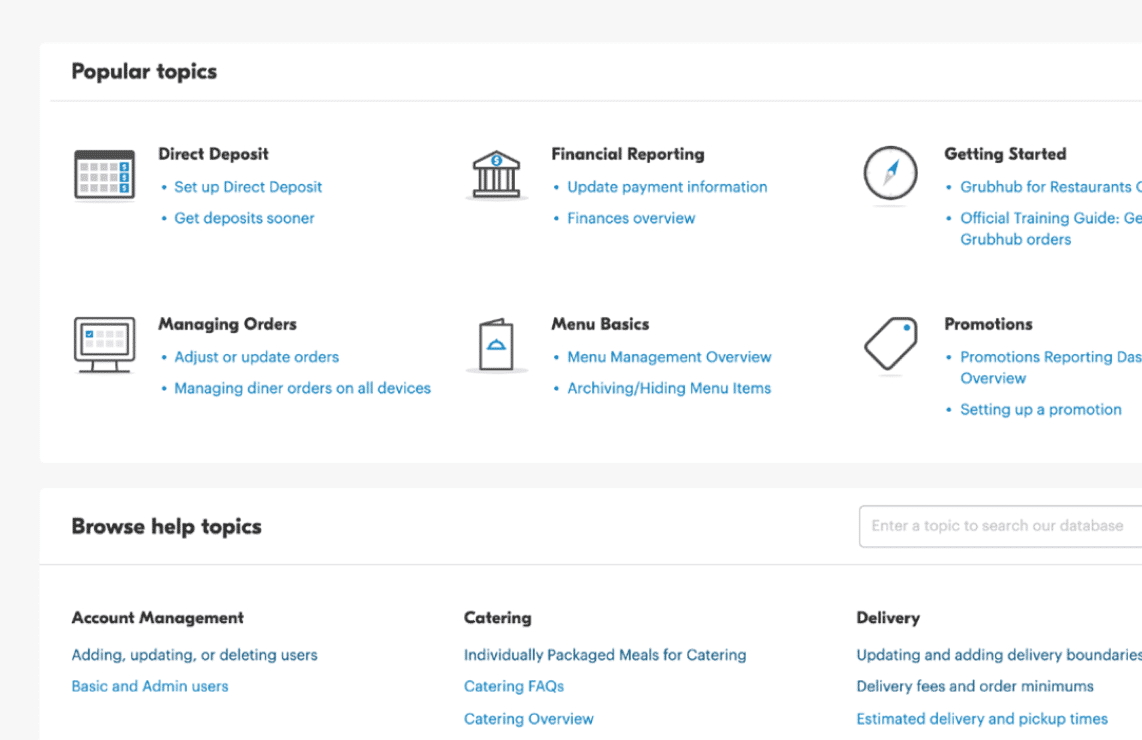
- Support Access: If you encounter a complex issue regarding billing, menu overhauls, or missing payouts, use the help section within the app to connect directly with Grubhub merchant support.
Conclusion
The Grubhub Merchant App is an indispensable tool for any restaurant looking to thrive in the digital delivery landscape. By mastering its order management, real-time menu controls, and analytics features, you can streamline kitchen operations, reduce errors, and deliver a better experience to your off-premise diners. Dedicate time to train your staff, monitor your metrics regularly, and watch your delivery channel grow.