Hillsborough Arrest Search: How to Find Records
Navigating public records to find information about a recent booking can feel overwhelming, but conducting a Hillsborough arrest search is a straightforward process when you know which official resources to use. Whether you are looking up the status of an acquaintance, conducting a background check, or seeking legal documentation, Hillsborough County provides several public avenues to access arrest logs and inmate details.
This guide walks you through the exact steps, official websites, and important considerations to keep in mind when searching for arrest records in Hillsborough County, Florida.
Understanding Hillsborough Arrest Records
Before initiating your search, it helps to understand what kind of information is publicly available. In Florida, public records laws are relatively broad, meaning most arrest affidavits, booking photos (mugshots), and jail charges are accessible to the community.
However, records may vary depending on the law enforcement agency that made the arrest. Jurisdictions within Hillsborough County include the Hillsborough County Sheriff's Office (HCSO), the Tampa Police Department, and smaller municipal police forces. Most individuals booked into custody ultimately pass through the Hillsborough County jail system, centralizing their records.
How to Perform a Hillsborough Arrest Search Online
The fastest way to find recent booking information is through online county databases. Follow these steps to conduct an efficient search.
1. Use the Hillsborough County Sheriff's Office (HCSO) Inmate Lookup
The primary tool for finding someone currently in custody or recently booked is the official HCSO website. The Sheriff’s Office maintains an online inmate locator database that is updated regularly.
- Navigate to the official Hillsborough County Sheriff's Office website.
- Locate the "Inmate Inquiry" or jail lookup portal.
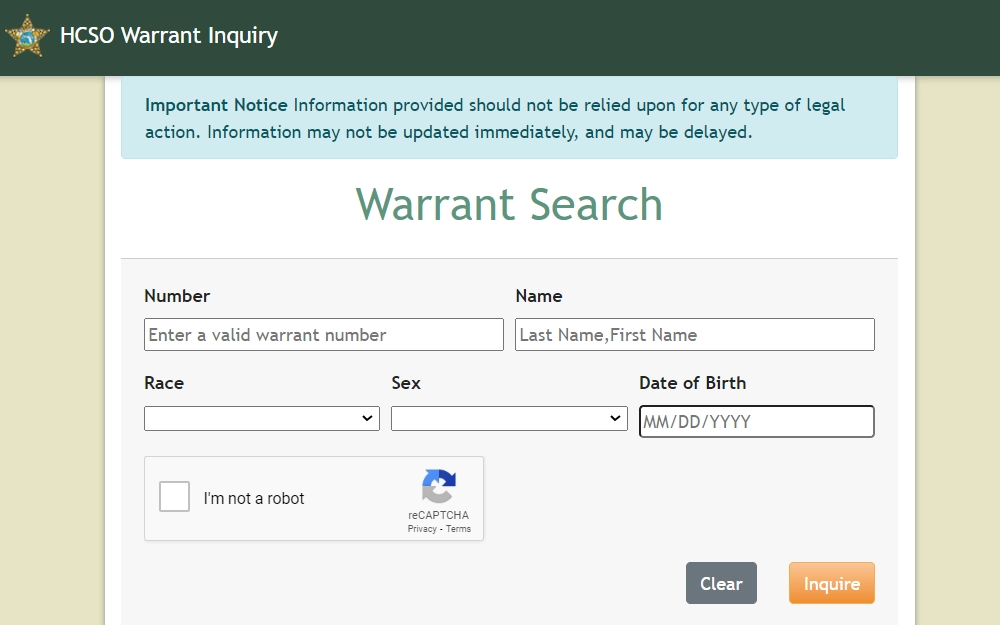
- Enter the individual's first and last name. Providing a middle name or date of birth can help narrow down results if you are searching for a common name.
- Review the search results to find the correct match based on physical descriptors, booking date, and charges.
2. Review Case Details and Charges
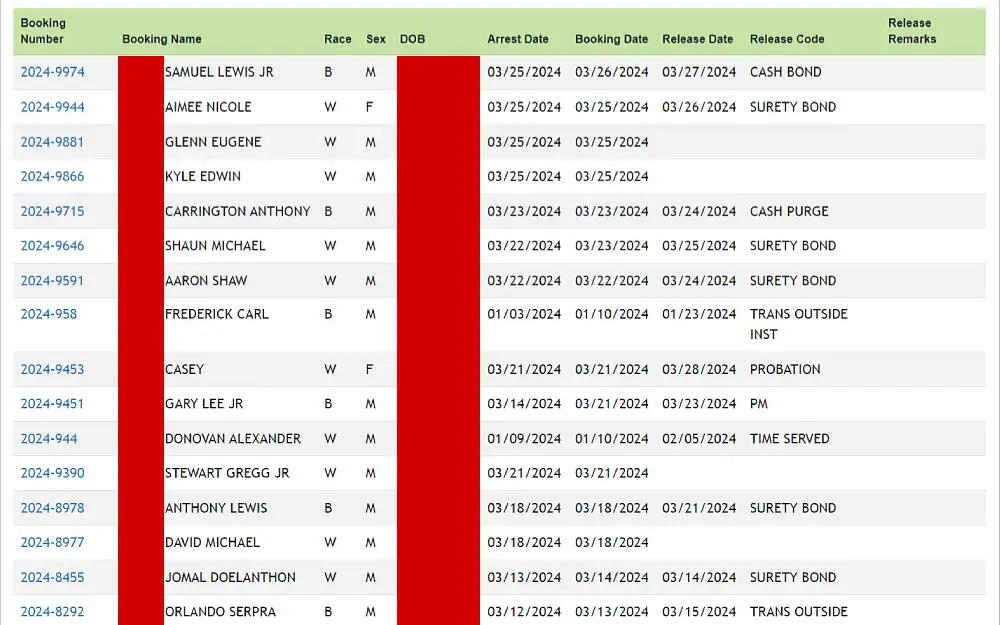
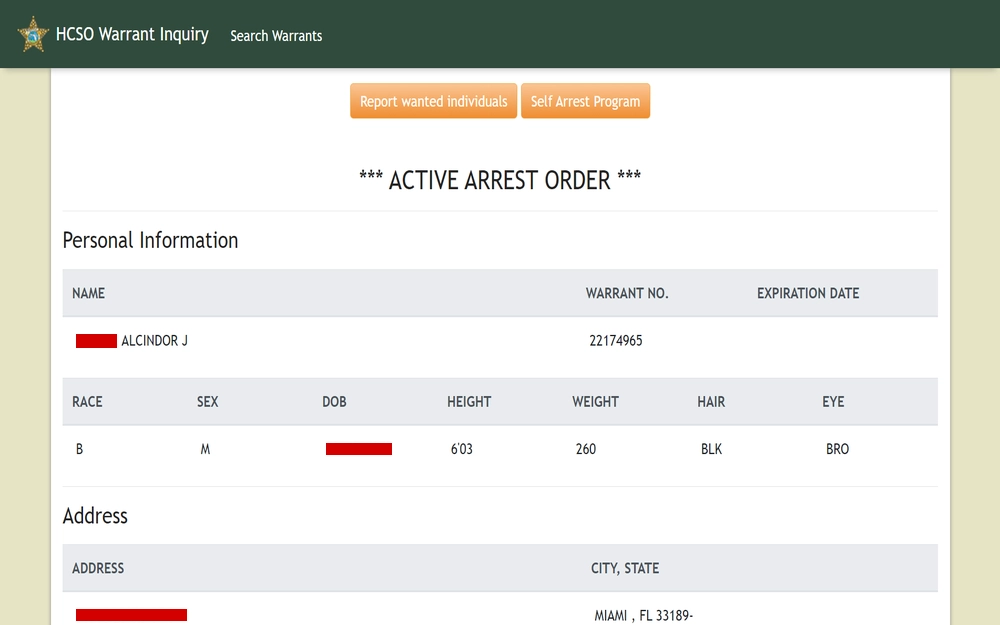
Once you locate an inmate or arrest record within the system, you can typically view specific details regarding their case. Standard information provided includes:
Video: Attorney for Hillsborough County Fentanyl Trafficking Arrest & K9 Search Legal Breakdown | Drug2GO
- Full legal name and booking photograph
- Booking date and time
- Charges filed against the individual
- Bond amount and status
- Court appearance dates and assigned courtroom
What to Do If the Record Is Not Found Online
If an individual was recently arrested, there may be a delay between the physical booking and the appearance of their name in the online database. Processing times can vary based on jail intake volume and administrative workflows.
If your initial search yields no results, consider the following options:
- Wait a few hours: It often takes anywhere from 4 to 12 hours for a new arrest record to populate in public online databases.
- Contact the jail directly: You can call the Hillsborough County jail administration or inquiry line to ask if an individual has been booked into custody.
- Check municipal police records: If the arrest was made by a specific city department, such as the Tampa Police Department, their local records division may have details prior to complete county jail integration.
Accessing Historical Court and Criminal Records
While the HCSO database tracks recent bookings and current jail inmates, older arrests or finalized court cases require a different approach. For historical or long-term criminal history records, you will need to look beyond the Sheriff's Office.
Hillsborough County Clerk of the Circuit Court
For court dispositions, trial dates, and official case files, visit the Hillsborough County Clerk of the Circuit Court website. Their online records search allows you to look up civil, traffic, and criminal court cases by name or case number. This is essential if you want to know whether an arrest led to formal charges, a plea deal, or a dismissal.
Important Tips for Your Search
When searching for public records, keep these practical tips in mind to ensure accuracy:
- Check spelling: Typos are the number one reason a search fails. Always double-check the spelling of the individual's first and last name.
- Know identifiers: Having a date of birth, race, and gender makes distinguishing between individuals with identical names much easier.
- Understand the presumption of innocence: An arrest record simply indicates that a person was taken into custody on suspicion of a crime. It is not a conviction. All individuals are presumed innocent until proven guilty in a court of law.
Conclusion
Conducting a Hillsborough arrest search is a transparent and accessible process thanks to digital tools provided by the Sheriff's Office and the Clerk of Courts. By utilizing official county portals and understanding the limitations of real-time databases, you can quickly find accurate information regarding bookings, charges, and court dates in Hillsborough County.