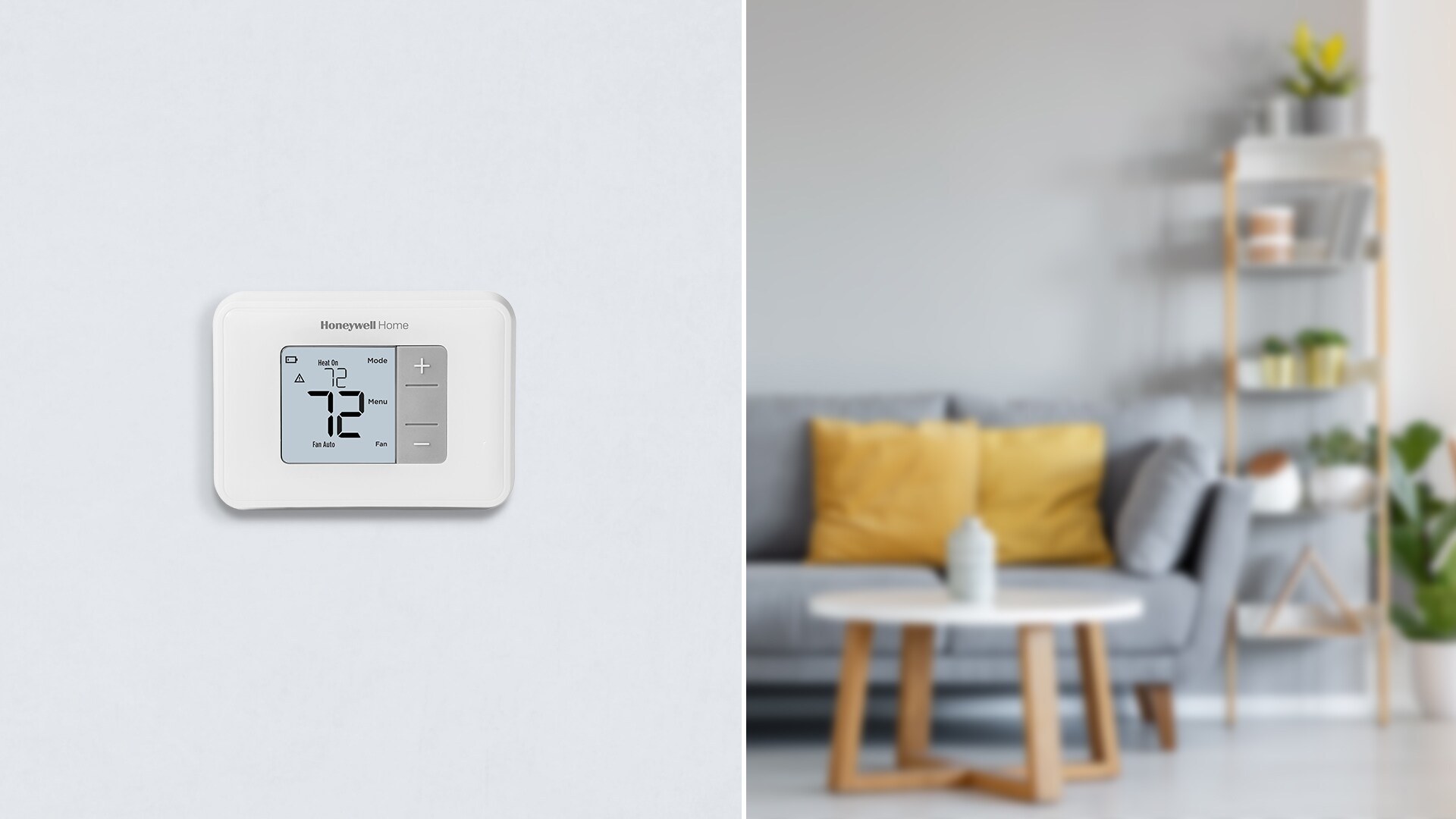
Honeywell RTH5160 Troubleshooting Guide
The Honeywell RTH5160 is a reliable, user-friendly programmable thermostat designed to keep your home comfortable year-round. However, like any piece of home hardware, it can occasionally run into glitches, power failures, or heating and cooling inconsistencies. If your climate control system isn't responding the way it should, performing a bit of targeted Honeywell RTH5160 troubleshooting can save you the cost of an unnecessary HVAC service call.

This comprehensive guide walks you through diagnosing and fixing the most common issues associated with this specific thermostat model, from blank screens to wiring errors.
Common Issues and Quick Fixes
Most thermostat problems stem from simple power interruptions, incorrect settings, or minor wiring disconnections. Before panicking, run through these quick diagnostic checks.
1. The Screen is Blank or Won't Turn On
A blank display is one of the most frequent complaints homeowners have. Because the RTH5160 relies on battery power (or battery backup alongside C-wire power), a dead screen usually points to a power supply issue.
- Check the batteries: Pull the thermostat faceplate off the wall mount. Replace the two fresh AA alkaline batteries, ensuring the positive and negative terminals face the correct direction.
- Verify the door is closed: The battery compartment door must be pushed completely shut. If it is slightly ajar, the battery contacts won't engage, and the screen will stay blank.
- Inspect circuit breakers: If your system relies on the C-wire (common wire) for continuous power, a tripped furnace or HVAC breaker will cut power to the unit. Check your main electrical panel and reset any tripped breakers.
2. The Heater or AC Turns On and Off Rapidly (Short Cycling)
If your heating or cooling system rapidly turns on and off without reaching the set temperature, your thermostat may be sending conflicting signals, or the built-in compressor protection timer might be bypassed.
- Check system settings: Make sure the system switch is set correctly to either "Heat" or "Cool" and not lingering in an unintended mode.
- Inspect the mounting plate: Ensure the thermostat is mounted level. A crooked installation can sometimes interfere with mercury-free internal switches, though this is rare on digital models.
- Examine the furnace filter: A heavily clogged air filter restricts airflow, causing the heat exchanger to overheat. Your furnace's high-limit switch will shut the system down as a safety precaution, mimicking thermostat failure. Replace your filter every 1 to 3 months.
3. The Temperature Doesn't Match Your Home
If you feel too hot or too cold even though the thermostat displays your target temperature, you may need to calibrate the unit or check its physical placement.

- Location matters: Is your thermostat exposed to direct sunlight, drafts from a doorway, or appliances like a kitchen stove? External heat or cold sources trick the sensor into reading the wrong room temperature.
- Temperature offset: The RTH5160 allows you to adjust the temperature display calibration if it consistently reads a few degrees off from a reliable room thermometer. Check your user manual for the specific installer setup menu (Function 0340) to calibrate the readout.
Advanced Configuration and Reset Steps
If basic troubleshooting doesn't resolve your issue, you may need to check the internal wiring or perform a system reset.
Checking the System Setup Menu
The RTH5160 uses a series of setup numbers (Function numbers) to configure it for your specific heating and cooling equipment (e.g., gas furnace, heat pump, conventional system). If these settings were accidentally changed during a battery swap, your HVAC system won't respond correctly.
- Press the MENU button on the thermostat.
- Use the arrow buttons to navigate to the setup functions.
- Verify that your equipment type (conventional vs. heat pump) matches what is actually installed in your home.
Performing a Factory Reset
If your programming is scrambled or the device is behaving erratically, resetting it to factory defaults is often the fastest cure.
- Remove the thermostat faceplate from the wall.
- Take out one or both batteries.
- Reinsert the batteries backward (positive terminal to the negative side) for about 5 seconds, then take them out and put them in the correct way. Alternatively, look for a recessed reset button depending on your exact manufacturing batch.
- Reattach the faceplate to the wall mount and reprogram your schedule.
Wiring and Terminal Inspection
Sometimes the issue isn't software or settings—it's physical. Dust, corrosion, or loose wires behind the faceplate can interrupt communication between your thermostat and your HVAC unit.
- Turn off the power to your HVAC system at the breaker box before touching any wires.
- Gently pull the thermostat faceplate straight off the wall.
- Inspect the wire terminals (R, C, W, Y, G, etc.). Ensure each wire is securely screwed down and making clean contact with the metal terminal.
- Check for corrosion or oxidation on the wire ends. If you see buildup, strip a small section of the wire to expose fresh copper and reconnect it firmly.
When to Call an HVAC Professional
While most issues with the RTH5160 can be solved with fresh batteries, a clean air filter, or a quick wiring check, certain problems require licensed intervention. If you smell gas, hear grinding noises from your furnace, or notice that replacing the thermostat entirely does not restore heating or cooling, the issue likely lies within your furnace, AC compressor, or main electrical lines rather than the control unit itself.