How Do I Get My Results From Labcorp?
Waiting for medical test results can be a stressful experience, but accessing them doesn't have to be. If you recently had blood drawn or tests performed and are wondering, how do I get my results from Labcorp, you have a few reliable options. Laboratory Corporation of America (Labcorp) makes it relatively straightforward for patients to view their health data, provided you know where to look and how your account is set up.
Most patients prefer digital methods because they offer the fastest turnaround times. However, paper copies and phone requests are also available if you prefer traditional methods. Here is a comprehensive guide to retrieving your Labcorp diagnostic reports quickly and securely.
Using the Labcorp Patient Portal (Patient.Labcorp.com)
The primary and most efficient way to access your diagnostic reports is through the official online patient portal. If you haven't used it before, setting up an account only takes a few minutes.
Steps to Create an Account and View Results
- Navigate to the official Labcorp Patient Portal website at patient.labcorp.com.
- Click on the "Sign Up" or "Create Account" button.
- Provide your personal information, including your full legal name, date of birth, and contact details. You will need to verify your identity, often through a secure multi-factor authentication process or matching the information provided during your lab visit.
- Once your account is active, log in to your dashboard.
- Navigate to the "Test Results" or "Activity" tab to view your completed reports.
Most routine test results appear in the portal as soon as they are finalized by the laboratory and released—typically within a few days, though some specialized genetic or pathology tests can take longer.
Using the Labcorp Patient™ Mobile App
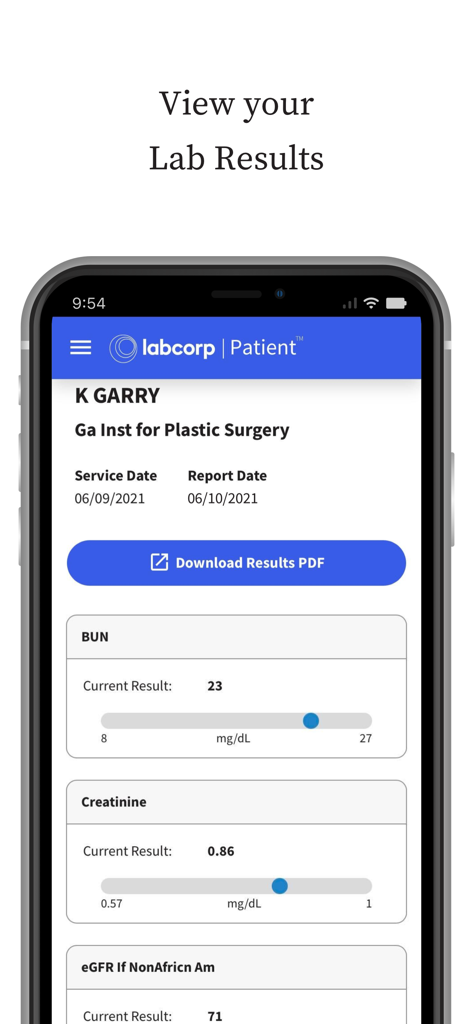
If you prefer managing your health on your smartphone or tablet, downloading the Labcorp Patient™ app is a convenient alternative to the desktop website.
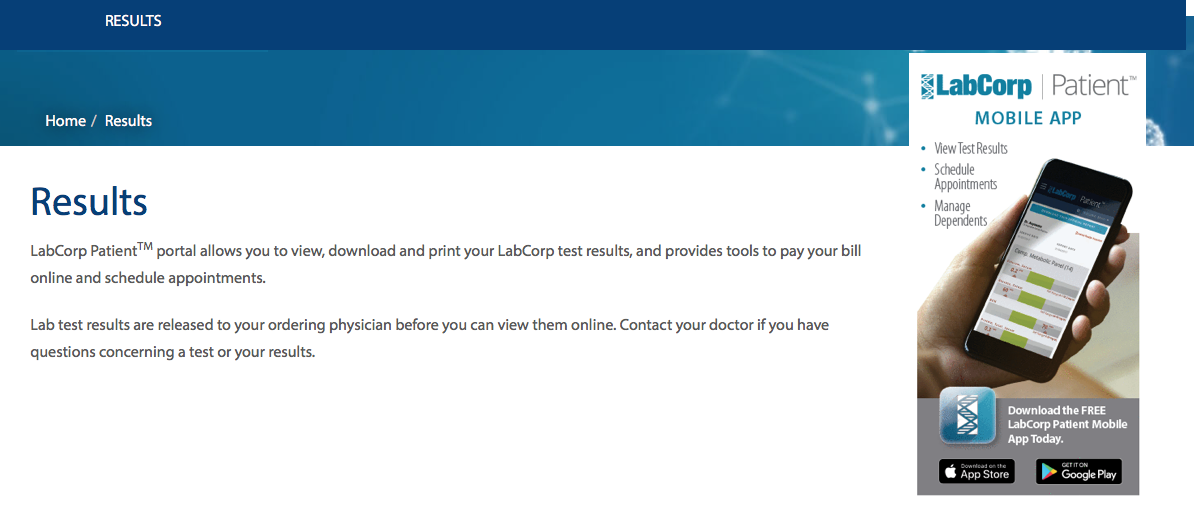
- Availability: The app is available for free download on both the Apple App Store for iOS devices and the Google Play Store for Android.
- Features: Once logged in with your portal credentials, the app allows you to view results, track pending tests, manage upcoming appointments, and even pay your bills.
- Notifications: You can enable push notifications so your phone alerts you the exact moment a new test result is uploaded and ready for viewing.
What to Do If Your Results Are Missing
Sometimes patients log into the portal only to find that a specific test is missing, or that their account shows no records at all. If you are struggling to find your data, consider the following common reasons and solutions:
Check the Release Timeline
Not all tests are processed at the same speed. Routine blood panels (like a comprehensive metabolic panel or lipid panel) usually post within 24 to 48 hours. Culture results, biopsies, and complex genetic screenings require significantly more time in the lab. Check your paperwork from the visit to see if an estimated turnaround time was noted.
Contact Your Ordering Physician

In certain instances, a physician may request a hold on releasing specific sensitive test results directly to the patient until they have had a chance to discuss them during a follow-up appointment. If your doctor has placed a viewing restriction, the portal may not display the report. Your best course of action is to call your doctor’s office directly to review the findings.
Verify Your Identity Information
If there is a mismatch between the demographic data you entered when creating your Labcorp portal account (such as a misspelled name, old phone number, or incorrect date of birth) and the data entered by the phlebotomist at the draw site, your records might not sync automatically. Call Labcorp patient support to help merge or correct your profile.
Alternative Ways to Get Your Labcorp Records
If you cannot or do not want to use the online portal or mobile application, you still have options to secure a copy of your records.
Requesting Paper Copies
You can request a physical copy of your medical records by filling out a Labcorp Authorization for Release of Medical Information form. This form can be printed from their website, filled out, and either mailed or faxed to your local Labcorp facility or regional office. Alternatively, you can ask the ordering physician's office to print a copy directly from their electronic health record (EHR) system, as providers automatically receive copies of all patient lab work.
Contacting Customer Support
If you are locked out of your account or experiencing technical difficulties, you can reach Labcorp's patient customer service line. Be prepared to answer identity verification questions to protect your privacy and comply with HIPAA regulations.
Understanding Your Lab Results Safely
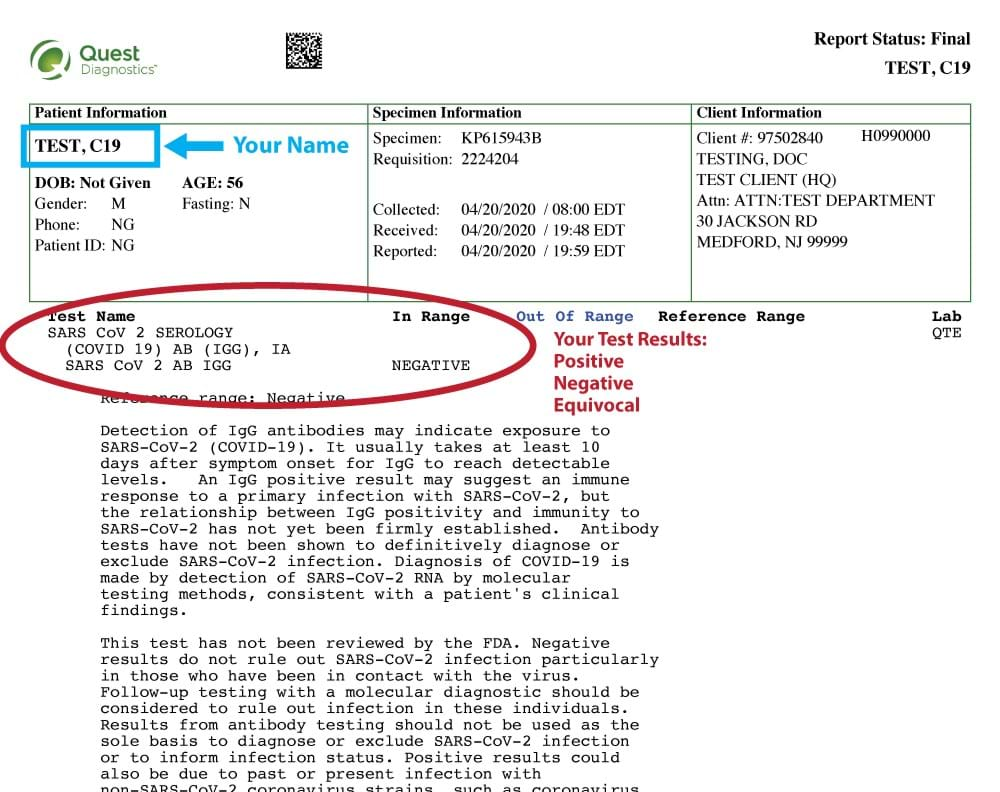
Once you successfully retrieve your data, remember that laboratory reports are designed primarily for medical professionals. They contain technical terminology, specific units of measurement, and reference ranges that can be easily misinterpreted out of context.
While seeing flags (such as "high" or "low") can cause anxiety, many minor elevations or dips are clinically insignificant. Always review your final numbers with the healthcare provider who ordered the tests. They can provide an accurate diagnosis, explain what the numbers mean for your specific health history, and outline any necessary next steps or treatment plans.