How to Cancel Metro PCS Service Easily
Whether you found a better deal with another wireless provider, moved to an area with spotty coverage, or simply want to cut down on monthly expenses, knowing how to cancel Metro PCS service (now officially known as Metro by T-Mobile) will save you time and prevent unexpected charges. Because Metro operates as a prepaid service, the cancellation process is fundamentally different from traditional postpaid carriers like AT&T or Verizon.

There are no surprise early termination fees (ETFs), but there are critical pitfalls to avoid—particularly if you want to keep your existing phone number or unlock your device. This guide outlines the fastest, cleanest ways to terminate your service without losing your number or paying for service you do not use.
Three Ways to Cancel Metro PCS Service
Depending on whether you want to keep your phone number or let it go completely, choose the method below that aligns with your goal.
Method 1: Port Your Number to Another Carrier (Recommended)
If you intend to switch to a different cellular provider and keep your current telephone number, do not cancel your Metro line beforehand. If you manually cancel your account before the transfer is finalized, Metro will immediately release your number back into the pool of available numbers, making it nearly impossible to recover.
- Do not call Metro to disconnect: Keep your Metro SIM card active and inserted in your phone.
- Collect your port-out credentials: You will need your 8- or 9-digit Metro account number (available on your billing statement or via the Metro app) and your Account PIN/Security Passcode.
- Provide details to your new carrier: Sign up with your new carrier and select the option to transfer or "port in" your existing number. Enter your Metro account number and PIN.
- Wait for the port to complete: Once your new carrier successfully activates your line, Metro will automatically deactivate that line on their network. Your Metro service for that specific number terminates instantly.
Method 2: Contact Customer Care to Cancel Directly
If you do not care about keeping your phone number and want the line closed immediately, you can contact customer service directly.
- By Phone: Dial 611 from your Metro handset or call 1-888-8metro8 (1-888-863-8768) from any phone. Navigate through the automated menu to reach a customer care representative. Inform them that you want to disconnect your account permanently.
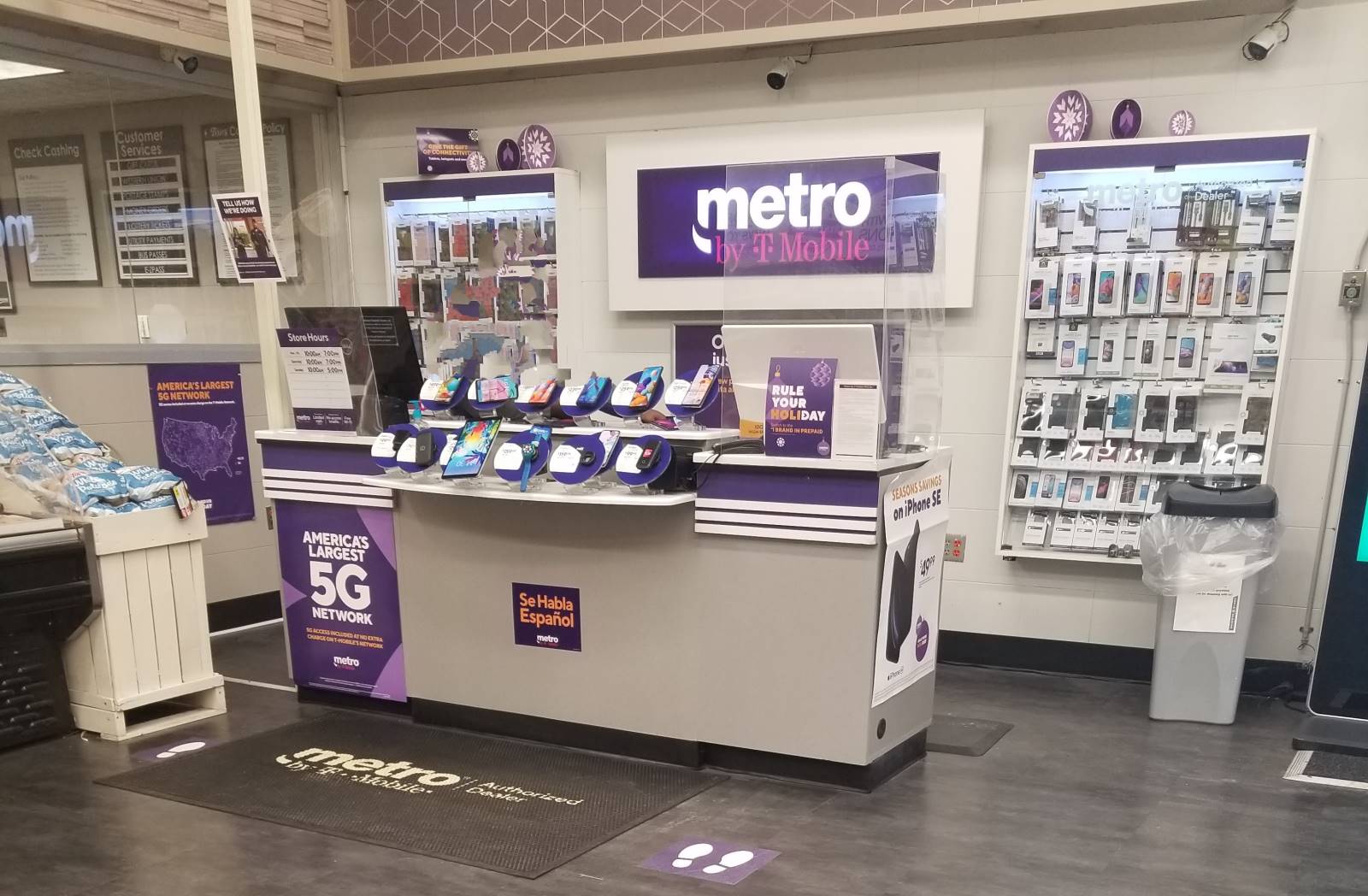
- In Person: Visit an authorized Metro by T-Mobile store. Bring a government-issued photo ID and be ready to provide your account PIN. An associate can process the deactivation on the spot.
Method 3: Turn Off AutoPay and Let the Plan Expire
Because Metro is a 100% prepaid carrier, you pay in advance for 30 days of service. You are never billed in arrears. If you simply stop paying, your service will automatically suspend and eventually terminate.
- Log in to your account via the MyMetro app or the official Metro website.
- Navigate to the payment settings and locate AutoPay.
- Switch AutoPay to Off and remove any saved debit or credit cards to prevent accidental renewals.
- Allow your current billing cycle to end. Metro will suspend your account for non-payment on day 1 of the new cycle.
- After approximately 30 days in suspended status, Metro automatically closes the account permanently.
Critical Steps to Take Before You Cancel
Before pulling the plug on your service, take a few minutes to handle the administrative details that become difficult or impossible to resolve once your account is deactivated.
1. Request a Device Unlock
If you purchased your smartphone directly from Metro, it is locked to their network by default. Metro’s official unlocking policy states that the device must be active on their network for at least 180 consecutive days from the original activation date. If you meet this requirement, request the unlock before you cancel service. On Android devices, you can often process this through the built-in Device Unlock app or settings menu. On iPhones, Metro pushes an over-the-air unlock once eligible.

2. Save Voicemails and Personal Data
When a prepaid line is canceled, access to the carrier-hosted voicemail inbox ends immediately. Save important voicemails using screen recording, call-recording tools, or by playing them aloud and recording the audio on another device. Additionally, ensure your contacts and photos are backed up to Google Drive, iCloud, or local storage rather than stored on the carrier SIM card.
3. Check for Multi-Line Account Impacts
If your line is the primary account holder on a family plan, canceling it can disrupt the remaining lines. The promotional multi-line discount (such as four lines for $100) will readjust, potentially raising the monthly rate for the remaining users. Assign a new primary line with customer support prior to disconnecting, or make sure family members are aware of the impending rate change.
Does Metro Offer Prorated Refunds?
No. Metro by T-Mobile operates under a strict prepaid model, which means all payments are non-refundable. If you cancel your account five days into a 30-day billing cycle, Metro will not issue a partial refund for the remaining 25 days. For this reason, the most cost-effective strategy is to time your cancellation or number transfer two to three days before your current billing cycle resets. This maximizes the service you already purchased while ensuring you are not caught off guard by an automatic renewal.
Frequently Asked Questions
Can I cancel a single line without closing my whole account?
Yes. If you have multiple lines, you can cancel an individual line by calling 611 or visiting a store. The remaining lines will continue uninterrupted, though your monthly total will recalculate based on the standard pricing for the remaining number of lines.
What is the port-out PIN for Metro?
Unlike some postpaid carriers that generate a temporary transfer PIN via text, Metro typically uses your standard 8-digit account PIN (the security passcode you created when you established service) for porting out. If you have forgotten your PIN, call customer support or visit a retail location with valid identification to reset it.
Can I reactivate my Metro phone later?
Yes. If your phone is paid off and compatible with the T-Mobile network, you can bring it back to Metro at any time in the future. You will simply need to purchase a new SIM card (or download an eSIM) and pay for a new monthly plan.