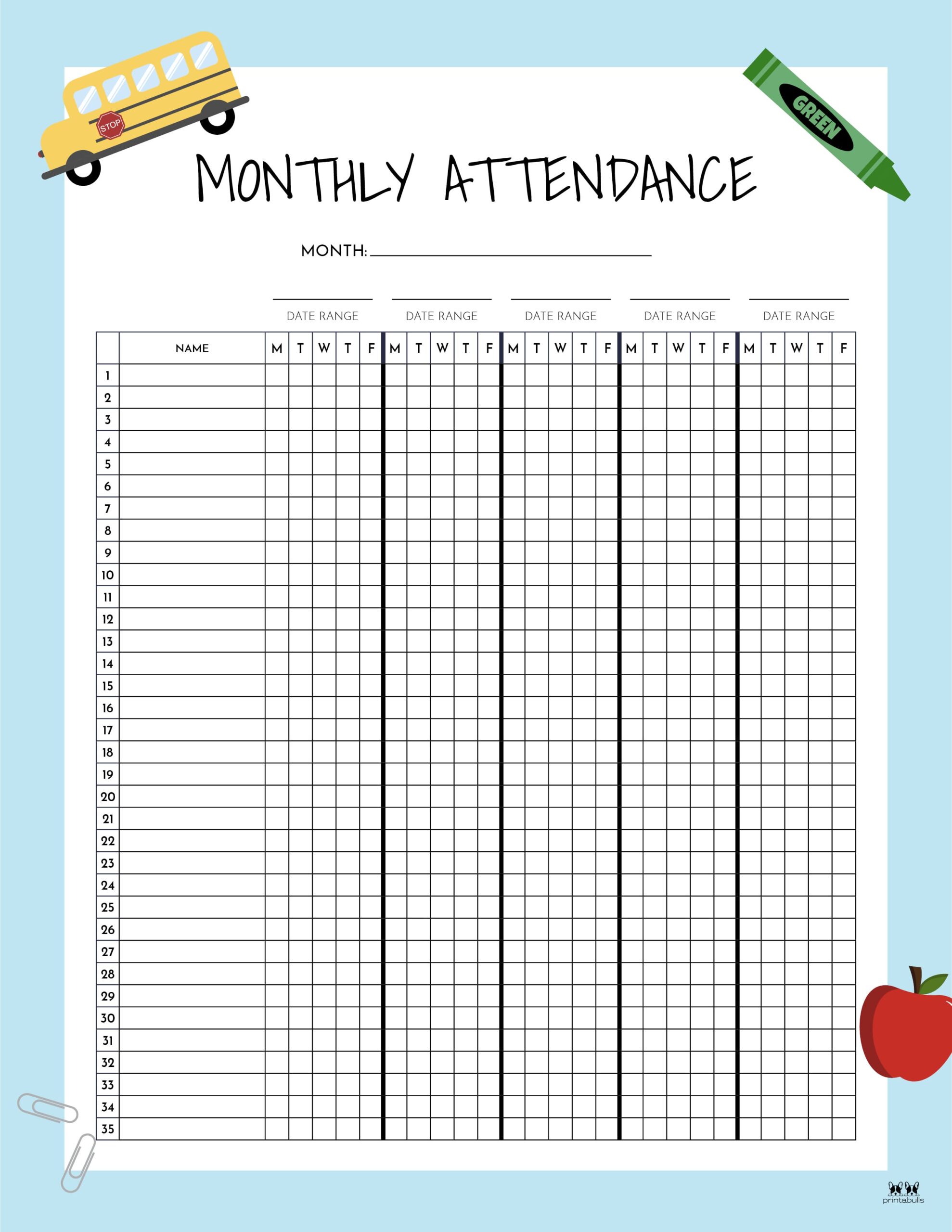
How to Create an Effective Attendance List
Introduction to Tracking Presence

Whether you are managing a bustling college classroom, running a corporate meeting, or organizing a weekend community workshop, keeping an accurate record of who shows up matters. A well-organized attendance list is more than just a bureaucratic checkbox; it is a vital tool for assessing engagement, ensuring security, and maintaining accountability.
In today's hybrid and fast-paced environment, tracking participation looks very different than it did a decade ago. Relying solely on a crumpled paper sheet passed around a room often leads to lost data, illegible handwriting, and administrative headaches. Modern solutions range from sophisticated software integrations to streamlined digital spreadsheets. Choosing the right approach depends entirely on your specific context, audience size, and frequency of gatherings.
Choosing Between Paper and Digital Formats
Before designing your document, you need to decide whether a physical or digital format serves your goals best. Each option comes with distinct advantages and drawbacks.
Paper-Based Sheets
Traditional paper logs still hold value in certain settings. They require zero technical setup, work reliably even during internet outages, and allow participants to sign in quickly without needing a smartphone or computer.
- Best for: Small workshops, local club meetings, and high-security physical sites where visitor logs are legally required.
- Drawbacks: Prone to physical damage, difficult to search historically, and vulnerable to fraudulent signatures or proxy sign-ins.
Digital Spreadsheets
Cloud-based tools like Microsoft Excel, Google Sheets, or Airtable transform a basic attendance list into a dynamic database. You can sort names alphabetically, track multi-day attendance trends automatically, and share the document instantly with co-organizers.
- Best for: Regular corporate meetings, recurring classes, and distributed teams.
- Drawbacks: Relies on device access and reliable internet connectivity during the sign-in window.
Essential Elements of a Professional Attendance List
Video: Google Meet Attendance List Chrome Extension
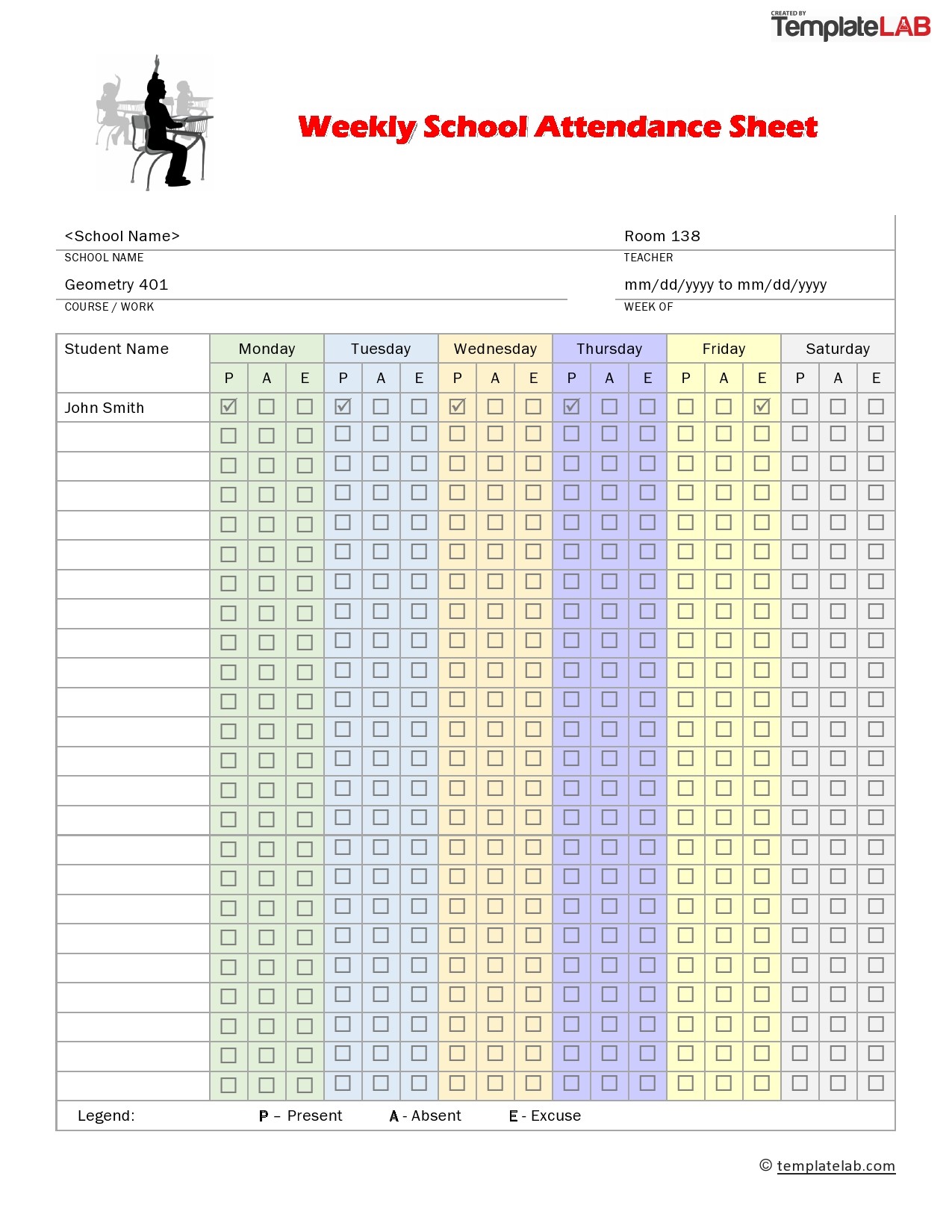
No matter which format you choose, a clear layout prevents confusion and speeds up data entry. Avoid clutter while ensuring you capture all necessary details.
First, include high-level metadata at the top of the document. This should feature the event or class name, the specific date, the time, and the name of the facilitator or instructor. Without this context, a raw list of names loses its long-term value.
Next, structure your main table with logical columns. Essential fields typically include:
- Full Name: The participant's first and last name, printed clearly or typed.
- Contact Information: Email address or phone number, especially useful for first-time visitors or guest-heavy events.
- Status Marker: A checkbox or initial field for Present, Absent, Late, or Excused.
- Signature or Timestamp: A quick verification method showing when the participant checked in.
- Notes Section: A small blank area to record late arrivals, early departures, or special accommodations.
Best Practices for Managing Attendance
Creating the document is only half the battle. Maintaining consistency and accuracy requires clear protocols from day one.
Set expectations early by establishing a clear deadline for check-ins. If participants sign themselves in, monitor the process to prevent back-channel signing for absent friends. For digital meetings, cross-reference your manual log with the automated participant report generated by software like Zoom or Microsoft Teams.
Finally, protect participant privacy. If you are circulating a physical sheet in a public setting, be mindful of personal data exposure. In digital environments, ensure your cloud spreadsheets have appropriate permission settings so unauthorized users cannot alter historical records.
Conclusion
Implementing a reliable attendance list streamlines administration and provides clear insights into participation patterns. By assessing your specific needs, choosing between digital and physical formats, and standardizing your layout, you can turn a routine administrative chore into a seamless, efficient process.