How to Design Wells Fargo Card Customizations
How to Design Wells Fargo Card Customizations

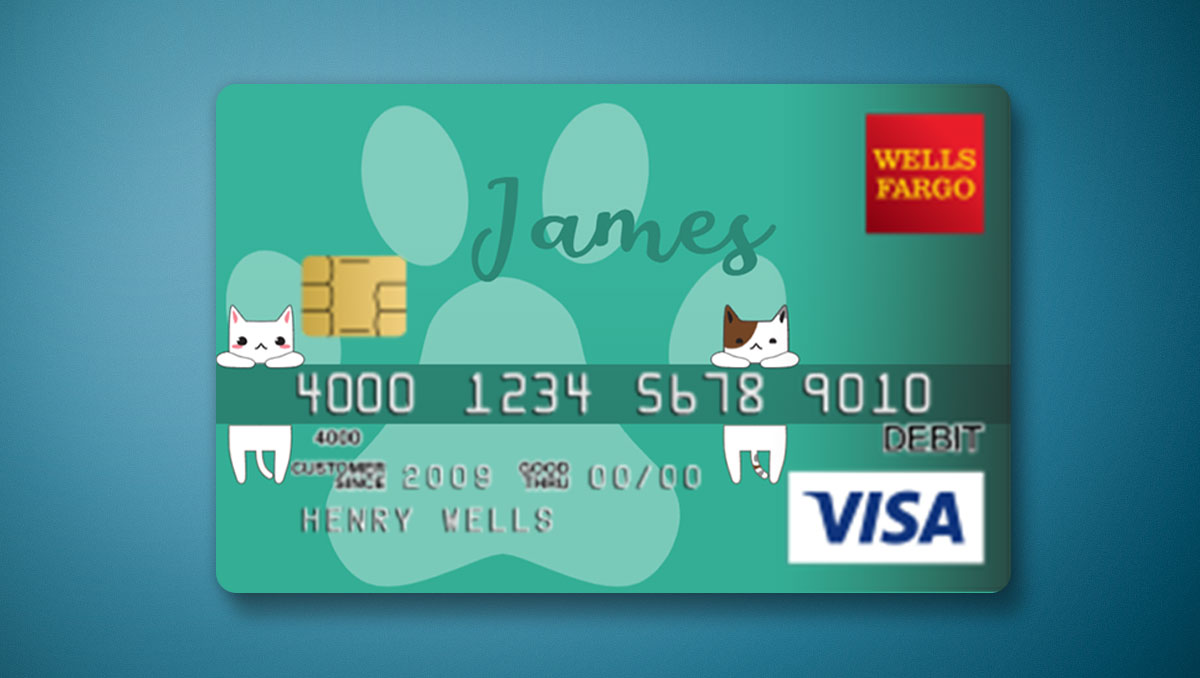
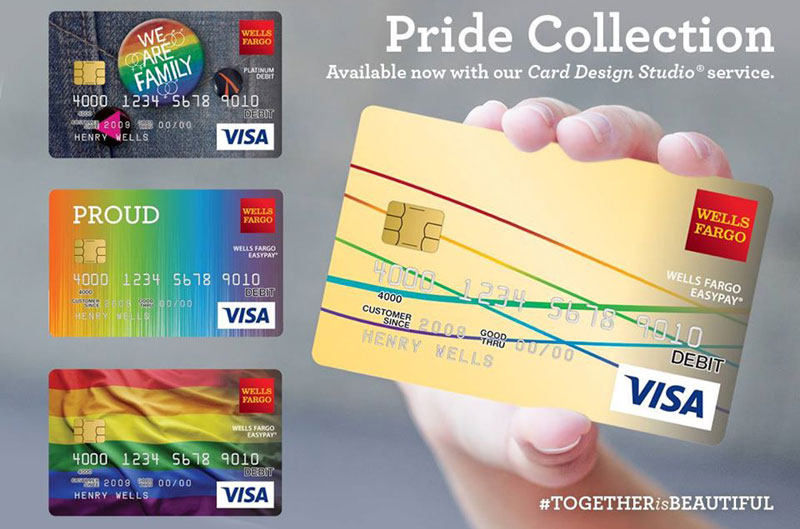
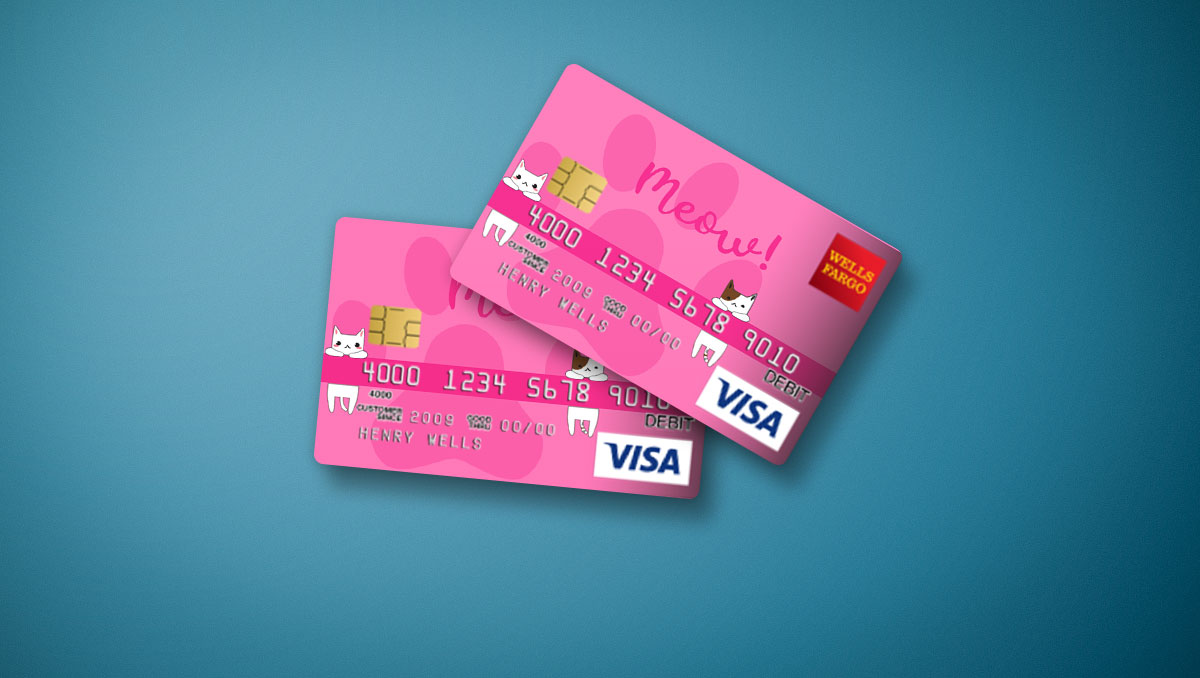
Personalizing your wallet has never been easier thanks to programs that let you design Wells Fargo card plastics with your own images, artwork, or favorite photographs. Whether you want to display a picture of your family, a memorable vacation landscape, or a piece of original digital art, customizing your bank card is a fun way to make your daily transactions feel a bit more unique.
However, before you dive into uploading your favorite snapshot, there are specific guidelines, rules, and technical steps you need to follow. Wells Fargo has strict quality control and copyright standards to ensure that custom cards remain professional and secure. This guide walks you through the entire process of creating your own custom card design from start to finish.
Eligibility and Available Cards
Before you start brainstorming images, it is important to confirm whether your specific account is eligible for card customization. Not every credit and debit card in the Wells Fargo portfolio qualifies for a personalized design.
Eligible Account Types
Typically, the option to upload a custom image is available for standard Wells Fargo consumer debit cards linked to checking accounts. Some personal credit cards may also feature customization options, though availability frequently changes based on card tier and current bank policies. Premium credit cards, such as metal travel rewards cards, generally do not support custom printing due to the physical material of the card.
Checking Your Eligibility
The fastest way to check if you can customize your card is to log into your Wells Fargo Online account or open the Wells Fargo Mobile app. Navigate to the account services or card management section. If the card design feature is available for your specific account, you will see a prompt or link inviting you to personalize your card.
Step-by-Step Guide to Customizing Your Card
Once you confirm that your account is eligible, the actual process of submitting your custom image takes just a few minutes. Follow these steps to get your personalized card in the mail.
- Log In Securely: Access your Wells Fargo online banking dashboard using a secure desktop browser or the official mobile application.
- Navigate to Card Services: Find the manage cards section, select the specific debit or credit card you wish to alter, and look for the image customization or personalization option.
- Launch the Design Tool: Open the built-in image editor tool provided by the bank. This interface allows you to upload, crop, and preview your image.
- Upload Your Image: Select a high-resolution file from your computer or smartphone storage. Ensure the file format is supported, usually JPEG or PNG.
- Adjust and Preview: Use the on-screen tools to position your image. Pay close attention to where the chip, card number, and expiration date will overlay your design.
- Submit for Review: Once you are satisfied with the digital preview, submit your design for approval. The bank will review the image to ensure it meets all content guidelines.
Image Requirements and Guidelines

Wells Fargo reviews every custom image submission to protect brand integrity and prevent offensive content. If your image violates any of the bank's terms, your request will be rejected, and you will have to submit a new design.
Technical Specifications
To ensure your card prints clearly without looking pixelated or blurry, your uploaded image should meet specific technical standards:
- File Formats: Accepted formats typically include JPEG, BMP, GIF, and PNG.
- Resolution: Aim for a high-resolution image, ideally at least 800 x 600 pixels, to guarantee crisp print quality.
- File Size: Keep file sizes within the platform's limits, usually between 50 KB and 10 MB.
Content Restrictions
Wells Fargo prohibits the use of certain types of imagery. Your design will be rejected if it contains:
- Copyrighted or trademarked material, including professional sports team logos, corporate brands, or celebrity photographs without explicit permission.
- Offensive, vulgar, or sexually explicit content, hate speech, or violent imagery.
- Phone numbers, URLs, email addresses, or specific financial text that could mimic security features.
- Currency or images of paper money and coins.
- Drawings, signatures, or text that obscure the essential security elements of the card.
Tips for Creating the Best Card Design
Because the final product is printed on a small piece of plastic, certain design choices work much better than others. Keep these tips in mind before finalizing your submission:
First, remember that a cutout for the EMV chip will sit on the left side of the card, and raised or printed numbers, cardholder names, and expiration dates may overlay your image depending on the card type. Avoid placing critical details—like a person's face—directly where the chip or embossed text will land.
Second, choose bright, high-contrast images. Dark, muddy photographs tend to lose detail when printed directly onto plastic. Natural landscapes, vibrant abstract patterns, and clear pet portraits generally produce the most striking results.
What to Expect After Submission
After you successfully submit your design, Wells Fargo typically reviews the image within one to three business days. You may receive an email notification regarding the status of your approval.
If approved, the bank will manufacture your new card and mail it to your address on file. Standard delivery usually takes between 7 to 10 business days. There is occasionally a small, one-time fee associated with custom card printing, so check your account disclosures before finalizing your request. Once your new card arrives, remember to activate it through the mobile app and update any recurring automatic payments linked to your old card number.