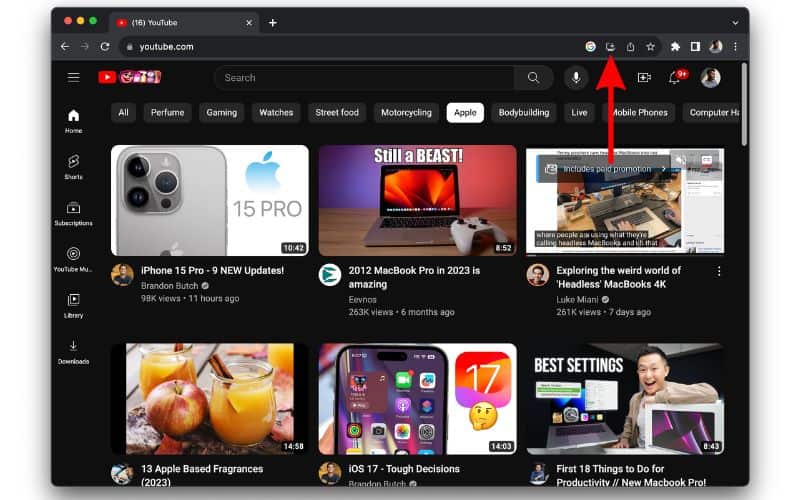
How to Download YouTube Video Mac: Safe & Easy Ways
Mac users often need offline access to their favorite media, making the ability to youtube download video mac a frequent search query. Whether you want to view tutorials during a flight, archive your own content, or keep educational clips handy without an active internet connection, macOS offers several reliable methods to save media locally.

However, navigating YouTube downloaders on a Mac requires caution. Many free web tools are riddled with intrusive pop-ups, adware, or malware disguised as video converters. Furthermore, you must always respect copyright laws and YouTube’s Terms of Service, which generally prohibit downloading copyrighted content unless a direct download button is provided by the platform (such as YouTube Premium).
This guide explores the safest, most efficient ways to capture video content on macOS without compromising your computer's security.
Safe Methods to Download YouTube Video Mac Users Can Trust
Depending on your technical comfort level and how often you need to save clips, you can choose between dedicated desktop applications, online converters, or browser-based tools. Here are the top approaches categorized by safety and usability.
1. Dedicated macOS Software (Most Reliable)
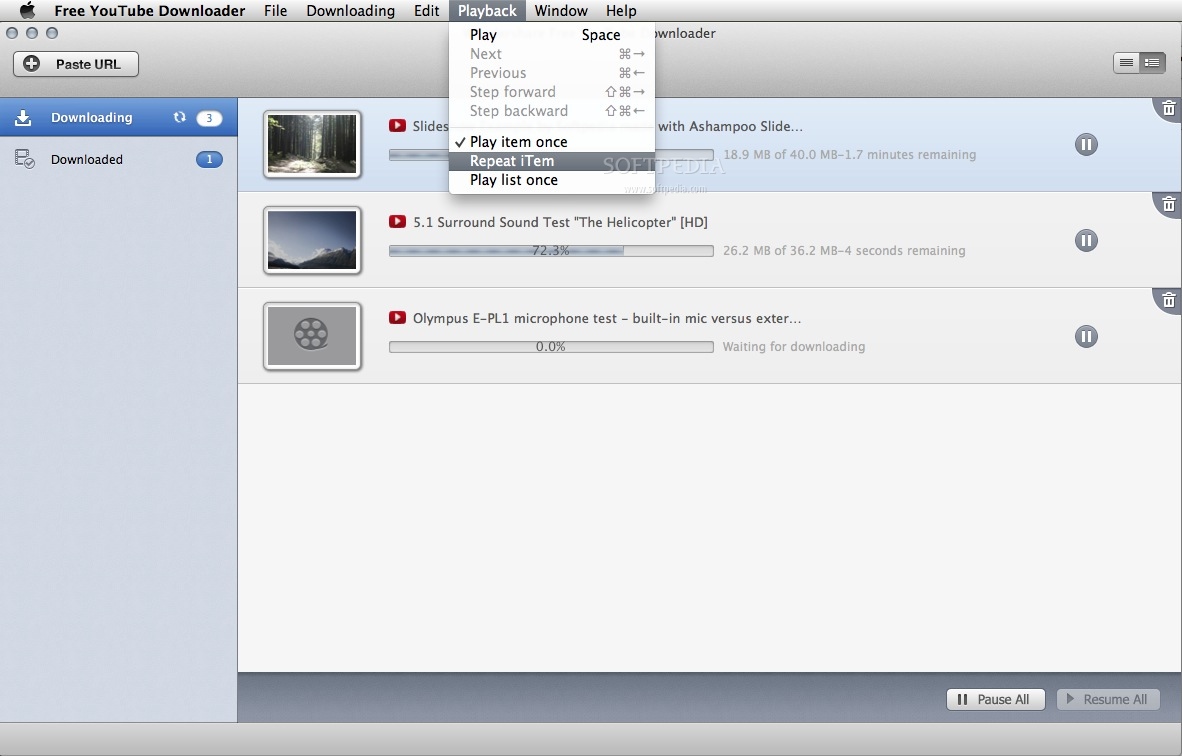
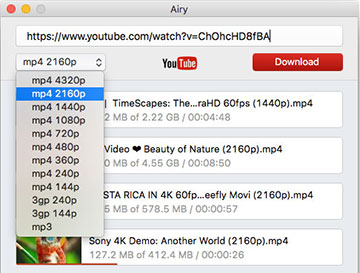
For high-resolution downloads (like 1080p, 4K, or 8K) and batch processing, dedicated desktop applications are far superior to web browsers. They process files locally and avoid the security risks of shady ad-supported websites.
- 4K Video Downloader+: A staple in the Mac community. It allows you to paste a link, choose your preferred resolution, and download entire playlists or channels. The free tier offers generous daily limits.
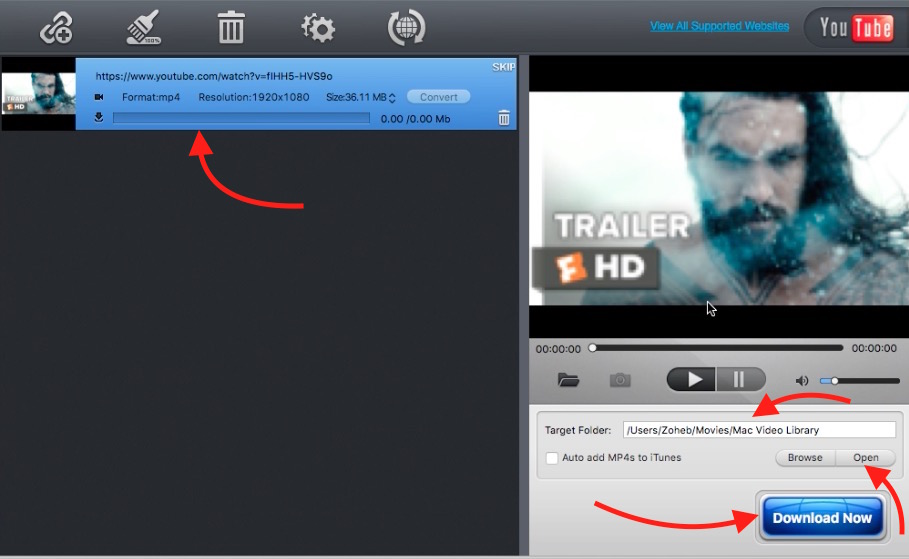
- MacX Video Converter Pro: A robust tool that not only grabs clips from YouTube but also converts them into Apple-friendly formats like MP4, MOV, or HEVC for seamless playback on iPhone or iPad.
- Yt-dlp (For Advanced Users): If you are comfortable using the macOS Terminal, this command-line utility is the gold standard. It is open-source, completely free, and receives constant updates to bypass YouTube's frequent structural changes.
2. Online Web Converters (Quick & No Installation)
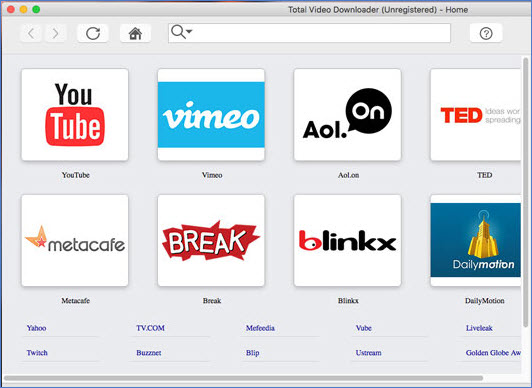
If you only need to grab a single clip and do not want to install software, web-based converters are an option. You simply copy the YouTube URL, paste it into the website's search bar, and click download.
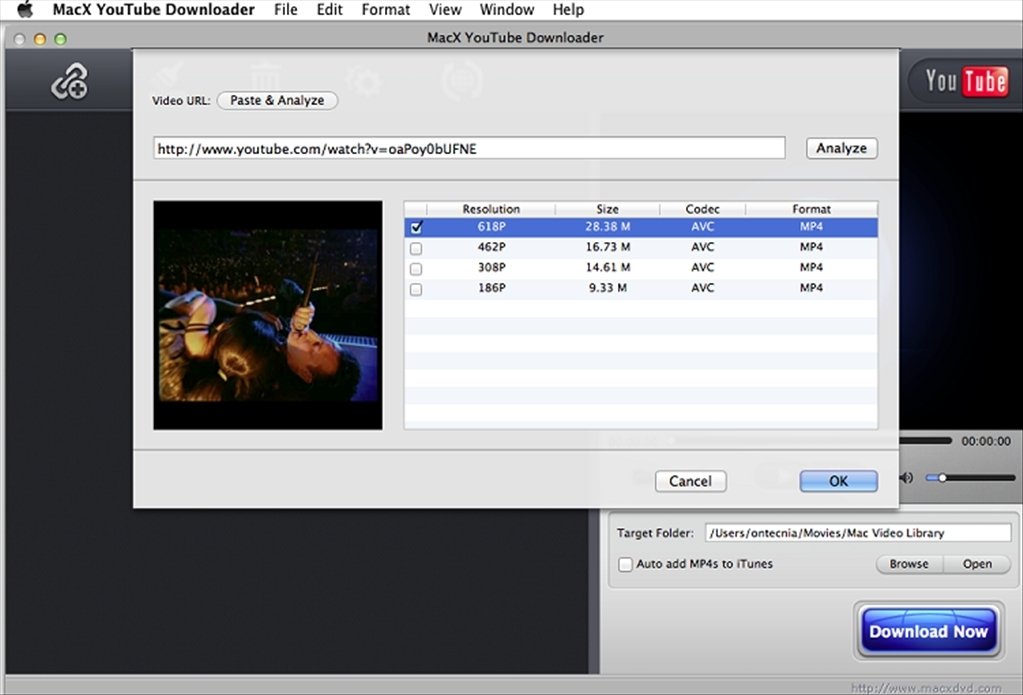
Warning: Always use a reliable ad-blocker (like uBlock Origin) before visiting these sites, as they frequently redirect users to malicious landing pages or prompt fake software updates.
- Open your browser and navigate to the YouTube video you wish to save.
- Copy the URL from the address bar.
- Open a reputable online converter platform.
- Paste the link, select your desired MP4 or MP3 format, and click 'Convert'.
- Download the resulting file directly to your Mac’s 'Downloads' folder.
3. Using VLC Media Player
Many Mac users already have VLC Media Player installed. Did you know it can stream and capture web videos? While it takes a few steps, it is a completely free and safe workaround.
- Open YouTube in your browser and copy the video URL.
- Open VLC, click on File in the top menu bar, and select Open Network.
- Paste the YouTube link into the URL field and click Open.
- Once the video starts playing, go to Window > Media Information (or press Command + I).
- At the bottom of the window, copy the long URL listed next to Location.
- Paste that location link back into your web browser, press Enter, right-click the video, and select 'Download Video'.
Legal and Safety Considerations
Before saving any media to your Apple laptop or desktop, it is vital to understand the legal and platform rules governing online video.
YouTube's Terms of Service explicitly state that users may not download content unless the platform displays a download or link button provided by YouTube itself. Using third-party tools technically violates these terms, though personal offline viewing is rarely prosecuted. However, re-uploading downloaded copyrighted material to other platforms or monetizing it can lead to severe copyright strikes and legal action.
To keep your Mac secure:
- Never download `.dmg` or `.pkg` installers from unknown video downloader websites.
- Keep your macOS Gatekeeper settings enabled to block unsigned apps.
- Run a malware scan if your browser suddenly starts opening unwanted tabs after visiting conversion websites.
Conclusion
Finding a reliable way to execute a youtube download video mac task doesn't have to be stressful. Whether you opt for a trusted desktop app like 4K Video Downloader for heavy lifting, or use VLC for a quick one-off save, protecting your operating system from malware should always be your top priority. Stick to reputable tools, respect copyright laws, and enjoy your offline viewing experience on macOS.