How to Fix an ADT Sensor Tamper Error
Understanding an ADT Sensor Tamper Alert

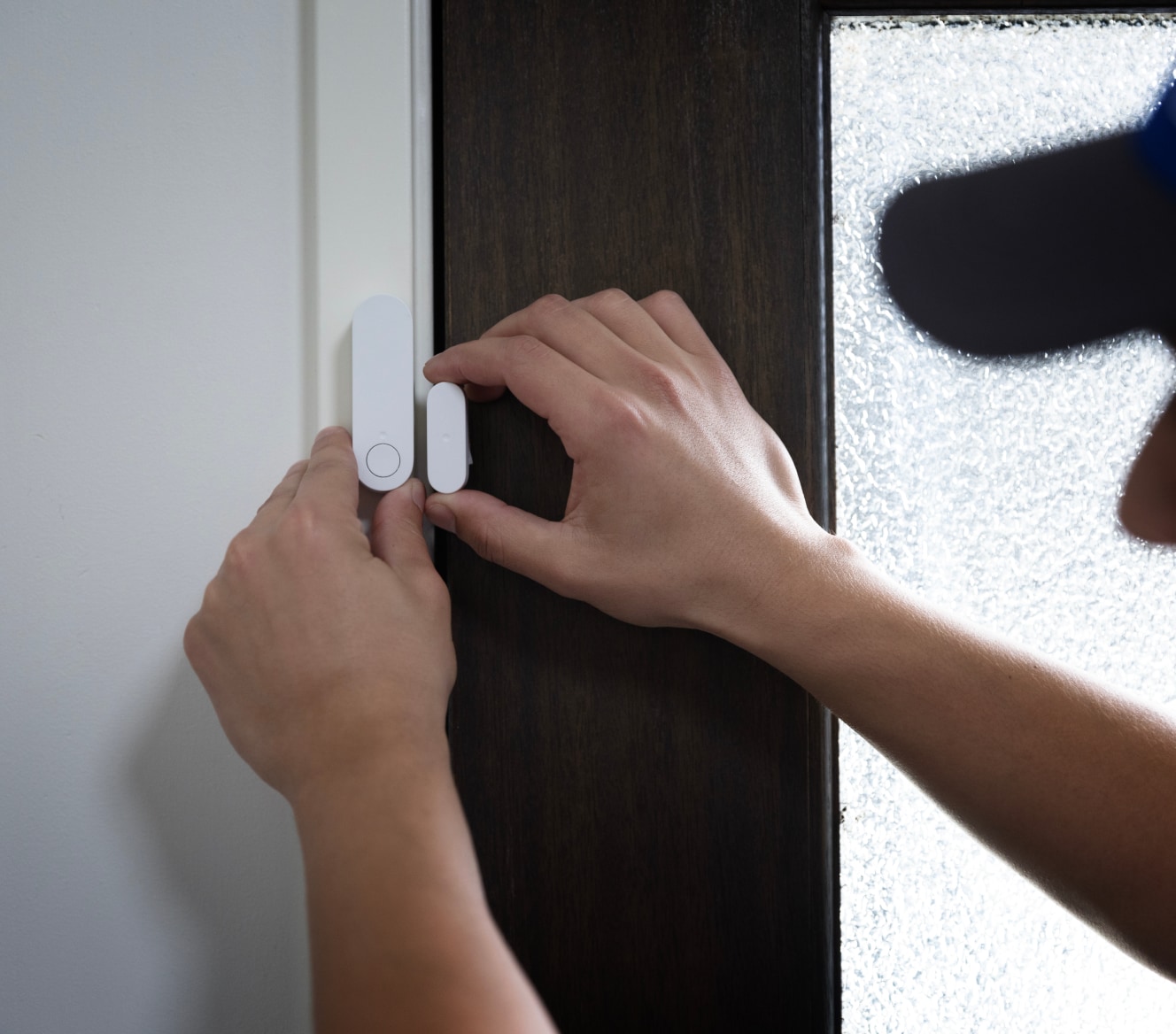
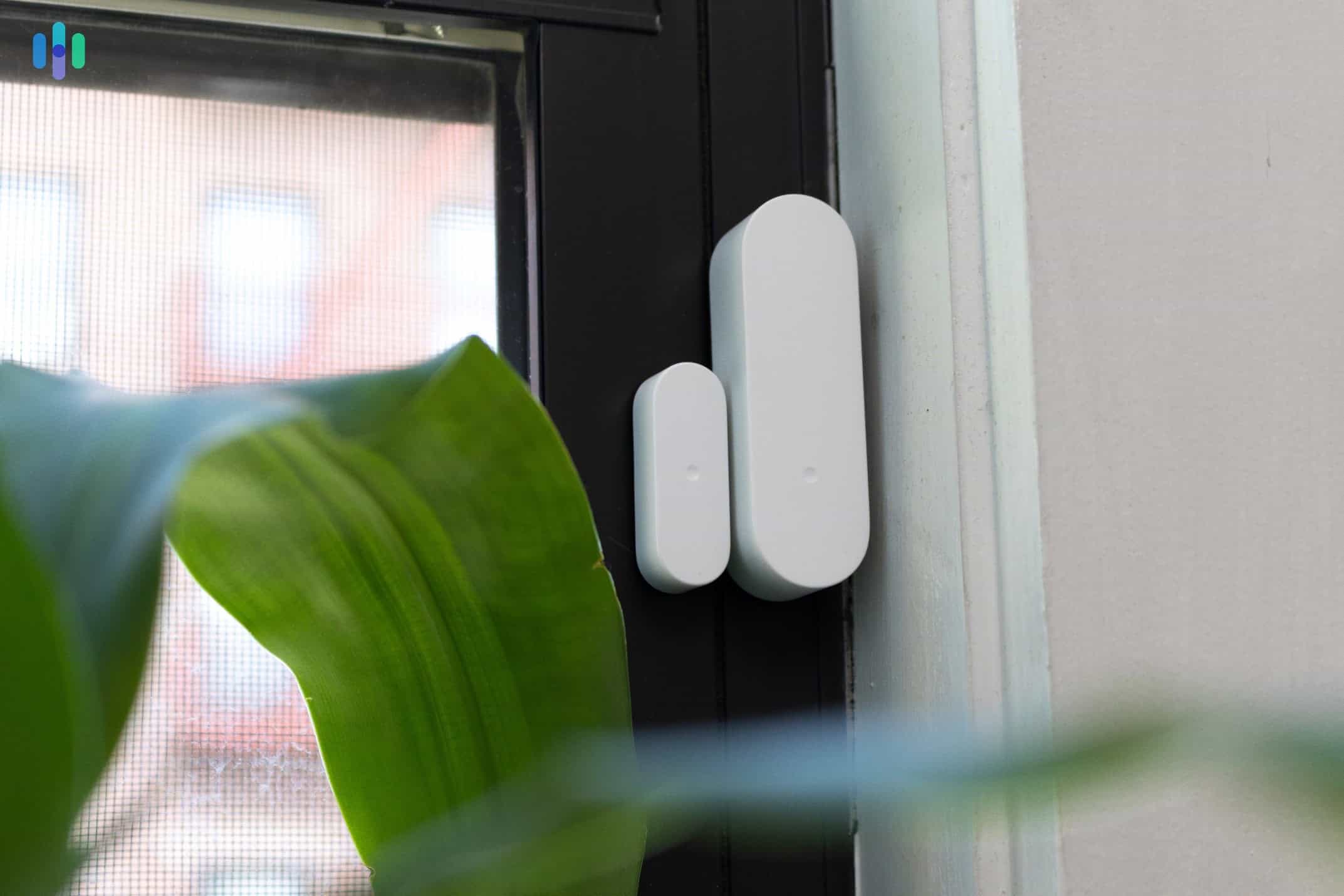
Seeing a warning light or hearing a constant beep from your home security keypad can be stressful. If your display shows a message about an ADT sensor tamper, it usually means the physical casing of a door, window, or motion sensor has been disturbed, opened, or broken. Modern security systems are designed to detect if someone tries to disable or dismantle a sensor, triggering an immediate alert to protect your home.
While this feature is vital for preventing tampering by intruders, it frequently trips due to everyday household occurrences. A loose battery cover, a slammed door that rattled a contact, or routine home maintenance can easily trigger the alarm. Fortunately, most tamper alerts are minor issues that you can diagnose and fix in just a few minutes without needing to call for a technician.
Common Causes of Tamper Errors
Before you can clear the error from your system, it helps to know why it happened in the first place. Every ADT sensor has a small internal switch or button—known as a tamper switch—held down by the device's cover. When that cover shifts even a millimeter, the circuit breaks, and the panel registers a tamper event.
- Loose or improperly seated covers: The most frequent culprit is a sensor cover that wasn't snapped back into place completely after a battery change.
- Damaged sensor housing: Cracks in the plastic casing can prevent the cover from pressing down firmly on the internal tamper switch.
- Low batteries causing shrinkage or movement: As batteries degrade or if the device is old, parts can shift slightly inside the housing.
- Physical impact: Slamming a door or window too hard can jar the magnet and sensor out of alignment or pop the cover loose.
- Accumulated dust and debris: Dirt inside the casing can block the switch from making proper contact.
Step-by-Step Guide to Fix an ADT Sensor Tamper
Fixing the issue requires inspecting the physical hardware and then resetting your control panel. Follow this straightforward troubleshooting process to resolve the error.
Step 1: Identify the Affected Sensor
Look at your ADT keypad display or check your ADT mobile app. The system will usually specify which zone or room has the issue (for example, "Back Door Tamper" or "Living Room Motion Tamper"). Make a note of this location so you don't waste time checking unrelated equipment.
Step 2: Inspect the Physical Device
Go to the identified sensor and examine it closely:
- Check if the cover is loose, crooked, or completely detached.
- Look for a small securing screw at the bottom or top of the sensor housing. If this screw is loose, tighten it gently.
- Gently press on the cover to see if it snaps or clicks more securely into place.
Step 3: Check the Battery and Internal Switch
If simply pressing the cover down doesn't work, open the sensor casing entirely:
Video: How to Reset ADT Tamper Alert

- Remove the securing screw if your model has one.
- Carefully slide or pry open the cover.
- Check the spring or lever that acts as the tamper switch (usually located near the backplate). Ensure it isn't bent, stuck, or broken.
- Check the batteries while the unit is open. If they are loose, reseat them. If they are dead, replace them with fresh ones.
- Snap the cover firmly back onto the base plate, ensuring you hear a distinct click. Tighten the securing screw if applicable.
Step 4: Clear the Error from Your Keypad
Once the physical hardware is secured, the error may still linger on your display. You will need to clear it manually by arming and disarming your system:
- For standard ADT Command or Safewatch panels, enter your four-digit security code followed by the Off or 1 key.
- Repeat this process a second time to fully clear the memory of the alarm event from the system log.
Advanced Troubleshooting and When to Call ADT
If you have reset the cover, checked the batteries, and cleared the panel, but the tamper alert immediately returns, the issue may go beyond a simple loose lid.
Faulty Tamper Switches
Over time, the small plastic tab or metal spring acting as the tamper switch can fatigue and snap off. If the switch cannot physically depress when the cover is closed, the sensor will remain in a permanent state of alarm. Inspect the inside of the casing closely with a flashlight to ensure the switch mechanism is fully intact.
Dealing with Hardwired Systems
If you have an older hardwired ADT system, a tamper error might be related to the wiring inside the wall or at the control panel junction box. Hardwired loops use specific resistors; if a wire becomes loose at the terminal block, the panel reads it as a tamper or cut wire. Unless you are comfortable working with low-voltage wiring, it is best to leave hardwired diagnostics to a professional.
Contacting Support
If troubleshooting fails, your equipment may be failing due to age or environmental damage. Contact ADT customer service or your local authorized dealer. If you subscribe to an active maintenance protection plan, they can often send a replacement sensor or dispatch a technician to resolve the issue free of charge.
Preventing Future Tamper Alerts
You can minimize future service interruptions by taking a few preventive measures around your home:
- Be gentle when changing batteries. Avoid forcing plastic clips, which can snap easily, especially in colder weather when plastic becomes brittle.
- Install heavy-duty felt pads or door stoppers behind doors that slam heavily against walls, protecting nearby recessed door sensors from excessive vibration.
- Dust your motion detectors and entry contacts periodically during routine home cleaning to keep debris out of the housing seams.
By understanding how your equipment works and performing basic maintenance, you can easily manage an ADT sensor tamper alert and keep your home security system running smoothly.