How to Get a MileSplit Subscription Refund
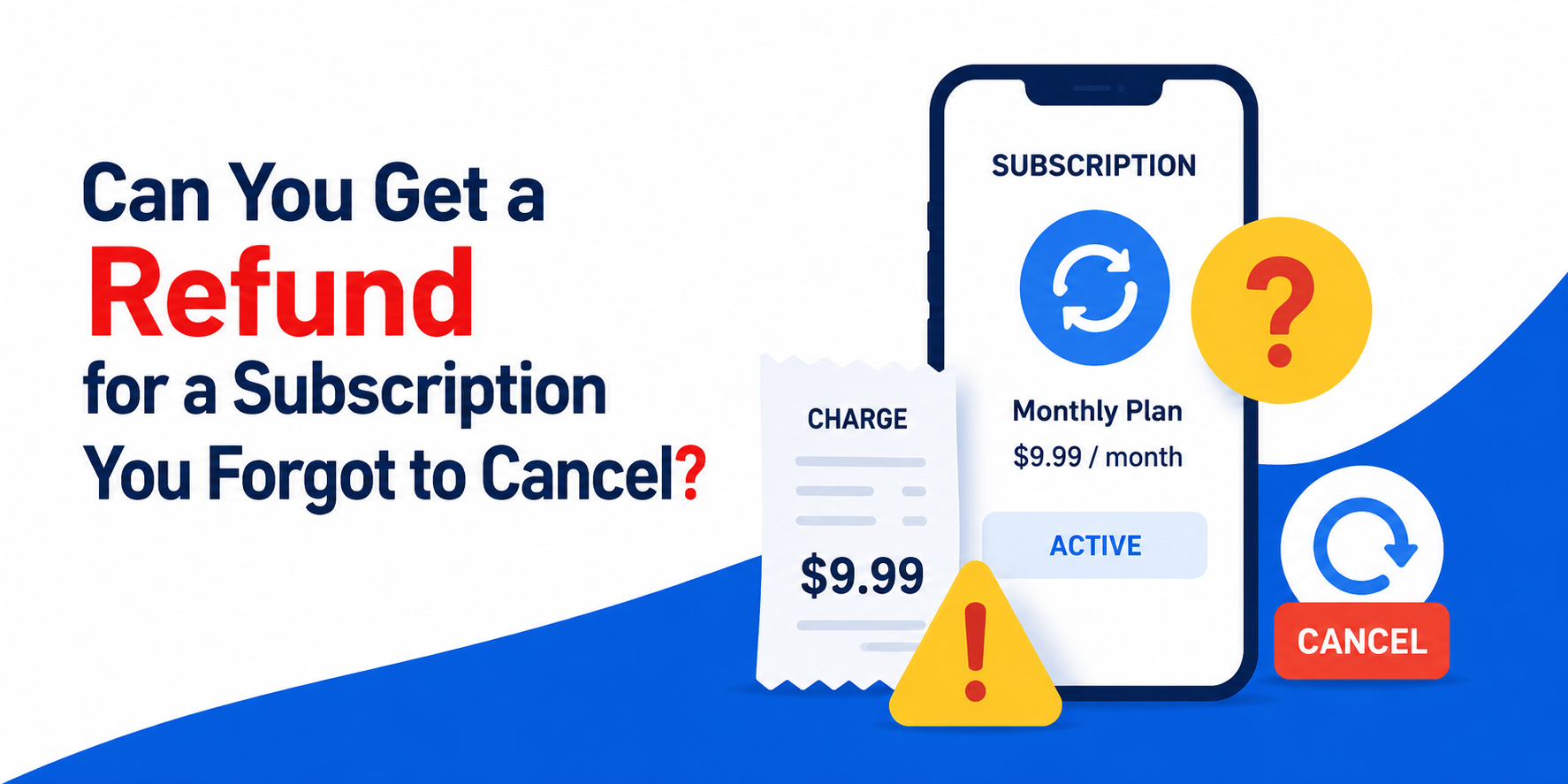
Navigating digital sports subscriptions can sometimes be frustrating, especially when you are billed for an auto-renewing service you no longer use. If you recently realized you were charged for an annual or monthly track and field membership, you might be searching for the official protocol on obtaining a MileSplit subscription refund. Because MileSplit and its parent company, FloSports, operate under strict billing terms, getting your money back requires knowing the exact steps, policies, and timelines involved.
In this comprehensive guide, we will break down the official refund guidelines, how to cancel your account to prevent future charges, and the best ways to contact customer support to request your money back.
Understanding the MileSplit Refund Policy
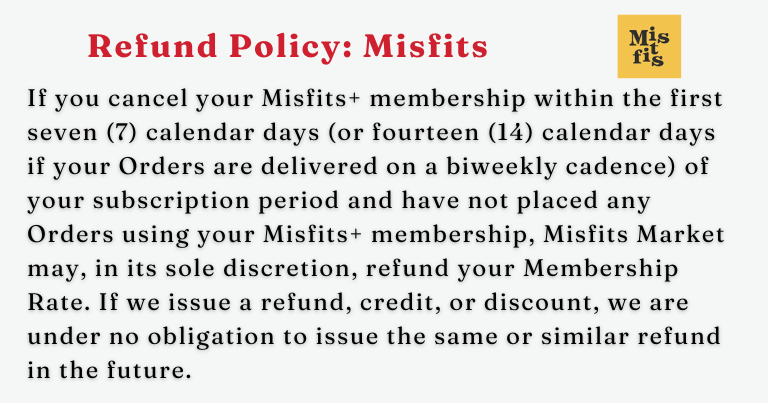
Before reaching out to customer service, it is important to understand the standard terms of service agreed upon at checkout. Like most streaming and data-analytics platforms, MileSplit (operated by FloSports) generally operates on a no-refund policy for subscription fees once they have been successfully processed.
According to their terms, when you purchase a monthly or annual plan, you are paying upfront for access to that entire billing cycle. If you cancel mid-cycle, you keep access until the end of that paid period, but you typically do not receive a prorated refund for the unused days or months.
However, exceptions do exist in specific scenarios:
- Accidental Renewals: If your annual subscription auto-renewed and you contact support almost immediately without using the platform during the new billing period, agents have occasionally granted courtesy refunds on a case-by-case basis.
- Duplicate Charges: If a technical glitch resulted in you being billed twice for the same billing cycle, you are fully entitled to a refund for the duplicate transaction.
- Service Outages or Major Account Issues: If you were unable to access regional meet results, live streams, or athlete profiles due to extended platform failures right after a renewal, support may issue a refund.
Step-by-Step: How to Cancel Your Account
The first step in resolving any billing dispute with MileSplit is to cancel your recurring subscription immediately. This ensures you will not face another unexpected charge while you negotiate your refund.
- Log In: Go to the MileSplit website (or your regional site) and log into your account using your username and password.
- Navigate to Account Settings: Click on your profile avatar in the top right corner and select "Subscriptions" or "Account Settings" from the dropdown menu.
- Manage Subscription: Locate your active PRO membership details.
- Cancel Plan: Click the button that says "Cancel Subscription" or "End Plan." Follow the on-screen prompts until you receive a confirmation message or email verifying that auto-renew has been turned off.
Note: If you originally subscribed through the Apple App Store or Google Play Store on a mobile device, you must manage and cancel your subscription directly through your Apple ID or Google Play account settings, as MileSplit support cannot directly cancel mobile in-app purchases.
How to Request Your MileSplit Subscription Refund
Once your account is safely canceled so it won't renew in the future, you can direct your attention to recovering your recent charge. Because there is no automated "request refund" button inside your account dashboard, you must communicate directly with the FloSports support team.

1. Submit a Support Ticket
The most efficient way to get a paper trail is by visiting the FloSports Help Center. Look for the "Contact Us" or "Submit a Request" link. You will need to fill out a brief form detailing your issue.
2. What to Include in Your Message
To speed up the review process, make sure your support ticket includes all the vital information customer service will need to locate your transaction:
- The email address associated with your MileSplit account.
- Your full legal name and username.
- The exact date and amount of the charge you want refunded.
- A polite, clear explanation of why you are requesting a refund (e.g., "I did not intend to renew my annual subscription, and I have not used the platform since the renewal date.").
3. Use Live Chat if Available
During standard business hours, the FloSports help desk often features a live chat widget in the bottom corner of their support pages. Using live chat allows you to speak with a representative in real time, which can drastically speed up the decision-making process regarding courtesy refunds.
What to Do If Your Refund Request Is Denied
If customer support responds and denies your refund request based on their strict no-refund terms of service, you still have a few options, though they should be used cautiously.
If you believe you were charged fraudulently—such as being billed after you already successfully canceled your account prior to the renewal date—you can gather your cancellation confirmation screenshots and file a dispute (chargeback) with your credit card issuer or bank. Keep in mind that filing a chargeback will almost certainly result in the permanent banning or suspension of your MileSplit and FloSports user account.
Final Tips for Hassle-Free Billing
The easiest way to avoid needing a refund in the future is to manage your notifications. If you sign up for a free trial or a promotional rate that automatically rolls over into a full-price annual subscription, set a calendar reminder on your phone for a few days before the renewal date. This gives you ample time to log in, cancel the service, and keep your hard-earned money in your pocket.