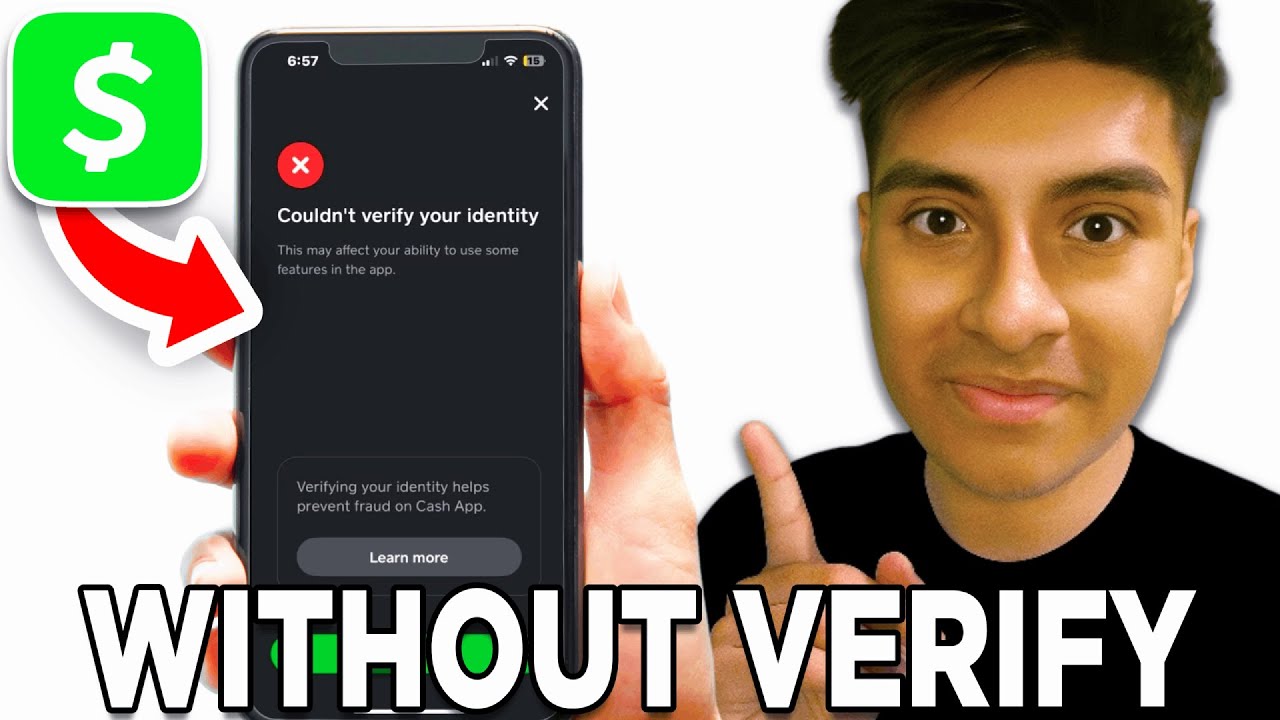
How to Get Money on Cash App Without Verification
If you recently opened an account or do not wish to share your Social Security number online, you might be wondering how to get money on cash app without verification. The short answer is yes, you can receive funds without verifying your identity, but Cash App places firm limitations on unverified accounts to comply with federal financial regulations.

Understanding these account limits, knowing how to link your bank account, and spotting common scams will help you use the platform smoothly while keeping your money safe.
Cash App Unverified Account Limits: The Basics
Cash App allows users to send and receive money right after registering with a phone number or email address. At this initial stage, your account is considered "unverified."
To comply with anti-money laundering (AML) laws and Know Your Customer (KYC) regulations, Cash App enforces the following caps on unverified profiles:
- Receiving Limit: You can receive up to $1,000 within any rolling 30-day window.
- Sending Limit: You can send up to $250 within any rolling 7-day window.
- Account Balance: You can hold money in your Cash App balance, but high balances may trigger an automated verification prompt.
If someone attempts to send you an amount that pushes your 30-day total past the $1,000 threshold, Cash App will pause the transaction and require you to complete identity verification before the funds are released.
Step-by-Step: How to Get Money on Cash App Without Verification
Getting paid without submitting your ID or SSN is straightforward as long as you stay within the platform's basic limits. Follow these steps to collect funds safely:
1. Set Up Your Basic Profile
Download the official Cash App application from the App Store or Google Play Store. Sign up using a valid mobile phone number or an active email address. Select a unique $Cashtag, which acts as your public username for transactions.
2. Share Your Payment Details
To receive payments, share any of the following details with the sender:
- Your $Cashtag: The recipient can type your $Cashtag directly into their app.
- Your Phone Number or Email: The contact details tied to your account work just as well.
- Your QR Code: Tap the Profile icon in the top-right corner of the home screen, tap the QR code icon, and let the sender scan it with their mobile camera.
3. Send a Payment Request
Instead of waiting for the sender, you can request payment directly:
- Open Cash App and enter the amount you want to request.
- Tap Request.
- Enter the sender's $Cashtag, email address, or phone number.
- Add a brief note (e.g., "Dinner" or "Utilities").
- Tap Request in the upper right corner to deliver the notification.
4. Accept Incoming Funds
If a person is sending you money for the first time, Cash App may display a green Accept button next to the transaction in your activity feed. Tap Accept to confirm that you know the sender and agree to add the money to your account balance.
How to Withdraw Money from an Unverified Cash App Account
Once the money arrives in your Cash App balance, you do not have to leave it there. You can transfer it directly to your bank account or use it for basic peer-to-peer transfers.

Standard Bank Transfer (Free)
Link a supported bank account using your debit card or routing and account numbers. When you tap Cash Out on the Banking tab, choose the Standard option. The funds will arrive in your bank account within one to three business days without any transfer fees.
Instant Deposit (Fee-Based)
If you need the funds immediately, select the Instant option. Cash App charges a small fee (typically between 0.5% and 1.75%, with a minimum fee of $0.25) to push the money to your linked debit card in real time.
Features You Cannot Use Without Identity Verification
While basic transfers work without verification, several core Cash App features remain locked until you confirm your identity:
- Cash App Card: In most cases, ordering and activating the physical Cash App debit card requires identity verification.
- Bitcoin and Stock Trading: Federal regulations require full identity disclosure (including SSN and proof of address) before you can buy, sell, or withdraw cryptocurrency or equities.
- Direct Deposit: Setting up paychecks or recurring federal benefits to route directly into Cash App requires a verified account.
- Higher Limits: You cannot increase your sending limit beyond $250 weekly or your receiving limit beyond $1,000 monthly without verification.
Beware of Scams Involving Unverified Accounts
Because many people search for ways to move funds anonymously, fraudulent actors frequently target users looking for unverified Cash App solutions. Protect yourself by steering clear of the following schemes:
"Cash App Money Generators"
Websites or social media bots claiming they can generate free money into your Cash App account are outright phishing scams. They usually ask for your login credentials, personal information, or an upfront "clearance fee." No program or code can generate funds out of thin air.
Cash Flipping Schemes
Scammers on Instagram, Telegram, or TikTok often promise to turn $20 into $200 through a supposed "exploit." Once you send your money, the scammer blocks you and disappears. Cash App transactions are instant and generally irreversible, making it virtually impossible to recover funds sent to scammers.
Fake "Verification Fee" Requests
If an unknown sender claims they sent you a large payment (e.g., $5,000) but says you must pay a "$50 release fee" or "business account upgrade fee" to unlock the transfer, it is a scam. Cash App never asks recipients to pay an upfront fee to receive a standard peer-to-peer transfer.
When Should You Consider Verifying Your Account?
If your financial needs expand, verifying your Cash App account takes only a few minutes and unlocks significantly higher limits. Once verified, your sending limit increases up to $7,500 per week, and your receiving limit becomes unlimited.
To verify your account, Cash App will ask for:
- Your full legal name
- Your date of birth
- The last four digits of your Social Security number
- A photo of a government-issued ID (in some instances)
If you only plan to split the occasional dinner bill, share minor household expenses, or accept small personal payments under $1,000 a month, staying unverified works completely fine.