How to Handle a Spectrum Customer Service Outage
Dealing with a Spectrum Customer Service Outage
Dealing with a sudden loss of internet, television, or phone service is frustrating, especially when you rely on your connection for work, school, or entertainment. If you are experiencing a Spectrum customer service outage, knowing the right steps to take can save you time and help you get back online as quickly as possible. Instead of guessing whether the problem is inside your home or out on the street, a systematic approach will help you identify the issue and contact support effectively.
In this guide, we will walk you through how to verify a widespread outage, troubleshoot your home network equipment, and reach out to Spectrum representatives to report the problem and potentially request a credit for your downtime.
Check for a Widespread Spectrum Outage
Before you start unplugging cables and restarting routers, it is important to determine whether the issue is local to your neighborhood or isolated to your home. Spectrum serves millions of customers, and widespread network maintenance, severe weather, or hardware failures frequently impact entire regions.
How to Use the My Spectrum App
The fastest way to check for a known service interruption is through your mobile device using cellular data:
- Open the My Spectrum App on your smartphone or tablet.
- Log in using your account credentials.
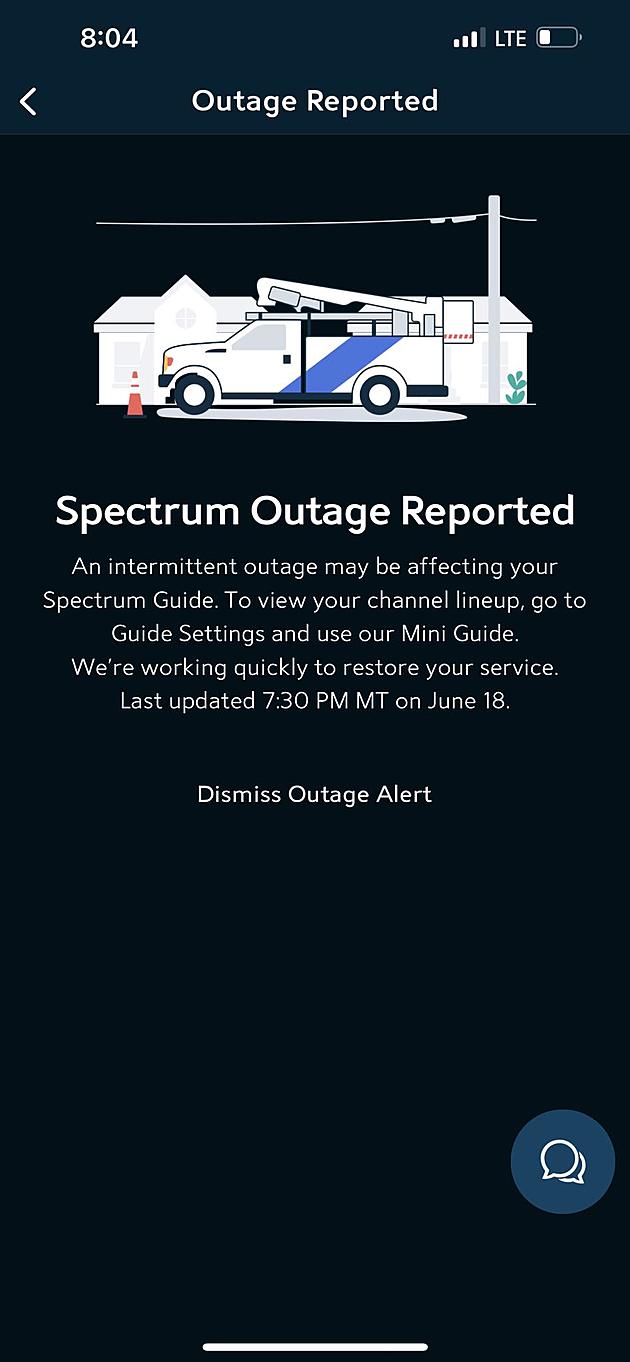
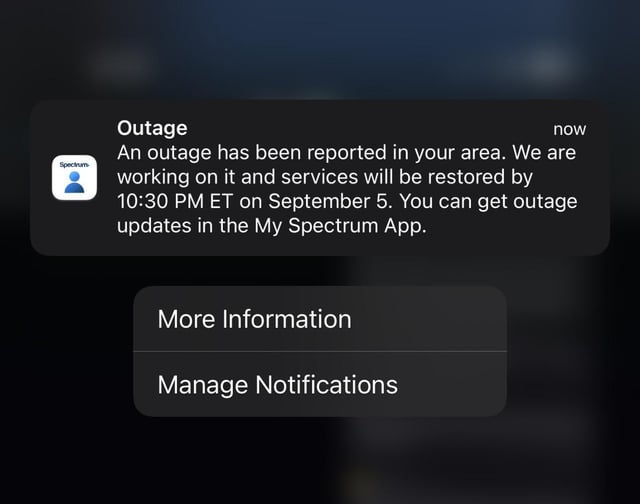
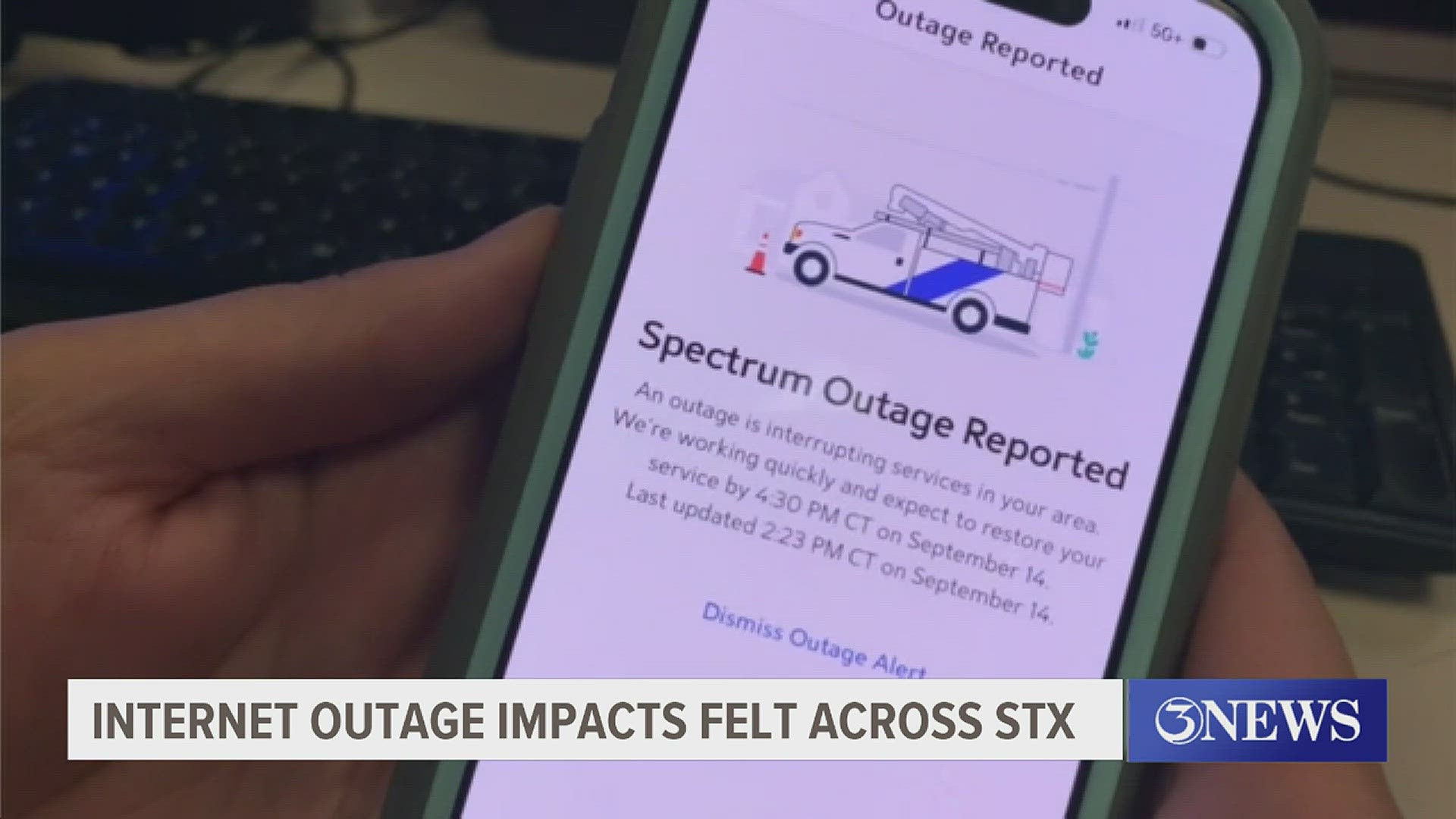
- Look for an alert banner at the top of the home screen. If there is an active outage in your area, the app will explicitly state that service is down and provide an estimated restoration time.
Alternative Outage Checkers
If you cannot access the app, you can use alternative methods to verify the status of your connection:
- Spectrum Website: Visit the official Spectrum website, navigate to the support section, and check the outage map or sign in to your account dashboard.
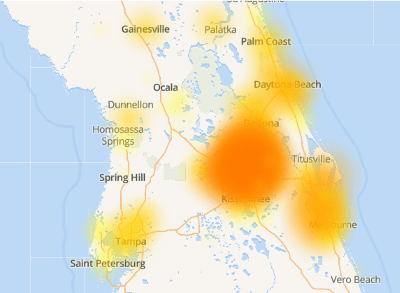
- Third-Party Trackers: Platforms like Downdetector aggregate user-submitted problem reports in real-time. A sudden spike in outage reports for Spectrum usually indicates a larger regional failure.
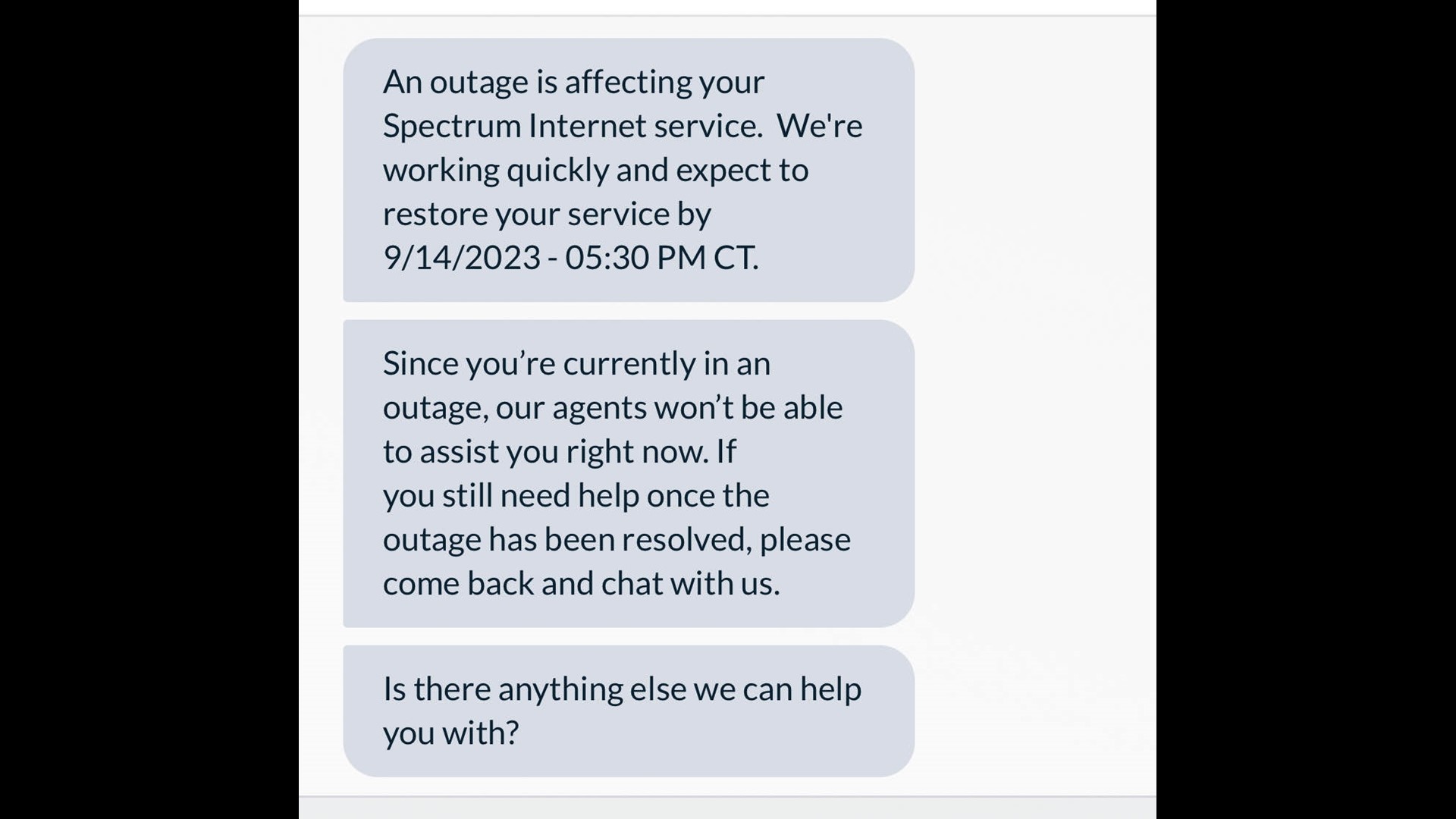
- Call Support: Dial Spectrum customer service. Often, an automated voice recording will greet you before you even reach an agent, notifying you of a known outage in your zip code.
Troubleshooting Your Home Network
If Spectrum reports no active outages in your area, the problem likely lies within your home hardware. A simple power cycle can resolve a vast majority of minor connectivity glitches.
Video: Spectrum outage credits
Power Cycling Your Modem and Router
Follow these steps to safely reboot your networking equipment:
- Unplug the power cord from the back of your modem and your Wi-Fi router.
- Wait at least 30 to 60 seconds to allow the internal capacitors to drain completely.
- Plug the modem back into the electrical outlet first and wait two to three minutes for the online indicator lights to stabilize.
- Plug your Wi-Fi router back into the power outlet and wait another minute or two for the wireless network to broadcast.
- Reconnect your devices and test the connection.
Inspect Physical Connections
Loose cables can easily mimic a complete service outage. Check the coaxial cable running from the wall outlet to the back of your modem to ensure it is screwed on tightly. Inspect your Ethernet cables to make sure they are securely clicked into place, and check for any visible fraying or damage caused by pets or furniture.
How to Contact Spectrum Support
If you have verified that no regional outage exists and troubleshooting your equipment did not restore service, you will need to speak directly with a representative. Here are the most effective ways to get help:
- Phone Support: Call Spectrum customer service directly. Be prepared to provide your account number or phone number associated with the account.
- Live Chat: Use the chat feature on the Spectrum website or within the My Spectrum App to converse with a digital assistant or live agent without waiting on hold.
- Social Media: Reaching out to official support handles on platforms like X (formerly Twitter) or Facebook can sometimes yield a faster response during peak outage hours.
Requesting an Outage Credit
When your internet or television service goes down for an extended period, you are technically paying for a service you did not receive. Spectrum policy generally allows customers to request a service credit for outages that last for a significant duration, typically 24 hours or longer.
Once your service is fully restored, contact customer service and politely ask to speak to a billing representative. Mention the exact date and timeframe of the outage. While credits are not always guaranteed for brief interruptions, customer retention departments are often willing to apply a small credit to your next monthly bill for major disruptions.
Preventing Future Headaches
While you cannot prevent a utility pole from going down or a neighborhood fiber line from being cut, you can minimize the impact of future disruptions. Keeping the My Spectrum App downloaded on your phone ensures you can instantly check for regional updates using cellular data when your home Wi-Fi fails. Furthermore, investing a modest amount in an uninterruptible power supply (UPS) battery backup for your modem and router can keep your home network running during brief brownouts or power flickers.