How to Manage Your Zillow Rental Like a Pro
Finding reliable tenants for your property can feel like a full-time job, but platforms like Zillow have streamlined the process for independent landlords and property managers. Whether you are listing a single-family home, a condo, or a spare room, navigating **my zillow rental** dashboard is the key to keeping your leasing process organized from start to finish. From creating your initial advertisement to collecting the first month's rent, utilizing the platform's built-in tools saves time and reduces administrative headaches.

In this guide, we will walk you through everything you need to know about setting up, managing, and optimizing your rental on Zillow to attract high-quality tenants quickly.
Navigating Your Zillow Rental Dashboard
The Zillow Rental Manager is your centralized hub for all property-related activities. Once you log into your account, you can access your dashboard to view active listings, track prospective tenant inquiries, and review submitted applications. Getting familiar with this interface ensures you never miss a message from an interested renter.
Creating and Editing Your Listing
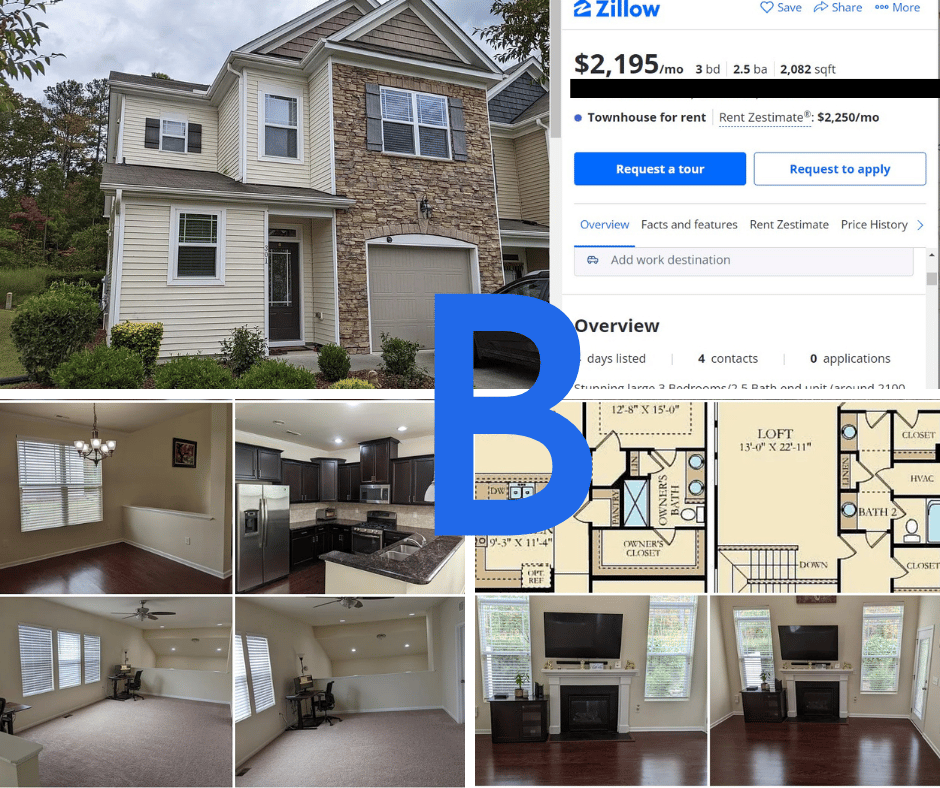
Your listing is your first impression. To make it stand out in a crowded market, you need to provide accurate details and compelling visuals. When you create or update your zillow rental listing, make sure to include the following elements:
- High-Resolution Photos: Clear, well-lit photos of every room, plus the exterior and any amenities like a yard or balcony, drastically increase click-through rates.
- Detailed Description: Highlight key selling points such as updated appliances, in-unit laundry, proximity to public transit, or included utilities.
- Transparent Pricing: Clearly state the monthly rent, security deposit amount, lease duration, and any pet policies right away to manage expectations.
You can edit your listing at any time directly from your dashboard. If you need to lower the rent or update the availability date, changes typically go live within a few minutes.
Managing Applications and Screening Tenants
One of the most valuable features of managing your property online is the integrated screening process. Instead of dealing with paper applications and individual background check fees, Zillow simplifies tenant screening.

- Applications: Prospective tenants fill out one Zillow application and can apply to your property with a simple click.
- Background and Credit Checks: For a fee paid directly by the applicant, you receive a comprehensive credit report, criminal background check, and eviction history.
- Income Verification: The platform prompts applicants to provide proof of income, helping you verify that they meet your rent-to-income ratio requirements.
Communicating with Prospective Renters
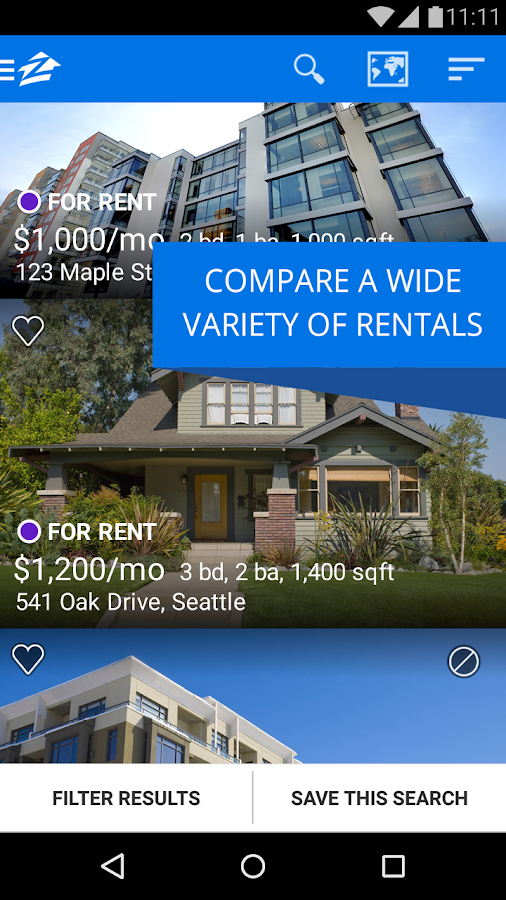
Prompt communication is critical in the rental market. Good tenants often tour multiple properties a week and submit applications quickly. The Zillow messaging center keeps all your inquiries in one place, allowing you to respond via desktop or the mobile app.
Set up automated pre-screener questions to filter out applicants who do not meet your basic criteria (such as minimum credit score, move-in date, or pet policies) before you spend time scheduling in-person tours.
Collecting Rent and Managing Leases
Once you select your ideal tenant, Zillow Rental Manager continues to provide value through its online payment and lease-signing features. Transitioning your tenants to digital payments eliminates lost checks and makes tracking monthly revenue effortless.
- Online Rent Payments: Tenants can set up auto-pay, ensuring you receive your funds on time each month. The first payment often includes the security deposit and prorated rent.
- Digital Lease Agreements: You can upload your own state-compliant lease agreement or use Zillow's provided templates to collect electronic signatures securely.
Best Practices to Maximize Listing Visibility
To ensure your property gets maximum exposure, keep these quick tips in mind:
- Syndication: When you list on Zillow, your property automatically publishes to Trulia and HotPads, tripling your potential audience without extra effort.
- Keep Calendars Updated: If your property is temporarily off the market or applications are pending, update your status to save yourself from fielding unnecessary inquiries.
- Respond Fast: Landlords who reply within the first hour of receiving an inquiry are significantly more likely to secure a lease.
By mastering your Zillow rental dashboard, you can take control of the leasing process, minimize vacancy periods, and find dependable tenants with confidence.