How to Order Chase Checking Checks: Full Guide
While digital payment apps and debit cards dominate day-to-day transactions, physical checks remain necessary for paying rent, hiring contractors, paying local taxes, and managing business transactions. If you bank with JPMorgan Chase, ordering and managing your chase checking checks is straightforward, but costs and procedures vary depending on the specific tier of your account.

Whether you need a single checkbook or a bulk business order, this guide covers step-by-step ordering methods, associated costs, routing details, and smart alternatives to save money.
How to Order Checks Through Chase
Chase partners with Deluxe, a major secure check printer, to fulfill check orders. Account holders can place orders through Chase's digital banking portal, mobile app, by phone, or in person at a branch.
Ordering Online via Chase.com
- Sign in to your account at Chase.com.
- Select your checking account from the dashboard.
- Click on the Things you can do or Account services menu.
- Select Order checks & deposit slips.
- You will be redirected securely to the Deluxe partner portal.
- Select your preferred check style, enter personal details, verify starting check numbers, and confirm shipping.
Ordering via the Chase Mobile App
- Open the Chase Mobile app on your smartphone.
- Tap the checking account you want to order checks for.
- Scroll down to the Account & details section and tap Order checks.
- Follow the prompts to select check designs, enter contact details, and review order totals.
Note: If your name, address, or phone number has changed recently, update your profile with Chase before ordering checks. Checks must match your official account address for security purposes.
Costs and Fees for Chase Checking Checks
The cost of your checks depends heavily on the type of Chase checking account you maintain. Higher-tier relationship accounts waive check printing fees, whereas standard accounts charge per box.
- Chase Total Checking®: Personal checks are not free. A standard box of 100 checks typically starts around $20 to $35, depending on shipping, paper quality, and duplicate formatting.
- Chase Secure Banking™: This account does not support standard paper checks (to eliminate overdrafts). Customers can, however, obtain Chase cashier's checks or use online bill pay.
- Chase Premier Plus Checking™: Personal check styles (standard designs) are included at no cost as a relationship perk.
- Chase Sapphire™ Banking: Standard check orders, counter checks, and cashier's checks come with zero fees.
- Chase Private Client: Unlimited standard checks, cashier's checks, and rush shipping options are complimentary.
- Chase Business Complete Checking®: Basic business checks must be purchased; high-volume check designs and voucher checks are billed per order.
Can You Order Chase Checks from Third-Party Printers?
Yes. You are not obligated to order directly through Chase or Deluxe. Third-party check printers often sell check packs at significantly lower prices, especially for introductory orders.
Popular, trusted third-party providers include:
- Walmart Checks: Typically provides cheap, reliable standard check designs.
- Checks Unlimited: Frequent discounts and custom imagery available.
- Costco Checks (Harland Clarke): Excellent volume pricing for personal and business members.
When buying from outside printers, ensure the vendor uses Magnetic Ink Character Recognition (MICR) ink. This specialized magnetic ink allows bank sorting machines to read the account numbers printed on the bottom of the check without manual processing errors.

Finding Your Chase Routing and Account Numbers
To order checks through an outside printer or establish direct deposits, you will need your accurate Chase banking information:
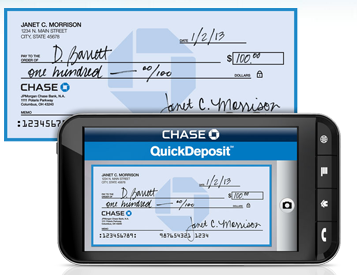
- Routing Number (ABA): A 9-digit number assigned to Chase. Routing numbers vary by the state where you originally opened the account. Look at the bottom-left corner of an existing check or check the "Account Details" screen in your Chase mobile app.
- Account Number: Usually 9 to 12 digits long, located immediately to the right of the routing number.
- Check Number: The sequential tracking number, typically placed to the right of the account number and in the top-right corner of the check face.
Alternative Check Options Available at Chase
If you only need a paper check once or twice a year, you may not need to pay for an entire box of 100 checks.
Counter Checks
If you need a physical check immediately, visit a local Chase branch and request counter checks. A teller can print a small sheet (typically 3 to 4 checks) encoded with your account details on the spot. Standard accounts may pay a small administrative fee (usually around $2 to $3 per sheet), while premium tiers get them free.
Cashier's Checks
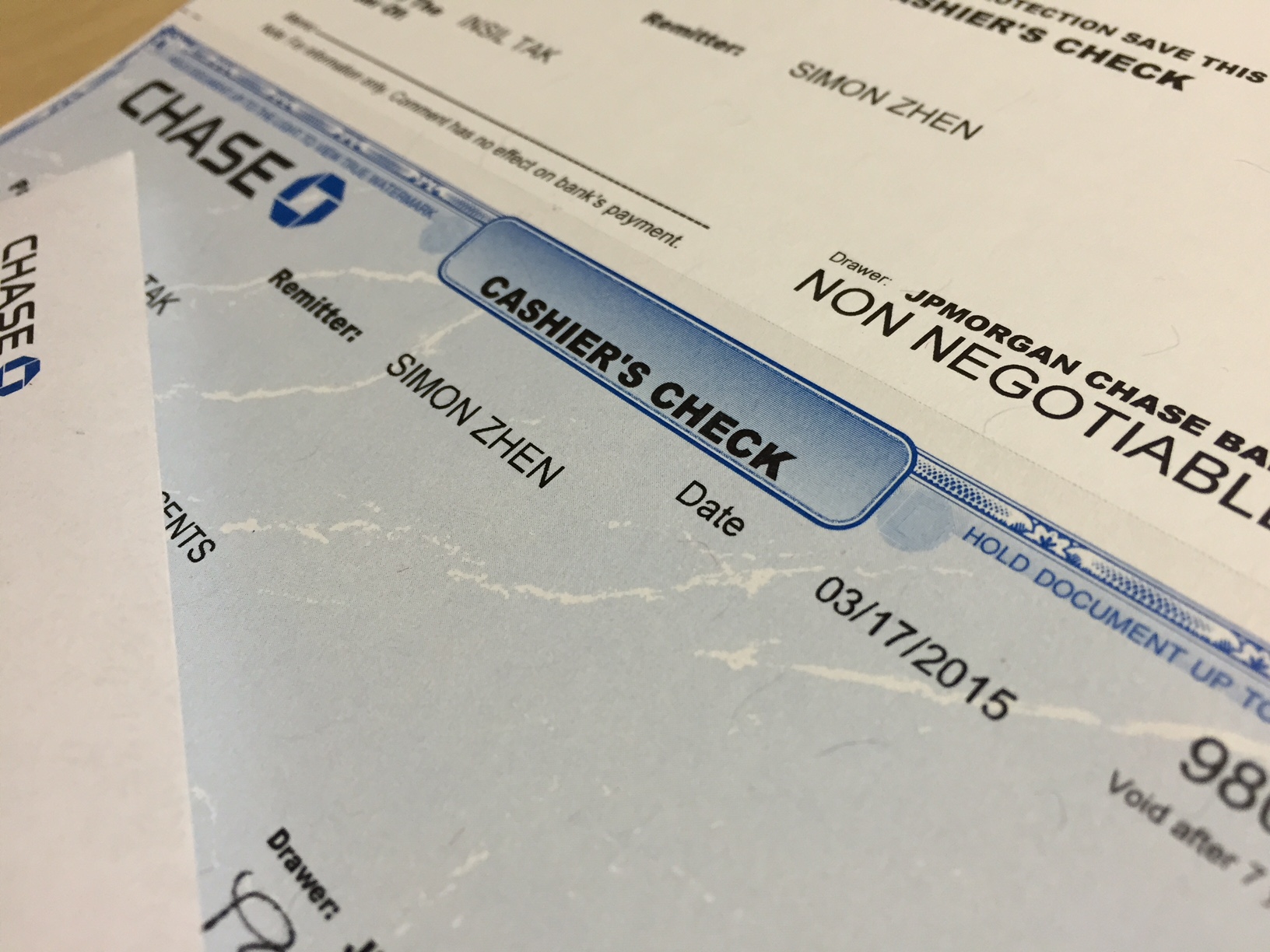
For large transactions like a vehicle purchase, home deposit, or apartment lease closing, personal checks are rarely accepted. Chase can issue an official cashier's check backed directly by the bank's funds. The fee is usually $10 for standard accounts, but free for Premier Plus, Sapphire, and Private Client accounts.
Online Bill Pay
If you need to pay an individual, utility, or landlord who does not accept electronic bank transfers, Chase Online Bill Pay can print and mail a paper check on your behalf at no charge. Chase covers the postage, and funds are deducted from your account when the check clears.
Tips for Securing Your Chase Checks
Check fraud remains a prominent financial risk. Protect your checking account by following these practical safety steps:
- Use Gel Pens: Standard ballpoint ink can be chemically wiped away ("check washing"). Use dark, indelible gel ink (like the Uni-ball 207) that bonds with the paper fibers.
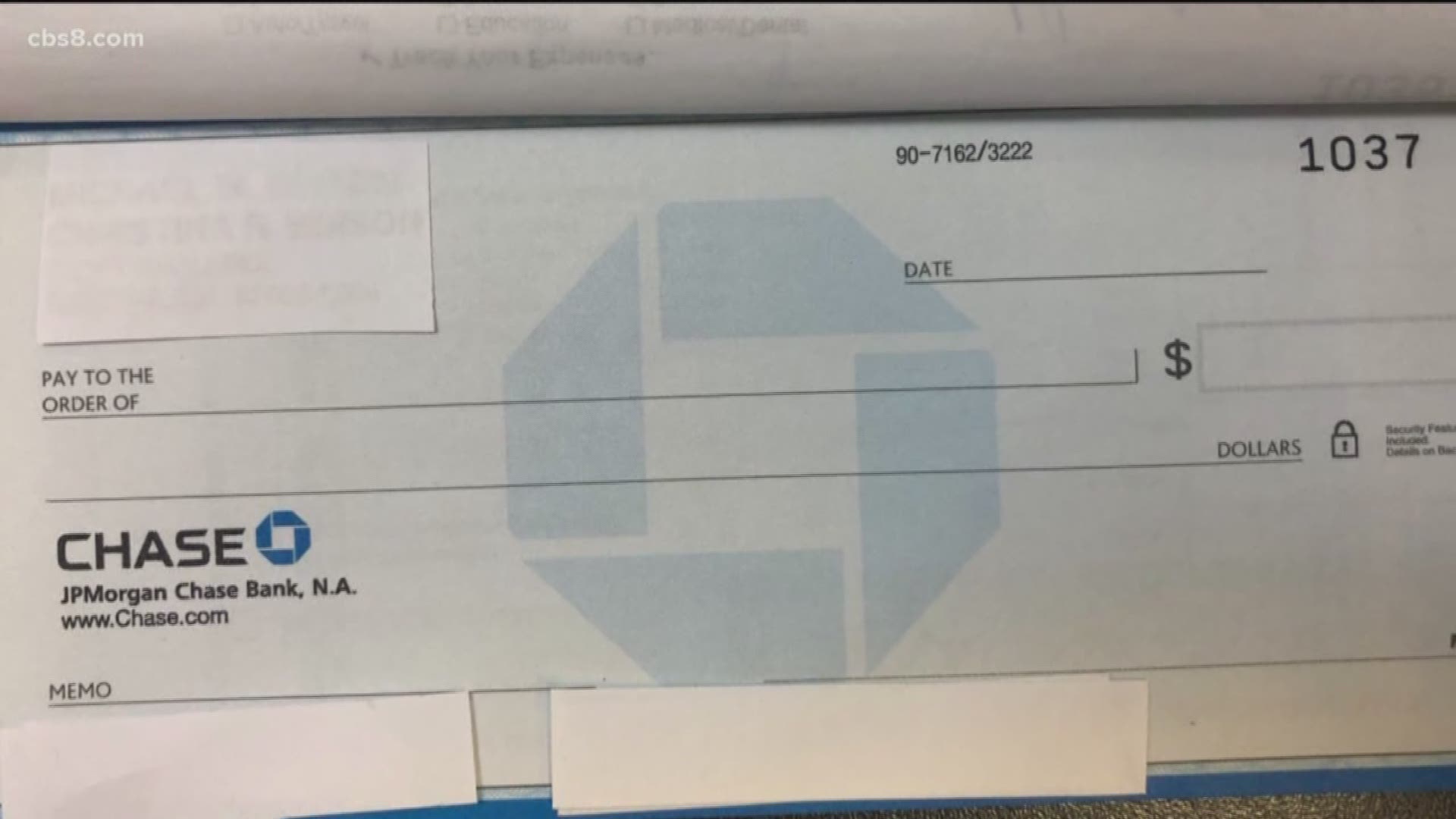
- Do Not Leave Spaces: Draw a firm line across unused sections of the "Pay to the Order of" and dollar amount lines to prevent payees from altering amounts.
- Monitor Clearances: Track check clearing times inside the Chase Mobile app. If a check has been lost in the mail or stolen, place an immediate stop payment online or via phone (fees may apply depending on your account tier).
- Store Securely: Keep unused check boxes in a locked drawer or safe, not on an open home desk or in a vehicle glove compartment.