How to Perform a Litter Robot Hard Reset
Automatic litter boxes are incredible conveniences for cat owners, but when they malfunction, they can quickly become a headache. If your automated machine is stuck upside down, flashing erratic lights, or refusing to cycle, a standard power cycle might not cut it. Knowing how to execute a proper litter robot hard reset is the fastest way to wipe the system's memory, recalibrate the sensors, and get your device back to normal.
When Do You Need a Hard Reset?
Automatic litter boxes rely on a delicate balance of pinch detectors, DFI (Drawer Full Indicator) infrared sensors, and a Hall effect sensor that tracks the globe's position. Over time, dust, static electricity, or minor software glitches can confuse these components.
You should consider a hard reset if you notice any of the following issues:
- The globe stops midway through a cycle and refuses to move.
- Flashing yellow or red lights that persist even after emptying the waste drawer and cleaning the sensors.
- The unit fails to recognize that a cat has entered or exited the box.
- You have recently replaced the DFI sensor board, motherboard, or motor.
How to Perform a Litter Robot 3 Hard Reset
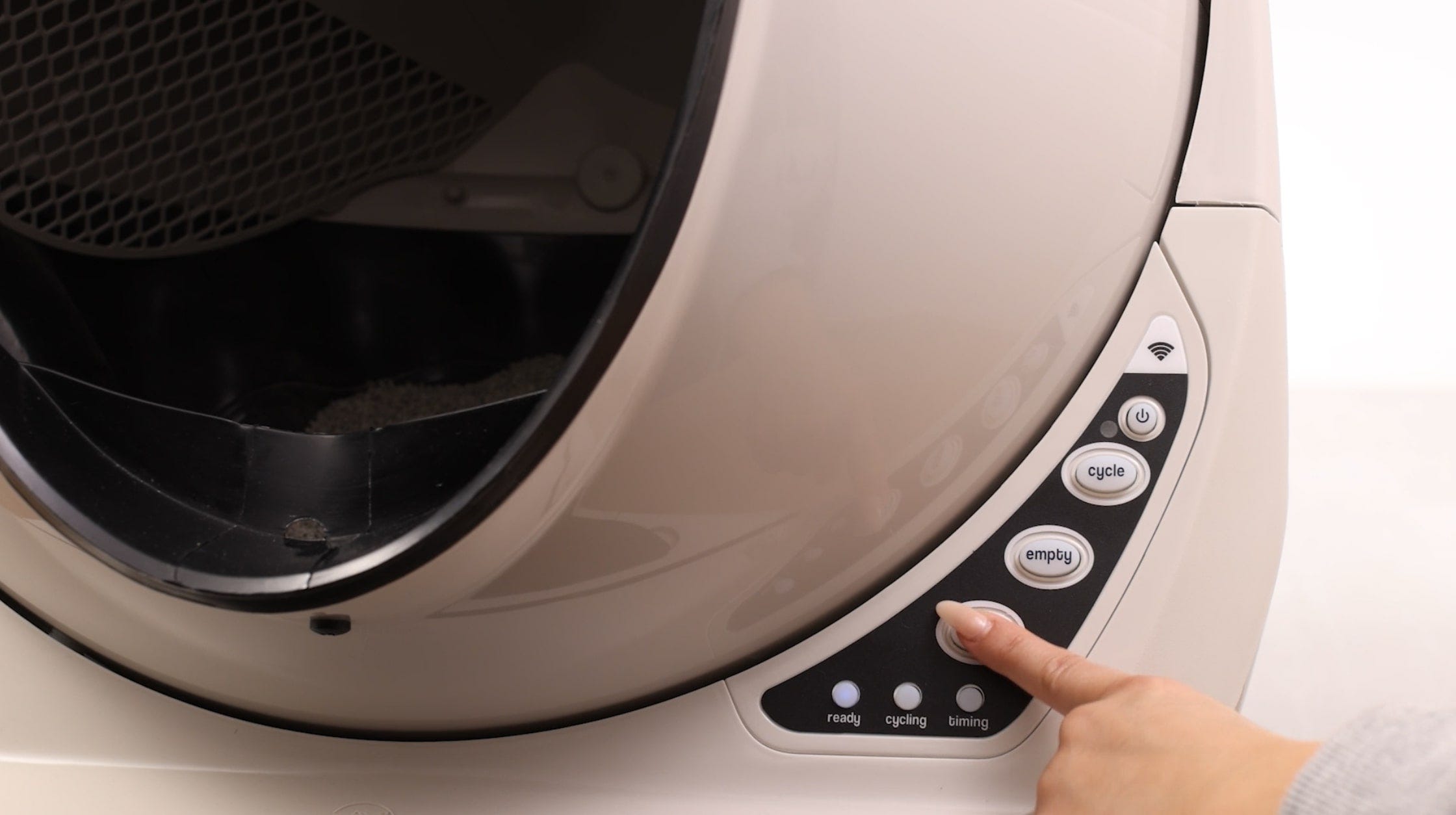
The Litter Robot 3 Open Air has been a staple in many feline households for years. Because its electronic architecture differs from the newer generation, the reset process requires specific steps involving the physical control panel buttons.
Step-by-Step Instructions for LR3
- Power on the unit: Ensure the Litter Robot is plugged into a working wall outlet and turned on.
- Wait for a resting position: If the globe is stuck mid-cycle, press the 'Cycle' button to let it return to the home position if possible. If it refuses to move, proceed anyway.
- Unplug the power supply: Reach behind the base and unplug the power cord directly from the unit. Do not just turn it off via the power button; cutting the actual power source is crucial.
- Wait 10 to 60 seconds: Give the internal capacitors time to completely drain of residual electrical charge. Waiting a full minute ensures a truly clean slate.
- Reconnect power: Plug the power adapter back into the base.
- Observe the startup cycle: The unit should perform a mandatory startup cycle, turning yellow, red, and finally settling on a solid blue ready light. Do not press any buttons while it initializes.
How to Perform a Litter Robot 4 Hard Reset
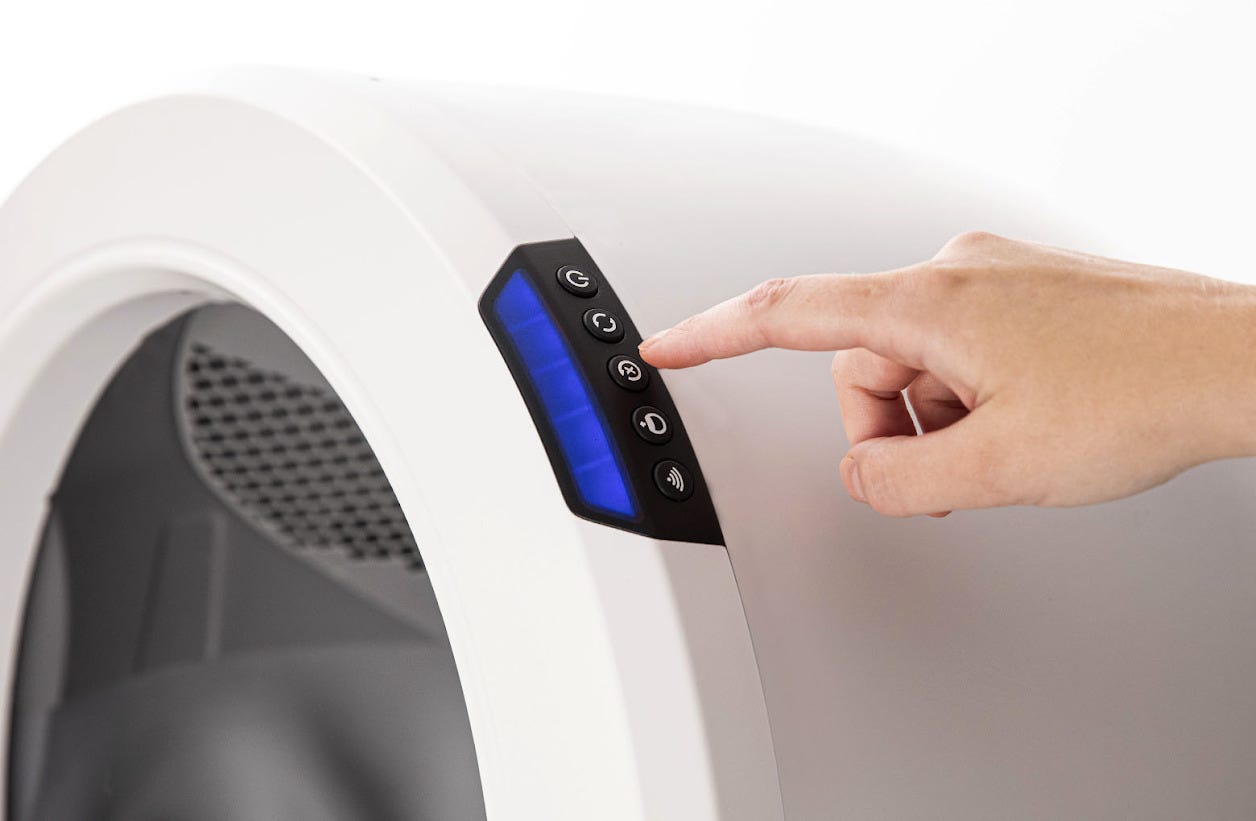
The Litter Robot 4 features advanced curtain sensors, a quiet brushless motor, and precise weight-tracking technology. While it is less prone to mechanical hangups than the LR3, software glitches can still occur. Resetting this model involves its simplified touchscreen-style button interface.
Step-by-Step Instructions for LR4

- Power down normally: Press the Power button on the control panel to turn the unit off.
- Unplug the unit: Disconnect the power supply from the back of the base unit.
- Clear the sensors: While the unit is unplugged, take a clean, dry microfiber cloth and wipe down the bezel area and the laser sensor openings inside the opening to remove any dust or stray litter particles.
- Wait for one minute: Leave the unit completely unpowered for at least 60 seconds. This allows the motherboard to reset its volatile memory and clear out any stuck error codes.
- Plug it back in: Reconnect the power cord to the back of the base.
- Allow automatic homing: The Litter Robot 4 will automatically power on and perform a calibration sequence. Keep your hands away from the unit and ensure your cat is not near it while it recalibrates.
Troubleshooting After the Reset
If you have completed a hard reset and your Litter Robot still flashes error codes or refuses to cycle, the issue may be physical rather than software-related.
Check the Drawer and Globe Alignment
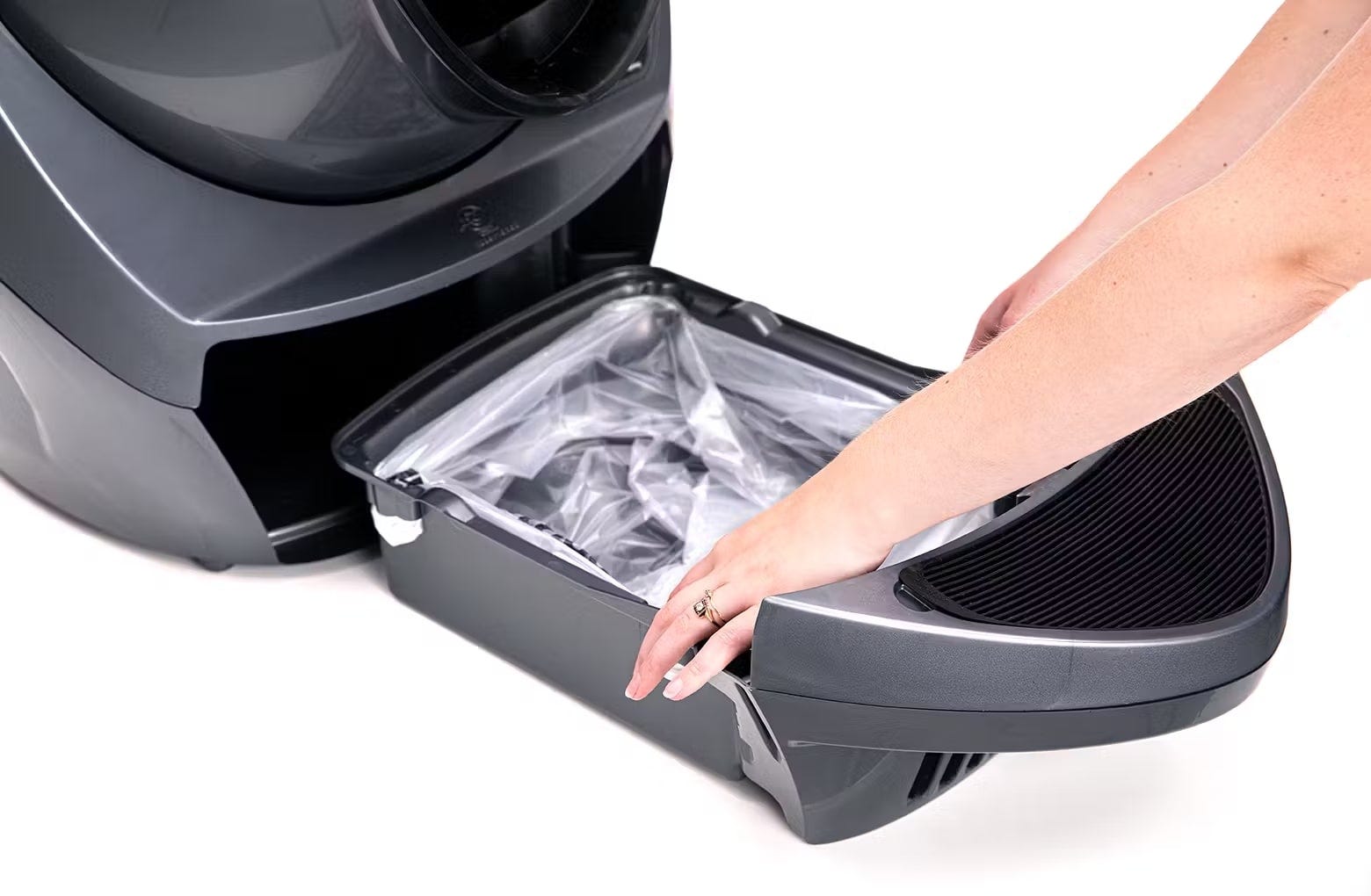
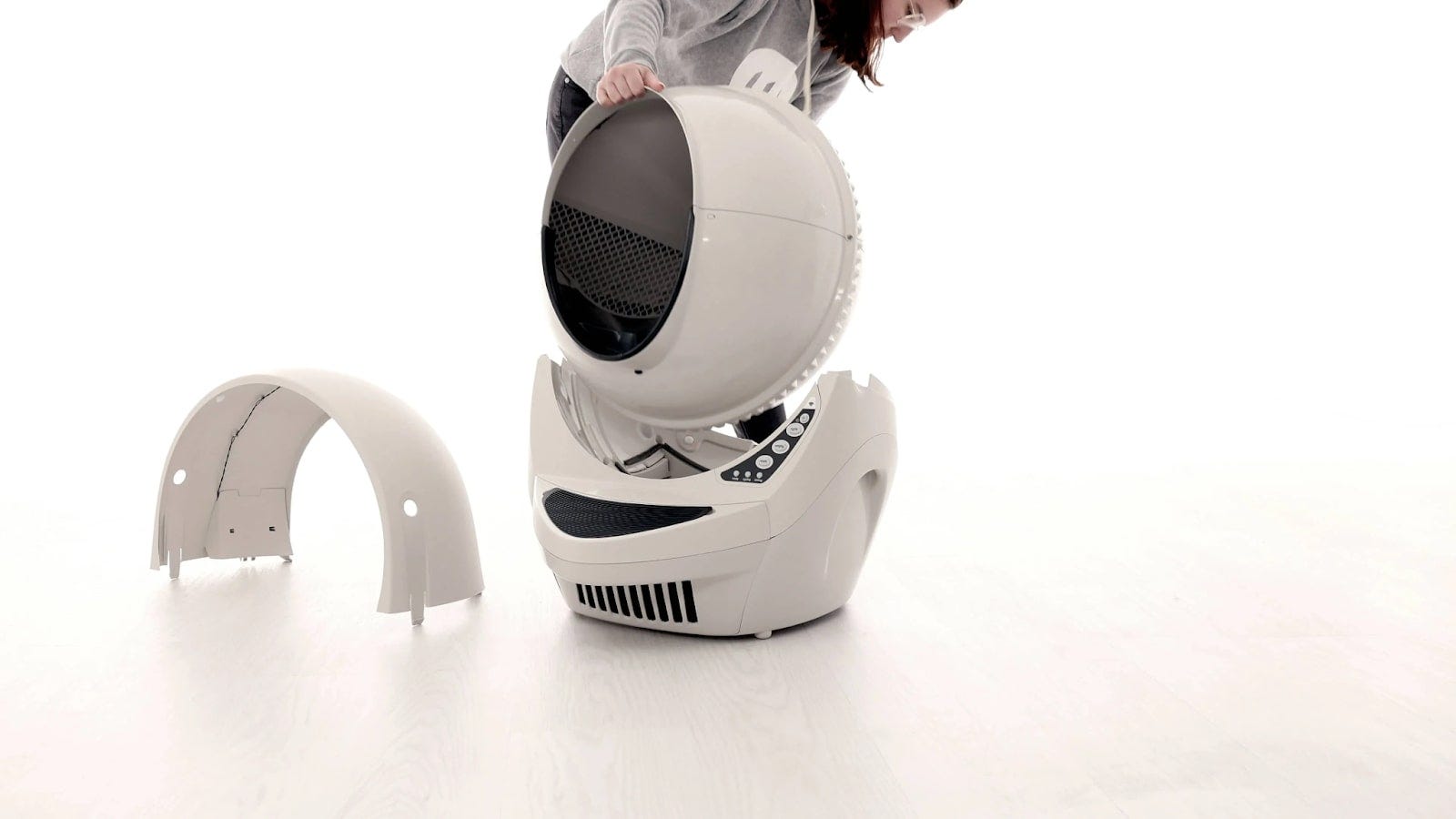
A common culprit behind persistent red flashing lights is a misaligned globe or an improperly seated waste drawer. Make sure the black key on the back of the globe is firmly seated in the slot of the motor shaft. Additionally, check that the waste drawer is pushed all the way back so it presses against the internal contact switches.
Inspect for Obstructions
Cobwebs, dust, or high humidity can trick the infrared sensors into thinking something is blocking the path. Clean the DFI lenses with a cotton swab dipped in rubbing alcohol. Ensure the unit is sitting on a hard, level surface—placing an automatic litter box on thick carpet can warp the plastic base and misalign the weight sensors.
Conclusion
Performing a Litter Robot hard reset takes less than two minutes and can save you from unnecessary frustration or a call to customer support. By completely cutting the power and allowing the motherboard to clear its cache, most minor electronic glitches will instantly resolve. If problems persist after a hard reset, double-check your sensor cleanliness and mechanical alignment, or reach out to Whisker support for replacement parts.