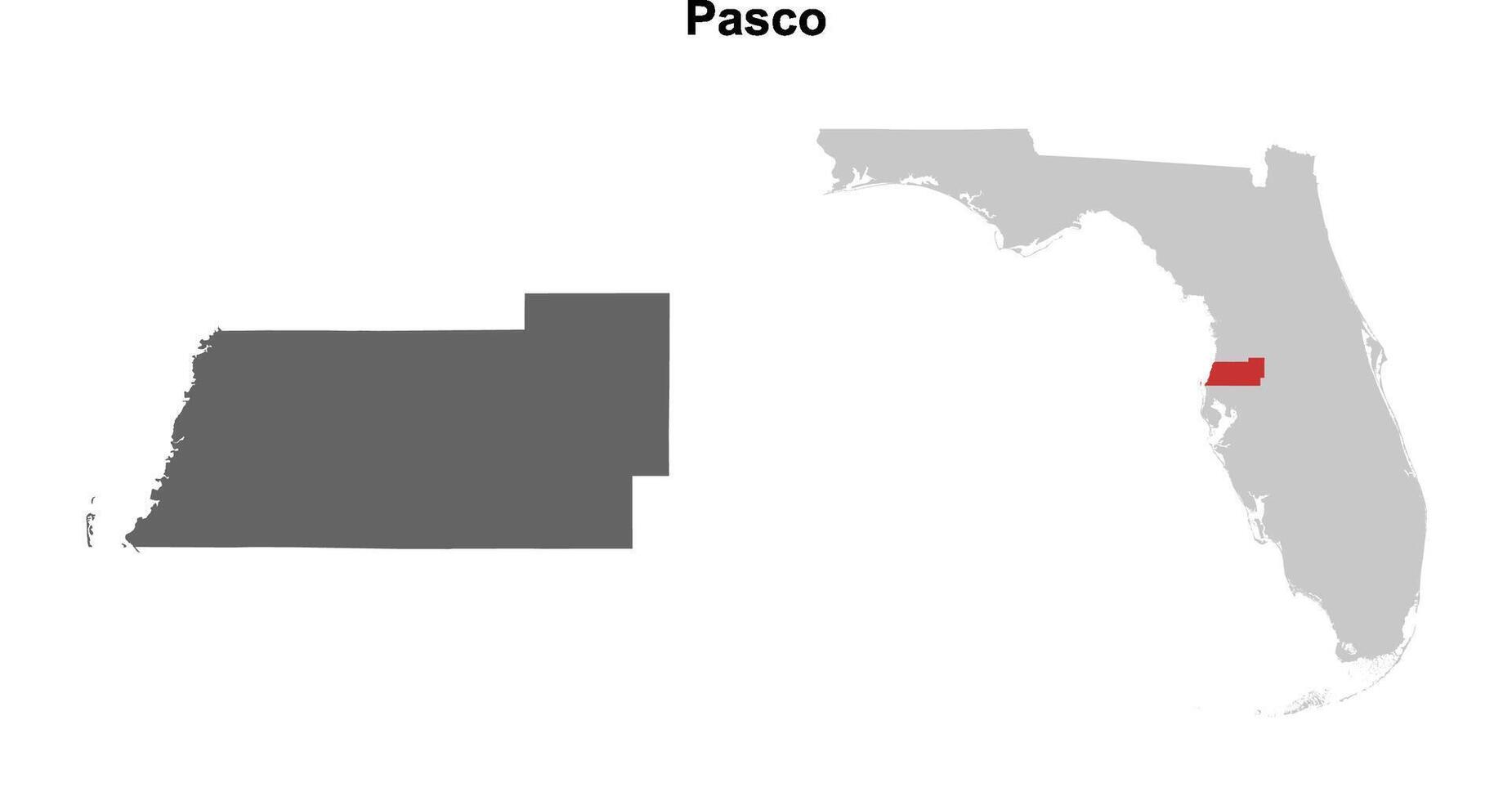
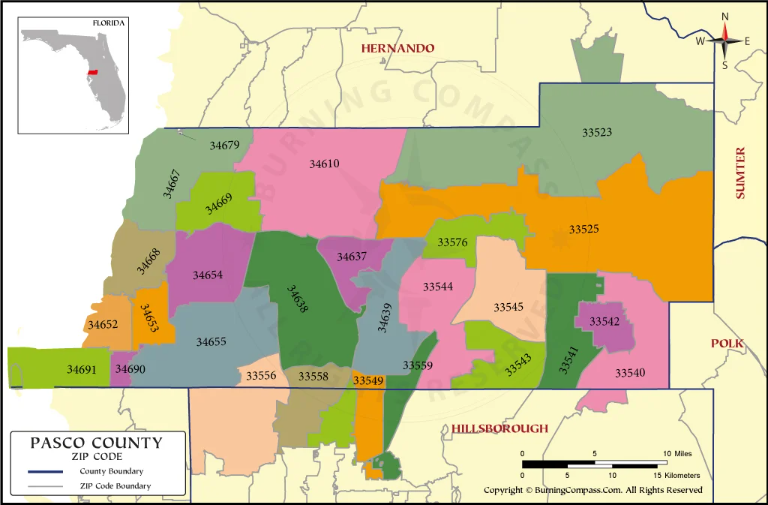
How to Search the Pasco County Docket Florida
Navigating court records can feel overwhelming, but accessing public information in Florida is designed to be transparent. If you need to check a pending lawsuit, review traffic citations, or research historical court files, knowing how to properly navigate the Pasco County docket Florida system is essential. Whether you are an attorney, a researcher, or a private citizen representing yourself, Pasco County provides robust digital tools to help you find accurate case details.
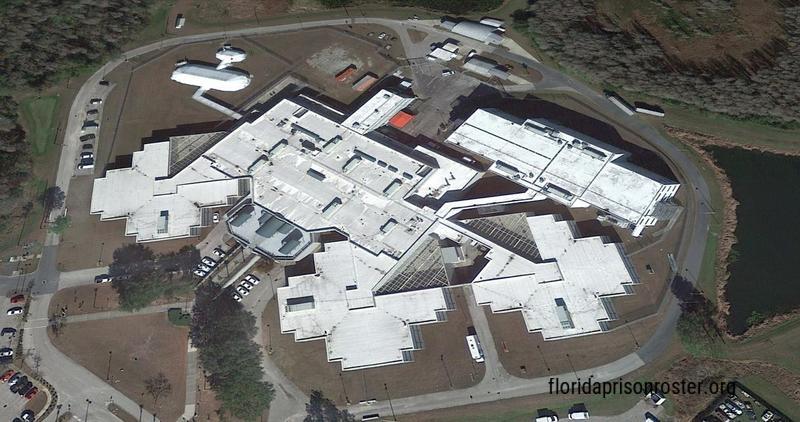
Understanding Pasco County Court Records
Before diving into a search, it helps to understand what kind of information is publicly available. The Pasco County Clerk & Comptroller’s Office maintains records for various divisions within the Sixth Judicial Circuit of Florida. These divisions include:
- Civil Court: Handles monetary disputes, landlord-tenant issues, and major civil lawsuits.
- Criminal Court: Tracks felony and misdemeanor charges, arraignments, and trial dates.
- Family Law: Manages divorces, child custody, and paternity cases.
- Probate: Handles wills, estates, and guardianship matters.
- Traffic and Misdemeanor: Records moving violations, local ordinance infractions, and minor criminal offenses.
While the vast majority of court documents are public record under Florida’s broad public records laws (Chapter 119, Florida Statutes), certain sensitive documents—such as adoption records, medical files, or information protected by court order—remain confidential.
How to Access the Pasco County Docket Florida Online
The most convenient way to check active and closed cases is through the official online portal provided by the Pasco County Clerk & Comptroller. Here is a step-by-step guide to performing a successful search:
1. Visit the Official Clerk Website
Go to the official Pasco County Clerk of Court website (pascoclerk.com). Look for the "Records" or "Court Records" tab on the homepage. This section directs you to the case search portals.
2. Choose Your Search Method
The clerk's office typically provides a few search pathways depending on your level of access and what you are looking for:
- Public Portal: Free to use for basic case searches, docket events, and future hearing dates.
- Subscription Services: Often utilized by law firms and title companies for deeper document viewing and certified copies.
3. Enter Search Criteria
To find a specific case on the docket, you will need to input identifying details. For the best results, use multiple fields if you do not have the exact case number:
- Case Number: The most precise identifier (e.g., a standard format combining the year, division code, and sequence number).
- Party Name: Enter the first and last name of the plaintiff, defendant, petitioner, or respondent.
- Date Range: Narrow down filings by specifying when the case was opened.
Tips for Narrowing Down Common Names

If you are searching for a common name, you may generate dozens of results. To save time, utilize additional filters such as the court division (Civil vs. Criminal) or the year of birth if the system allows it. Checking middle initials and looking closely at address histories or associated attorneys can also help confirm you are looking at the correct file.
What Information Will You Find on the Docket?
Once you locate the correct case file within the Pasco County docket Florida system, you will see a chronological list of every action taken in that proceeding. Typical docket entries include:
- Complaint or Petition: The initial filing that started the lawsuit or charge.
- Summons and Service: Proof that the opposing party was officially notified of the legal action.
- Motions and Orders: Requests made by attorneys and the corresponding rulings issued by the judge.
- Hearing Schedules: Dates, times, and courtroom locations for upcoming trials or status conferences.
Many documents can be viewed directly in PDF format by clicking on the document icon next to the docket entry. If a document is restricted, you may see a note indicating that physical inspection at the courthouse is required.
Alternative Ways to Search Court Records
If you cannot find what you are looking for online, or if you need certified copies of physical documents, you have alternative options:
In-Person Terminals
The Pasco County Clerk & Comptroller maintains physical offices in both New Port Richey and Dade City. Both locations feature public access computer terminals where you can search the complete docket system free of charge. Staff members are available to help guide you through the terminal interface, though they cannot provide legal advice.
By Phone or Mail
For specific inquiries, you can contact the Clerk’s office via telephone. However, complex record requests or extensive research are typically handled via written mail-in requests or in-person visits. Keep in mind that copy fees apply for printed pages and certified certifications.
Conclusion
Searching court files doesn't have to be a complicated chore. By using the official online portals and knowing what specific details to look for, you can easily access the Pasco County docket Florida systems to track cases, review legal filings, and stay informed on local court activities.