How to Set Time on Armitron Watch WR330FT
Understanding Your Armitron WR330FT Watch

Owning a durable timepiece is great, but figuring out how to adjust it can sometimes feel like a puzzle. If you recently picked up an Armitron watch, you might have noticed the letters 'WR330FT' stamped on the dial or case back. Many owners search for instructions on how to armitron watch set time wr330ft, often confusing these water-resistance markings for a specific model number.
To set your watch correctly, it helps to know what WR330FT actually means. 'WR' stands for Water Resistant, and '330FT' indicates that the watch can withstand water pressure up to 330 feet (which equals 100 meters or 10 ATM). Because Armitron uses this rating across a wide variety of analog, digital, and chronograph timepieces, the exact process to change the time depends heavily on whether your specific watch has physical hands or an LCD screen.
How to Set the Time on an Analog Armitron WR330FT
If your Armitron watch features traditional hour, minute, and second hands, you are dealing with an analog movement. These are usually the easiest to adjust, though they require a bit of physical manipulation of the crown (the small knob on the side of the case).
Step-by-Step Analog Instructions
- Locate the Crown: Find the winding crown on the right side of the watch case, usually positioned at the 3 o'clock mark.
- Pull Out the Crown: Gently pull the crown outward. On most analog Armitron watches, you will feel a distinct 'click.' If your watch also features a date window, you might feel two distinct click positions. Pull it out to the furthest position (the second click) to adjust the time.
- Turn the Hands: Rotate the crown clockwise or counter-clockwise. Watch the hands move around the dial until they reach the correct hour and minute.
- Push the Crown Back: Once the correct time is set, push the crown firmly back inward toward the watch case until it sits flush. This ensures the internal gasket seals properly to maintain its WR330FT water resistance.
How to Set the Time on a Digital Armitron WR330FT
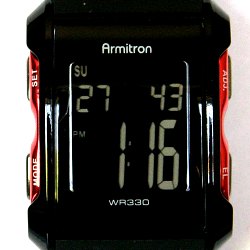
Many Armitron sports and casual watches featuring the 330ft water-resistance rating are digital or dual-display models. These rely on a series of pushers (buttons) rather than a crown to modify the time, date, and alarm settings.
Video: Armitron 4 Button Digital Sports Watch - Set Time and Date (Also, most Timex 4-Button Watches)

Step-by-Step Digital Instructions
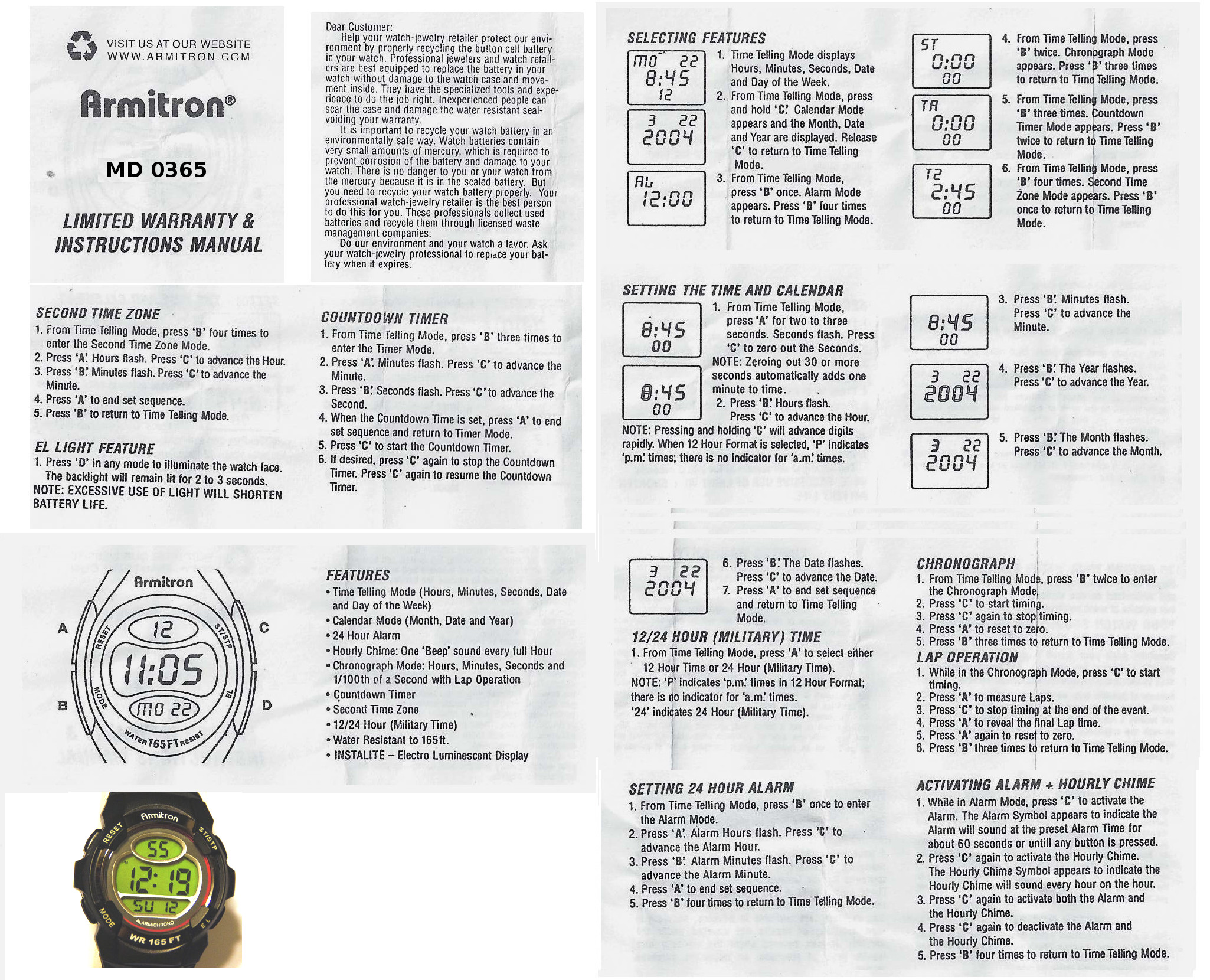
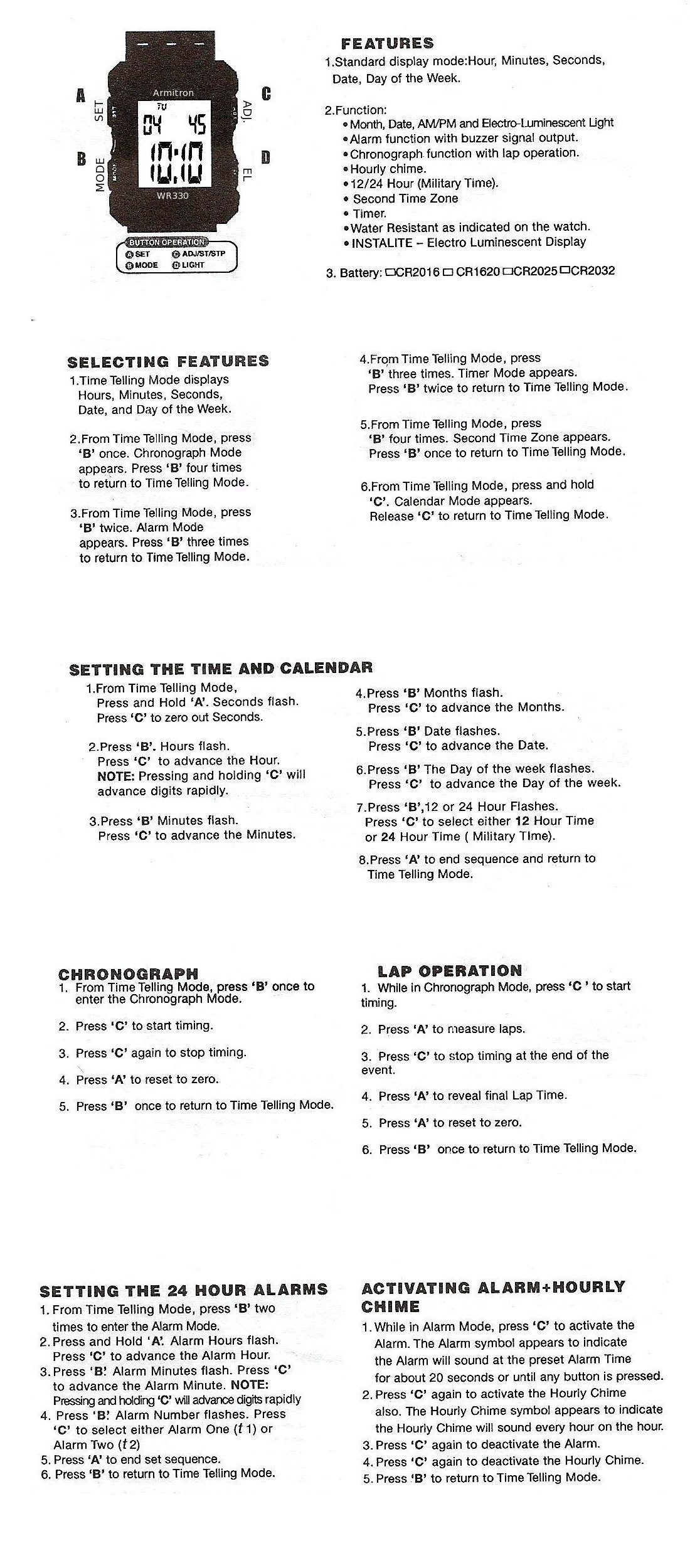
- Identify the Buttons: Most digital Armitron watches have four buttons, typically labeled Mode, Set (or Adjust), Start/Stop, and Light.
- Enter Setting Mode: Press and hold the 'Set' or 'Adjust' button for about 2 to 3 seconds. You should notice the seconds digits begin to flash on the LCD screen, indicating that the watch is ready to be programmed.
- Select the Digits to Change: Press the 'Mode' button repeatedly to cycle through the flashing settings—usually moving from seconds to minutes, hours, 12/24-hour format, year, month, and day.
- Adjust the Time: When the hour or minute digits are flashing, press the 'Start' or 'Split/Reset' button to advance the numbers until the correct local time is displayed. (Note: Pay attention to 'AM' and 'PM' or the '24H' indicator if your watch uses a 12-hour format).
- Save and Exit: Press the 'Set' or 'Adjust' button one final time to lock in your changes and stop the digits from flashing.
Setting Dual-Time or Chronograph WR330FT Models
Some advanced Armitron sports watches combine analog hands with digital sub-displays. If you own a hybrid model, keeping both displays synchronized requires setting them independently.
For the analog portion, use the pull-out crown method outlined above. For the digital portion, use the pusher buttons to cycle through the chronograph and dual-time modes until you reach the primary time-setting interface. Always set the analog hands first to match your local time zone, then program the digital screen to mirror it if you want them to display the exact same hour.
Troubleshooting and Best Practices
If you encounter issues while trying to adjust your timepiece, keep a few important maintenance tips in mind to protect your investment.
- Check the Crown Position: If the hands on an analog watch refuse to move, make sure you pulled the crown out completely to the final click position. Pulling it out only halfway usually adjusts the date instead of the time.
- Protect Water Resistance: Never pull out the crown or press buttons while the watch is submerged in water or visibly wet. Doing so can allow moisture to bypass the internal rubber gaskets and ruin the movement.
- AM/PM Errors: If your digital watch changes the date at noon instead of midnight, you likely cycled past the 12-hour mark incorrectly. Advance the hour by 12 hours to correct the AM/PM cycle.
By following these straightforward steps, you can quickly get your Armitron watch displaying the correct time and keep it ready for your next aquatic adventure.