How to Use a Television Signal Map for Free HD
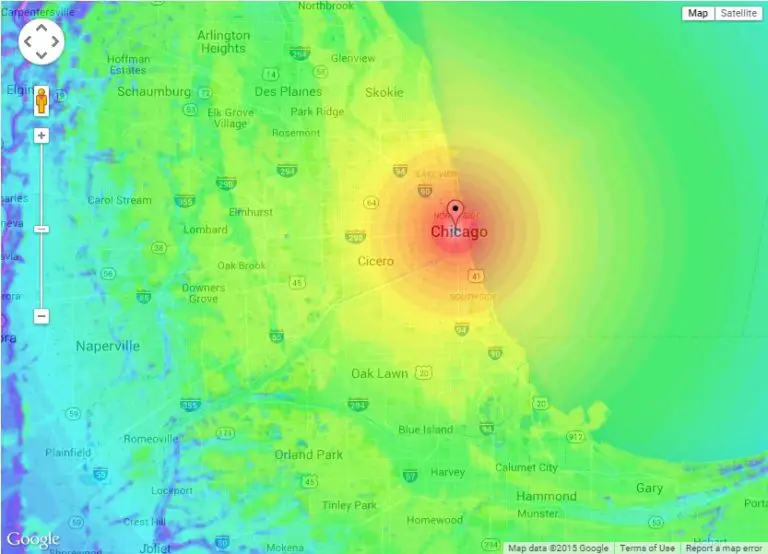
Cutting the cord on cable television is one of the best ways to lower your monthly expenses, but losing access to local news, weather, and sports is a common concern. Fortunately, free over-the-air (OTA) digital broadcasts offer pristine, uncompressed high-definition television signals straight to your living room. To capture these broadcasts, you need to know where the towers are relative to your home. That is where a television signal map becomes an indispensable tool.
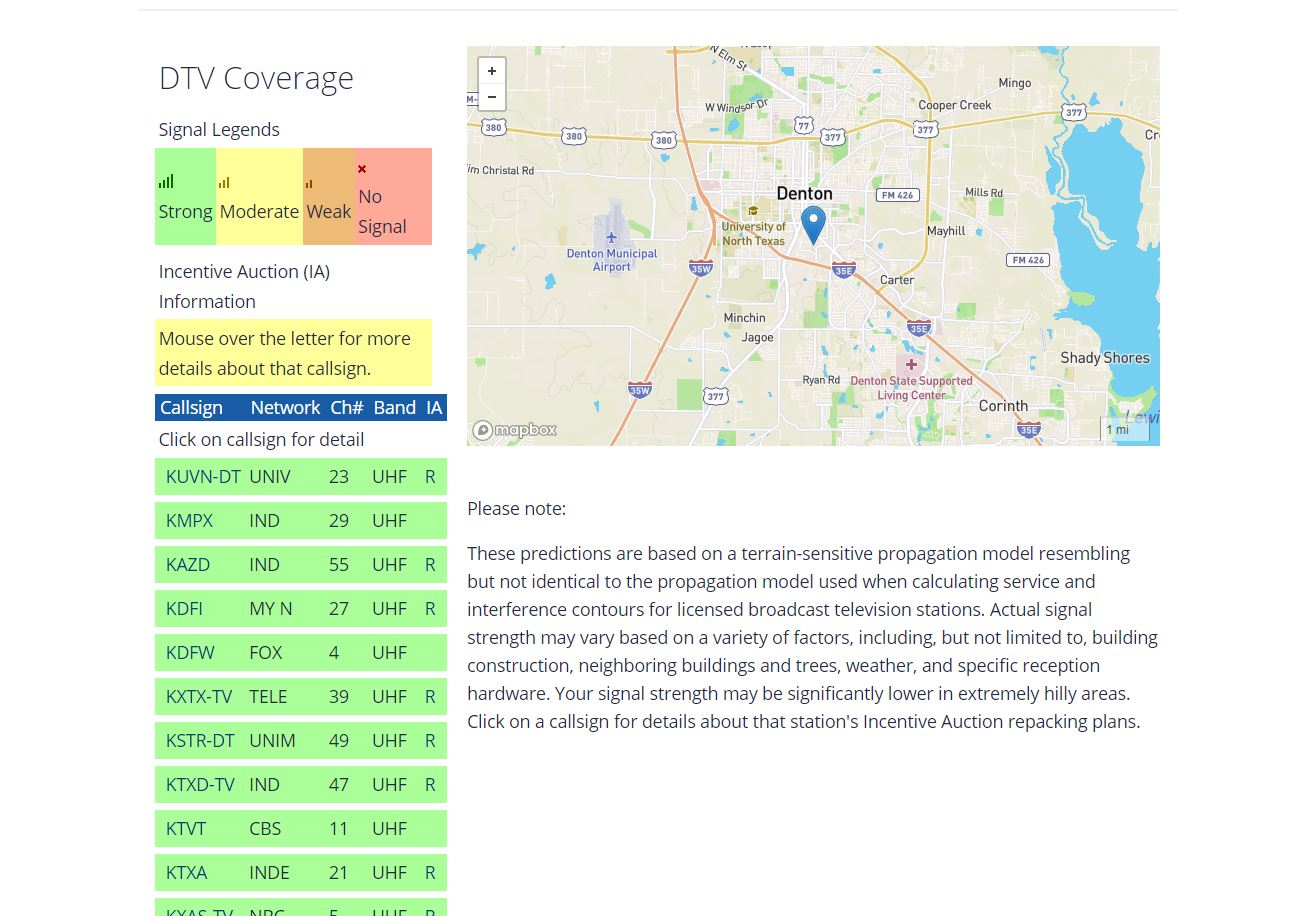
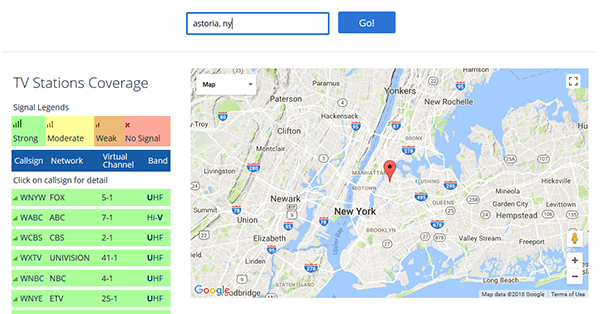
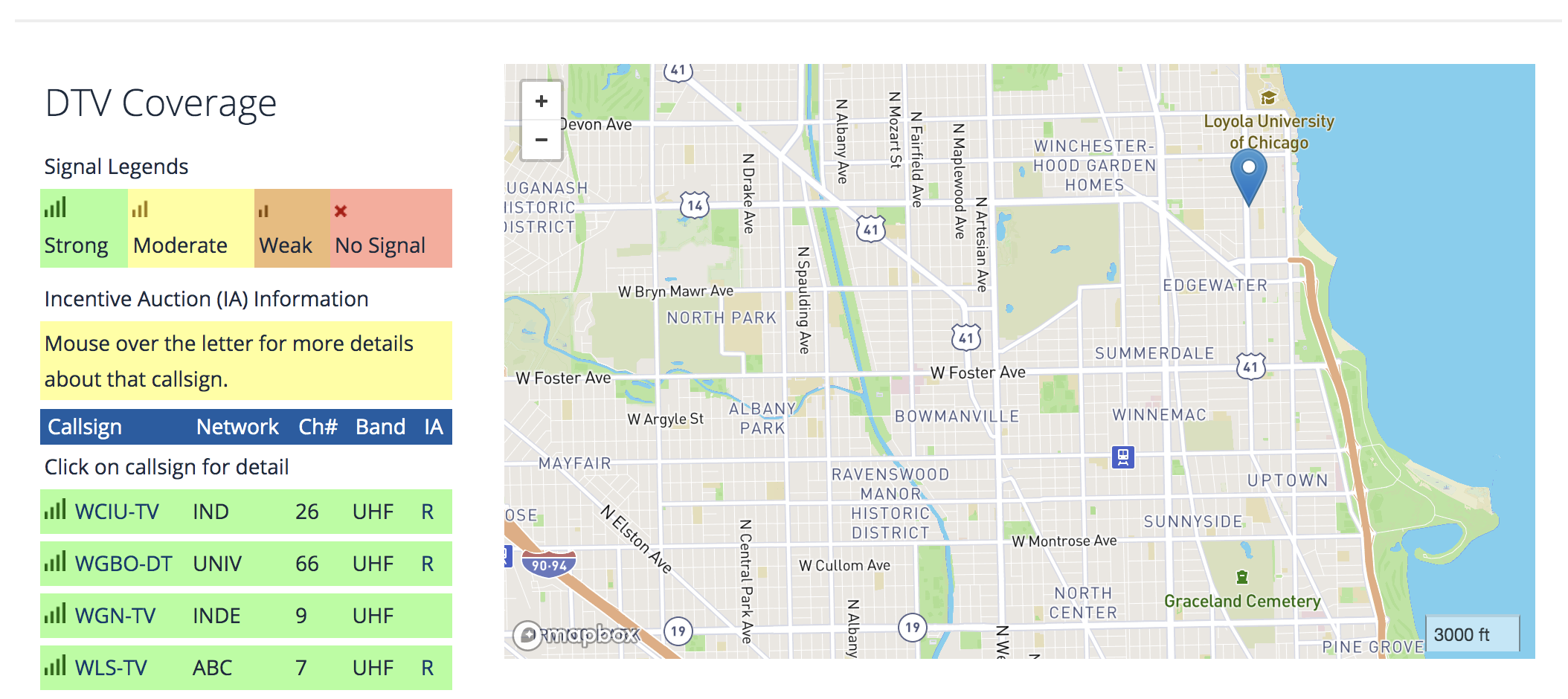
By entering your exact address into a signal mapping tool, you can visualize broadcast tower locations, signal strengths, and channel availability. This guide explores how these maps work, the best tools available, and how to use the data to set up your home antenna for maximum reception.
Understanding Over-the-Air TV Signals
Before checking a signal map, it helps to understand how broadcast television works in the digital age. Unlike the snowy analog television of the past, modern digital TV is broadcast in high definition using UHF and VHF frequencies.
Digital signals are often described as a “cliff effect.” You will either get a crystal-clear picture with perfect audio, or you will get nothing at all (pixelation or a “no signal” message). Because these signals travel via line-of-sight, physical obstacles like hills, dense forests, and large buildings can block or weaken the broadcast before it reaches your antenna.
Top Tools to Generate a Television Signal Map
Several free online tools allow you to generate a detailed coverage map for your specific location. Each platform offers unique features to help you decode your local airwaves.
1. FCC Antenna Web Service
Maintained by the Federal Communications Commission, Antenna Web is one of the oldest and most reliable tools for consumers. By typing in your street address and zip code, the tool generates a list of local stations and color-codes them based on the type of antenna required (such as small multi-directional or large directional roof-mounted antennas).
2. RabbitEars.info
Video: The Antenna Man Signal Meter - Get the Best TV Reception and Most Channels

Considered the gold standard by cord-cutting enthusiasts, RabbitEars provides incredibly granular data. Its "Zap2It" style reports list every station within range, the exact distance in miles, the compass bearing (azimuth), and whether the station broadcasts in high VHF, low VHF, or UHF. The report also estimates signal strength using color codes like Good, Fair, Poor, or Bad.
3. Channel Master Antenna Selection Tool
Channel Master offers a user-friendly, interactive map that plots broadcast towers on Google Maps. It automatically recommends specific antenna models from their catalog based on your distance to the towers and line-of-sight obstructions.
How to Read Your Signal Map Report
When you pull up your television signal map, you will be greeted by a flurry of technical data. Here is how to break down the most important elements:
- Distance: How far the broadcast tower is from your home. Towers within 15 to 30 miles are usually easy to pull in with an indoor antenna, while distances over 45 miles generally require outdoor or attic installations with a pre-amplifier.
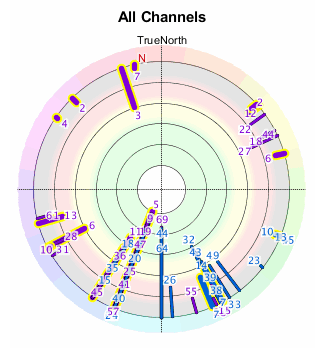
- Compass Heading (Azimuth): The exact direction (in degrees) you need to point your antenna. For example, a heading of 180 degrees means pointing your antenna due south.
- Signal Type (UHF vs. VHF): UHF signals use higher frequencies and are common for modern HD broadcasts, while VHF uses lower frequencies. Make sure your chosen antenna supports the frequency bands of your desired stations.
- Station Status: Look for indicators showing whether a station is "Los" (Line of Sight) or "Tropo" (Tropospheric scatter), which helps determine how resilient the signal will be against weather interference.
Step-by-Step Guide to Optimizing Your Antenna Setup
Once you have consulted a television signal map, you can use the actionable data to install your antenna correctly and scan for channels.
- Choose the Right Antenna: If your map shows all towers grouped closely together within 25 miles, an omnidirectional indoor flat antenna will likely suffice. If towers are scattered or far away, invest in a directional Yagi antenna mounted outside or in the attic.
- Aim the Antenna: Use the compass bearings from your map to point your directional antenna toward the cluster of towers. If towers are spread across different directions, you may need a rotor to turn your antenna or a multi-directional model.
- Minimize Obstructions: Place indoor antennas near exterior walls or windows facing the broadcast towers. Avoid placing them behind large metal appliances, stone fireplaces, or heavy concrete walls.
- Run a Channel Scan: Connect the antenna directly to your television's coaxial port (or digital converter box) and run a complete channel scan through your TV's settings menu.
- Fine-Tune Reception: If you notice missing channels or pixelation, check your signal map again. Adjust the antenna physical position by a few inches or degrees, then re-scan. Small adjustments can make a massive difference in digital reception.
Conclusion
Accessing free high-definition television is easier than ever when you use data to your advantage. A television signal map removes the guesswork from cord cutting by showing you precisely where broadcast towers are located, which channels you can expect to receive, and what type of hardware you need. Take five minutes to map your location, point your antenna with precision, and enjoy dozens of crystal-clear local channels without paying a monthly subscription fee.