How to Use Giant Eagle Order Online Services
Grocery shopping has evolved significantly, and if you are looking to save time on your weekly errands, learning how to Giant Eagle order online is a major game-changer. Whether you want to pull up to the store and have your trunk loaded with fresh produce or prefer the convenience of having pantry staples delivered right to your front door, Giant Eagle's digital platform makes the process seamless.

This comprehensive guide walks you through everything you need to know about navigating the online ordering system, managing your loyalty perks, choosing between pickup and delivery, and making the most of your digital grocery experience.
Getting Started With Your Account
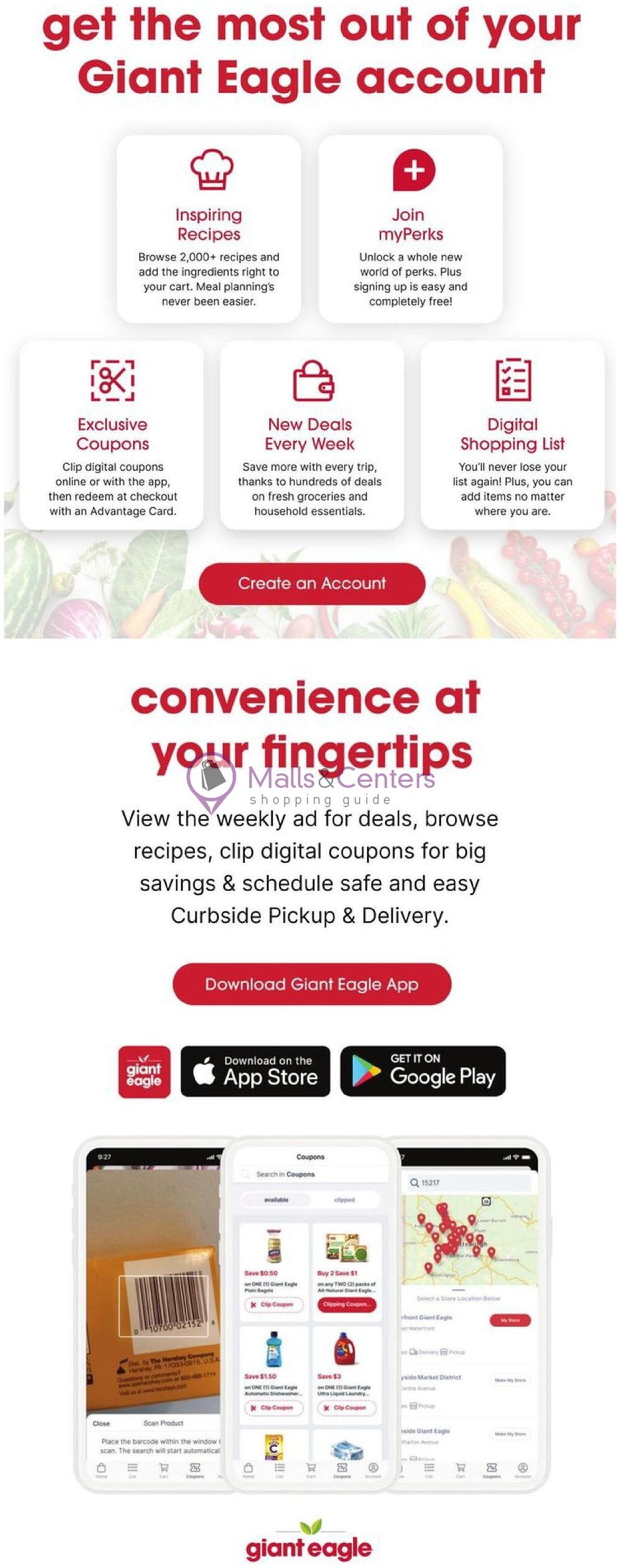
Before you can add items to your virtual cart, you need to set up your online profile. The platform is accessible via both desktop web browsers and the official Giant Eagle mobile app, which is available for iOS and Android devices.
- Download or Visit: Go to the official Giant Eagle website or download the mobile app.
- Create an Account: Enter your email address and create a secure password.
- Link Your Advantage Card: If you already have a physical Giant Eagle Advantage Card, be sure to link it during registration. This ensures you receive all weekly sale prices, digital coupons, and fuelperks+ rewards.
- Set Your Preferred Store: Enter your ZIP code to select your closest or preferred neighborhood store. This step is crucial because inventory, prices, and available time slots vary by location.
How to Giant Eagle Order Online: Step-by-Step
Once your account is active and your preferred store is selected, placing an order is straightforward. Here is how to navigate the digital aisles efficiently:
- Shop the Aisles or Search: Use the search bar to find specific ingredients, or browse by department (such as Produce, Meat & Seafood, Bakery, and Pantry).
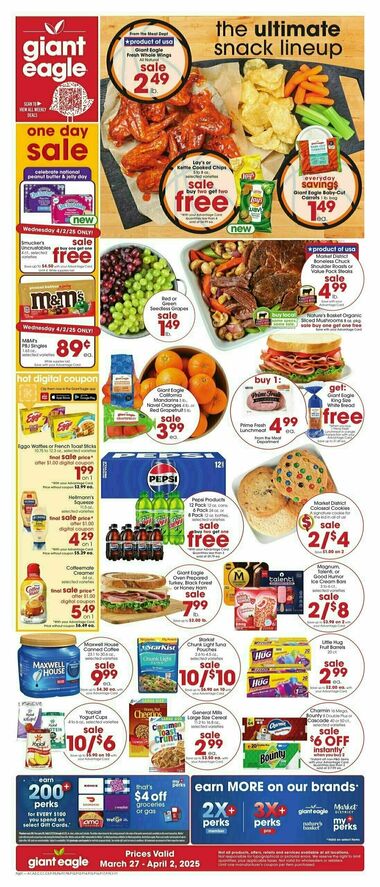
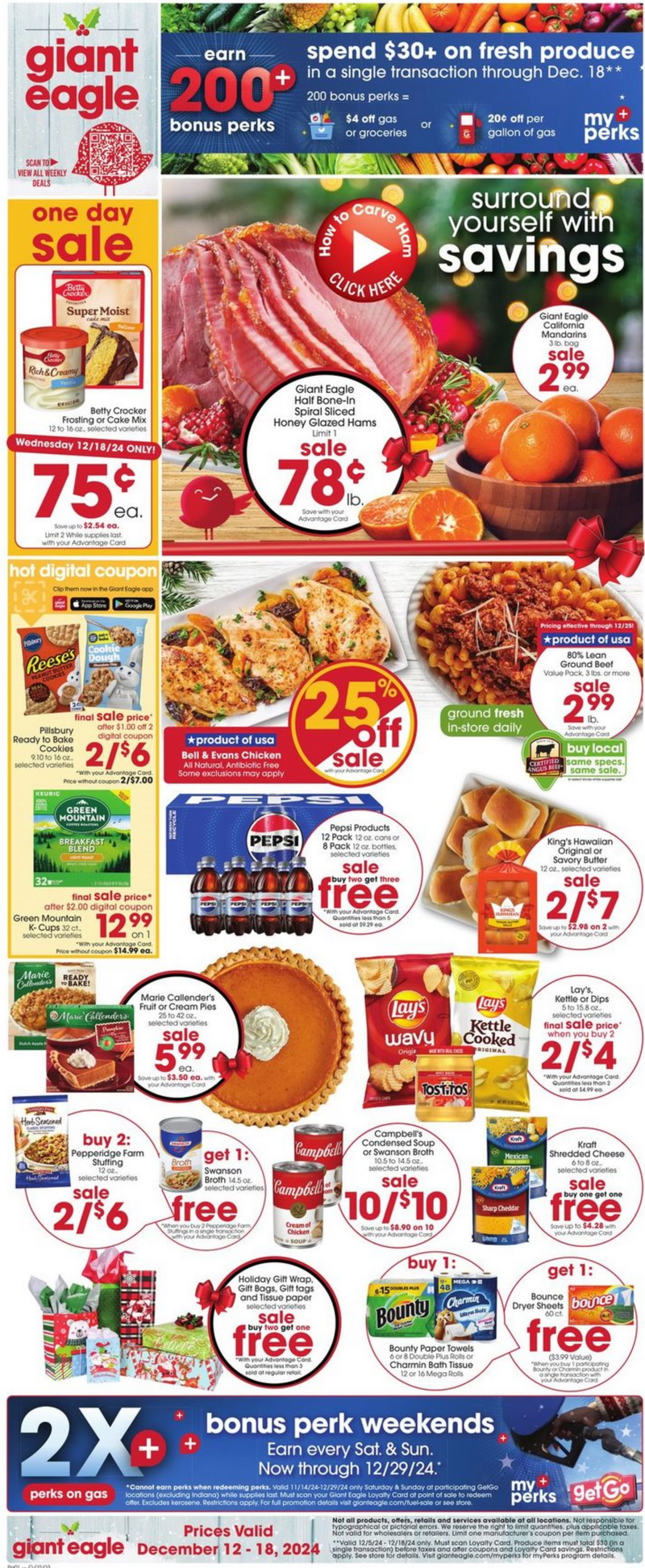
- Look for Sales and Coupons: Watch for yellow sale tags and clip digital coupons directly to your account while you shop to maximize your savings.
- Add Special Instructions: If you are buying produce or deli items, you can leave notes for the personal shoppers (e.g., "Please choose firm green bananas" or "Slice deli turkey thin, like paper").
- Review Substitutions: During checkout, you can opt in or out of item substitutions. If an item is out of stock, you can choose a pre-approved replacement or instruct the shopper to contact you or simply skip the item.
- Drive to your selected Giant Eagle location during your chosen one-hour arrival window.
- Park in one of the designated Curbside Pickup spaces.
- Use the phone number on the parking sign to check in, or notify the team via the app by entering your parking bay number and vehicle description.
- Pop your trunk, and the team will load everything securely.
- fuelperks+: Every dollar you spend online earns fuelperks+ just like shopping in-store. You can redeem these at GetGo fuel stations for major discounts on gas.
- Digital Coupons: Take time to browse the "Coupons" tab before finalizing your cart. Clipping these digital manufacturer and store coupons saves money instantly at checkout.
- Previous Purchases: Use your "Purchase History" tab to quickly reorder items you buy frequently, cutting your shopping time down to just a few minutes.
Curbside Pickup vs. Home Delivery
When you are ready to check out, Giant Eagle gives you two main fulfillment options depending on your schedule and location.
Curbside Pickup Details
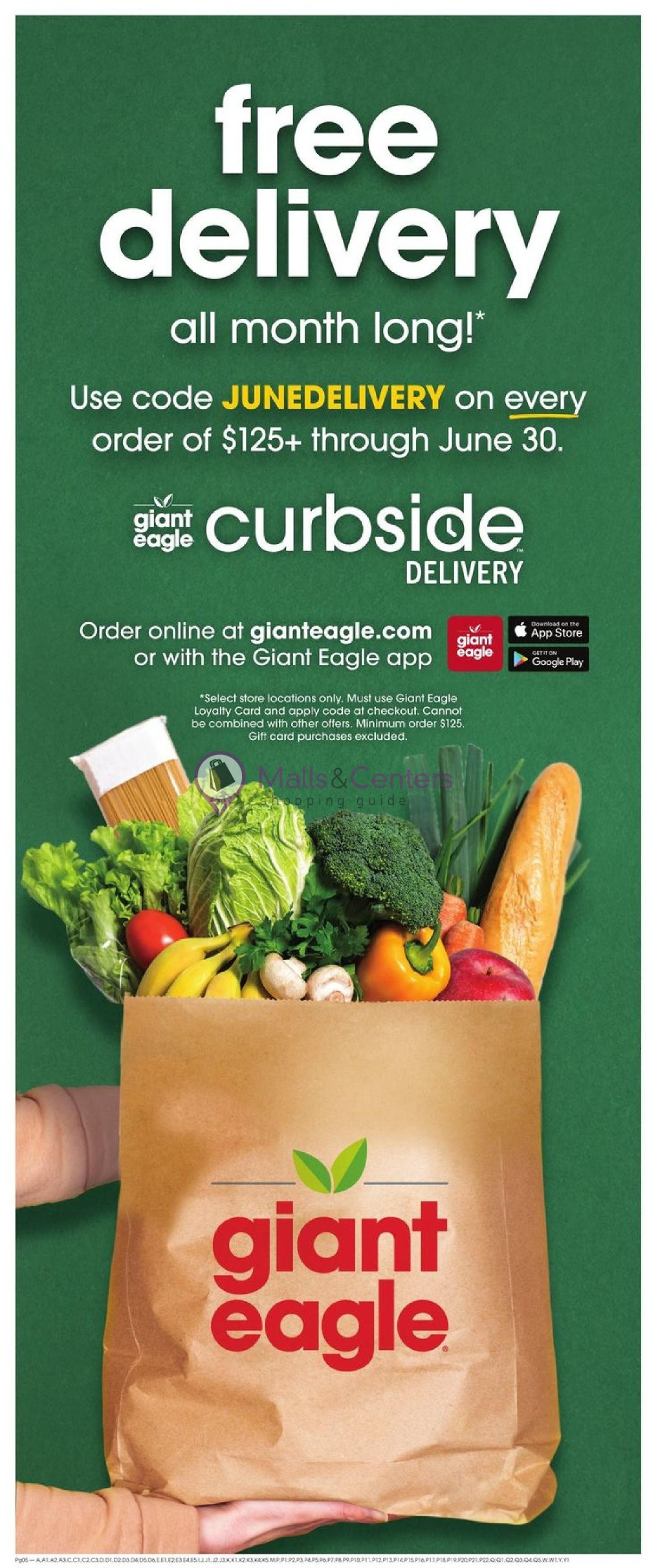
Curbside pickup is a favorite for many shoppers because it is efficient and often features lower fees than delivery. When you choose pickup, a trained personal shopper carefully selects your items, stores refrigerated and frozen goods in temperature-controlled units, and brings the bags directly to your car.
Home Delivery Options
If you cannot leave the house or simply want ultimate convenience, home delivery brings the grocery store to your doorstep. Giant Eagle partners with reliable delivery networks to drop off your groceries within a scheduled time frame. Delivery fees vary based on the order size and whether you subscribe to delivery pass programs.
Maximizing Savings and Perks
One of the best parts about using Giant Eagle's online platform is that you do not miss out on the in-store savings programs. In fact, shopping digitally often makes it easier to stack discounts.
Tips for a Smooth Experience
To ensure your online grocery trip goes off without a hitch, keep these quick tips in mind:
First, place your order well in advance, especially for holidays or weekends when pickup and delivery time slots fill up rapidly. Second, keep your phone handy around your delivery or pickup window in case your personal shopper needs to call you about out-of-stock items or substitutions. Finally, check your items upon arrival or delivery to ensure perishable goods are cold and produce meets your standards.
By mastering the digital platform, you can reclaim hours of your week while keeping your kitchen fully stocked with fresh, high-quality groceries from Giant Eagle.