How to Use Tops Markets eCoupons to Save Big
Unlock Big Savings with Tops Markets eCoupons
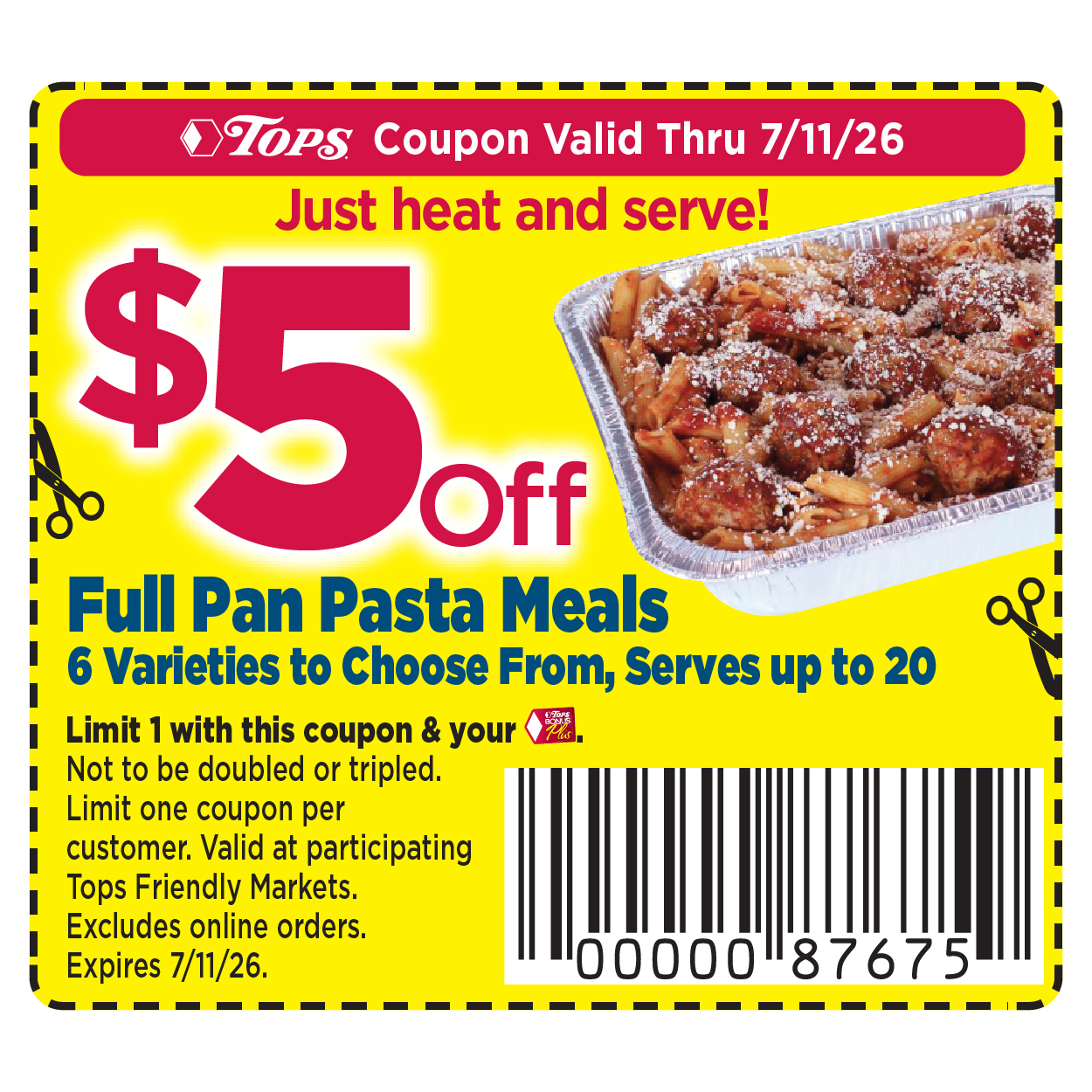
Grocery shopping can take a heavy toll on your monthly budget, but smart shoppers know that loyalty programs and digital deals make a massive difference. If you regularly shop at Tops Friendly Markets, utilizing Tops markets ecoupons is one of the easiest ways to keep more money in your wallet. Instead of spending hours clipping paper inserts from the Sunday newspaper, you can load digital manufacturer and store coupons directly onto your loyalty card with just a few taps on your phone or clicks on your computer.
In this guide, we will walk you through everything you need to know to find, clip, and redeem these digital offers effectively. Whether you are a seasoned couponer or a beginner looking to shave a few dollars off your weekly bill, mastering this digital system is well worth your time.
Getting Started with Your Tops BonusPlus Card
Before you can start clipping digital offers, you need to ensure you are connected to the Tops ecosystem. The entire digital savings program revolves around your Tops BonusPlus loyalty card.
Creating an Online Account
If you haven't already, you need to register your BonusPlus card on the official Tops Markets website or via their mobile app. The setup process is quick and requires only a few simple steps:
- Visit the Tops Markets website or download the Tops app from the App Store or Google Play Store.
- Click on the "Sign In" or "Register" button to create a new account.
- Enter your personal information, email address, and create a secure password.
- Input the 11-digit number found on the back of your Tops BonusPlus card to link your account.
Once your card is linked, any digital coupon you load onto your account will automatically apply when you scan your card or enter your phone number at checkout.
How to Find and Clip Tops Markets eCoupons
Finding available discounts is straightforward once you log into your account. The digital portal is designed to help you browse by department, search for specific brand names, or view the weekly circular deals.
Step-by-Step Clipping Process
- Log into your account on the Tops app or website.
- Navigate to the "Coupons" or "eCoupons" section of the menu.
- Browse through the available offers. You can sort them by "Most Popular," "Expiration Date," or specific categories like dairy, pantry, and health and beauty.
- Click the "Clip" or "Add to Card" button next to any deal you want to use. The button will change to indicate that the coupon has been successfully loaded to your BonusPlus card.
- Review your clipped coupons in your "My Coupons" or "Loaded Coupons" tab to ensure everything is ready for your next shopping trip.
Maximizing Your Savings at Checkout
Once you have loaded your digital offers, using them at the store is practically effortless, but a few best practices will ensure you never miss out on a discount.
Video: TOPS Click-to-Card Coupons

Scanning at the Register
When you are checking out at a Tops location, you must ensure your BonusPlus account is tied to your transaction before payment. You can do this by:
- Scanning your physical BonusPlus card at the register.
- Scanning the barcode version of your card found inside the Tops mobile app.
- Entering the 10-digit phone number associated with your account on the pin pad.
As the cashier scans your items, the system will automatically cross-reference your purchased products with your loaded digital offers. Any qualifying discounts will automatically deduct from your subtotal on the receipt.
Combining eCoupons with Other Tops Savings
To truly get the lowest possible price on your groceries, you shouldn't rely solely on digital offers. Tops Markets offers several other ways to stack savings:
Tops Weekly Ad and Bonus Buys
Always cross-reference the weekly circular with the digital coupon database. Often, an item featured in the weekly ad as a sale item will also have a corresponding digital manufacturer coupon available to clip. Combining a sale price with a digital coupon can sometimes make an item free or deeply discounted.
Gas Points and Rewards
Many digital offers also contribute to your Tops Gas Cash rewards. When you buy participating products tagged with gas point incentives, you earn discounts on fuel at participating Sunoco or Tops-affiliated gas stations. Check the app regularly to see which bonus items offer extra gas savings.
Tips and Troubleshooting for Digital Couponing
While the digital system is generally reliable, minor hiccups can occasionally happen. Keep these tips in mind to ensure a frustration-free shopping experience:
- Check Expiration Dates: Digital offers have strict expiration dates. Always double-check that your clipped deals are still active before heading to the store.
- Read the Fine Print: Pay attention to size and quantity restrictions. A coupon for a specific brand of cereal, for example, might only apply to the 12-ounce box and not the family size.
- Verify the Receipt: Take a quick look at your printed receipt before leaving the store to ensure your digital discounts applied correctly. If an offer failed to come off, customer service can usually resolve it quickly.
Start Saving Today
Navigating digital grocery savings doesn't have to be complicated. By taking just a few minutes before your shopping trip to browse and load digital offers onto your loyalty card, you can significantly lower your grocery expenses. Download the app, link your BonusPlus card, and start exploring the latest digital deals for your next trip to the store.


