How to Use Y2Mate MP4 Downloader Safely
Understanding the Popularity of Y2Mate MP4 Tools
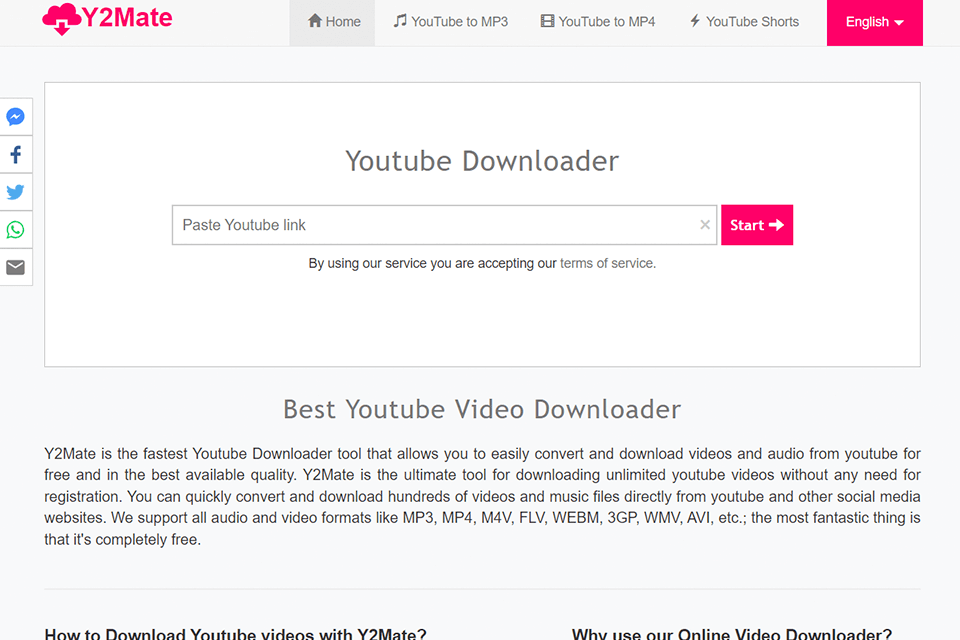
Internet users frequently look for ways to save online videos for offline viewing, traveling, or archiving. Among the various web applications available for this purpose, platforms facilitating video conversion often rank high in search engines. A tool like y2mate mp4 allows users to paste a video link and instantly convert it into a downloadable media file.
While these web-based converters are undeniably convenient, they operate in a complex legal and technical landscape. Understanding how these platforms work, the risks involved, and the best practices for digital safety will help you navigate online video downloading without compromising your device's security.
How Online Video Converters Generally Work
Websites designed for media extraction usually feature a straightforward, minimalist interface. Users typically follow a basic set of steps to retrieve a file:
- Copy the URL of the public video you wish to save from the hosting platform.
- Navigate to the conversion website and paste the link into the designated search bar.
- Select your preferred output format, such as an audio file or a video resolution like 720p or 1080p.
- Click the conversion button and wait for the server to process the request.
- Download the generated file directly to your computer, smartphone, or tablet.
Behind the scenes, the website's server fetches the media stream, processes the audio and video tracks, and compiles them into a standard container format. This allows users to access content locally without needing a constant internet connection.
Evaluating the Risks of Using Free Converters
While the promise of free and fast media conversion is appealing, third-party downloading sites come with notable drawbacks and security considerations. Before using any online converter, keep the following risk factors in mind:
Aggressive Advertising and Malware
Because free conversion websites do not charge users for their services, they rely heavily on advertising revenue. Many of these platforms partner with dubious ad networks that display misleading pop-ups, fake download buttons, and malicious redirects. Interacting with these deceptive ads can inadvertently expose your browser to adware, spyware, or unwanted browser extensions.
Copyright and Terms of Service
Downloading copyrighted material from streaming platforms often violates the hosting service's Terms of Service. While saving a personal copy of a video for offline viewing in isolated instances is common practice, redistributing, monetizing, or uploading copyrighted content to other platforms can lead to legal penalties and copyright strikes.
Video: y2mate Was YouTube Downloader

Data Privacy Concerns
Many ad-heavy websites track user behavior through aggressive cookies and scripts. Entering URLs from restricted or private networks into third-party servers can also raise privacy flags, depending on the transparency and security practices of the website operator.
Best Practices for Safe Video Downloading
If you choose to use online conversion tools, adopting strict security measures can protect your device from digital threats. Implement these habits to maintain a secure browsing environment:
- Install a Reliable Ad Blocker: Use a reputable content-filtering extension or browser to block malicious pop-ups, scripts, and deceptive redirect links.
- Never Execute Downloaded Executables: Legitimate media files end in extensions like .mp4, .mp3, or .m4a. If a site prompts you to download an .exe, .dmg, or app installer to complete your video download, cancel immediately.
- Keep Antivirus Software Active: Ensure your operating system and security software are up to date to scan files for potential malware threats automatically.
- Check the File Extension: Always verify that the downloaded file matches the expected media format before opening it with your media player.
Exploring Safer Alternatives
Depending on your specific goals, several official and secure methods exist for managing media offline without relying on third-party web converters.
Official Premium Subscriptions
Major content platforms offer official offline viewing features through their paid membership tiers. These built-in download options are entirely legal, secure, and optimized for mobile devices and desktops, ensuring high-quality playback without security risks.
Open-Source Command-Line Tools
For tech-savvy users who prefer transparency, open-source utilities like yt-dlp provide advanced media downloading capabilities. Because the source code is publicly viewable and auditable by the developer community, these tools generally offer a much safer experience than ad-supported web pages, provided they are used responsibly.
Conclusion
Online video conversion tools remain popular due to their accessibility and speed. However, platforms associated with terms like y2mate mp4 require caution regarding pop-up ads, security vulnerabilities, and copyright policies. By prioritizing digital hygiene, using ad blockers, and understanding the legal boundaries of content consumption, you can protect your devices while managing your personal media library effectively.