How to Use Yahoo Finance My Watchlist
Staying on top of the financial markets requires the right tools, and for millions of investors, tracking price movements begins with setting up Yahoo Finance my watchlist. Whether you are monitoring long-term dividend stocks, speculative growth companies, or digital assets, a well-organized watchlist keeps all your vital price data in a single, accessible dashboard.

In this guide, you will learn how to create, customize, and optimize your watchlists on Yahoo Finance to make your daily market monitoring more efficient.
Getting Started with Yahoo Finance My Watchlist
Before you can track assets, you need a free Yahoo account. Once you log in, accessing your lists takes just a click. The platform allows you to maintain multiple lists, which is ideal for separating different asset classes or investing strategies.
Creating Your First Watchlist
- Navigate to the Yahoo Finance homepage and log into your account.
- Click on the My Portfolio or Watchlist tab in the navigation menu.
- Select Create New List.
- Give your watchlist a descriptive name—such as "Tech Growth," "Dividend Income," or "Crypto Assets"—and click save.
Your newly created list will appear in your sidebar, ready for you to add your favorite ticker symbols.
Adding and Managing Tickers
Populating your watchlists is straightforward, but keeping them organized takes a little strategy. To add a stock or crypto asset, simply type the company name or ticker symbol (e.g., AAPL for Apple or BTC-USD for Bitcoin) into the search bar at the top of the page. Once the security's quote page loads, click the "Add to Watchlist" button and select the specific list where you want it stored.
Customizing Your View
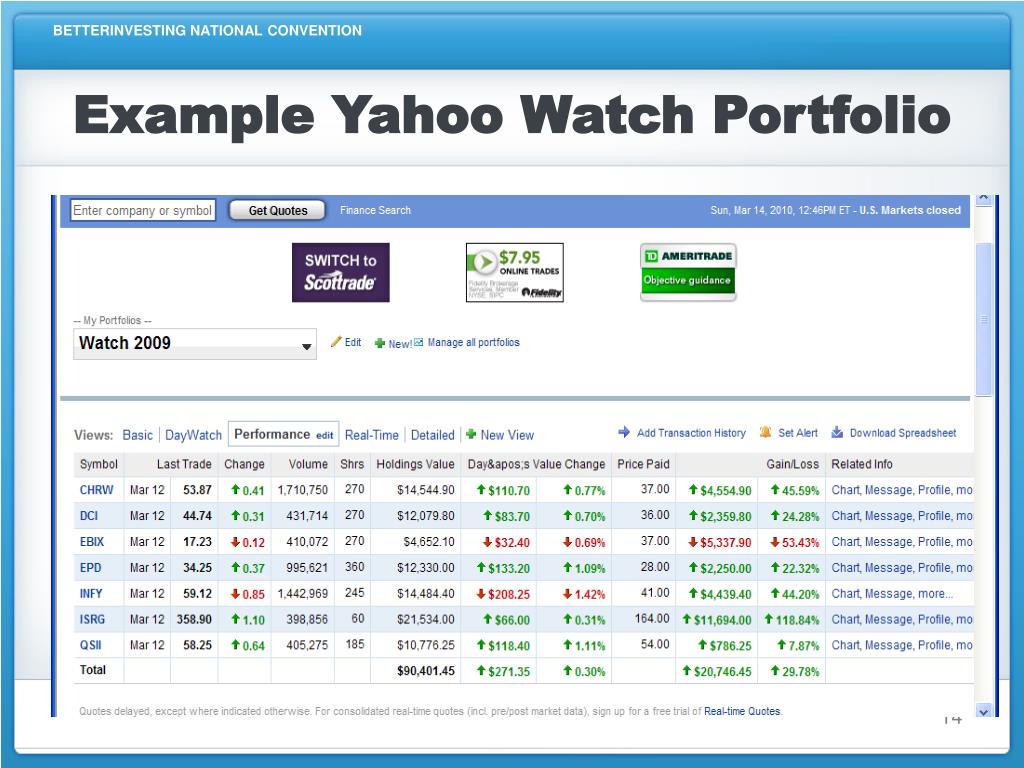
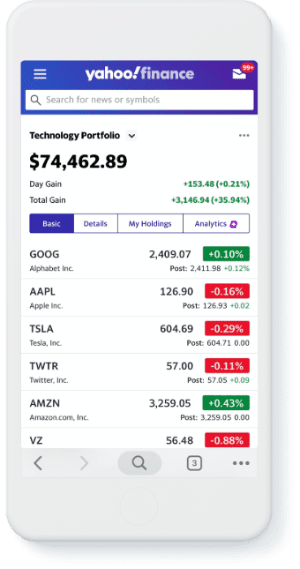
Yahoo Finance allows you to change the data columns displayed in your watchlist to match your investment style. By default, you will see basic metrics like last price, change, and percentage change. However, you can customize these columns to show:
- Market Capitalization
- Price-to-Earnings (P/E) Ratio
- Volume and Average Volume
- 52-Week Range
- Trailing Annual Dividend Yield
To change these views, look for the "Edit Columns" or "Customize View" button within your watchlist dashboard. Select the metrics that matter most to your research process and save your preferences.

Advanced Features to Maximize Your Watchlist
Yahoo Finance offers more than just a static list of prices. Utilizing its advanced features can turn a basic tracking tool into a powerful research assistant.
Setting Price Alerts
You do not need to stare at price charts all day to catch a breakout or a dip. You can set up email or mobile notifications directly from your watchlist. When a stock hits a specific high or low threshold that you define, Yahoo Finance will send an alert, allowing you to react quickly to market movements.
Mobile Syncing
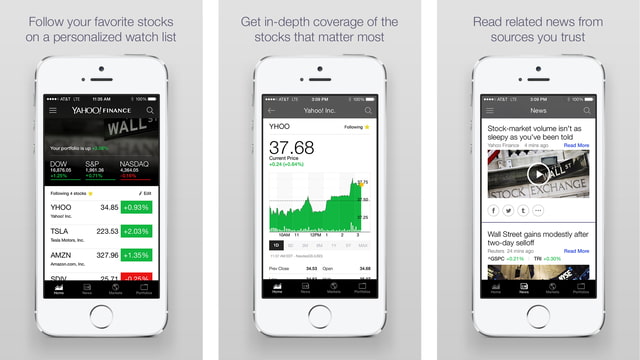
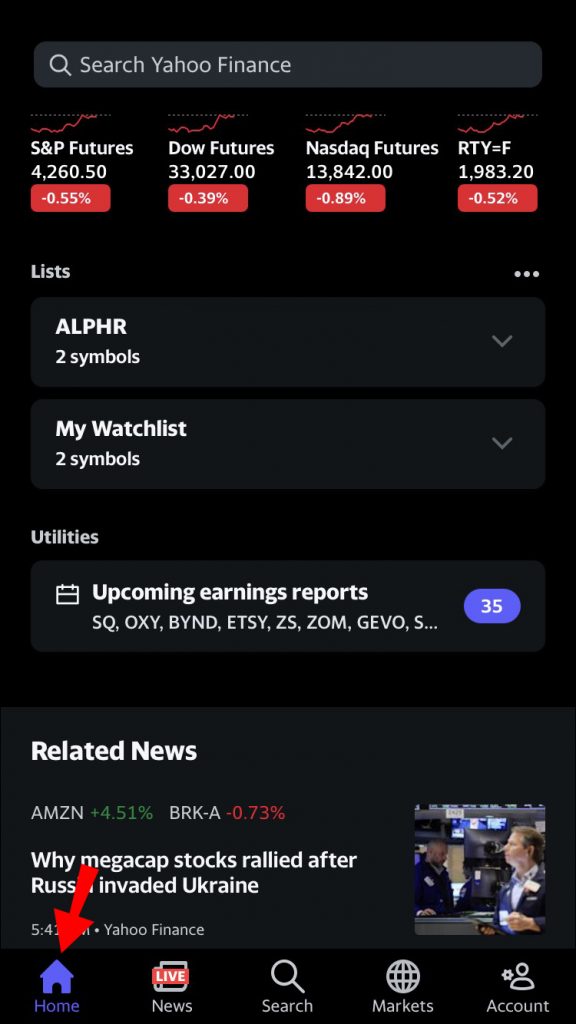
Markets move fast, and opportunities often arise when you are away from your desktop. By downloading the Yahoo Finance mobile app and logging into the same account, your watchlists sync automatically across all devices. This ensures that your custom lists, price alerts, and favorite tickers are always at your fingertips, whether you are using an iPhone or an Android device.
Best Practices for Organizing Your Lists
As you gain experience, your tracking needs will grow. Avoid cluttering a single master list with dozens of unrelated assets. Instead, use these organizational tips:
- Separate by Sector: Keep technology, healthcare, and energy stocks in separate lists to quickly gauge sector-specific rotations.
- Track Watch vs. Hold: Maintain a "Watch" list for stocks you are researching for potential future purchase, and a separate "Portfolio" or "Core Holdings" list for assets you currently own.
Regularly Clean House: Every quarter, review your lists and remove companies that no longer fit your investment thesis. A lean watchlist helps you focus on high-conviction ideas.
Conclusion
Mastering the Yahoo Finance my watchlist tool is a simple yet effective way to streamline your daily market routine. By categorizing your assets, customizing your data columns, and setting up smart alerts, you can spend less time searching for data and more time making informed investment decisions.