Humana Healthy Benefits Plus Guide
Understanding www.healthybenefitsplus.com/humana

Navigating Medicare Advantage benefits can sometimes feel overwhelming, especially when your plan includes extra perks like over-the-counter (OTC) allowances, healthy food stipends, or utility assistance. For Humana members, many of these supplemental benefits are managed through a dedicated online portal found at www.healthybenefitsplus.com/humana.
This digital platform is designed to make checking balances, finding eligible products, and placing orders straightforward. Whether you are a new Humana member or looking to make the most of your existing plan allowances, understanding how to navigate this website ensures you do not leave valuable benefits on the table.
What Benefits Are Available Through the Portal?
The specific perks accessible through the Healthy Benefits Plus platform depend entirely on your unique Humana plan, your state of residence, and your level of financial assistance (such as Extra Help for prescription drugs). However, most eligible members will find one or more of the following allowances attached to their account:
- Over-the-Counter (OTC) Allowance: A quarterly or monthly stipend to purchase everyday health items like pain relievers, cold medicine, first aid supplies, and dental care products.
- Healthy Foods and Produce: Financial assistance dedicated to purchasing nutritious food items, including fresh fruits, vegetables, meat, and dairy, usually loaded onto a prepaid benefit card.
- Utility and Home Utilities Support: Some specialized plans offer assistance with household utility bills for qualifying chronically ill members.
- Rewards and Incentives: Earnings for completing healthy habits, such as getting an annual wellness visit, receiving a flu shot, or participating in preventative screenings.
How to Set Up and Access Your Account
Getting started with your benefits online takes just a few minutes. Before you begin, make sure you have your Humana member ID card handy, as you will need the long card number and your personal information to register.
- Open your web browser and navigate directly to www.healthybenefitsplus.com/humana.
- Click on the "Register" or "Create Account" button.
- Enter your Humana member ID number, date of birth, and ZIP code as requested by the verification system.
- Create a secure username and a strong password that you can easily remember.
- Provide a valid email address and phone number for account recovery and shipping notifications.
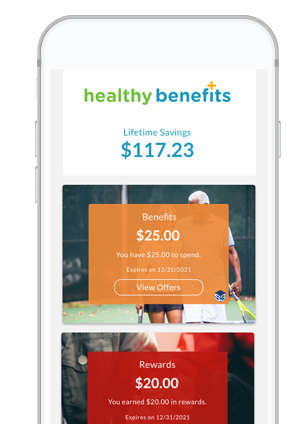
Once registered, you can log in at any time to view your real-time available balance, check expiration dates, and browse the massive catalog of eligible items.
Ways to Use Your Humana Allowance
Humana and Healthy Benefits Plus provide multiple convenient ways for you to spend your allowances. Depending on your preference and mobility, you can choose the shopping method that works best for your lifestyle.
Using the Healthy Benefits Plus Prepaid Card
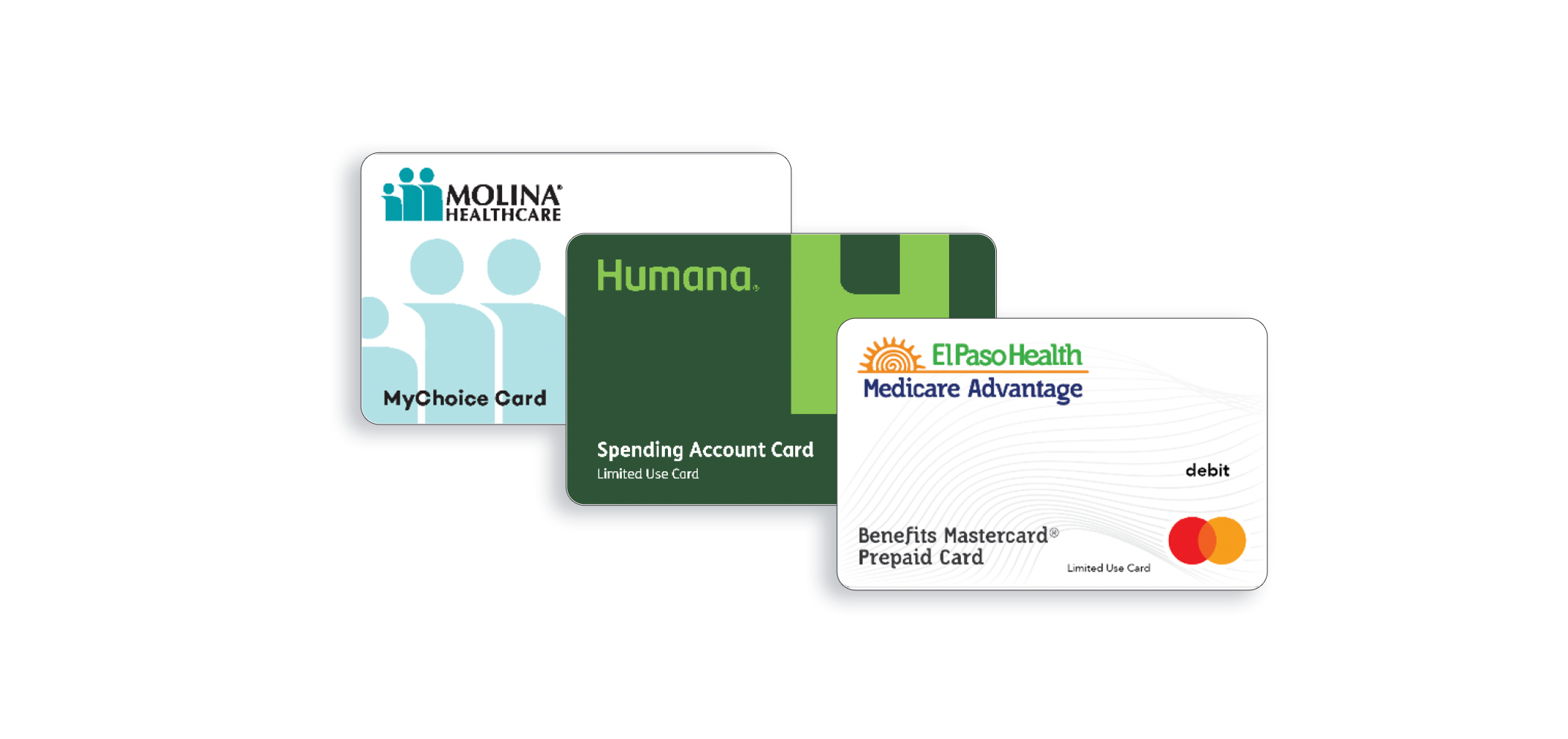
Many Humana members receive a physical prepaid debit card in the mail when their plan activates. This card is pre-loaded with your allowance amounts. You can use this card directly at participating retail stores—such as Walmart, CVS, Walgreens, Kroger, and Family Dollar—just like a standard debit card.
When checking out at a supported retailer, swipe your benefit card first. The system will automatically separate eligible items from ineligible items. You will then need to provide an alternative form of payment (cash, credit, or debit) for any items not covered by your plan.
Shopping Online via the Portal
If you prefer not to shop in person, or if you want to ensure every item in your cart is fully covered, you can place orders directly through www.healthybenefitsplus.com/humana or the companion mobile app.
- Log into your account dashboard.
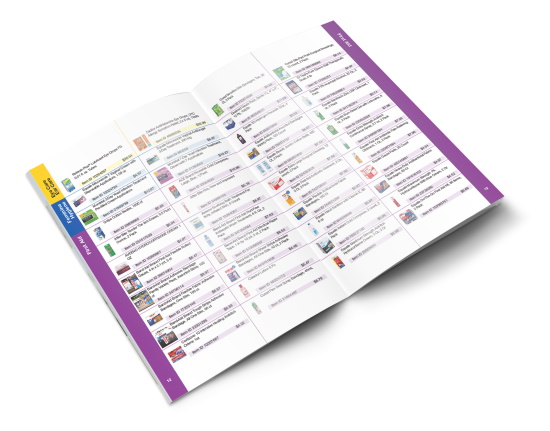
- Browse the categorized catalog of approved OTC products and food items.
- Add items to your virtual shopping cart. Keep an eye on your remaining allowance balance as you shop.
- Proceed to checkout and confirm your shipping address. Eligible items will be delivered directly to your home with free shipping.
Ordering by Phone
For members who do not use computers or smartphones, ordering by phone is a reliable alternative. You can call the dedicated customer service phone number listed on the back of your Healthy Benefits Plus card or find the contact number directly on the Humana website. A representative will help you select eligible items and place your order over the phone.
Important Rules and Best Practices
To ensure you get the absolute most out of your Humana supplemental benefits without running into frustrating roadblocks, keep these essential guidelines in mind:
Allowances Do Not Roll Over: In the vast majority of Humana plans, unused OTC or food allowances expire at the end of each benefit period (typically monthly or quarterly). Make sure you spend your balance before the expiration date hits, as you cannot bank the funds for later in the year.
Check Item Eligibility Before Buying: Not every brand or size of a product is covered. Always check the approved product list on the portal before purchasing items at a retail store, or stick to shopping through the online catalog to avoid unexpected out-of-pocket costs.
Keep Your Card Safe: Treat your Healthy Benefits Plus card like cash. If your card is lost, stolen, or damaged, contact Humana member services immediately to request a replacement card so your benefits are not locked away.
Troubleshooting Common Login Issues
If you experience trouble accessing www.healthybenefitsplus.com/humana, do not panic. Most login issues are easy to resolve:
- Double-check that you are typing your member ID correctly without any extra spaces.
- Use the "Forgot Password" link to reset your credentials if your password isn't working.
- Clear your web browser's cache and cookies, or try opening the link in an incognito or private browsing window.
- Ensure your internet connection is stable and that you are using an updated web browser like Chrome, Safari, or Edge.
If technical issues persist, reach out to the customer support number listed on your benefit card. Support agents can verify your account status and help you place orders manually if the website is experiencing downtime.
Conclusion
Your Humana Medicare Advantage plan offers incredible perks designed to keep you healthy, well-nourished, and financially protected. By taking full advantage of the resources available at www.healthybenefitsplus.com/humana, you can easily manage your OTC products, secure healthy groceries, and make the most of every dollar included in your healthcare coverage.