Illinois Plate Renewal Online: Step-by-Step Guide
Illinois Plate Renewal Online: Step-by-Step Guide

Keeping your vehicle legally registered in the Prairie State is essential to avoid costly late fees and traffic citations. Fortunately, completing your state of illinois registration renewal online is a straightforward process that takes just a few minutes. Instead of waiting in long lines at the Illinois Secretary of State (IL SOS) office, you can renew your license plate sticker from the comfort of your home.
Whether your renewal is due this month or you are preparing ahead of time, this guide walks you through eligibility requirements, necessary information, the step-by-step online process, and troubleshooting tips.
Eligibility Requirements for Online Renewal
Before you jump online, you need to verify that your vehicle qualifies for an electronic renewal. Most standard passenger vehicles, motorcycles, and trucks under a certain weight class are eligible. However, certain conditions may require you to renew by mail or in person.
When You Can Renew Online
You can typically use the online portal if:
- You have received a renewal notice containing your specific PIN.
- Your vehicle does not require an emissions test (or has already passed one).
- Your address has not changed, or you have already updated your address with the IL SOS.
- Your vehicle registration has not been suspended, revoked, or expired for more than a year.
When You Must Visit a Facility
You may be blocked from completing your renewal online if your vehicle requires a mandatory Air Team emissions test that hasn't been completed yet, or if you hold certain specialized commercial or municipal plate types that require manual document verification.
What You Need Before You Start
Gathering your documents beforehand prevents frustrating timeouts or errors on the payment portal. To complete the online renewal successfully, make sure you have the following ready:
- Your License Plate Number: Found on your current plates or past registration cards.
- Your Vehicle Identification Number (VIN): Usually the last 4 digits are required to verify identity, but keep the full 17-digit number handy.
- Renewal PIN: Printed near the top of your renewal reminder notice sent by mail. (If you lost your notice, the SOS website offers a recovery tool, though it may require matching previous vehicle details).
- Valid Payment Method: The IL SOS accepts major credit cards (Visa, MasterCard, Discover, American Express) and electronic checks (ACH). Keep in mind that a small credit card processing fee or electronic convenience fee usually applies.
Step-by-Step: How to Complete Your State of Illinois Registration Renewal Online
Once you have your paperwork and payment method ready, follow these steps to secure your new vehicle sticker:
1. Visit the Official IL SOS Website
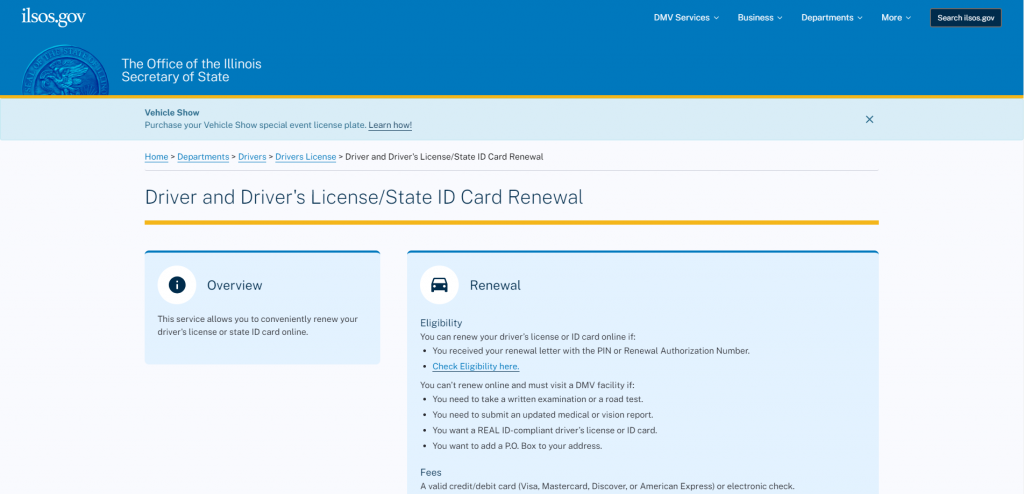
Navigate directly to the official Illinois Secretary of State website atilsos.gov. Be cautious of third-party websites that charge exorbitant fees to process your renewal for you. The official state portal is the only secure, government-backed channel for standard renewals.
2. Locate the Online Services Portal
On the homepage, look for the 'Online Services' section and select 'License Plate Renewal'. You will be redirected to the secure portal where transaction processing takes place.
3. Enter Your Vehicle Identifiers
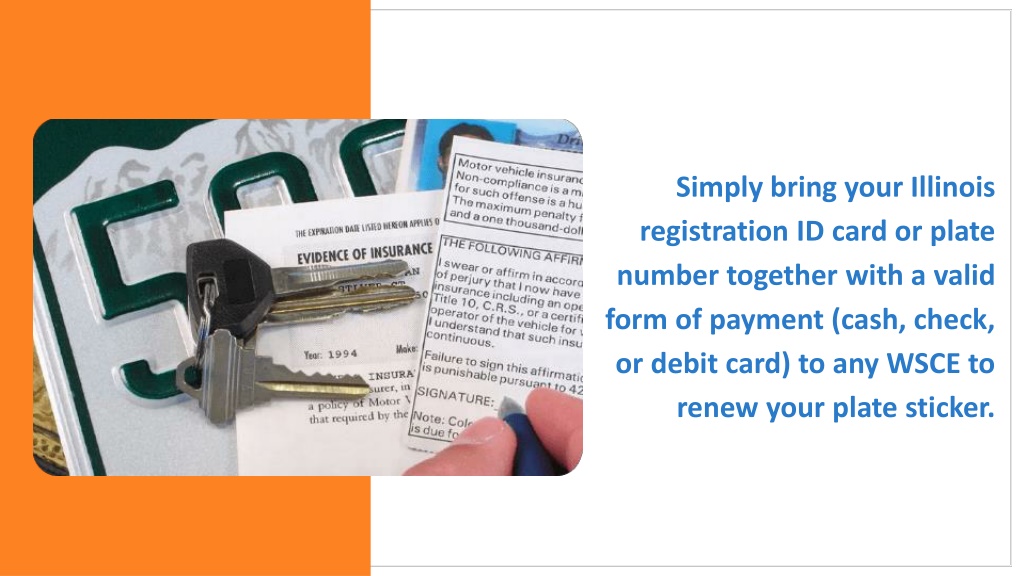
Input your license plate number and the required portion of your VIN or your unique PIN. The system will pull up your vehicle's current record, displaying the expiration date, vehicle make, and the total fee due.
4. Review and Update Information
Carefully check your mailing address displayed on the screen. Your new registration sticker will be mailed directly to this address. If your address is incorrect, follow the prompts to update it before submitting payment.
5. Submit Payment
Enter your billing details and credit card information. Review the total charges, which will include the standard registration fee plus any applicable online processing fees. Once the transaction processes successfully, save or print your confirmation receipt for your records.
What Happens Next? Delivery and Timeline
After completing your online transaction, the Illinois Secretary of State typically processes the renewal within one to two business days. Your physical license plate sticker will arrive via USPS mail within 7 to 10 business days.
Keep your payment confirmation receipt in your glove compartment until the physical sticker arrives. While law enforcement can check your registration status electronically via your license plate, having the receipt provides immediate proof of compliance if you are pulled over while waiting for mail delivery.
Troubleshooting Common Online Renewal Issues
Even though the system is designed to be user-friendly, drivers occasionally run into snags. Here is how to handle the most common hurdles:
Missing PIN Number
If you never received your renewal notice or threw it away, look for an option on the login screen that allows you to proceed using alternative vehicle details, such as the previous year's registration number or the full VIN.
Emissions Testing Blocks
If the system reports that you cannot renew because of a missing emissions test, you must take your vehicle to an Illinois Air Team testing station. Once your vehicle passes, allow up to 24 hours for the test results to update in the statewide database before attempting to renew online again.
Payment Errors
Ensure your billing zip code matches the address associated with your credit card or bank account exactly. If a transaction fails, do not continually retry without checking your bank statement, as multiple pending charges can temporarily tie up your available funds.
Conclusion
Taking care of your state of illinois registration renewal online saves valuable time and keeps you legal on the road without a trip to the DMV. By having your PIN, VIN, and payment method ready ahead of time, you can complete the process in under five minutes and have your new sticker delivered straight to your mailbox.