JKO Master Script: Automate Joint Knowledge Online
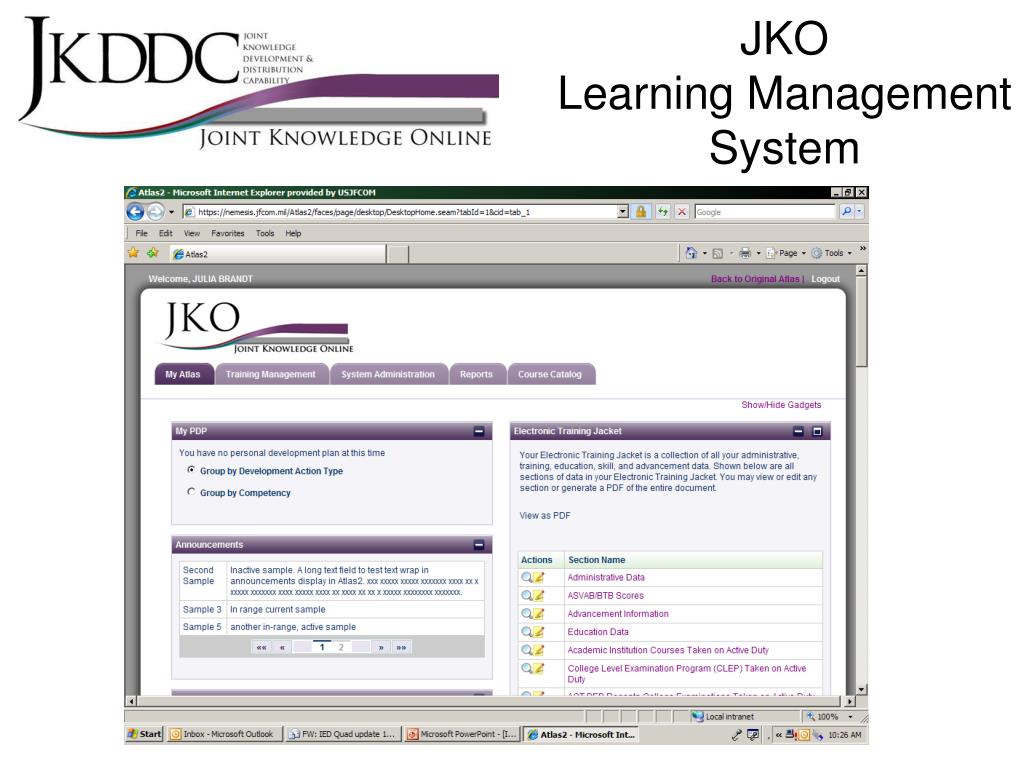
Joint Knowledge Online (JKO) serves as the primary platform for delivering web-based distance learning across the United States Department of Defense. For many service members and defense contractors, completing mandatory annual training modules on JKO is a routine yet time-consuming requirement. Because some courses feature repetitive slides and unskippable timers, users frequently look for technical workarounds, most notably a jko master script, to accelerate the completion process.

While automation scripts circulate widely within certain military communities, utilizing them involves navigating a complex landscape of cybersecurity rules, operational security, and official regulations. This article examines what these scripts are, how they function conceptually, and why relying on them carries significant risks.
Understanding the JKO Master Script
A JKO master script is typically a snippet of JavaScript designed to be executed via a web browser's developer console while a training module is open. The primary function of these scripts is to manipulate the Document Object Model (DOM) or interact directly with the underlying SCORM (Sharable Content Object Reference Model) API calls that track course progress.
Standard JKO modules often enforce minimum time requirements, preventing users from clicking through slides instantly. A script aims to bypass these restrictions by altering course variables, effectively tricking the learning management system (LMS) into recording the module as complete and passing without requiring the user to manually click through every single frame.
How Users Typically Deploy These Scripts
Service members who attempt to use automation tools generally follow a specific, albeit unauthorized, procedure:
- Opening a mandatory JKO training course in a standard web browser like Google Chrome or Microsoft Edge.
- Accessing the browser's Developer Tools (often via F12 or right-clicking and selecting 'Inspect').
- Navigating to the 'Console' tab.
- Copying and pasting a pre-written block of JavaScript code designed to jump to the final slide or simulate course completion.
- Pressing Enter to execute the code and attempting to sync the completion status with the JKO database.
Risks and Policy Violations
Although the temptation to bypass monotonous training is understandable, using a jko master script violates multiple Department of Defense and service-specific regulations. Understanding these risks is crucial for any military member or civilian employee.
Video: *KEYLESS* Fishing Masters Script

UCMJ and Uniform Code Implications
Deliberately falsifying training records or using unauthorized software tools to report completion of mandatory readiness training can be viewed as a violation of official orders or fraudulent behavior. Depending on the branch of service and the specific nature of the training (such as force protection, anti-terrorism, or cybersecurity awareness), administrative punishments, non-judicial punishment under Article 15 of the UCMJ, or even adverse career impacts can occur.
Cybersecurity and Network Integrity
Running unverified scripts inside a government-furnished browser or even a personal device logged into a CAC-enabled (Common Access Card) portal presents a cybersecurity hazard. Many scripts shared in informal chat rooms or online forums are unvetted. They can potentially contain malicious code, keyloggers, or adware that compromises personal data or government networks.
Legitimate Ways to Streamline JKO Training
Instead of risking disciplinary action with a jko master script, personnel should utilize approved strategies to manage their training requirements efficiently. Proper planning prevents last-minute scrambles that often drive users toward risky shortcuts.
- Track Deadlines Early: Check the JKO dashboard regularly to identify upcoming expirations well before the due date.
- Use Designated Training Time: Coordinate with unit leadership to set aside dedicated duty hours specifically for completing online modules.
- Optimize Browser Settings: Ensure pop-up blockers and trusted site settings are properly configured to prevent course freezing, which wastes more time than the course itself.
Conclusion
While the demand for a jko master script stems from the sheer volume of administrative training required in modern military service, the technical and legal repercussions far outweigh the temporary time savings. Maintaining operational integrity and adhering to compliance standards ensures that professional military education remains effective and secure.