Kohl's Payment Options: A Complete Guide to Paying Your Bill
Managing your retail credit card accounts efficiently helps you avoid late fees and protects your credit score. If you recently made purchases at your favorite department store, understanding the various methods for executing a Kohl's payment is essential. Whether you prefer the convenience of digital banking or want to handle your finances offline, Kohl's provides several straightforward pathways to settle your monthly balance.
Understanding Your Kohl's Payment Methods
Kohl's offers multiple ways for cardholders to clear their monthly statements. Choosing the right method depends on how quickly you need the payment to post and your preferred mode of interaction. Below is a detailed breakdown of every official way to submit your Kohl's payment.
1. Pay Online via the Kohl's Website
The most popular way to handle a Kohl's payment is through the official website. This method gives you an immediate overview of your current balance, recent transactions, and available rewards.
- Navigate to the official Kohl's website and click on the "Sign In / My Account" menu in the top right corner.
- Log in using your registered email address and password. If you haven't created an online profile yet, click "Create Account" and link your Kohl's Credit Card using your account number and personal details.
- Once logged in, go to the "Kohl's Credit Card" dashboard section.
- Select "Pay Bill" or "Make a Payment."
- Enter your checking account and routing numbers, choose the payment amount (minimum payment, statement balance, or custom amount), and submit the transaction.
2. Pay Using the Kohl's Mobile App
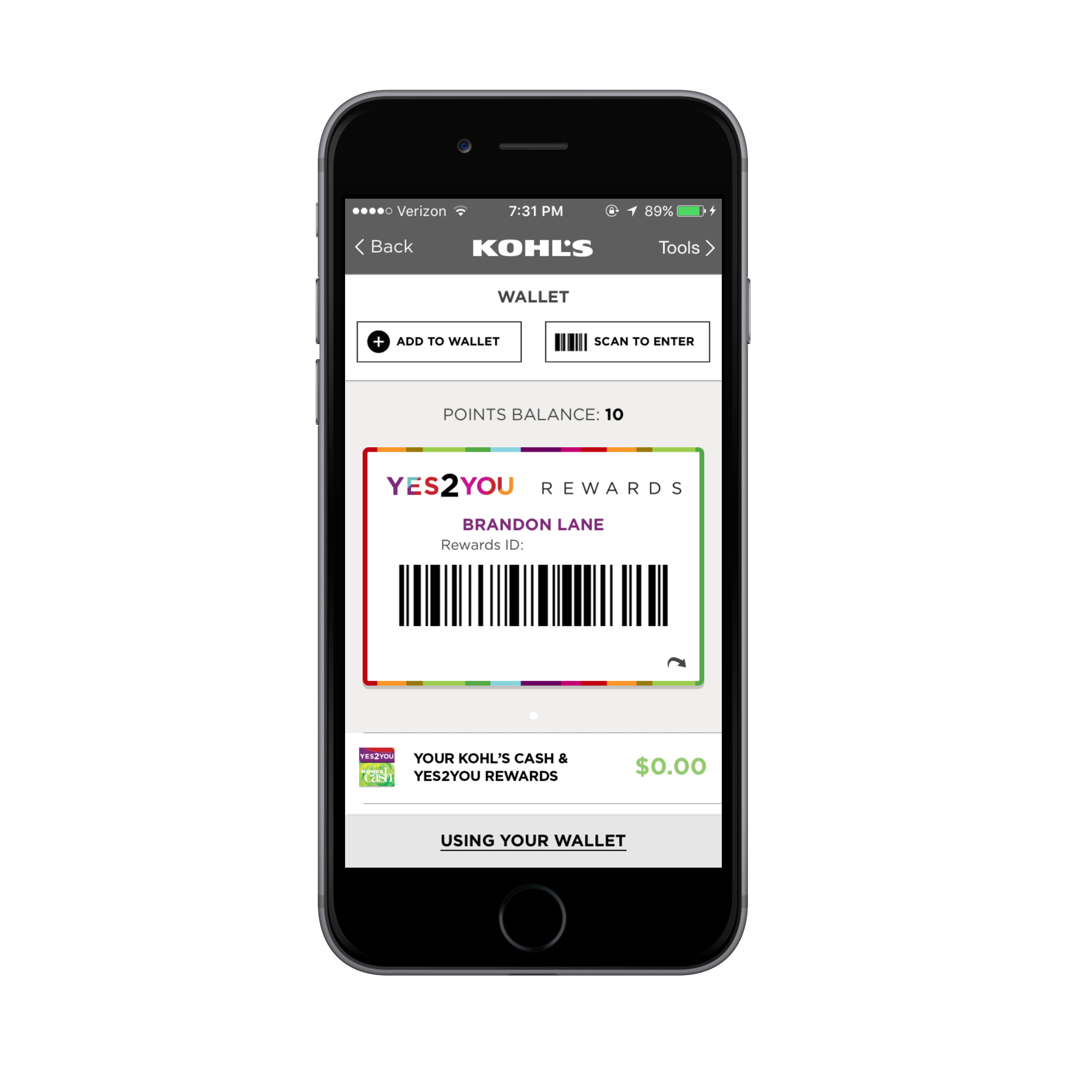
For cardholders who manage their finances on the go, the Kohl's mobile app provides a streamlined interface for making a Kohl's payment directly from a smartphone or tablet.
- Download the free Kohl's app from the Apple App Store or Google Play Store.
- Log in with your account credentials.
- Tap on the wallet or credit card icon to view your current billing statement.
- Select your saved bank account or input a new one, then confirm your payment details to execute the transfer.
3. Pay Over the Phone
Video: How to Add a Payment Method on Kohl's
If you prefer speaking to an automated system or a customer service representative, you can make a Kohl's payment by phone.
- Dial the dedicated Kohl's Credit Card customer service line at 1-855-564-5705.
- Follow the automated voice prompts to enter your credit card number, bank routing number, and checking account information.
- Note that using the automated phone system is generally free, though calling a live agent may sometimes incur a processing fee depending on current policies.
4. Pay by Mail
Cardholders who prefer traditional paper billing can mail a check or money order. It is crucial to allow at least 7 to 10 business days for mail delivery and processing to avoid late fees.
- Make your check or money order payable to Kohl's / Capital One, N.A.
- Write your Kohl's credit card account number clearly on the memo line of the check.
- Include the payment coupon from your monthly paper statement.
- Mail your payment to the official remittance address listed on your billing statement. (Because addresses can vary based on regional processing centers, always verify the specific address printed on your latest paper bill).
5. Pay In-Store at Customer Service
If you are already shopping at a brick-and-mortar location, you can quickly settle your bill in person.
- Visit the Customer Service desk inside any Kohl's store location.
- Bring your Kohl's credit card, a valid photo ID, and your payment method (cash, check, or a debit card with a PIN).
- The associate will process the payment directly on your account. In-store payments typically post to your account within a few hours, making this a great option if your due date is the same day.
Tips for Timely and Accurate Bill Payments
To maximize the benefits of your Kohl's card—such as earning Kohl's Cash and receiving exclusive cardholder discounts—keeping your account in good standing is vital. Consider these best practices:
- Set Up Auto-Pay: Enroll in automatic monthly payments through the online portal to ensure your minimum or full statement balance is always paid on time, protecting your credit score from accidental late marks.
- Understand Posting Times: Online and in-store payments usually credit within 24 to 48 hours (or sooner), whereas mailed checks take over a week. Always initiate your payment a few days before the actual due date.
- Monitor Due Dates: Your payment due date remains consistent each month, but you can view the exact calendar date anytime by logging into the mobile app or reviewing your digital statements.
By utilizing these secure methods, managing your Kohl's payment becomes a seamless part of your monthly routine, allowing you to enjoy your purchases without financial stress.